





Overview
Manage Control4 Screen Saver photos from a touchscreen or the Control4 app. Browse, preview, add, and delete photos without using Composer Media. Photos are stored on the same USB drive or Network File Share already configured on the built-in Screen Saver agent. This driver does not replace the Screen Saver agent.
Features
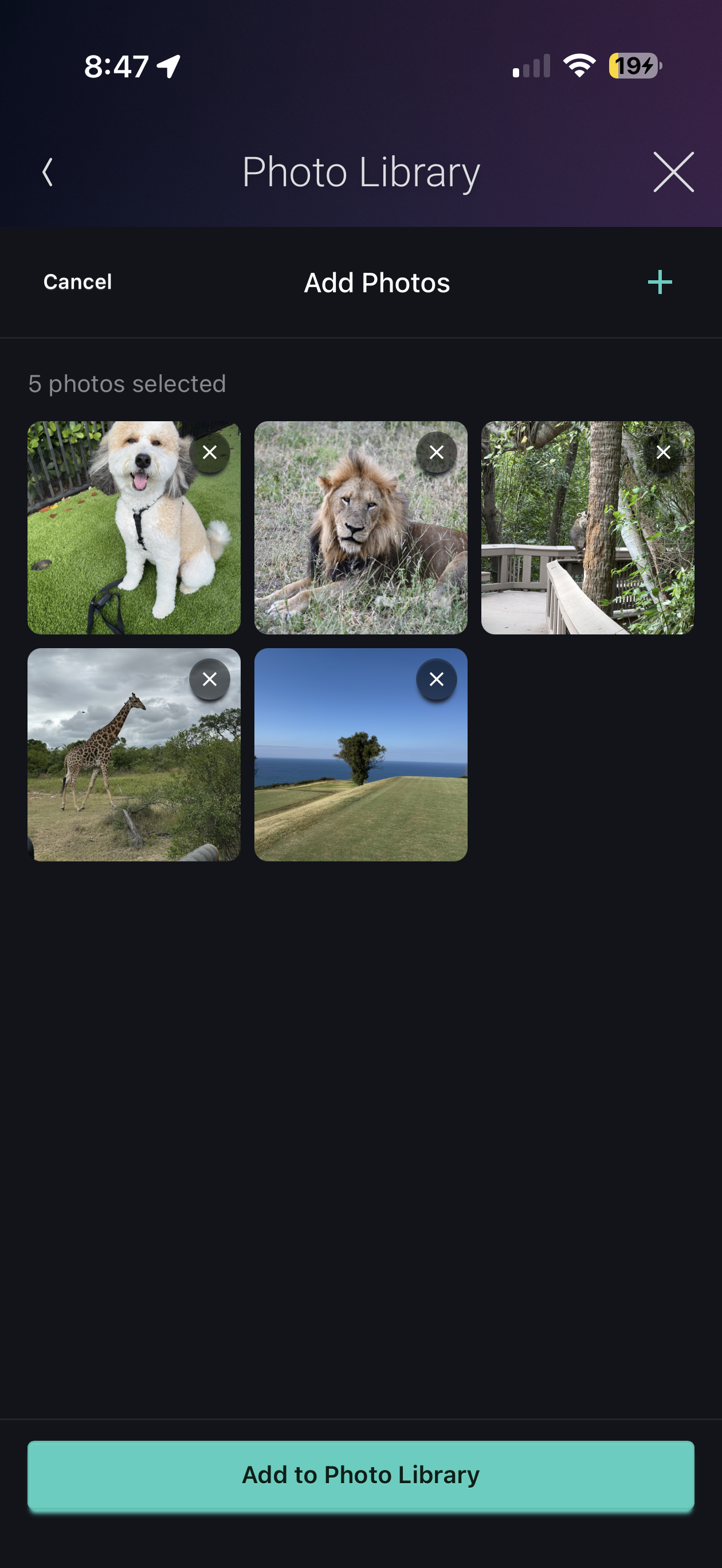
- Navigator Photo Library - Browse thumbnails, preview photos full-screen, add new photos, and delete photos from Screen Saver storage
- Add from Phone or Tablet - Pick photos from the device library or camera
- Photo Interval - Set how long each photo displays (15 seconds through 2 minutes); stays in sync with the Screen Saver agent
- Uses Existing Storage - Works with the USB drive or Network File Share already selected on the Screen Saver agent
Requirements
- Control4 OS 3.3.0 or higher
- Screen Saver agent added to the project
- Screen Saver storage configured (USB or Network File Share) and online
v20260812
- Initial release
