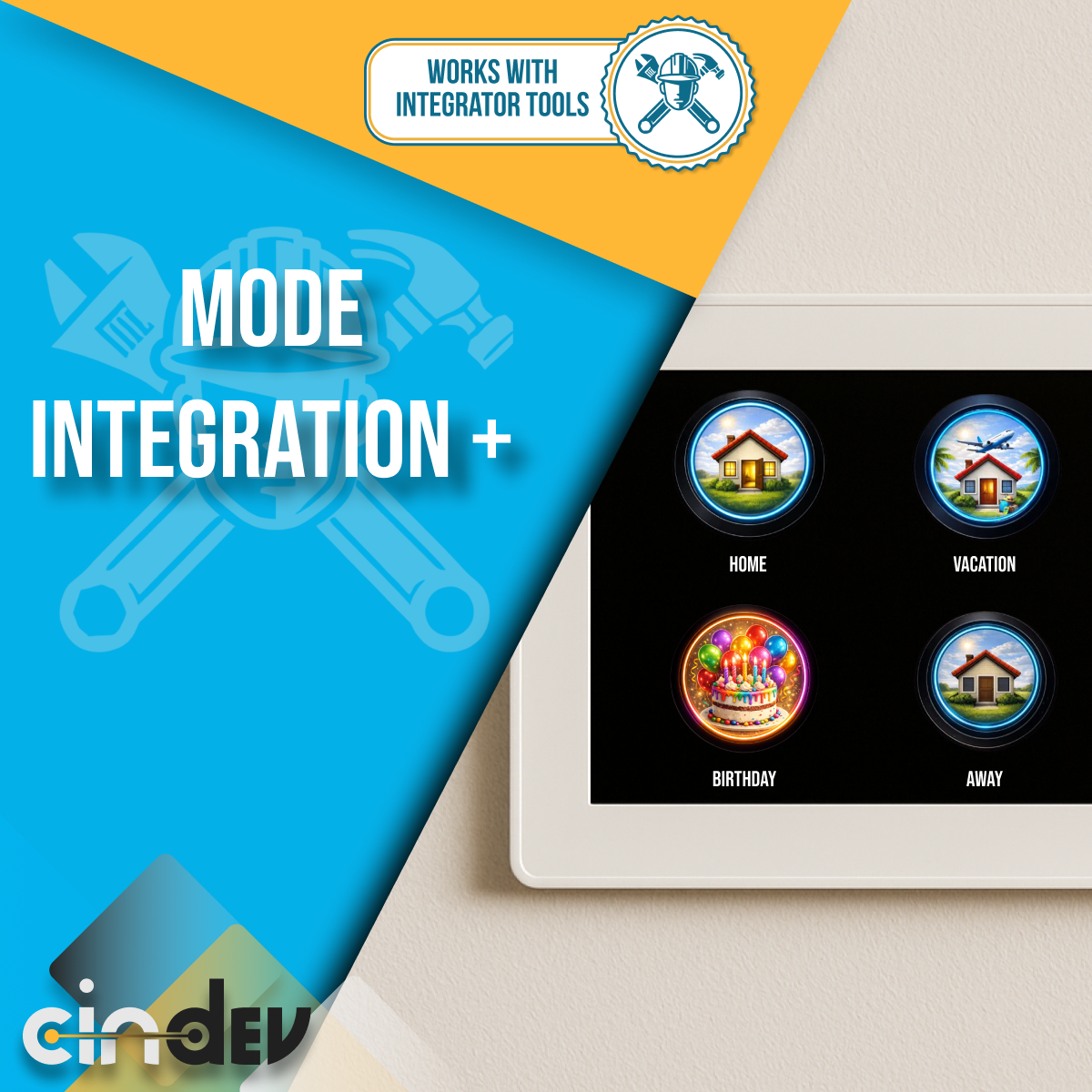


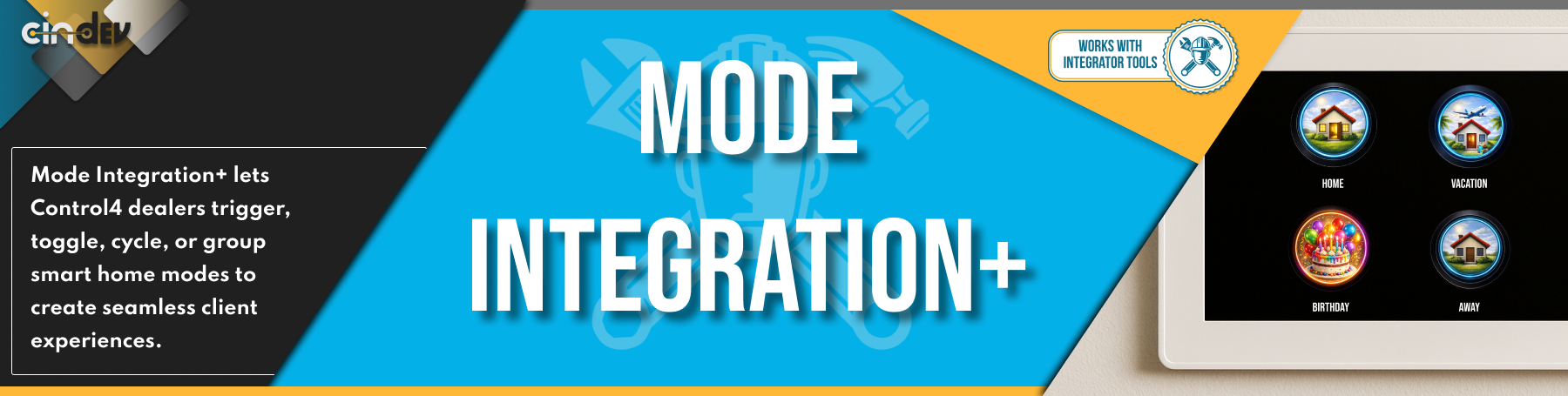

Mode Integration+ transforms how Control4 dealers create and launch smart home experiences.
Instead of complex programming or scattered automations, Mode Integration+ gives you four powerful ways—Trigger, Toggle, Cycle, and Group—to activate modes across the home with clean, intuitive UI buttons.
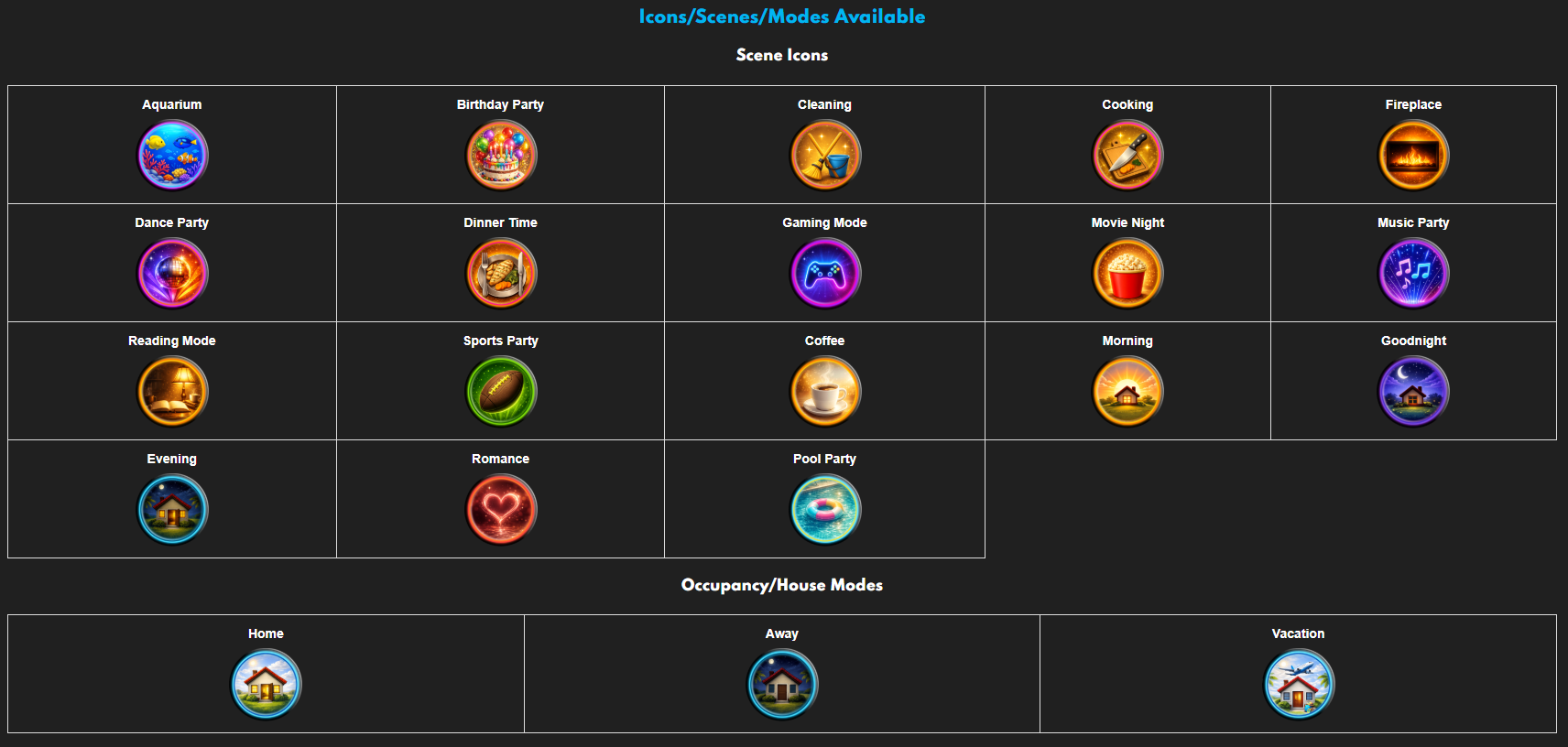
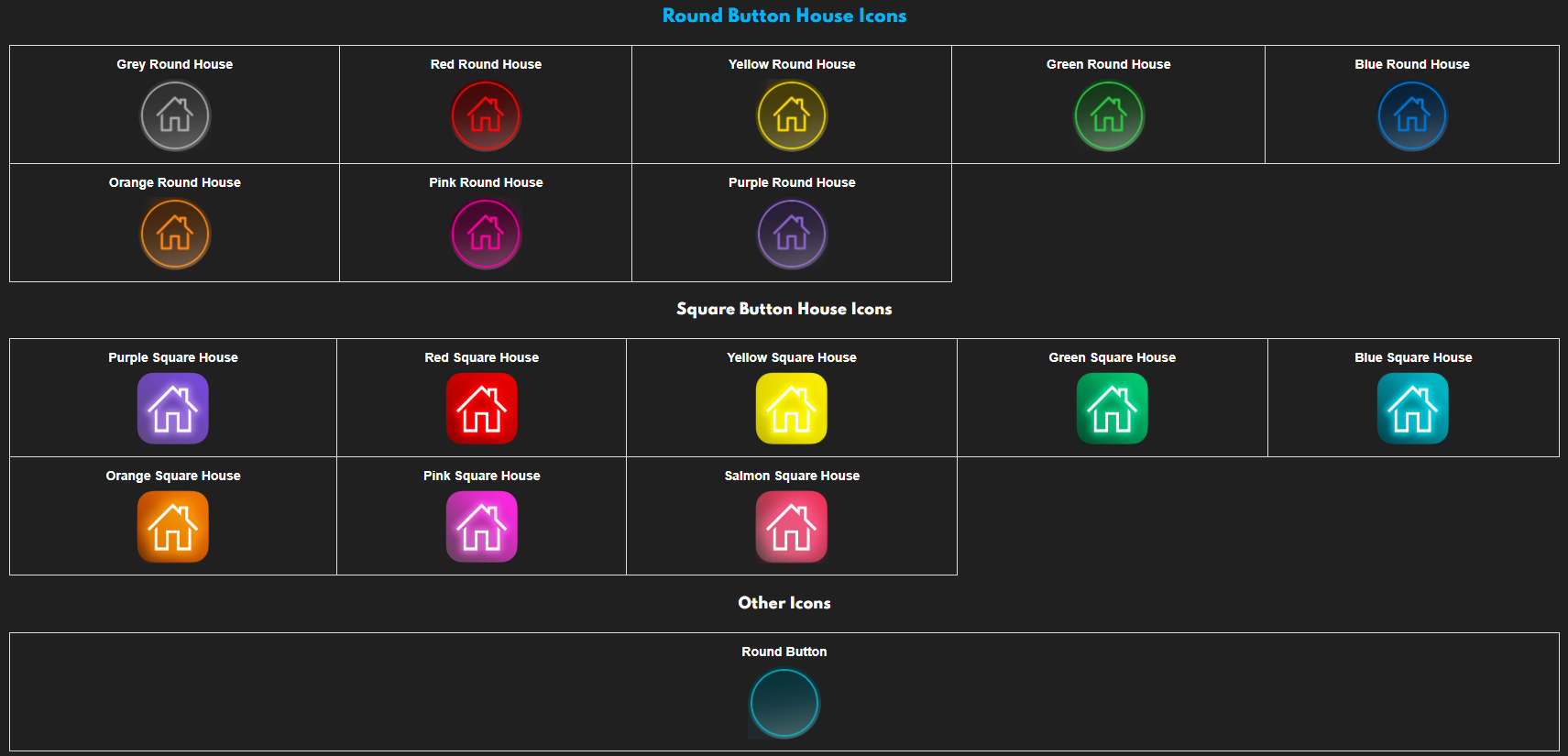
From Smart Home Modes like Movie Night or Dinner, to Occupancy, Sound, and Picture Modes, this driver lets you design polished, client-friendly experiences using 20+ professionally designed UI buttons. The result: faster installs, cleaner projects, and homes that feel intelligently personalized.
.png?1745328673806)

- Four Mode Control Methods:
- Trigger Mode: One-tap activation to launch your smart home scene
- Toggle Mode: Activate/Deacivate or Toggle your smart home scene
- Cycle Modes: Rotate through up to 6 smart home scenes all through one button
- Group Modes: Group smart home modes together so when one is on the others are home
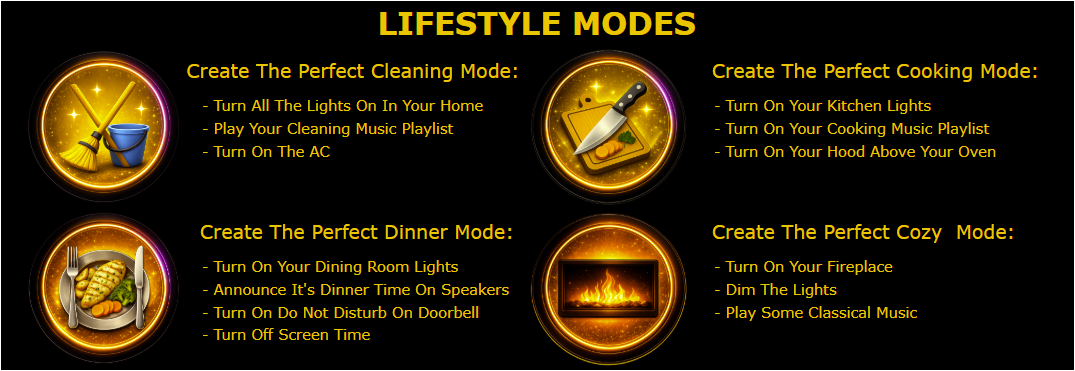
- Smart Home Modes Include:
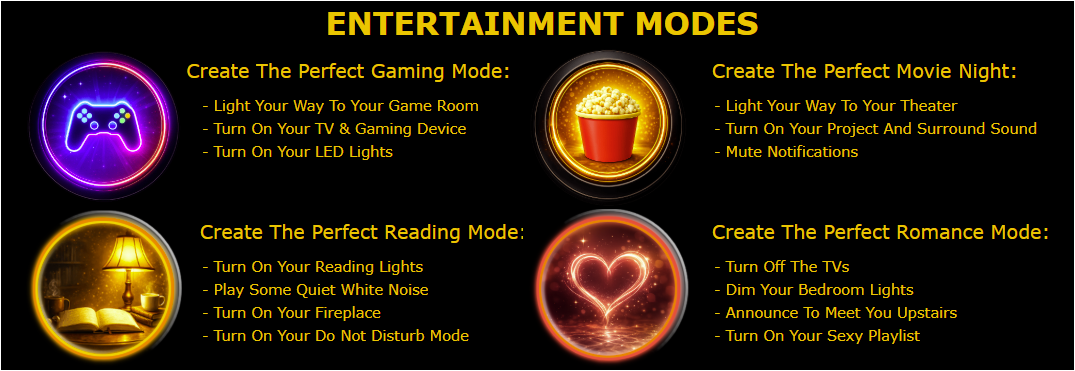
- Cleaning, Cooking, Dinner, Gaming, Reading, Good Morning and Good Nihgt
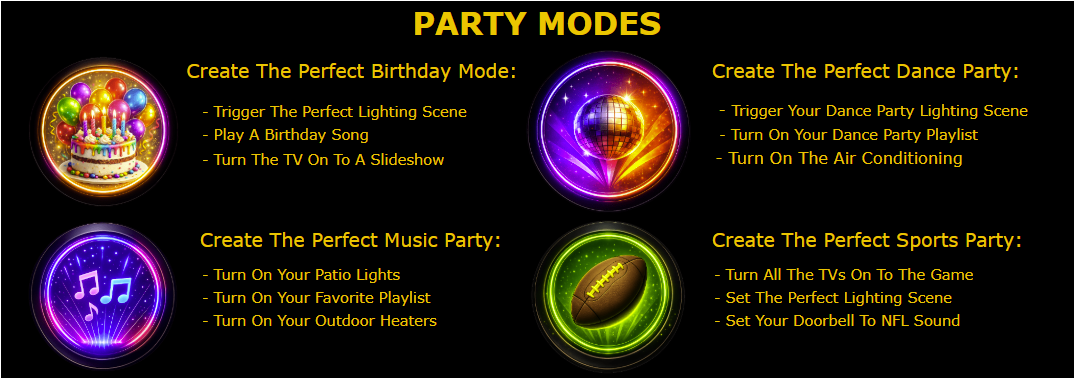
- Birthday, Dance, Pool Sports and Music Party
- Romance, Movie Night, Aquarium and Fireplace
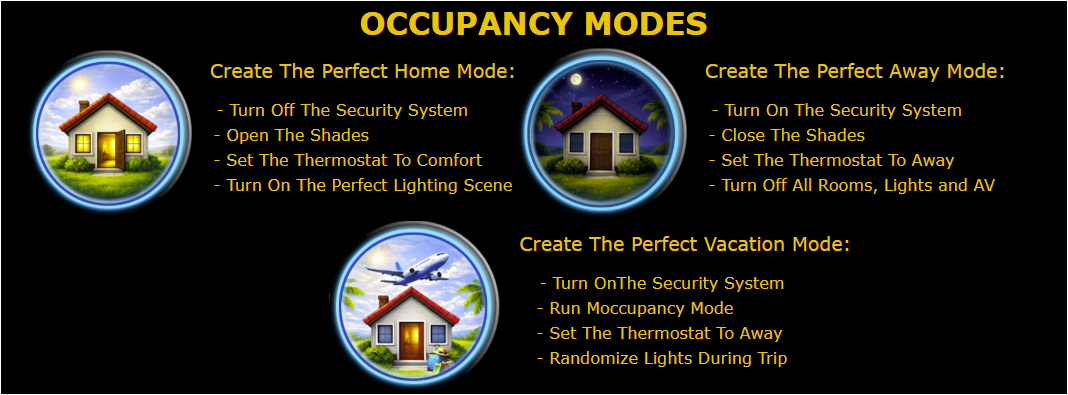
- Occupancy Modes Include:
- Home, Away and Vacation

One-Tap Entertainment Modes
Create a Movie Night button that:
-
Sets picture mode to Movie
-
Switches sound mode to Dolby Atmos
-
Adjusts lighting and shades
-
Powers on the correct sources
Occupancy-Aware Automation
Use Away or Vacation modes to:
-
Adjust HVAC
-
Turn lights on/off automatically
-
Change audio/video behavior
-
Improve security and energy efficiency
Gaming & Sports Experiences
Cycle between Gaming and Sports Party modes depending on the event, adjusting:
-
Picture modes
-
Sound formats
-
Room behavior
Party & Lifestyle Modes
Quickly launch Music Party, Dance Party, or Birthday Party modes for clients who love entertaining—without overwhelming them with multiple buttons.


Mode Integration+ works within the Control4 ecosystem and integrates with:
-
Control4 Controllers (EA & Core Series) 3.4.3+ and higher
-
Control4 Touchscreens (T3, T4)
-
Control4 Mobile Apps (iOS & Android)

A single license will unlock as many instances of the driver as needed in your project. Cloud Driver is required to activate all DriverCentral licenses and trials. To find out more about drivercentral features click here. Additionally, here is a quick video that demonstrates the licensing process.

All Cinegration Development drivers for Control4 come with a 30-day trial. Simply add the DriverCentral licensing driver along with this driver and you can fully test the driver before purchasing. Including Cinegration Development drivers in your showroom project will give you unlimited use without purchase.
Driver is provided by Cinegration Development LLC. All rights reserved.
No posts found


For a full description of terms and conditions pertaining to Cinegration Development's drivers please visit www.cindev.com/terms-and-conditions
