


Overview
Bring your irrigation system into Control4 with cloud-connected monitoring and control for Hunter Hydrawise controllers. Start zones on demand, pause watering when needed, and view current activity plus upcoming schedules from Control4 touchscreens and mobile interfaces.
Features
- Two-Way Status & Control - Control zones and see running status and time remaining within Control4 (refreshed periodically)
- Multi-Controller Support - Works with Hydrawise accounts that contain multiple controllers (select the controller via a driver property)
- Automatic Zone Setup - Use the Auto Setup action to automatically create and bind zone devices based on the selected controller
- Driver Actions & Programming Commands - Run Zone, Run All, Stop Zone, Stop All, Suspend Zone, Suspend All, Resume, and Resume All
- Default Run Duration - Configure the default run time (minutes) used when a zone is turned on from Control4
- Suspend & Resume Watering - Suspend a zone (or all zones) for a set time, then resume when ready
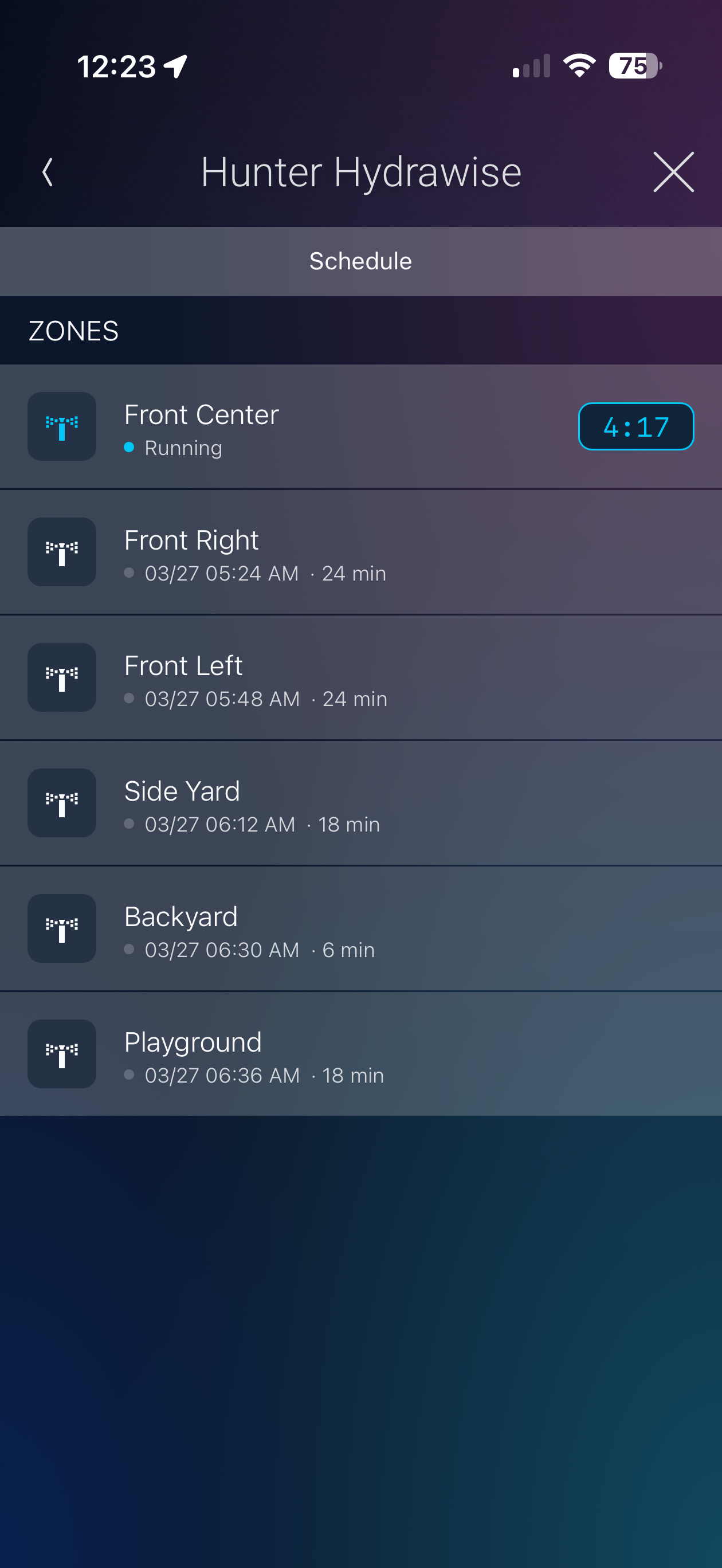
- Experience Button - Add the Hunter Hydrawise Experience Button anywhere in Navigator (for example, Comfort) to view upcoming schedules and see which zones are running with time remaining
Compatible Equipment
- Hunter Hydrawise cloud-connected irrigation controllers associated with a Hydrawise account
Requirements
- Hydrawise account with API key (generated in the Hydrawise app or at app.hydrawise.com)
- Hunter Hydrawise controller online and linked to the account
v20260519
- General: Performance improvements and bug fixes
v20260325
- Initial release
