
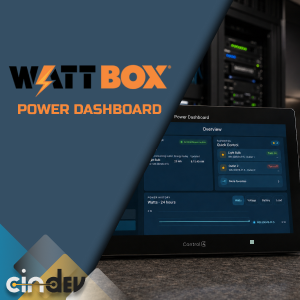
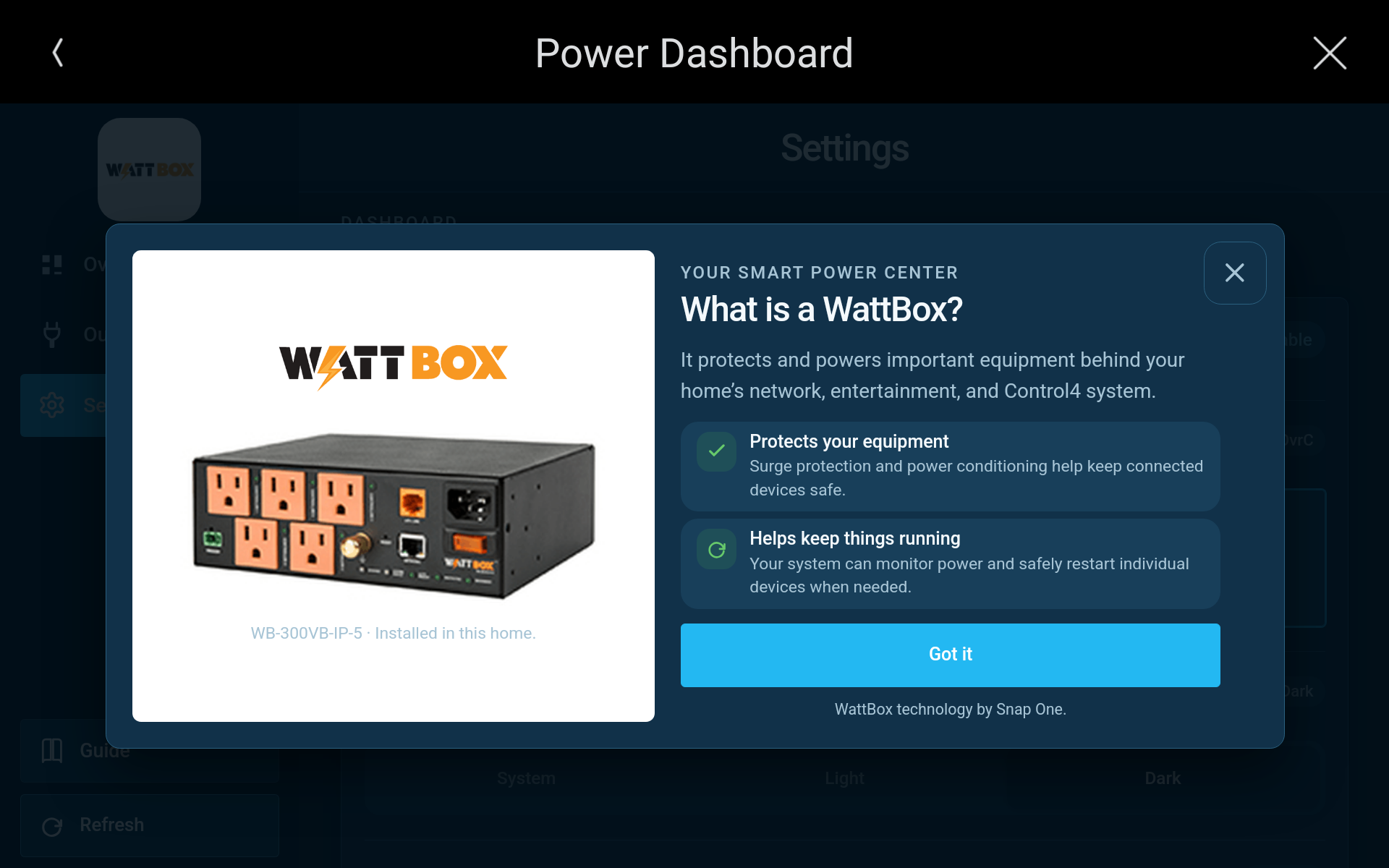
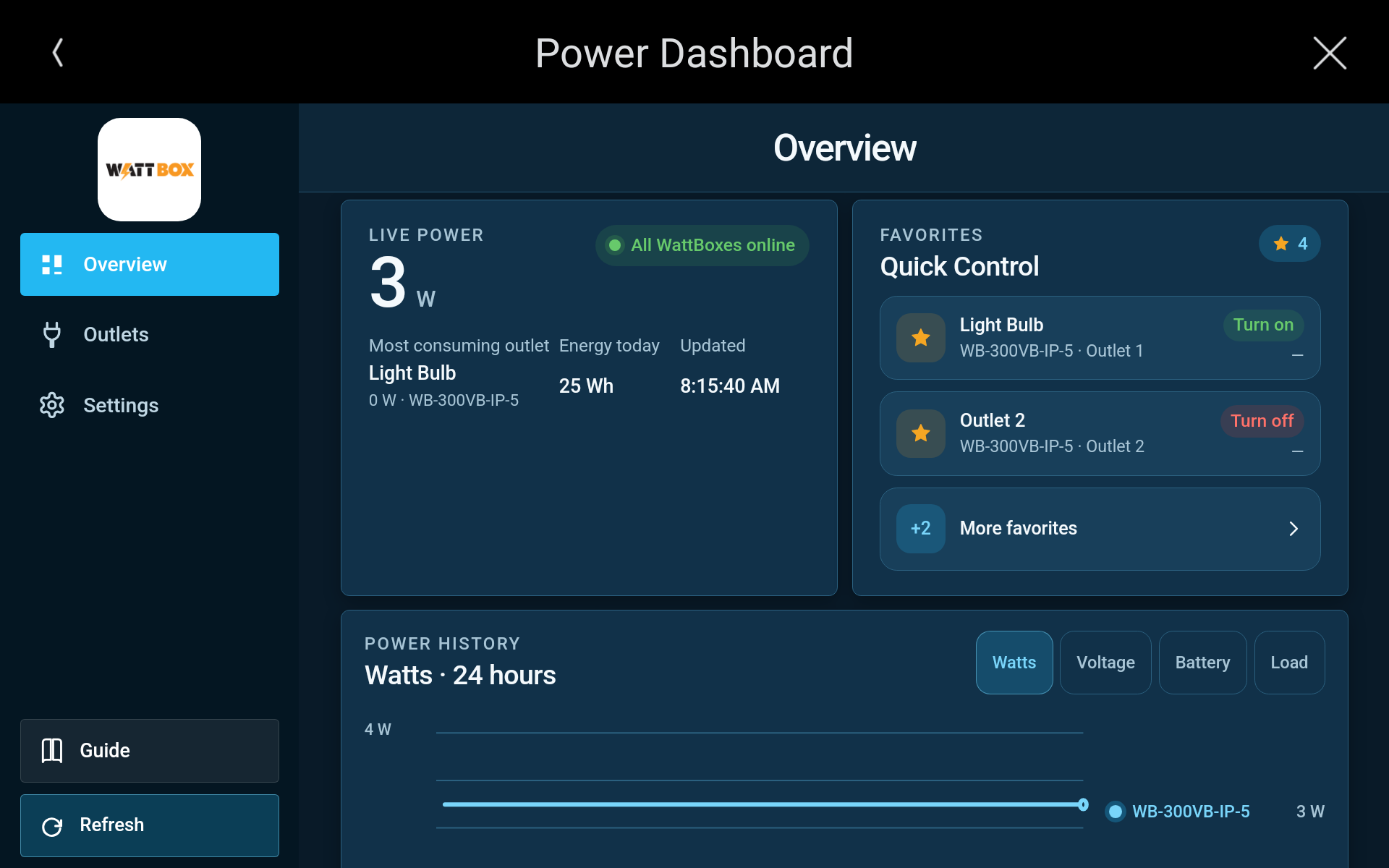


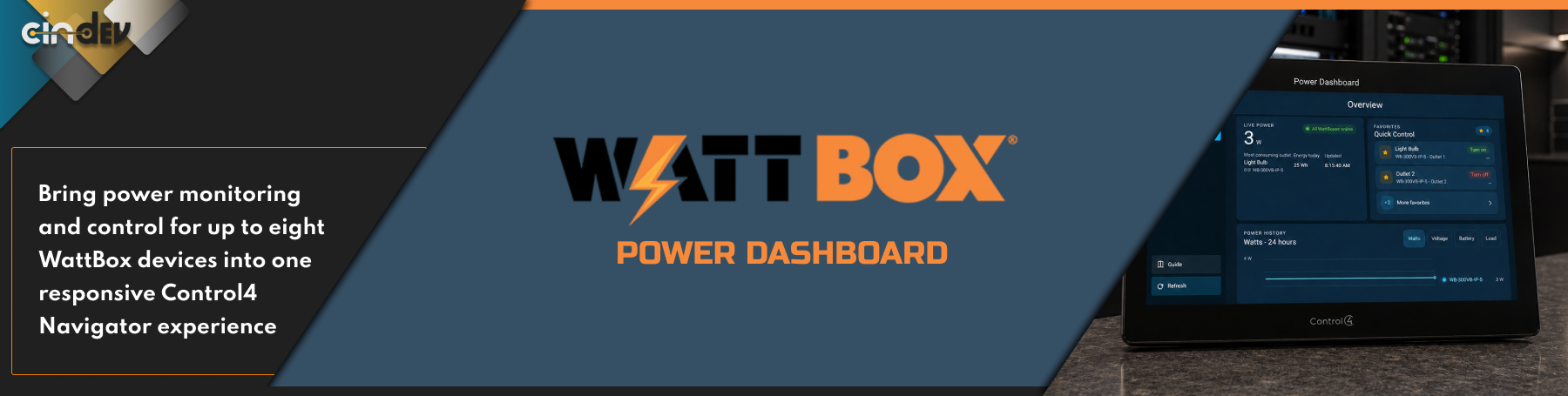


Bring power monitoring and control for up to eight WattBox devices into one responsive Control4 Navigator experience. Customers can view live system health, monitor energy trends, check UPS status, and safely control approved outlets from a phone or Control4 touchscreen.

- Unified power overview — See connected WattBoxes, aggregate power usage, energy used today, the highest-consuming outlet, and the latest update time.
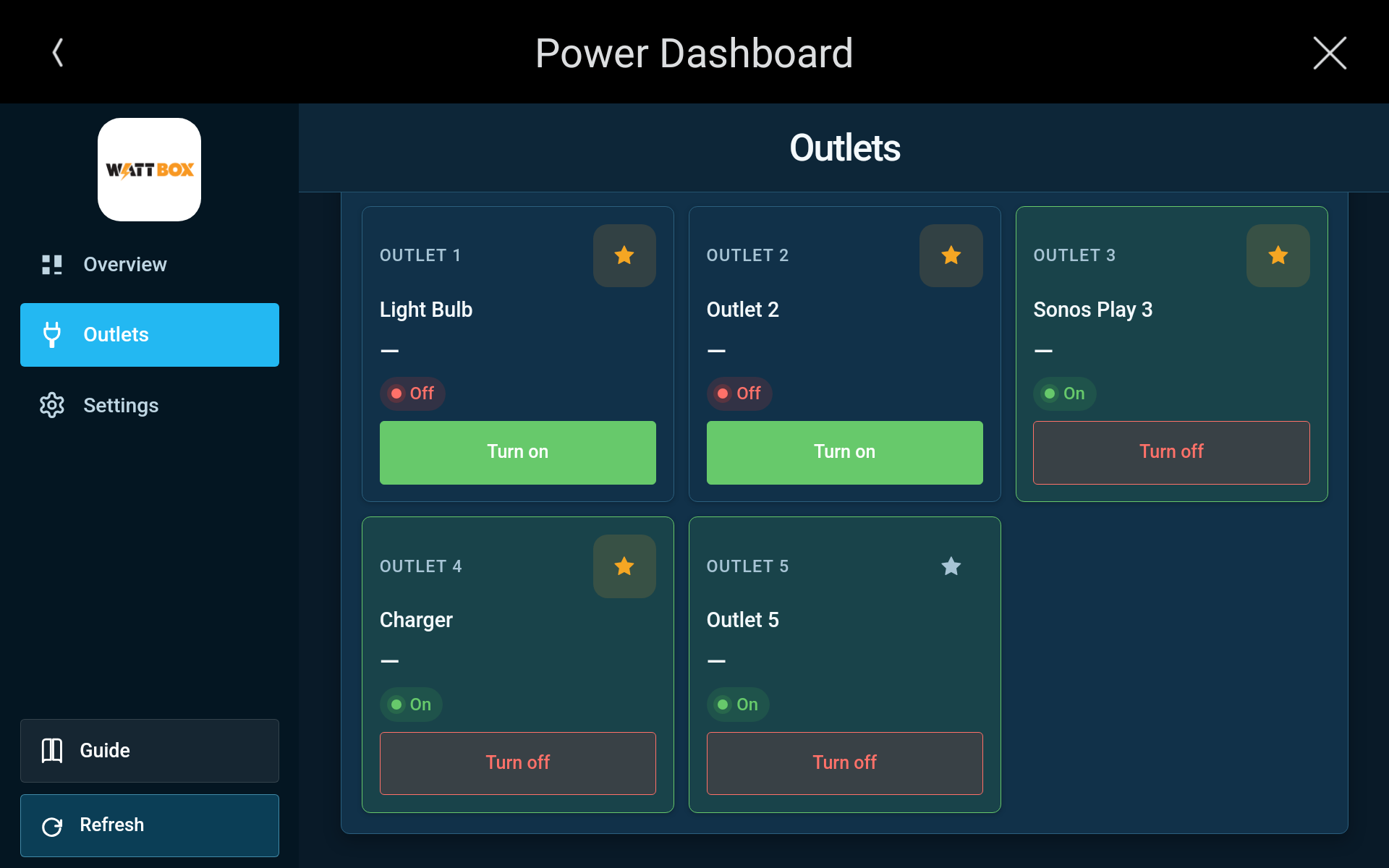
- Outlet control and recovery — Turn outlets on or off, cycle connected equipment, and create favorites for frequently used controls.
- Power-history charts — Track watts, voltage, UPS battery charge, and UPS load when supported by the hardware.
- Detailed UPS monitoring — View battery charge, system load, estimated runtime, battery health, and utility-power status.
- Recent Activity — Review outlet commands, communication issues and recovery, UPS transitions, and significant voltage events through Control4 Driver History.
- Multiple WattBox support — Monitor and control WattBoxes across network racks, entertainment systems, and other equipment locations from one dashboard.
- Independent device connections — Each WattBox communicates and operates independently, so an offline or misconfigured device does not interrupt the others.
- Flexible API support — Connect through the WattBox Web API using HTTP or HTTPS, or through the TCP Integration API.
- Responsive Control4 interface — Designed for Control4 T4 and T5 touchscreens as well as mobile Navigator.
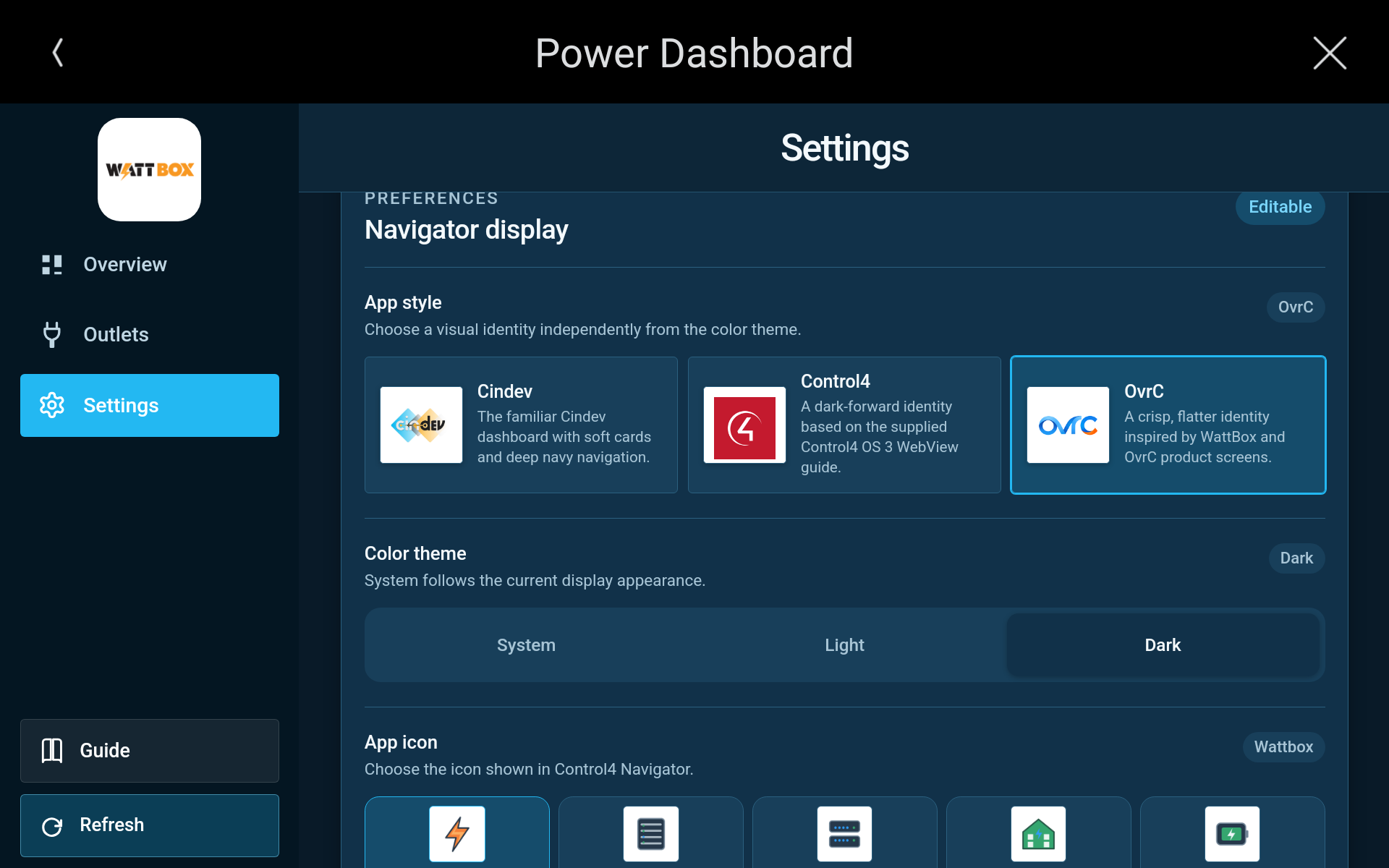
- Customizable appearance — Choose the app style, System/Light/Dark theme, and preferred Navigator icon.
- Optional App Code — Protect the dashboard with a configurable 4–8 digit access code.
- Customer-safe permissions — Dealers decide which outlets customers can see, control, and add to favorites.
- Full Composer programming — Rename outlets, configure toggle or cycle behavior, set power-on delays, manage auto-reboot, restart WattBoxes, and trigger outlet commands from Control4 programming.
- Local, private telemetry — Power-history data remains on the Control4 controller. WattBox credentials are never sent to the customer interface or included in activity history.
- Streamlined dealer setup — Compatible WattBox drivers are discovered automatically, with supported connection details preloaded while passwords remain private.

- WB-150 Series: WB-150-IPW-1B-2
- WB-250 Series: WB-250-IPW-2
- WB-300 Series: WB-300-IP-3, WB-300VB-IP-5
- WB-700 Series: WB-700-IPV-12, WB-700CH-IPV-12
- WB-800 Series: WB-800-IPVM-6, WB-800-IPVM-12, WB-800CH1U-IPVM-8, WB-800VPS-IPVM-12
- WB-820 Series: WB-820-IPVM-2, WB-820-IPVM-12, WB-820CH1U-IPVM-8
- WB-900 Series: WB-900-SEC-IPVM-12, WB-900CH-SEC-IPVM-8

Requires Control4 OS 3.4 or newer. Available metering, UPS information, and device commands depend on the WattBox model and firmware. The Control4 History Agent is required for Recent Activity. Some newer WattBox firmware requires the TCP Integration API.

A single license will unlock as many instances of the driver as needed in your project. Cloud Driver is required to activate all DriverCentral licenses and trials. To find out more about drivercentral features click here. Additionally, here is a quick video that demonstrates the licensing process.

All Cinegration Development drivers for Control4 come with a 30-day trial. Simply add the DriverCentral licensing driver along with this driver and you can fully test the driver before purchasing. Including Cinegration Development drivers in your showroom project will give you unlimited use without purchase.
Driver is provided by Cinegration Development LLC. All rights reserved.
Customer reviews
Driver Version: 20261002
- Fixed
- Restore Power History charts when saved readings are available.
- Show unavailable power and UPS readings as unavailable instead of zero.
- Recover failed Web API sessions and renew command tokens. Respect login retry delays during automatic retries and Refresh Communication.
- Resume polling when a Web API request stalls.
- Cancel pending requests when reconnecting and cancel queued commands after connection failures or settings changes.
- Prevent repeated outlet resets after a missing or incomplete response.
- Reconnect TCP after timeouts and stop repeated login attempts after credentials are rejected.
- Allow Composer programming to disable auto-reboot.
- Record each UPS power transition once, including repeat outages.
- Improved
- Use the standard Cindev polling package for status updates.
- Remove repeated log messages. Show requests and results in standard Debug Mode, with connection and request details in Advanced Debug Mode.
Driver Version: 20260917
- Fixed
- Automatically retry temporary login failures using saved credentials. Refresh Communication retries immediately, and Driver History shows clearer login messages.
- Import connection settings when a WattBox is first selected, including devices added after the dashboard, while preserving existing settings.
- Keep power history available during driver updates and reloads.
- Prevent double-tap and pinch zoom.
- Improved:
- Prefer HTTPS for newly imported Web API connections.
- Update product images and prevent cropping.
- Clarify setup and troubleshooting, including the required factory-password change, and restore developer contact and warranty information.
Driver Version: 20260817
- Improved:
- Label reset-only outlet controls as Restart, with a restart icon and safe command restrictions.
- Use WattBox's Normal and Reset Only outlet mode names in Composer.
- Use compact outlet-style cards for both Outlets and Quick Control, fitting more controls on screen and hiding per-outlet wattage when the connected API does not report it.
- Make the Control4 Back button return through dashboard pages and refresh the app from Overview.
- Place Power History before the collapsible Quick Control section, let favorite cards expand with the section, and limit history metrics to Watts, Voltage, and Battery.
- Explain the approximately 30-minute wait before trend charts appear and identify unsupported metering directly in the dashboard.
- Fixed:
- Apply Composer's Show Icon room selections and show the dashboard in every room by default.
- Keep WattBoxes online when optional Integration API reads are unsupported, and cache rejected capabilities so they are not polled repeatedly.
- Synchronize Web API outlet modes from the authoritative outlet-setup form so changes map to the correct outlets in Composer and Navigator.
- Verify Web API setting writes by reading them back before accepting them.
- Keep app theme, style, and icon preference changes out of Driver History.
- Replace the WB-800VPS-IPVM-12 line drawing with cleaned product photography.
- Replace the WB-700-IPV-12 line drawing with cleaned kit photography showing the conditioner and faceplate.
- Replace the WB-250-IPW-2 line drawing with cleaned product photography.
- Replace the WB-300-IP-3 line drawing with cleaned product photography.
- Removed:
- Redundant credential-sharing and API-capability Driver Actions.
- Outlet power-on delay from Composer properties and programming commands.
Driver Version: 20260811
- Initial Release
