



A new version of this driver is now available:
Pincode Protect V2
Pincode Protect V1 is not discontinued and will remain supported. However, future support for this version will be limited to maintenance only. No new upgrades, feature additions, or major improvements are expected for V1; new development will focus on Pincode Protect V2.
Overview
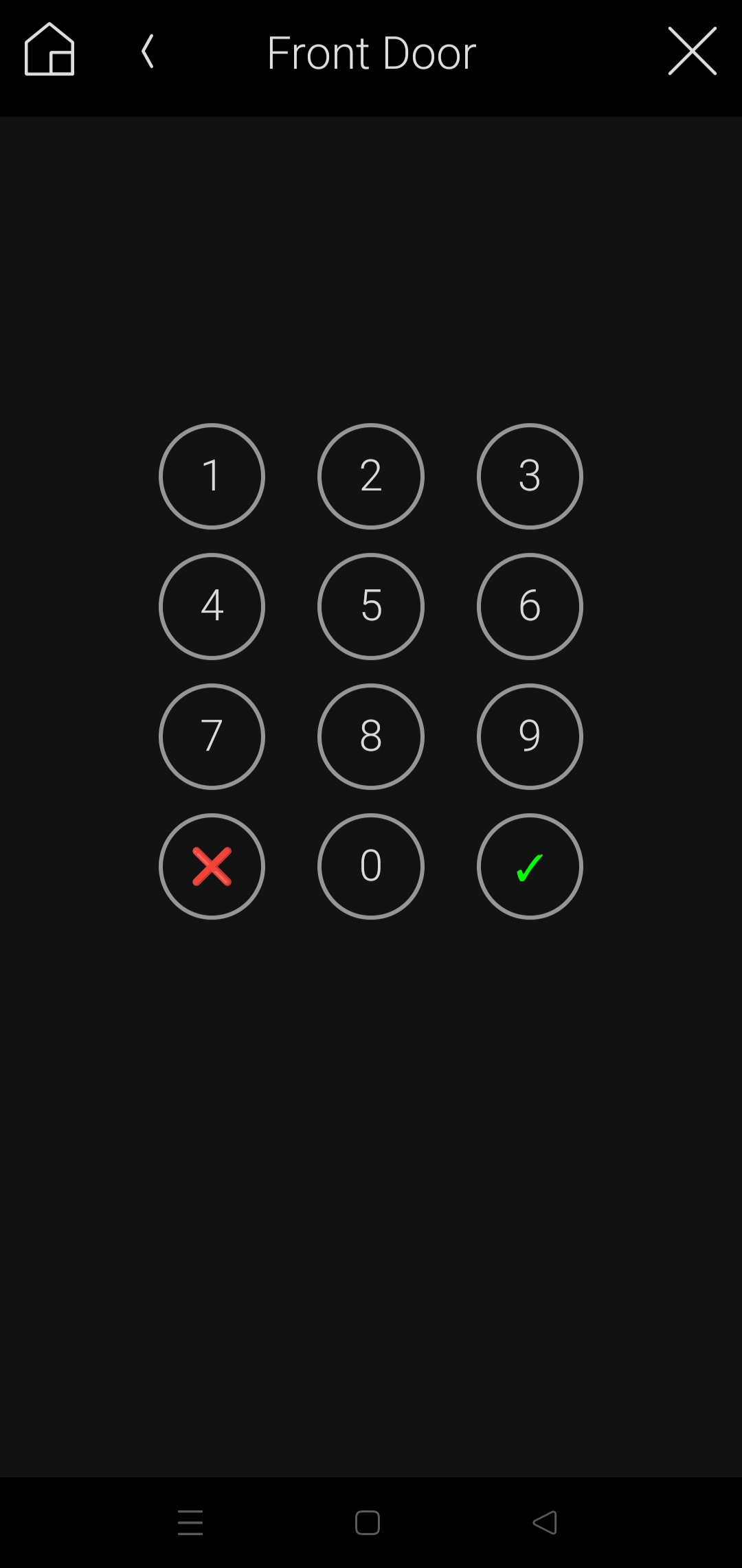
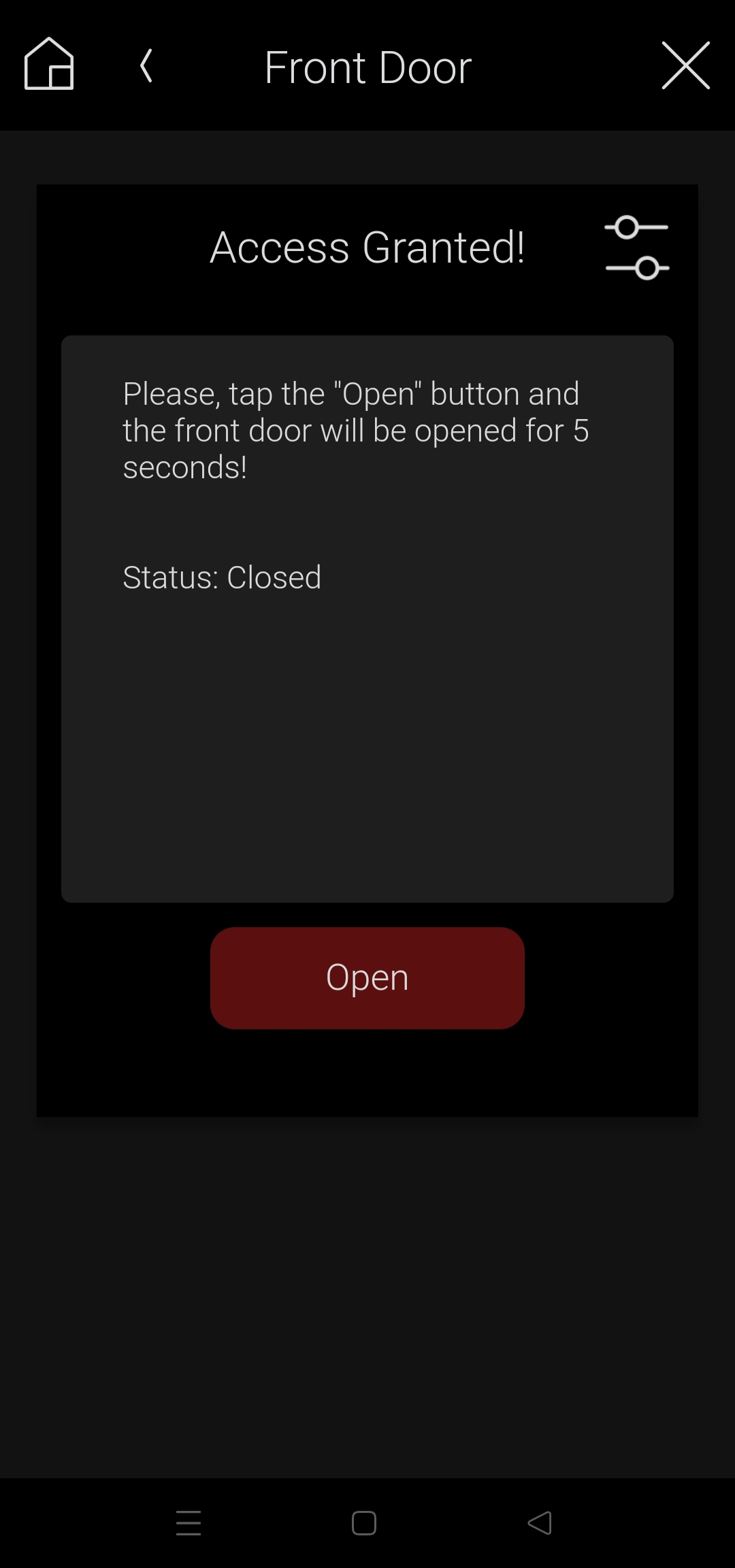
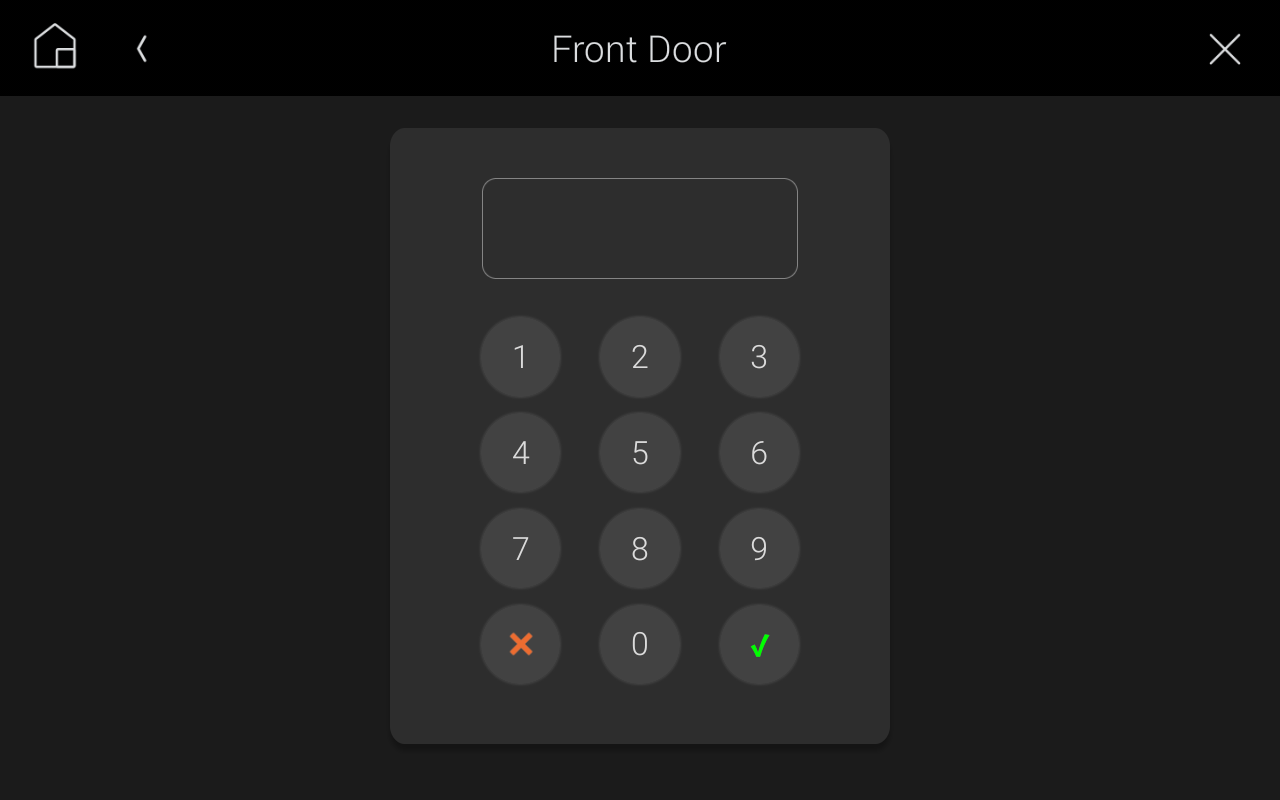
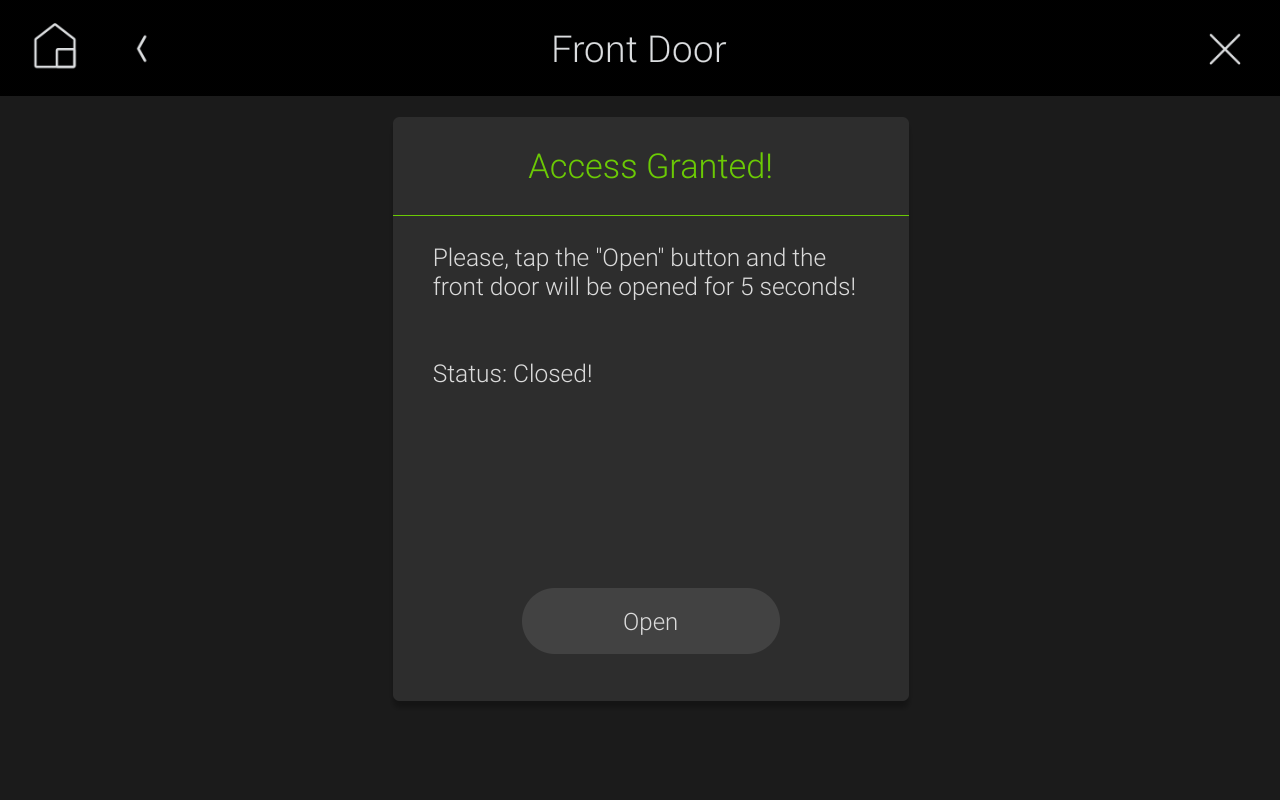
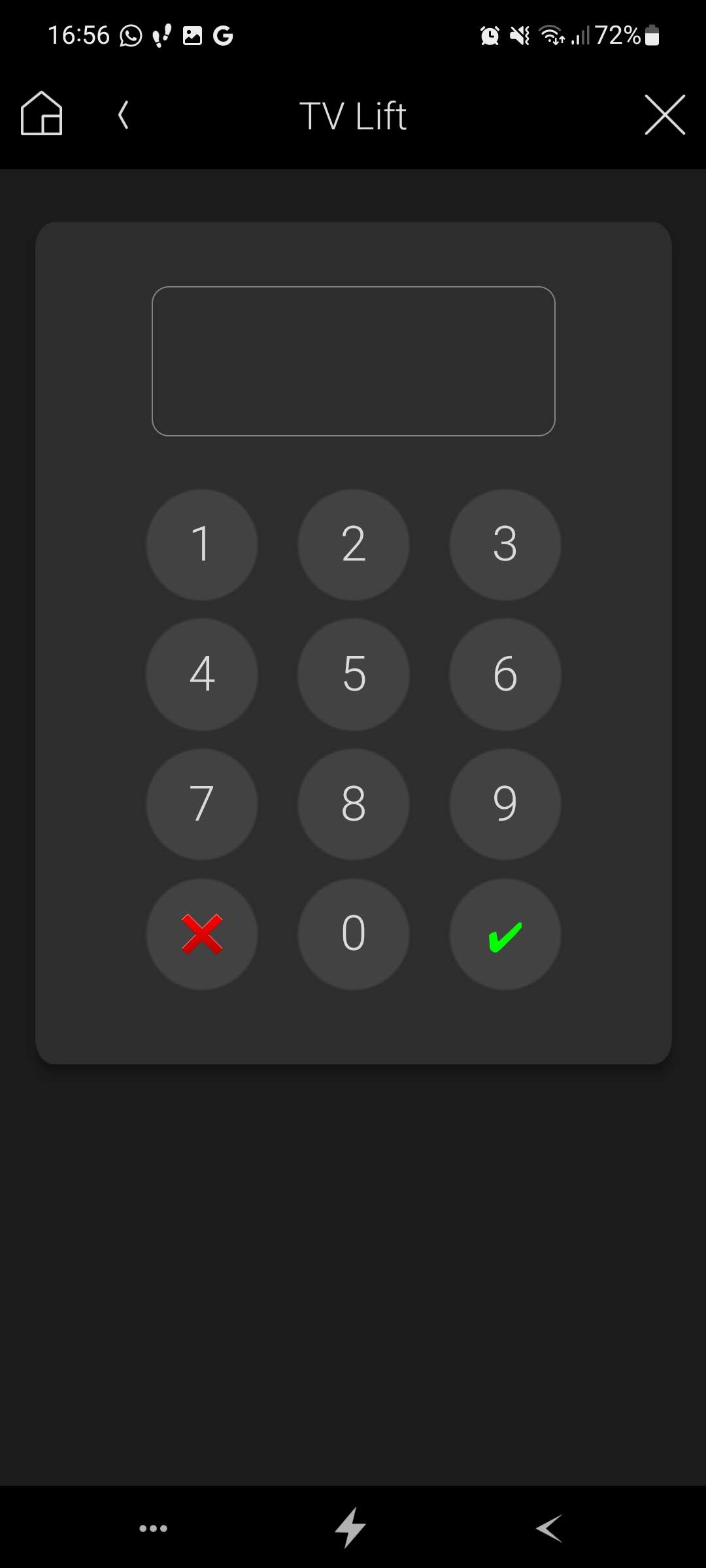
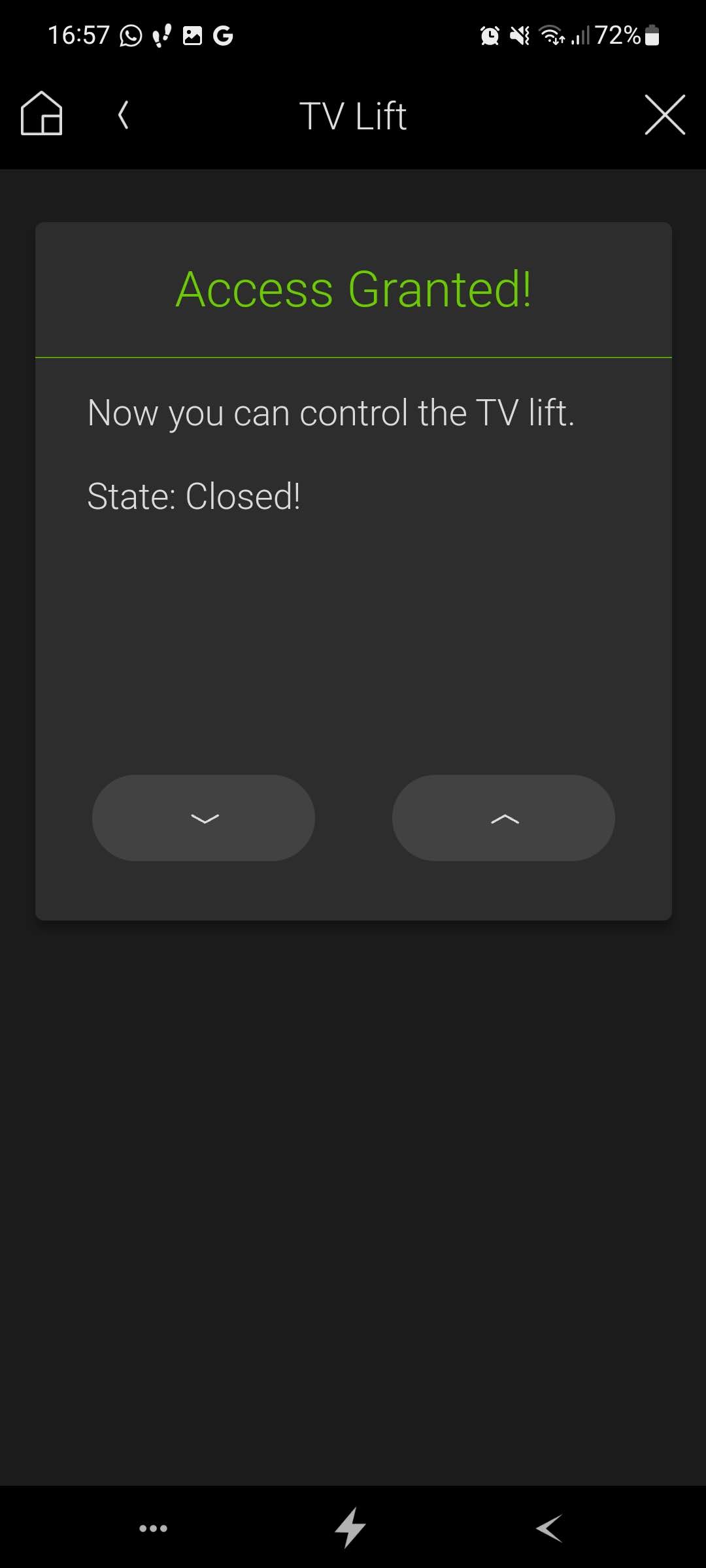
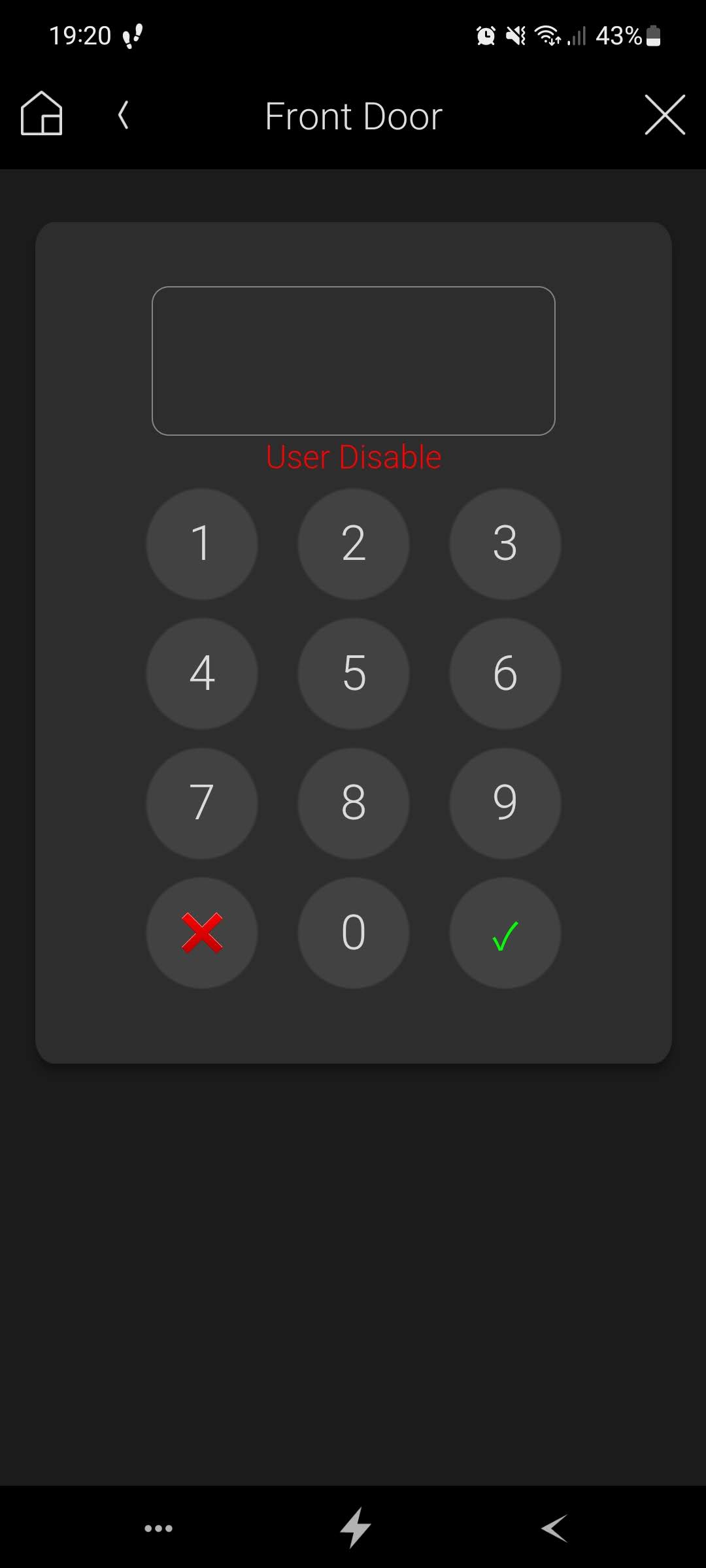
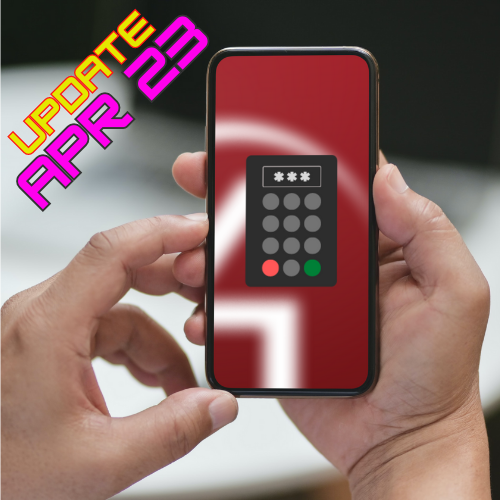
This webview driver provides the ability to block actions with pincode. When the right pincode is entered, the pinpad is removed, and a configurable text and buttons are available.
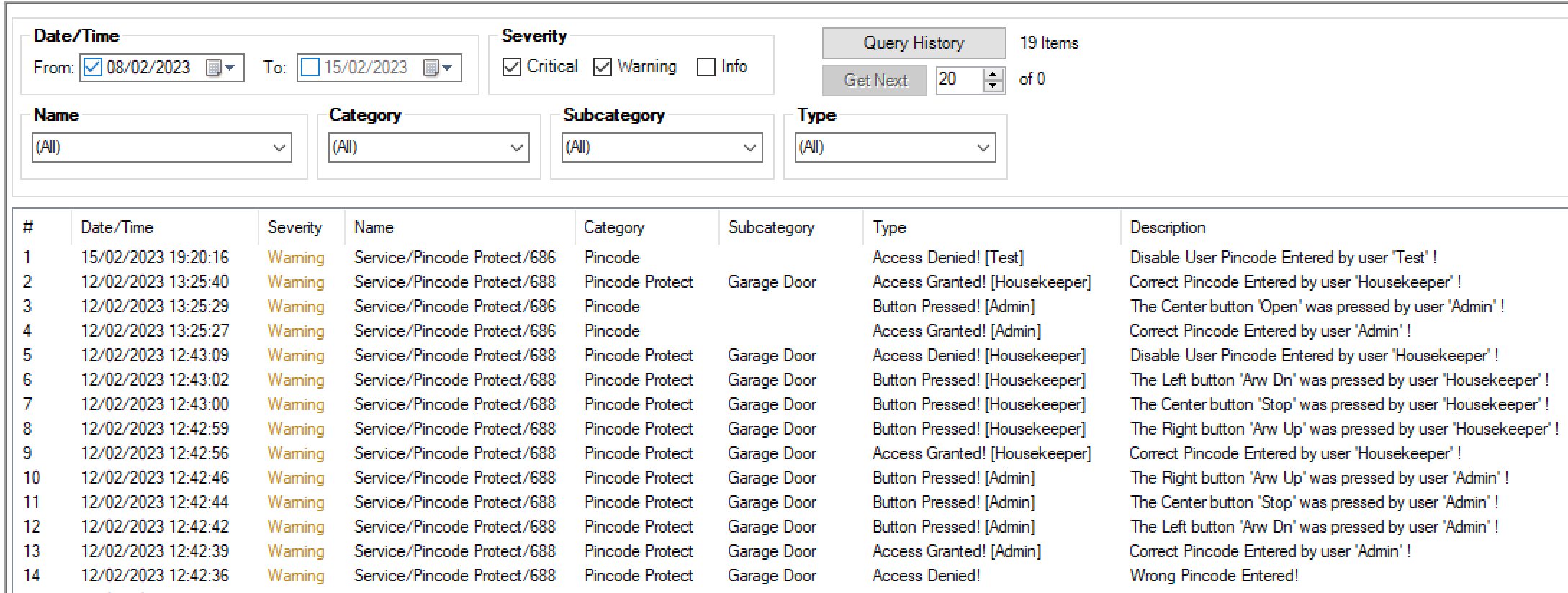
The driver provides some interesting features, like the ability to change from 1 to 3 buttons actions when a pincode is entered, an editable text field when the valid pincode is entered, the use of real-time variable (for example a gate status) in the main text field, the ability to change the UI icon, possibly of saving History events when a valid code is entered and a button is pressed.
Features
- Any numeric pincode can be setted.
- There is an Admin code and secondary users can be added.
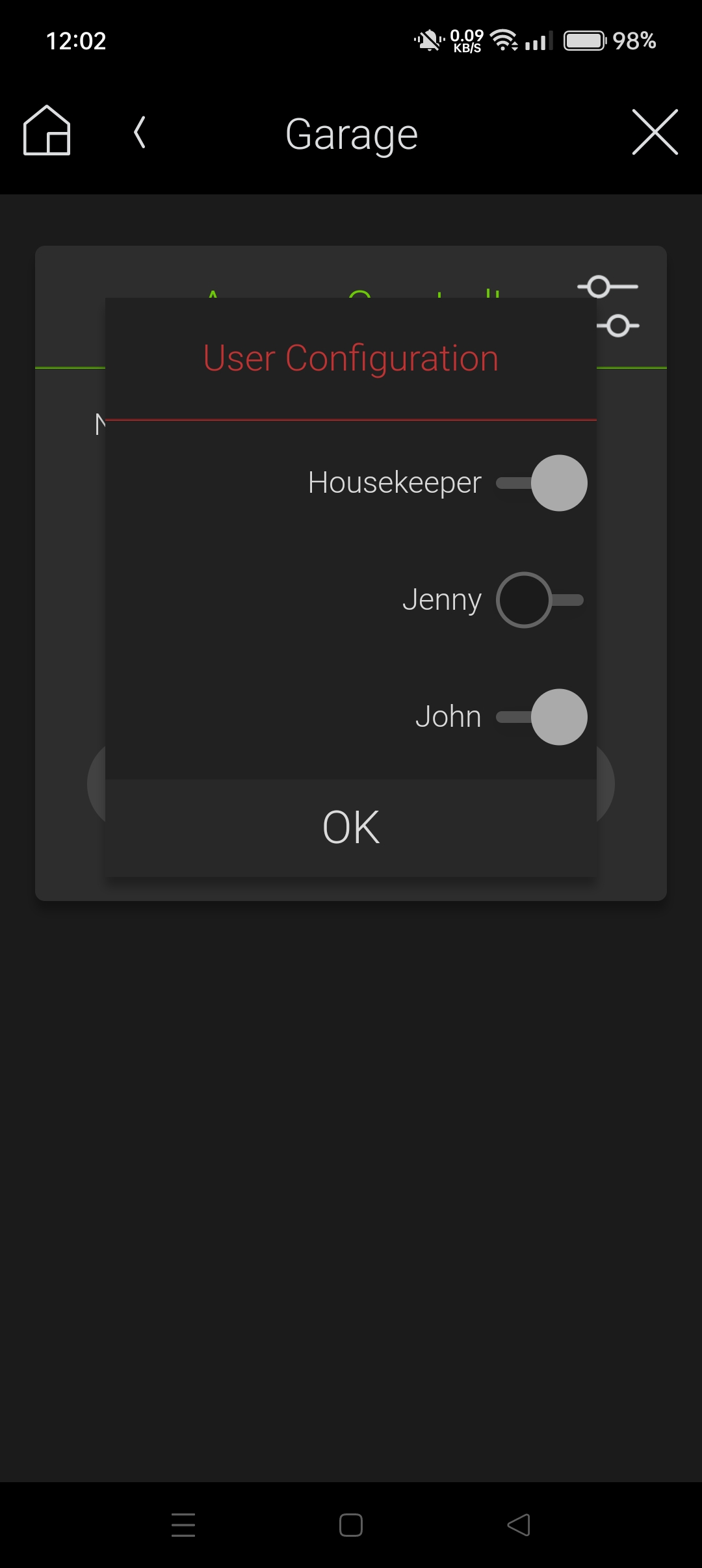
- Each secondary user can be enable/disable with programming (schedule, conditionals, etc) and from UI by the Admin.
- Driver variables: "Last Unlocked by" and "Last Disabled User Code Entered".
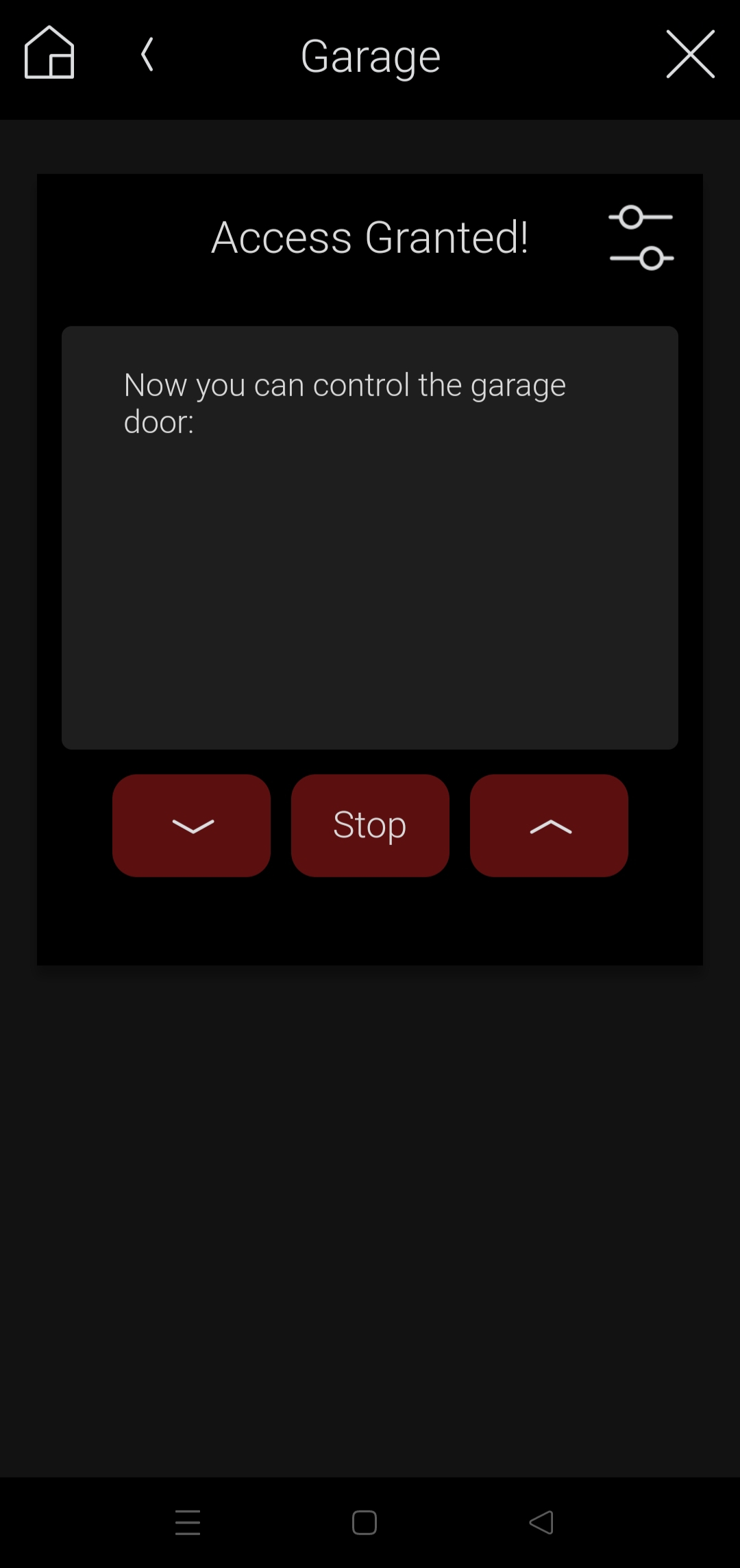
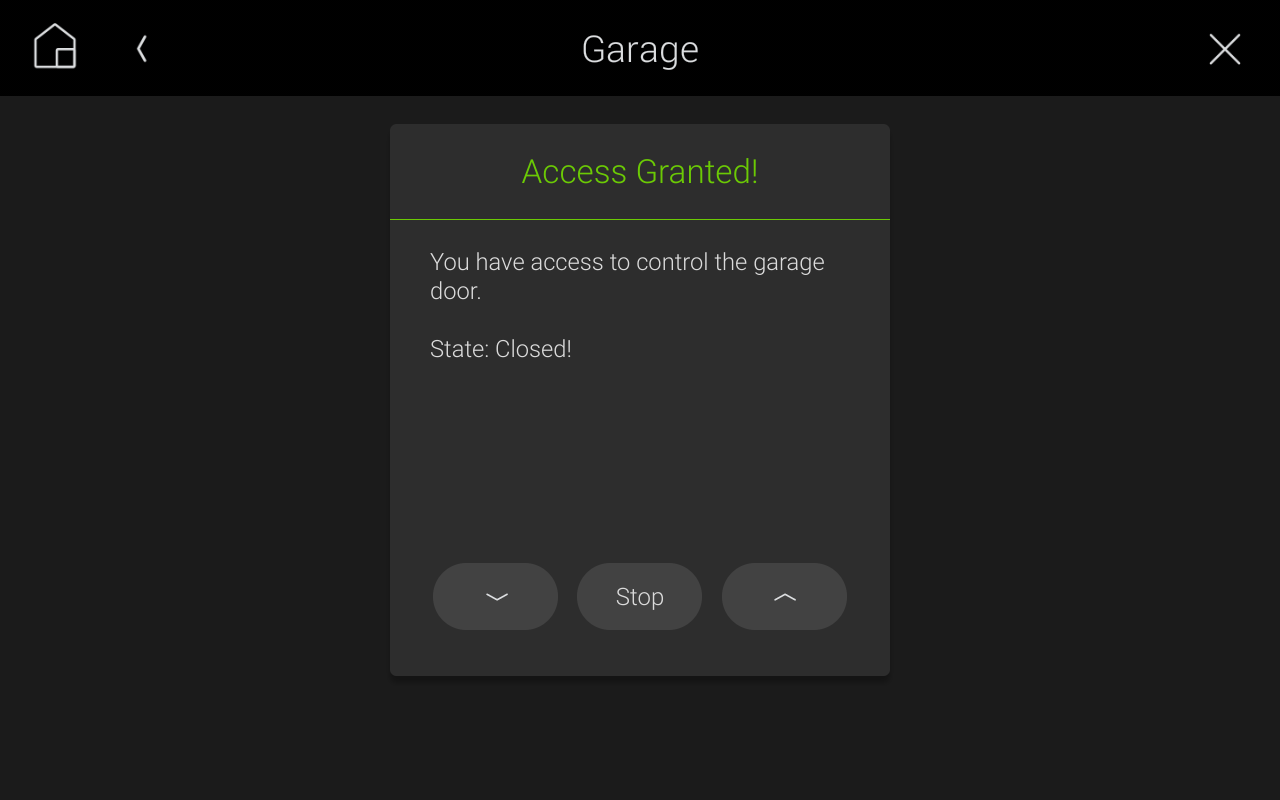
- The text displayed after the access granted can be changed, and also can include real-time variables from other devices from the control4 system (for example the status of a garage door).
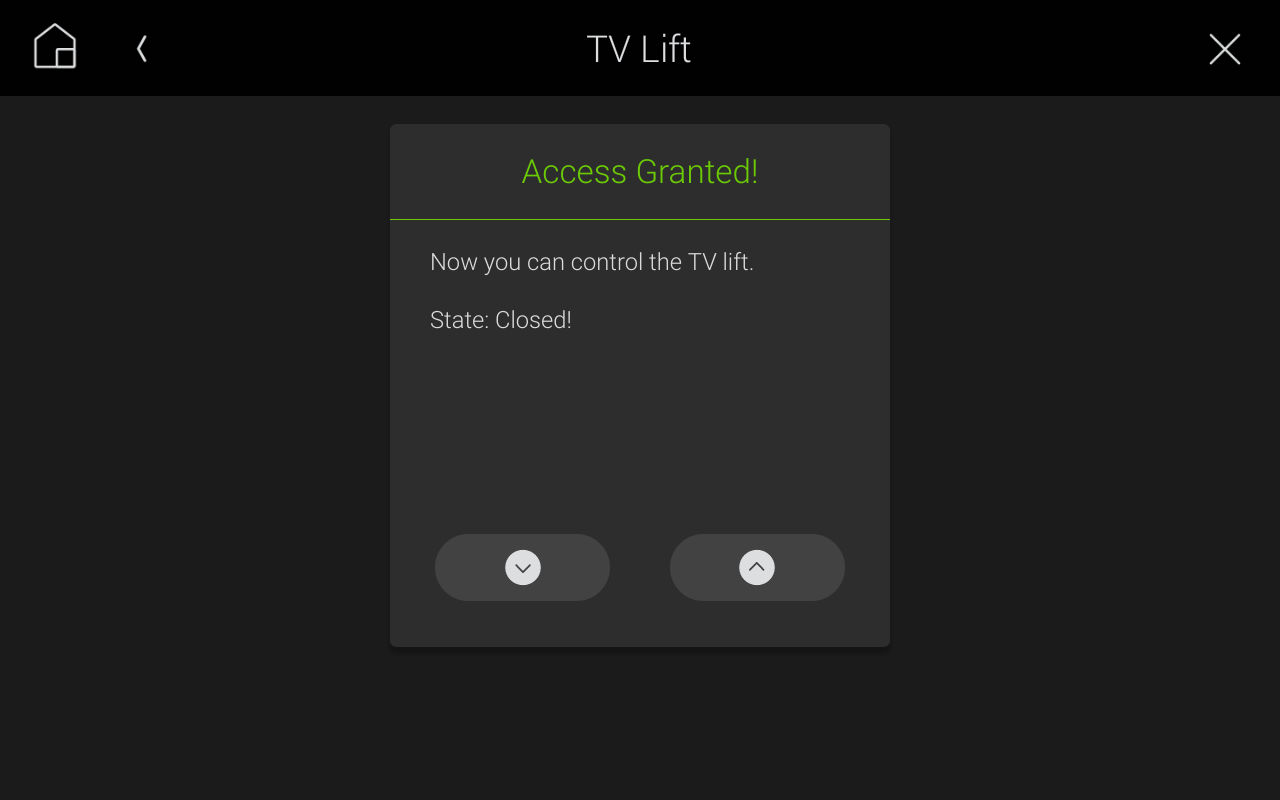
- From 1 to 3 buttons can be configured to be displayed when the right code is entered.
- Each button can contain a text or select an icon from the driver database.
- Composer actions can be programed when the events like valid pincode entered, incorrected pincode entered and any button pressed occurred.
- History record events can be enabled or disabled.
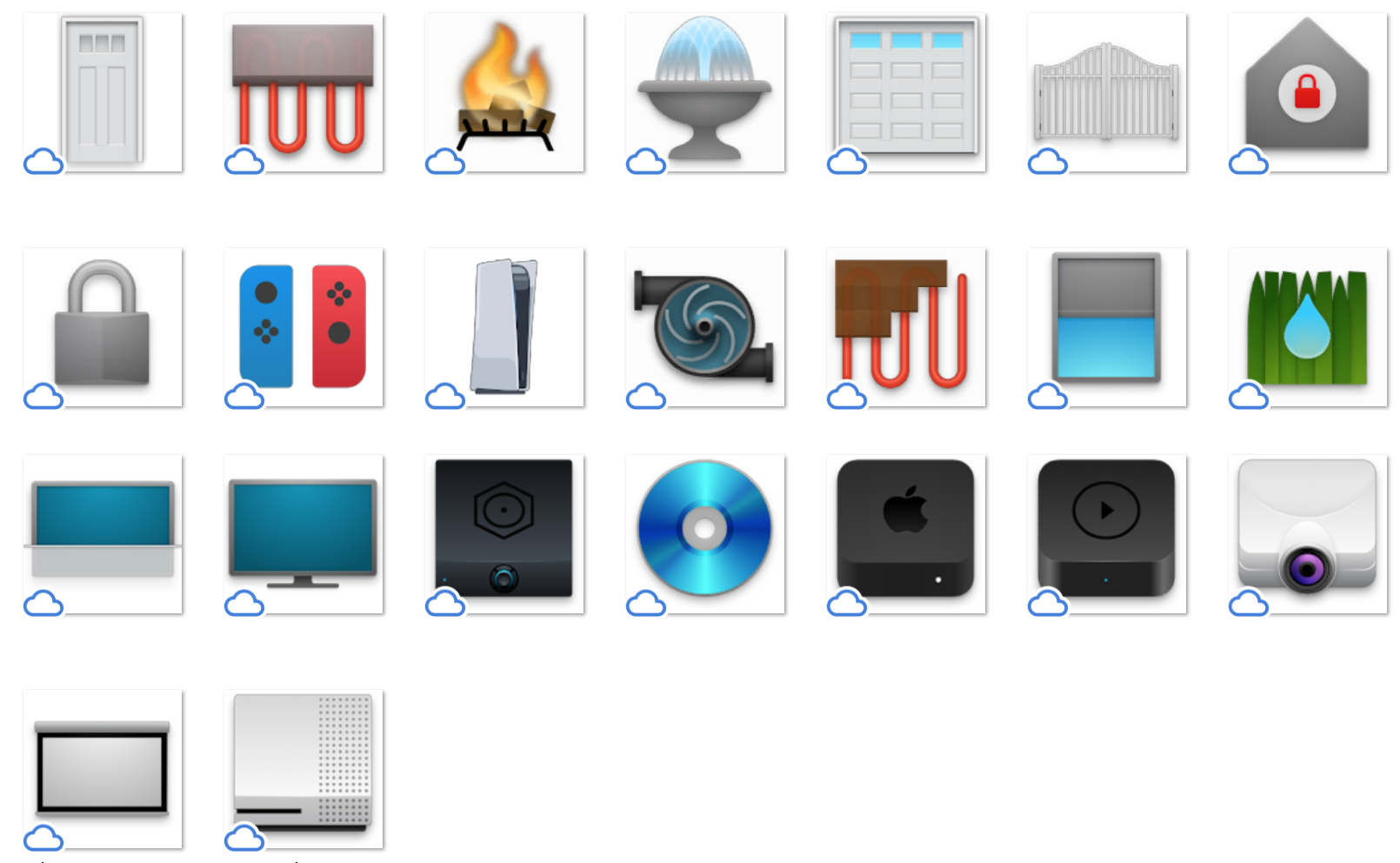
- The icon from the user interface can be changed, adjusting to your needs. Some included icons: Door, gate, garage door, TV lift, sprinkler, etc.
- Two themes: Classic and Modern.
- If you are in the access granted window, and you leave the screen for 1 minute without touching it or you change the phone app or the phone screen turns off, when you go back the pincode will blocking again.
- Compatible with T3/T4 (require OS 3.1.3+), phones and tablets (iOS and Android require OS 3.2+)*. Locally and remotely.
- Block the open/close/stop actions of a door/gate/garage door.
- Block the open/close action of a TV lift.
- Block the power reset of important devices.
- Parental control to block kid's actions.
- Block the turn on/off sprinkler/pump/fireplace/driveway.
- Block the enable/disable camera privacy masks.
- Block the selection of a determined source.
Imporant Note: Note the main purpose of this driver is to block actions, not to replace other driver's functionality. For example, if you want to block a garage door actions, you must first configure a garage door driver properly (for example control4 Relay Garage Door Controller), hide it from navigation and then program the buttons of the Pincode driver to send the actions to the garage door driver.
More information, examples and important info is provided on driver documentation. You must read it completely.
Customer reviews
