


Overview
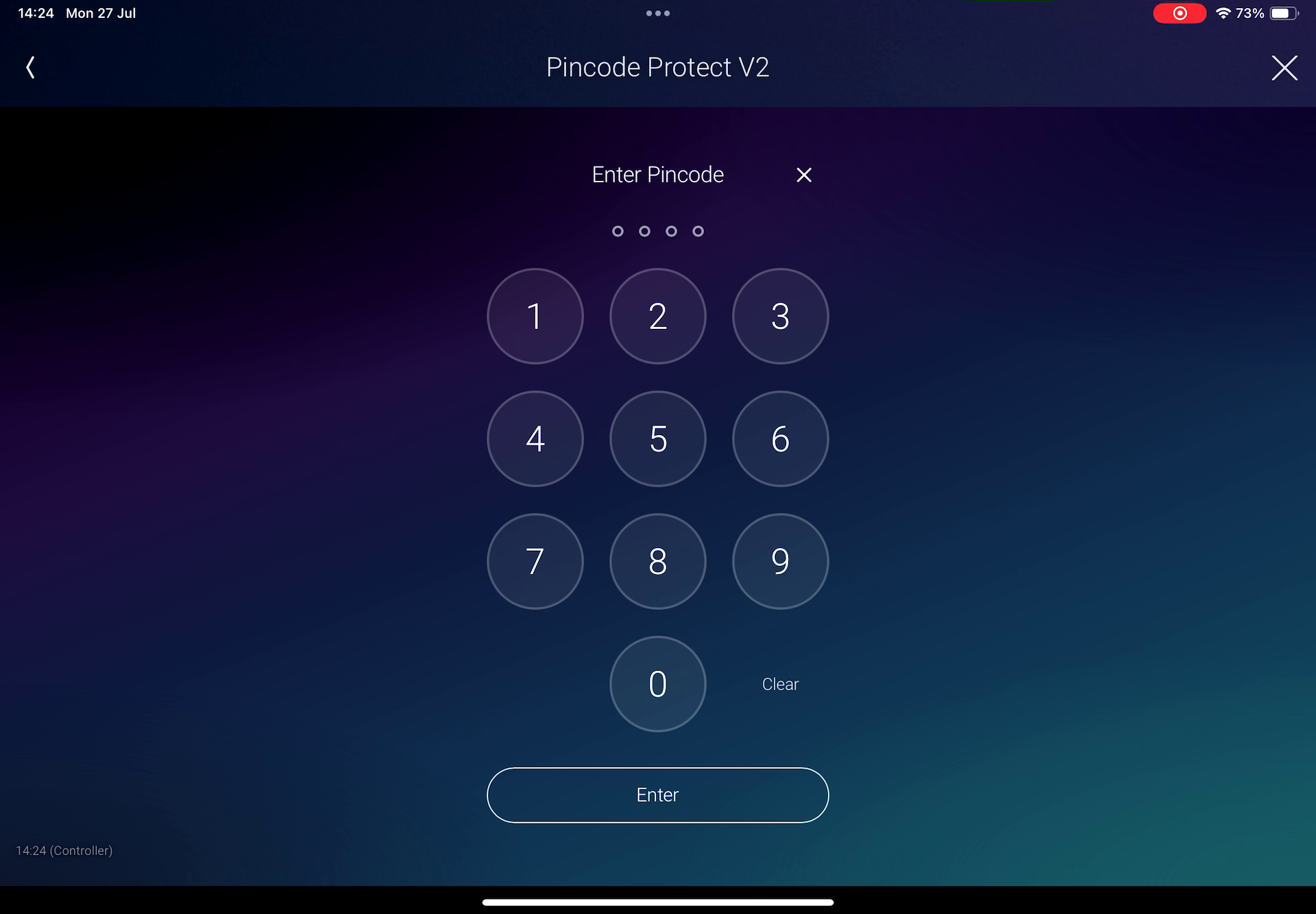
Pincode Protect V2 is the improved successor to Pincode Protect V1, adding a PIN-protected access layer in front of sensitive Control4 devices and actions in Navigator.
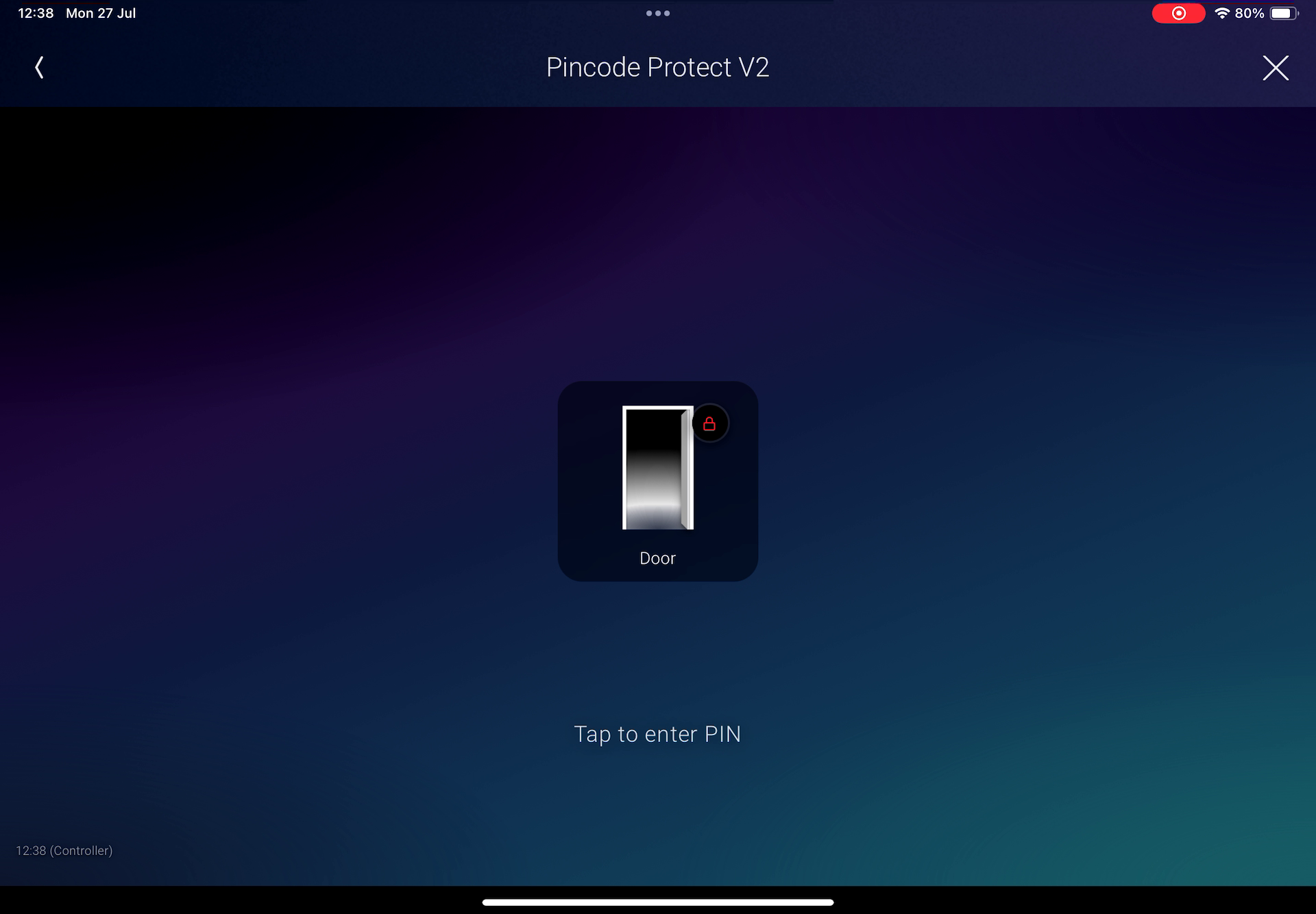
Built-in presets streamline different types of installations. With Door, Garage Door, Gate, and Fireplace, the installer links an already configured compatible device, hides the original from Navigator, and uses Pincode Protect V2 as the protected point of access. These presets can mirror the linked device icon and live state—even before the PIN is entered—without exposing its controls.
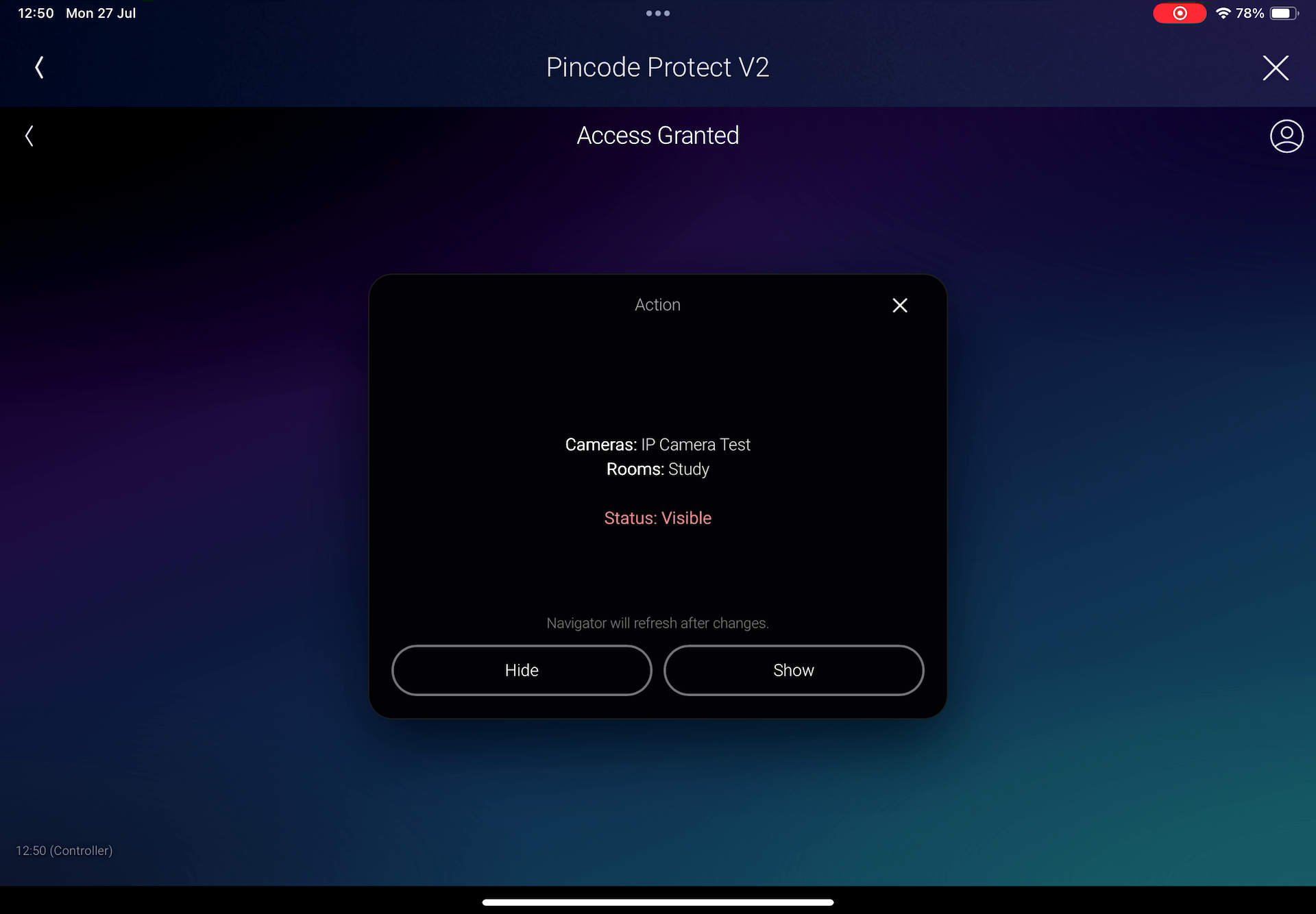
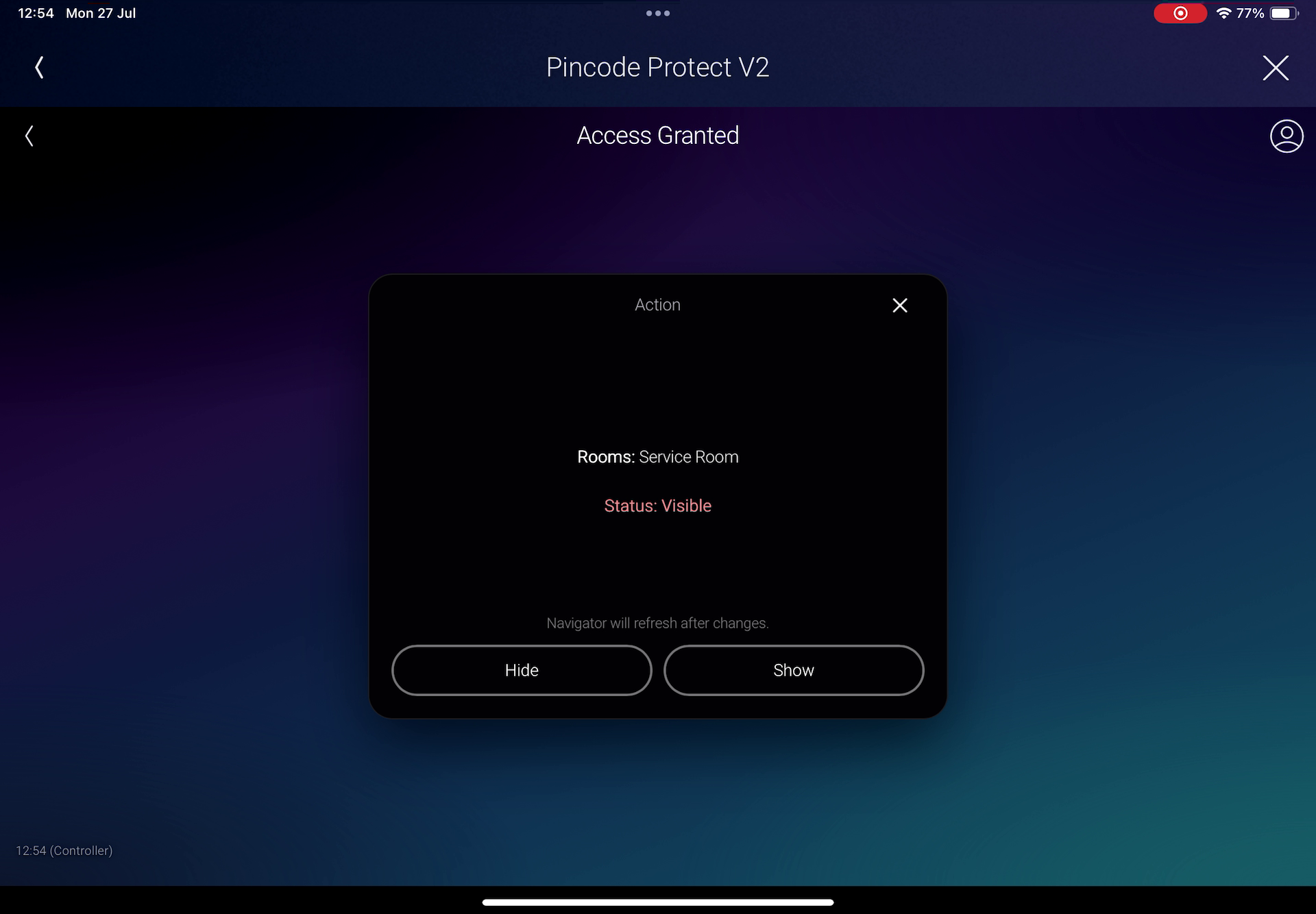
Hide Cameras and Hide Room place the ability to show or hide selected cameras or rooms in Navigator behind a PIN.
For actions and workflows not covered by these presets, Custom mode provides the flexibility to protect virtually anything that can be programmed in Composer, such as resetting a PoE port, controlling a PDU outlet, selecting a source, operating a lift, or changing a system variable.
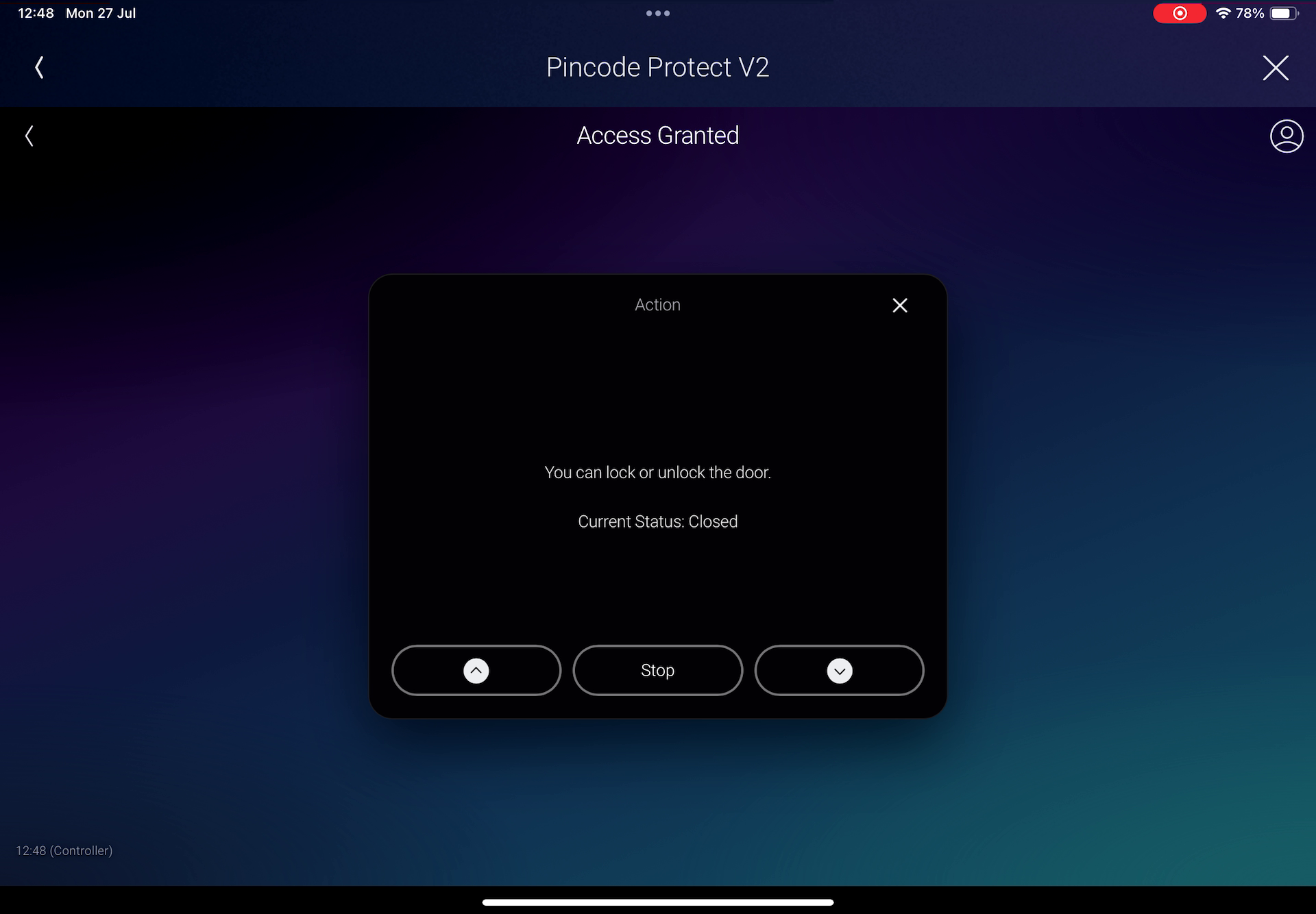
Depending on the selected preset and configuration, a valid PIN can open the linked Control4 device directly or display a customizable popup with live text and up to three programmable action buttons.
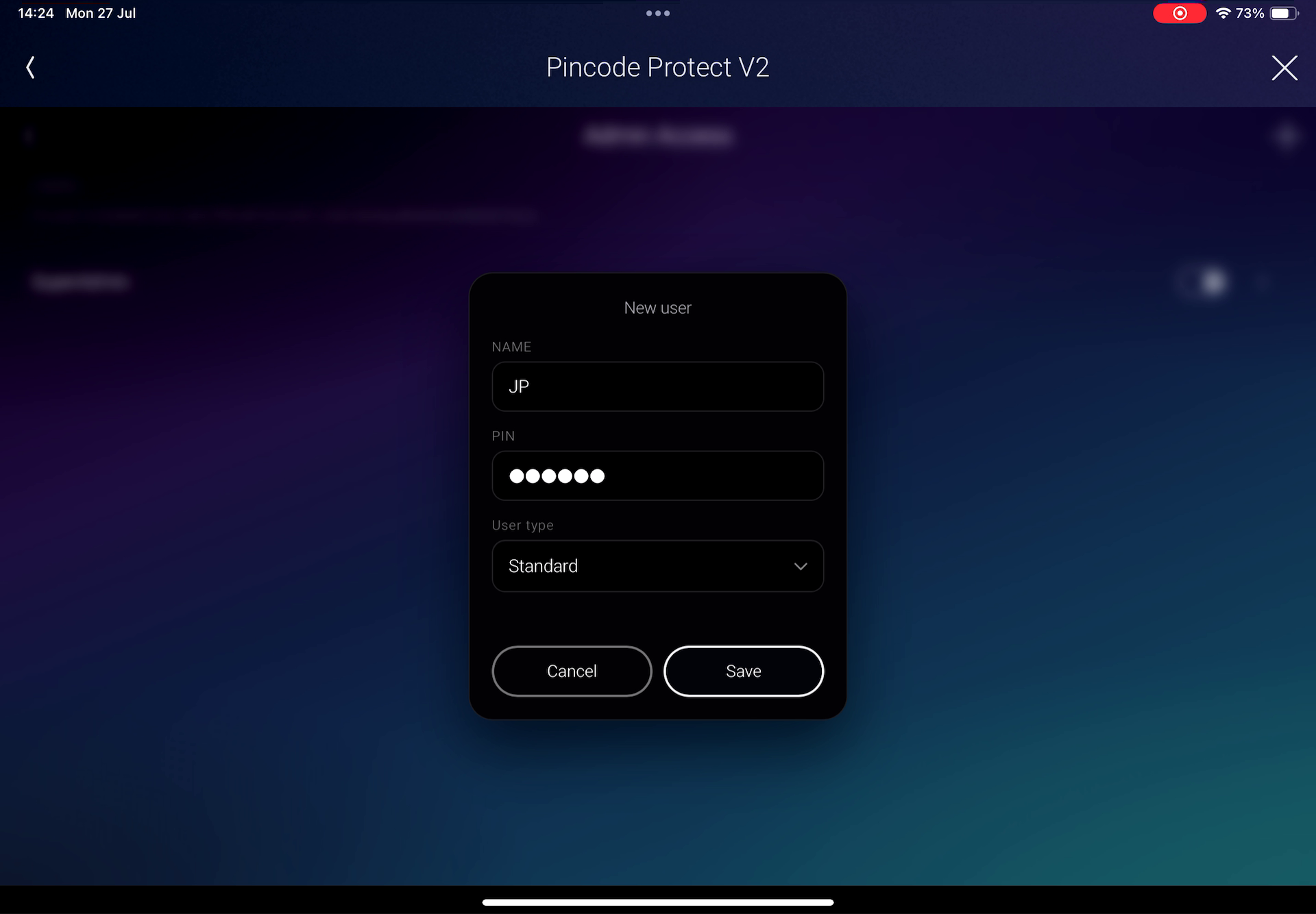
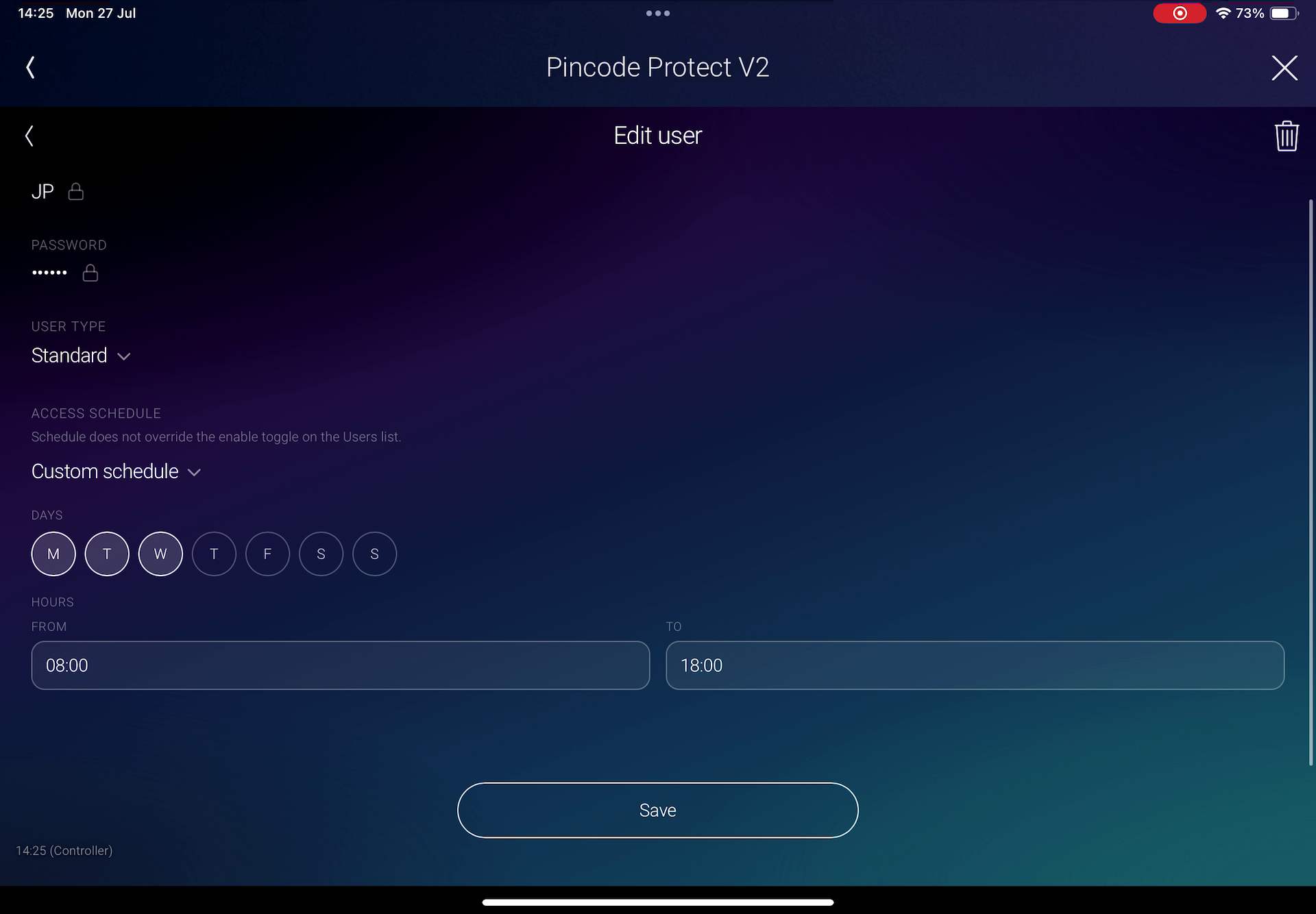
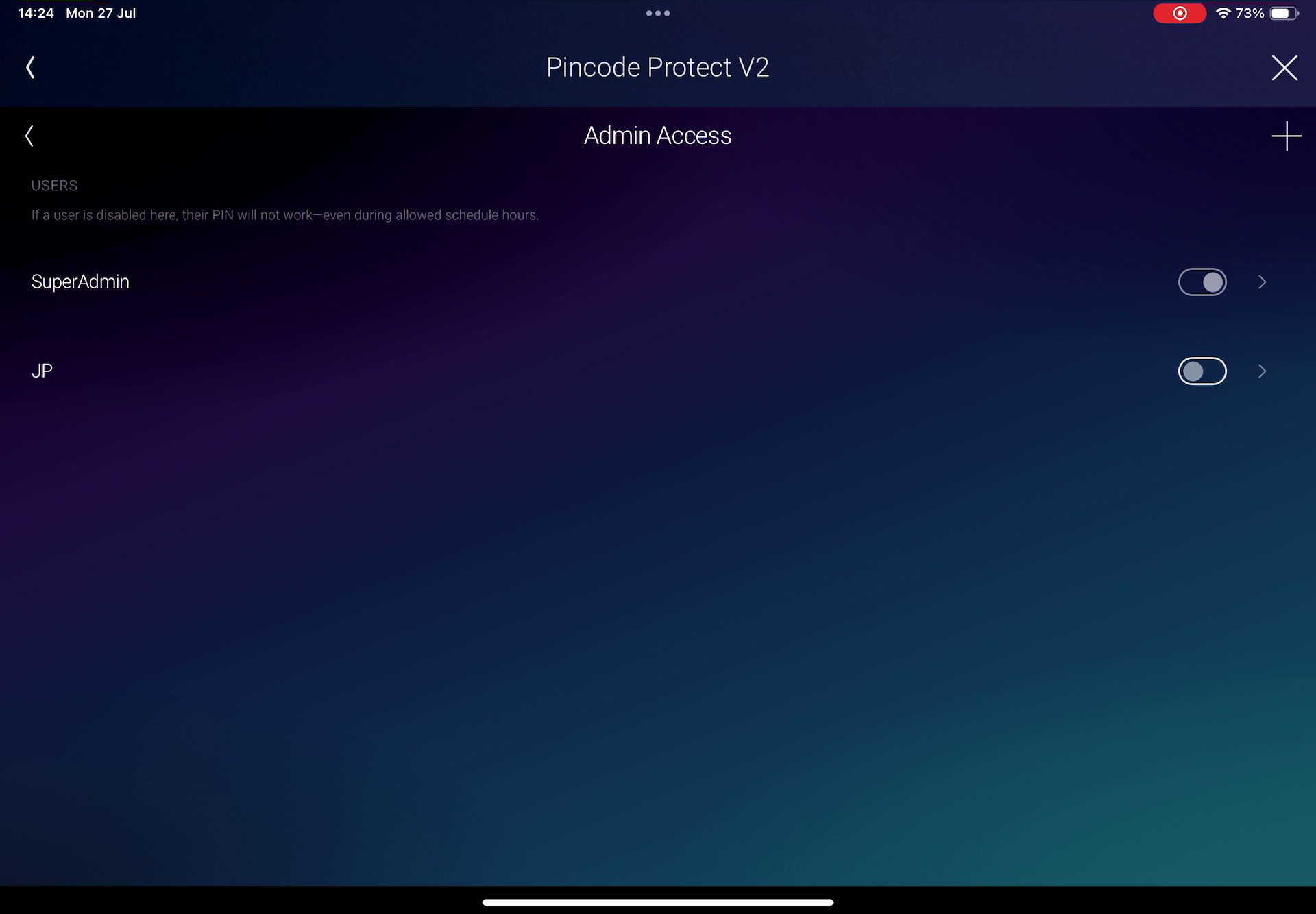
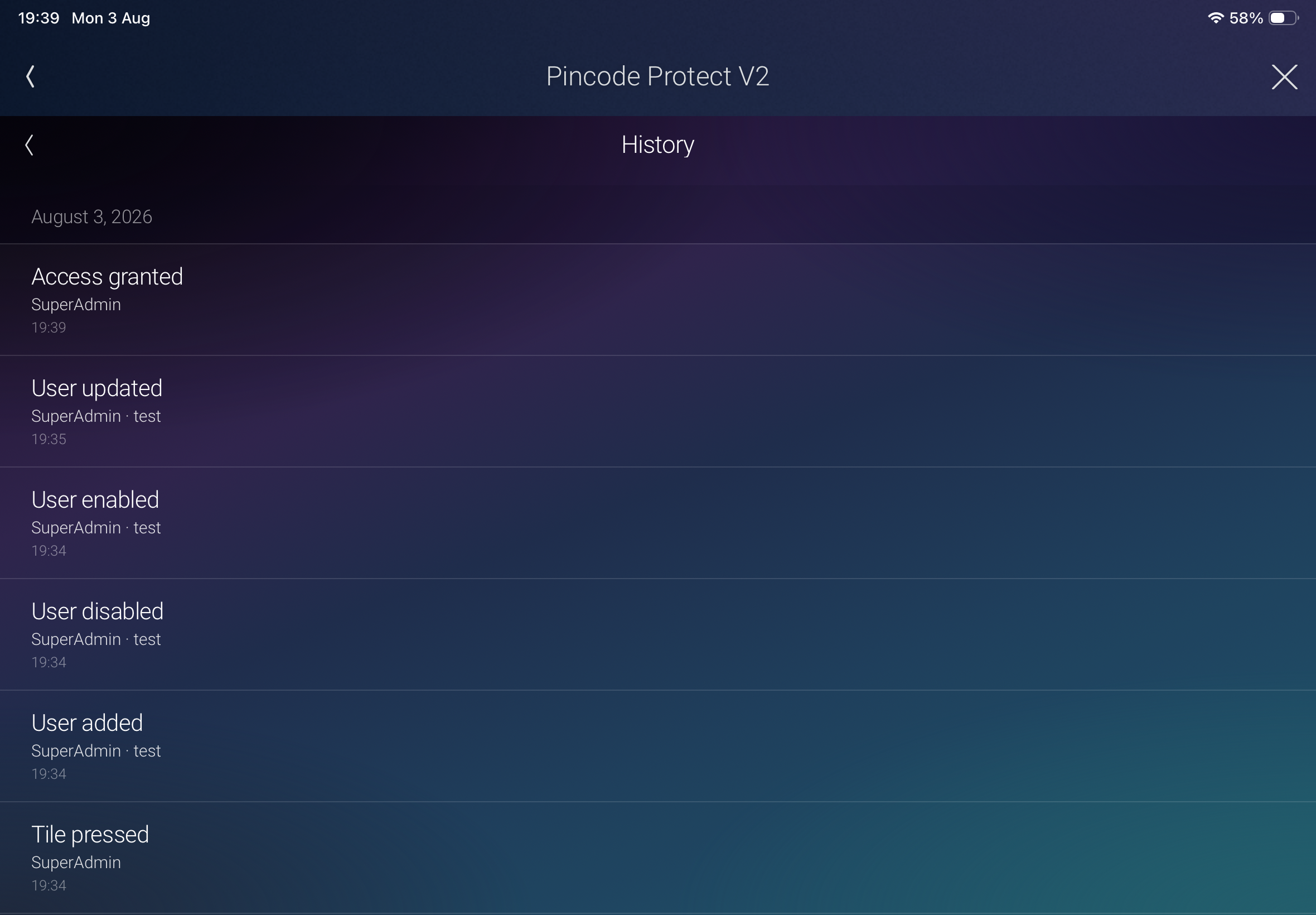
V2 also brings user administration to the webview. Authorized Admin users can create, enable, disable, and delete users without opening Composer, as well as review history records, while Standard users can have permanent access or be limited to selected days and time windows.
The driver works as an access-control layer on top of existing Control4 drivers and programming; it protects access to their functionality rather than replacing it.
What's new in V2
- Configuration presets for Door, Garage Door, Gate, Fireplace, Hide Cameras, Hide Room, and Custom applications.
- Live device-state icons for Door, Garage Door, Gate, and Fireplace presets.
- Optional Tile Preview shows the linked device state before the user enters a PIN.
- After authentication, select the linked proxy directly or display a customizable popup.
- New modern webview interface designed for T3, T4, T5, iOS, and Android.
- Admin and Standard user roles.
- Create and manage users directly from Navigator.
- Review history events in the UI.
- Per-user access schedules with selectable days and time windows.
- PIN-protected show/hide control for selected cameras or rooms in Navigator.
- Improved variable helper for adding live Control4 values to popup messages.
- Updated Control4 History entries with user and action information.
Features
- Protect sensitive devices and Composer-programmed actions with numeric PIN codes.
- Required Super Admin account plus additional Admin and Standard users.
- Admin users can create, enable, disable, and delete users from the webview.
- Standard users can be configured for always-on or scheduled access.
- Door, Garage Door, Gate, and Fireplace presets accelerate common installations.
- Hide Cameras and Hide Room presets provide PIN-gated visibility control in Navigator without additional Composer programming for the Hide and Show buttons.
- Custom preset supports flexible, programming-based applications.
- Live Navigator icon states for compatible linked devices.
- Optional locked-state Tile Preview inside the webview.
- Choose what happens after a valid PIN:
- Select the linked proxy device.
- Open a customizable popup message.
- Display live Control4 system or Variables Agent values inside the popup message.
- Configure one, two, or three popup buttons.
- Use text labels or icons for popup buttons.
- Program Composer actions from valid PIN, invalid PIN, and popup button events.
- Enable or disable individual users—or all users—through Composer commands.
- Driver variables include Last Unlocked By and Last Disabled User Code Entered.
- Optional Control4 History logging for PIN attempts, button presses, and user-management actions.
- Automatic session lock after 60 seconds of inactivity.
- Customizable Navigator and button icons.
- Automatic driver updates can be enabled from Composer.
Example applications
- Protect the open, close, stop, lock, or unlock controls of a door, gate, or garage door.
- Prevent unauthorized or accidental fireplace operation.
- Restrict access to selected rooms or cameras in Navigator.
- Create scheduled access for cleaners, contractors, guests, or staff.
- Protect the power reset of network or other critical equipment.
- Protect a PDU outlet or PoE port action.
- Restrict TV lift, projector screen, fountain, pump, sprinkler, driveway, or radiant-floor controls.
- Add parental control to selected devices, sources, or actions.
- Protect camera privacy or other sensitive Composer programming.
- Require a PIN before selecting a particular media source.
Compatibility
- Control4 T3, T4, and T5 touchscreens.
- Control4 for iOS and Android.
- Tested with Control4 OS 3.4.3 and Control4 X4 4.2.0.
- Earlier OS 3.4 and X4 versions have not been fully tested and may work.
- The latest available Control4 OS version is recommended for the best webview experience.
- Door, Garage Door, Gate, and Fireplace presets require the corresponding compatible Control4 proxy driver to be installed and configured.
Important note: Pincode Protect V2 is designed to block access to actions, not to replace the functionality of another driver. For example, to protect a garage door, first install, configure, and test the compatible garage door driver. Then hide the original driver from Navigator and use Pincode Protect V2 as the protected point of access.
Pincode Protect V2 is an access-control convenience layer and is not a standalone security or alarm system. Dealers should fully test every protected workflow before handing the system over to a customer.
The Hide Cameras and Hide Room presets are currently experimental. Test them carefully in the target project before customer deployment.
Full setup information, examples, limitations, and programming instructions are included in the driver documentation. Dealers should read the documentation before installation.
No posts found
