
**NEW DRIVER: INTERACT WITH YOUR USERS**
After you have issued an announcement or a notification with a question or a recommendation to the users, this driver enables them to respond Yes or No, for example, to the Control4 system using one, many or even all the keypads and Touchscreens available in the house. Control4 programming can then take appropriate actions. This is a new level of interaction between users and the intelligent house.
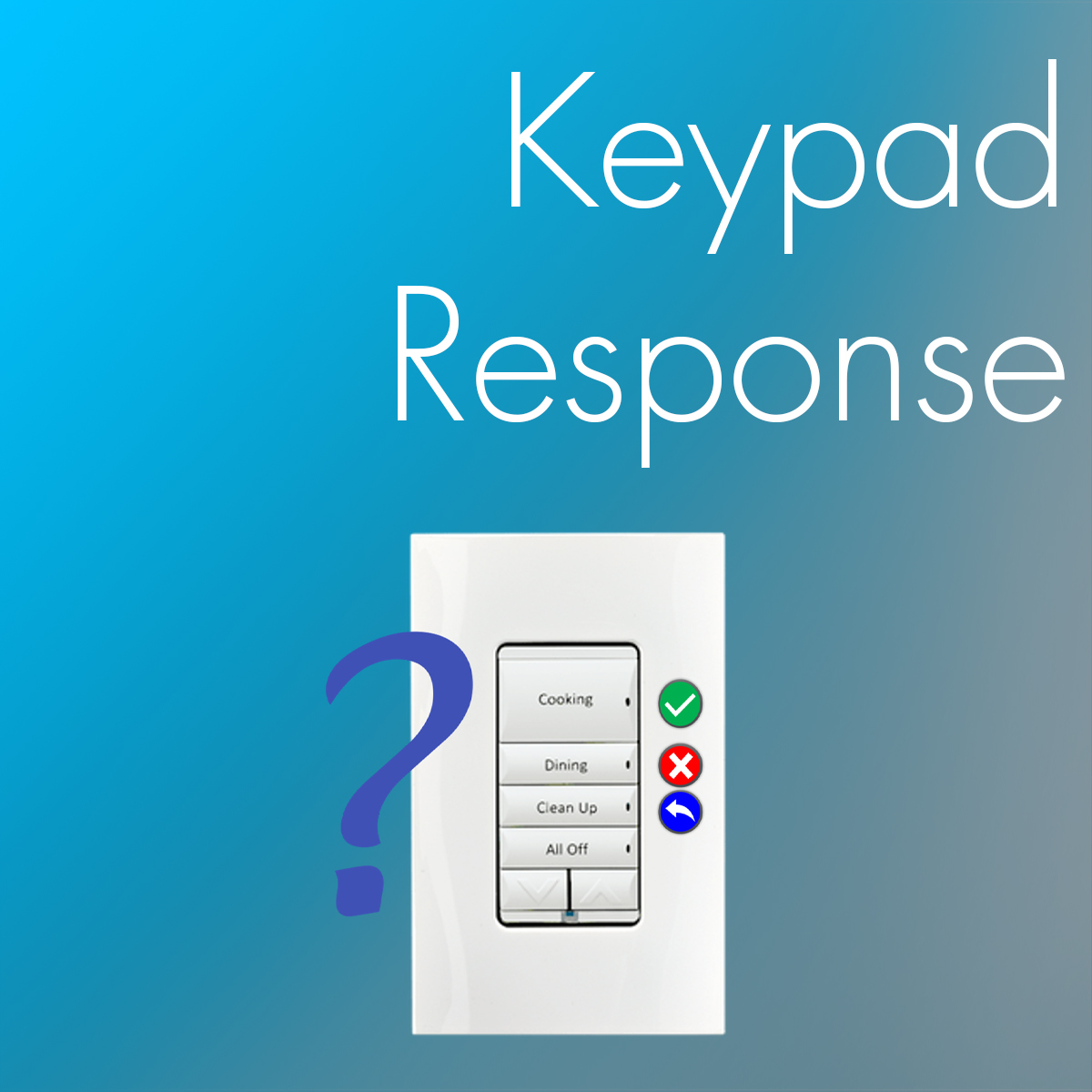
This driver allows you to put Configurable Keypads and Keypad Dimmers in a special (temporary) Response Mode via programming, where user responses such as Yes (Green LED) or No (Red LED) may be entered. A Cancel (Blue LED) option may be available, as well as up to three options (A – Orange LED, B – Magenta LED and C – Cyan LED) to allow the user to enter additional information in answering your question, if you wish.
As soon as a Response in entered (or a pre-defined timeout occurs), the keypads are reverted to their normal operation. Response Mode is easily triggered via a programming command Start Response Mode with options. The driver also offers Experience Buttons to allow the user to respond via a Touchscreen or even an App.
A use case would be to ask the users (via an Announcement) if they wish to leave the lights ON in the basement or the Garage door open, for example. After issuing the Announcement, you switch one or more keypads to Response Mode to allow the users to respond. A variety of Events and Variables are then used to take specific actions.
