CyberPower UPS (RMCARD205) - Modbus TCP Driver
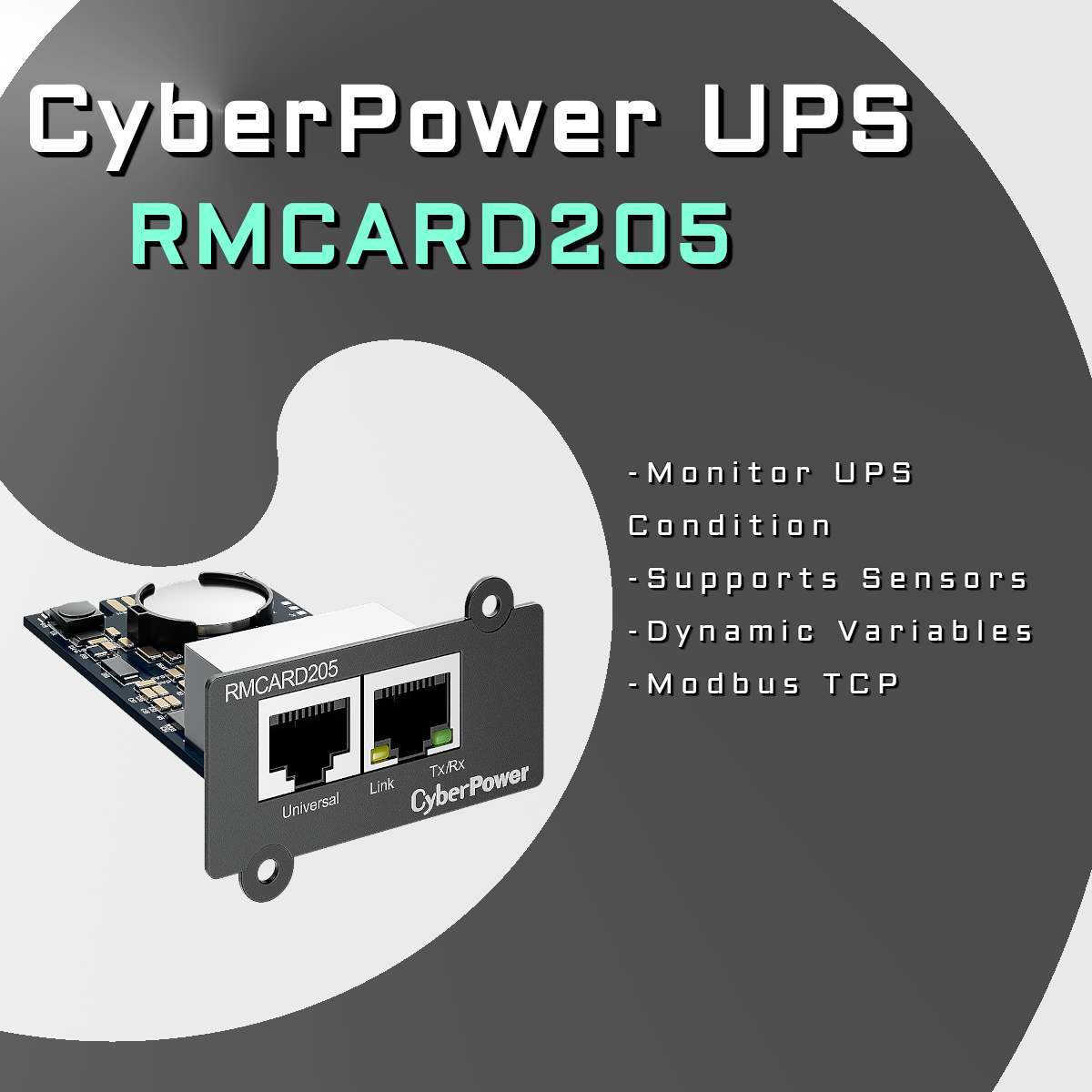
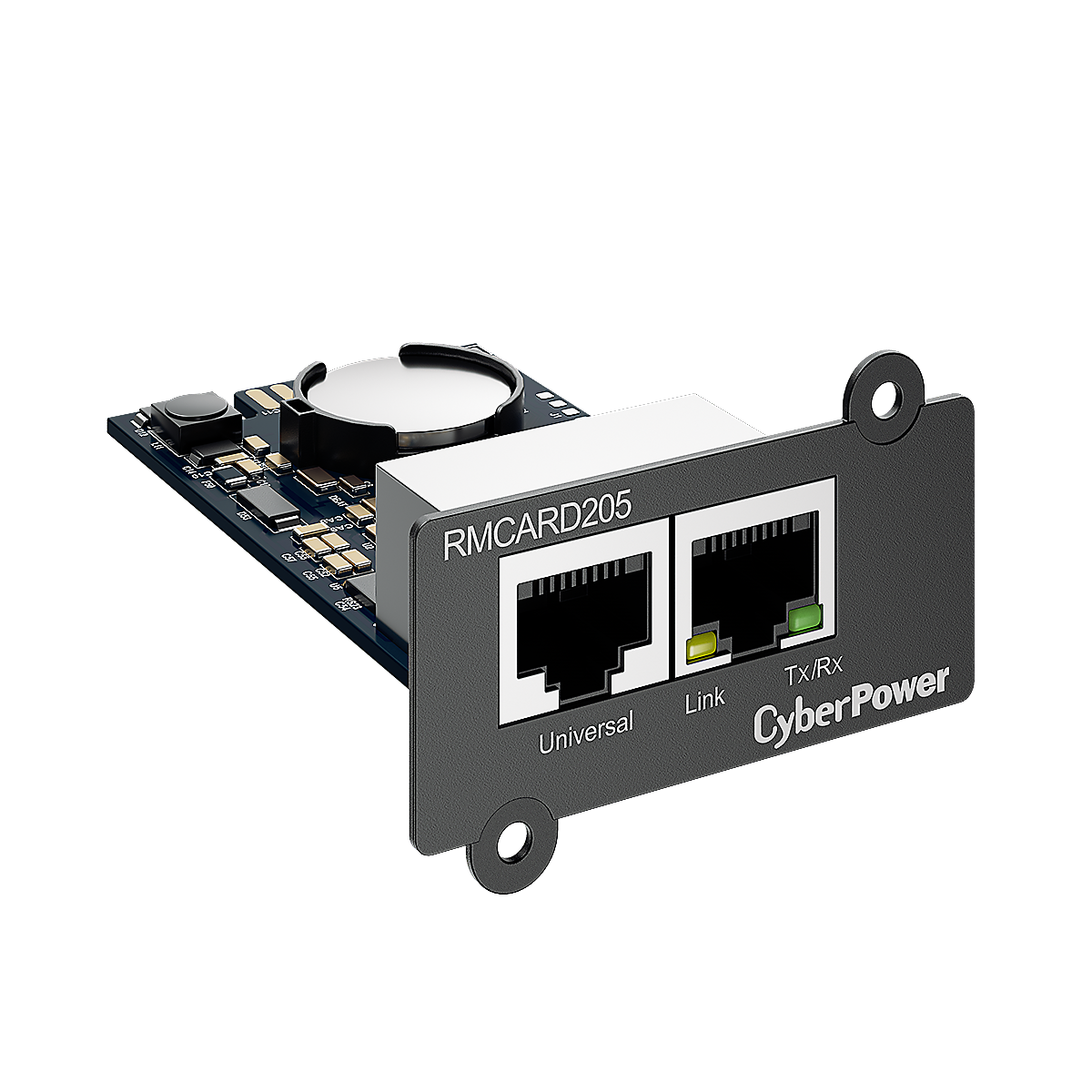
The CyberPower UPS Modbus TCP driver brings CyberPower RMCARD205 UPS monitoring and control into Control4 with native Modbus TCP integration.
What It Provides
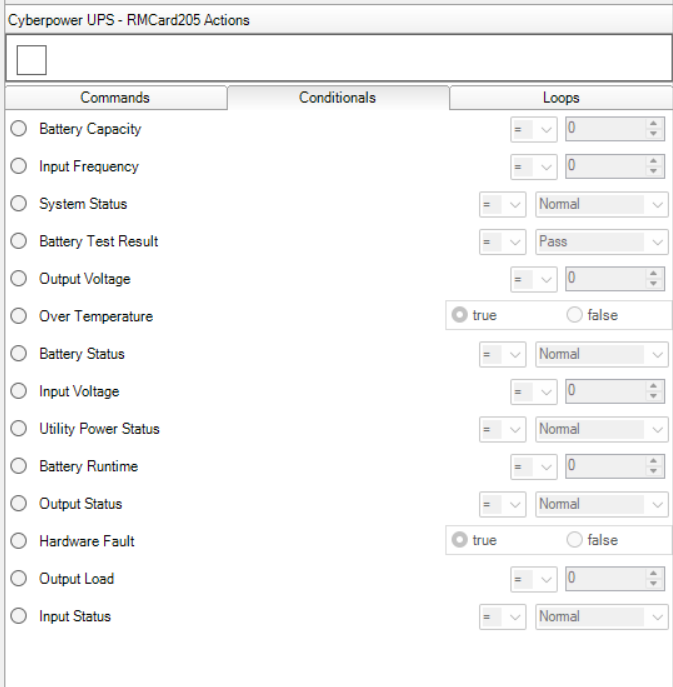
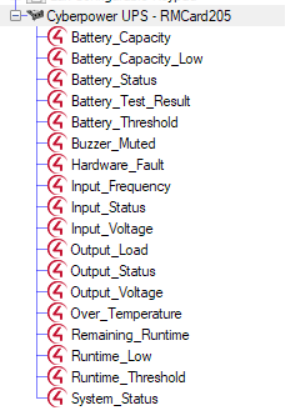
- Real-time UPS status: input/output voltage, load percentage, battery capacity, remaining runtime, and health state
- Automatic detection of up to 8 CyberPower environmental sensors (temperature, humidity, contact closures)
- Dynamic Control4 variables created automatically for detected UPS metrics and sensors
- Reliable network recovery with exponential backoff reconnection and connection timeout handling
- Persistent state across driver reloads, preserving variable definitions and UPS data
Supported Variables
Status Variables
| Variable |
Type |
Description |
| Input_Status |
STRING |
"Normal" or "Failure" |
| Output_Status |
STRING |
"Normal" or "No Output" |
| Battery_Status |
STRING |
"Normal", "Charging", "Discharging", "Fully Charged", "Capacity Low", or "Not Present" |
| System_Status |
STRING |
"Normal", "Hardware Failure", or "Over Temperature" |
| Hardware_Fault |
BOOL |
Hardware fault detected |
| Over_Temperature |
BOOL |
UPS over-temperature condition |
| Battery_Capacity_Low |
BOOL |
Battery below low-capacity threshold |
| Battery_Test_Result |
STRING |
"Pass", "Fail", "Processing", or "Unknown" |
| Buzzer_Muted |
BOOL |
Alarm buzzer muted |
| Runtime_Low |
BOOL |
Remaining runtime below threshold |
Measurement Variables
| Variable |
Type |
Units |
Description |
| Input_Voltage |
NUMBER |
Volts |
Utility input voltage |
| Input_Frequency |
NUMBER |
Hz |
Utility input frequency |
| Output_Voltage |
NUMBER |
Volts |
Output voltage to equipment |
| Output_Load |
NUMBER |
% |
Current load percentage |
| Battery_Capacity |
NUMBER |
% |
Battery charge level |
| Remaining_Runtime |
NUMBER |
Minutes |
Estimated runtime remaining |
| Battery_Threshold |
NUMBER |
% |
Low battery threshold setting |
| Runtime_Threshold |
NUMBER |
Seconds |
Low runtime threshold setting |
Environmental Sensor Variables
| Variable Suffix |
Type |
Description |
| Temperature |
NUMBER |
Current temperature reading |
| Humidity |
NUMBER |
Current humidity percentage |
| Temp_Unit |
STRING |
"C" or "F" |
| Condition |
STRING |
"Normal" or "Abnormal" |
| Contact_1 through Contact_4 |
STRING |
"Normal" or "Abnormal" |
Setup Summary
- Configure RMCARD205 with a static IP
- Enable Modbus TCP under System → Network Service → Modbus TCP
- Set Allow Access to Read Only or Read/Write
- Set Access IP Address to the Control4 controller IP or
0.0.0.0
- Match the RMCARD205 port with the driver’s Modbus Port property
Contact
Whistle Projects
control4@whistleprojects.com