
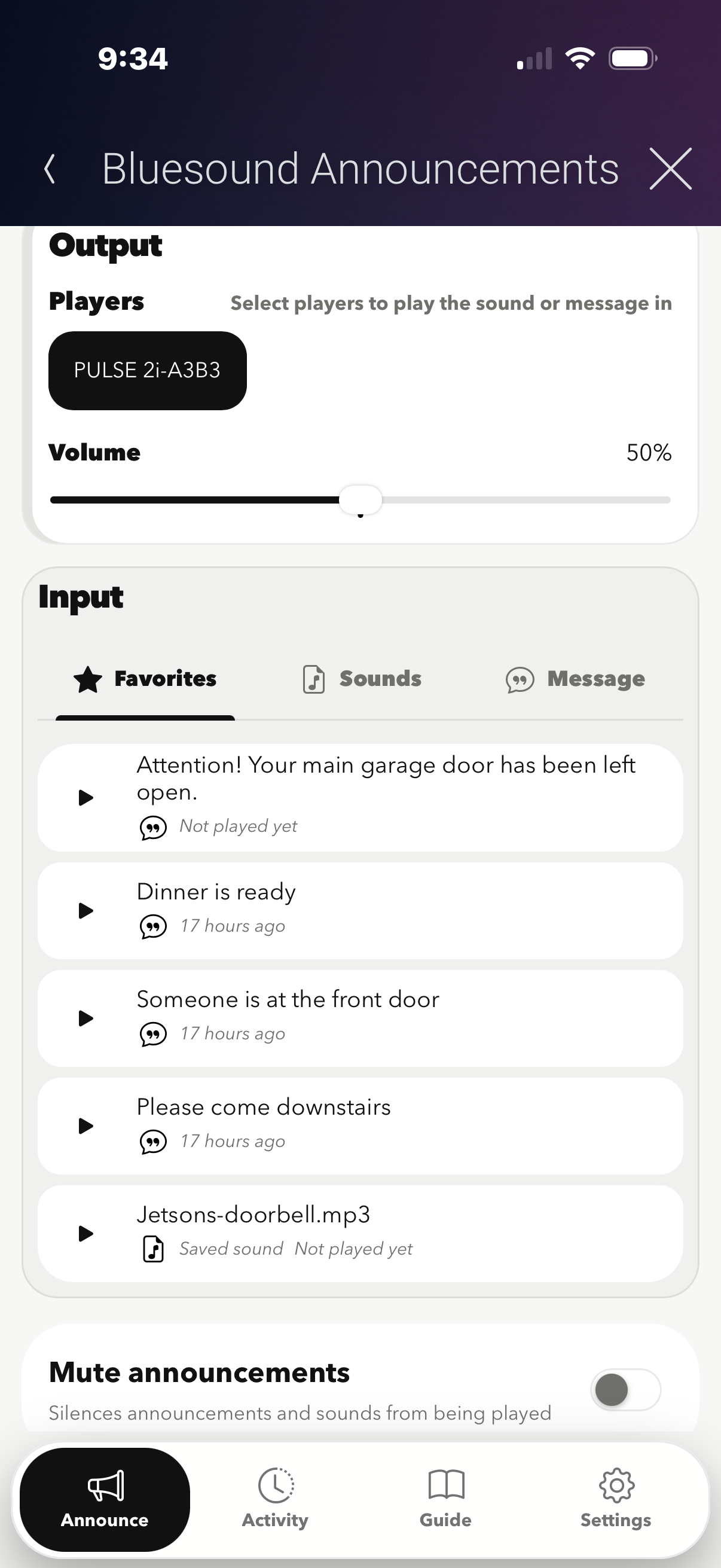
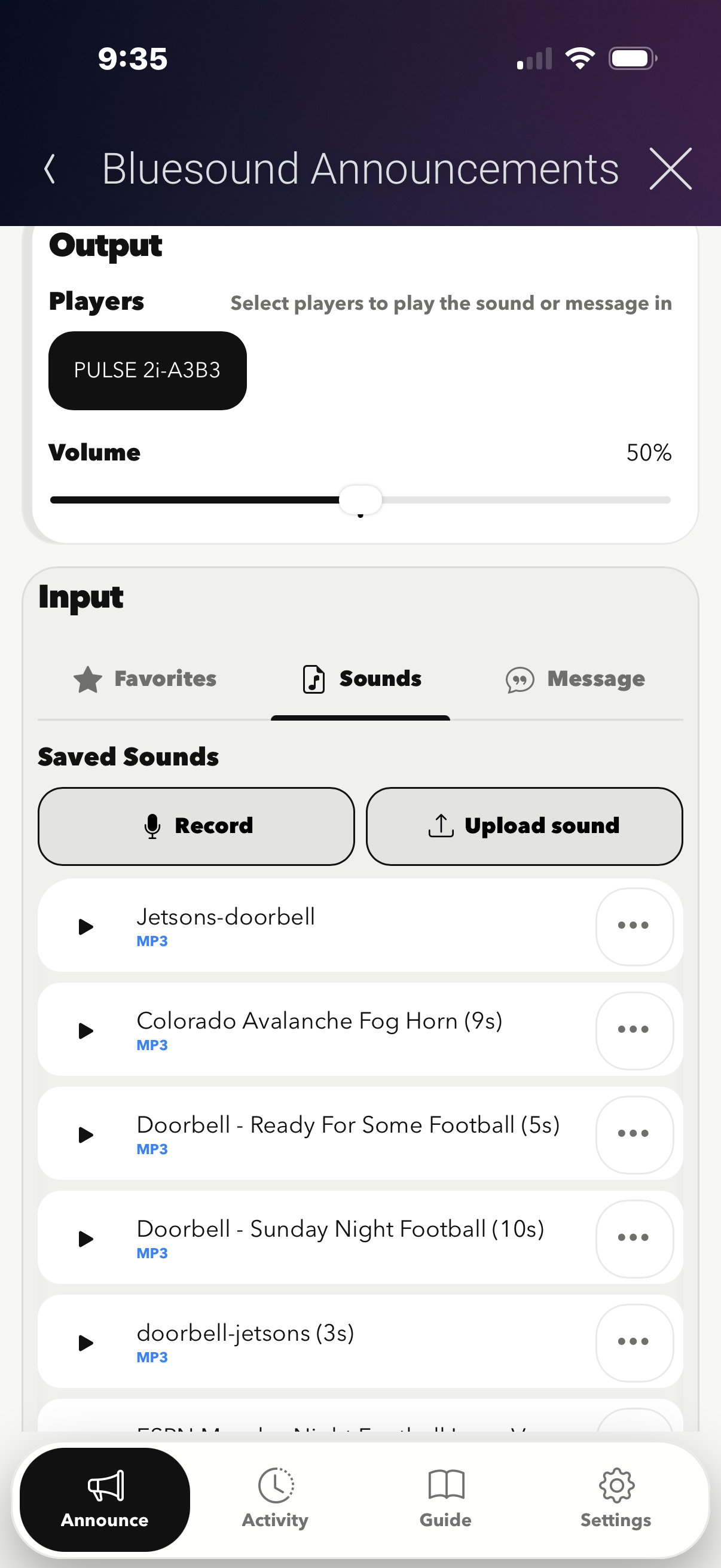
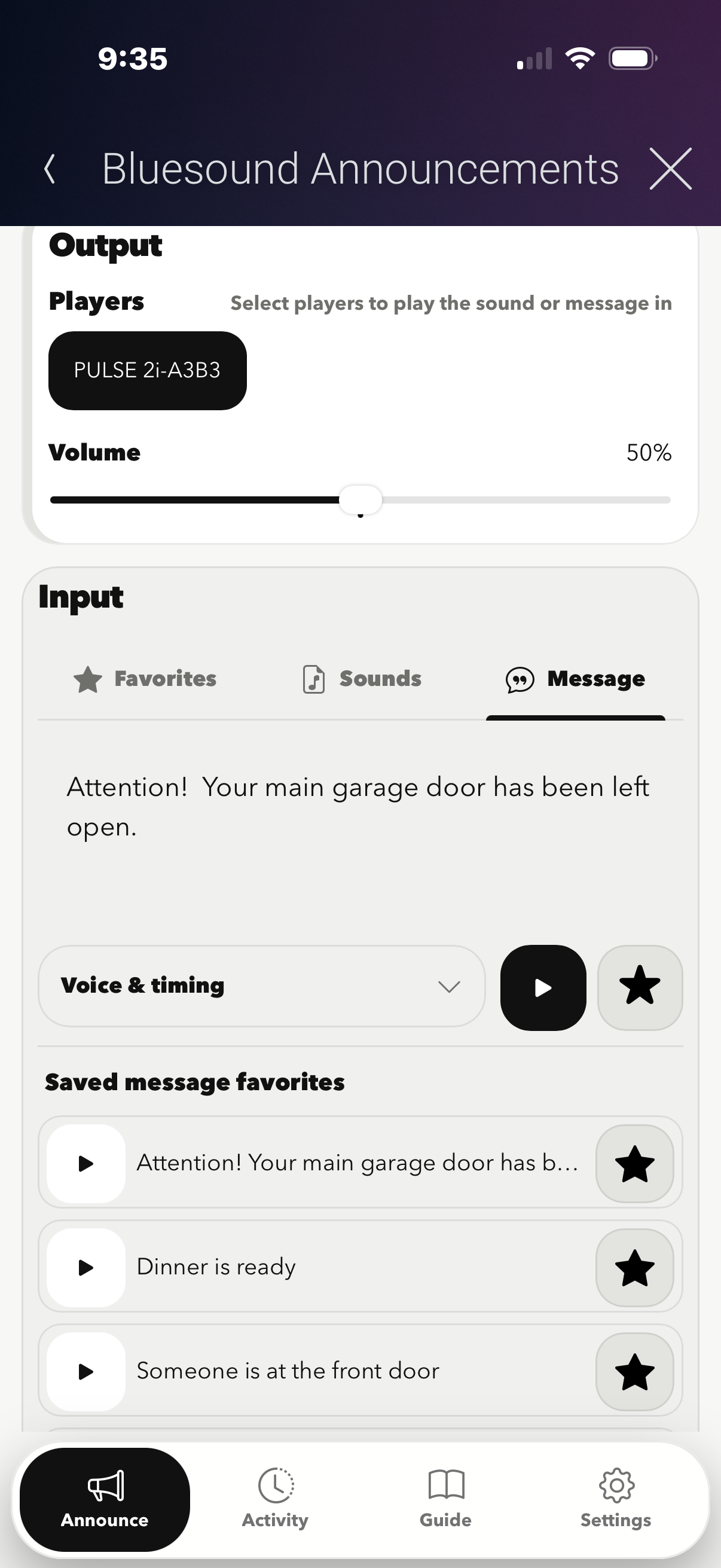
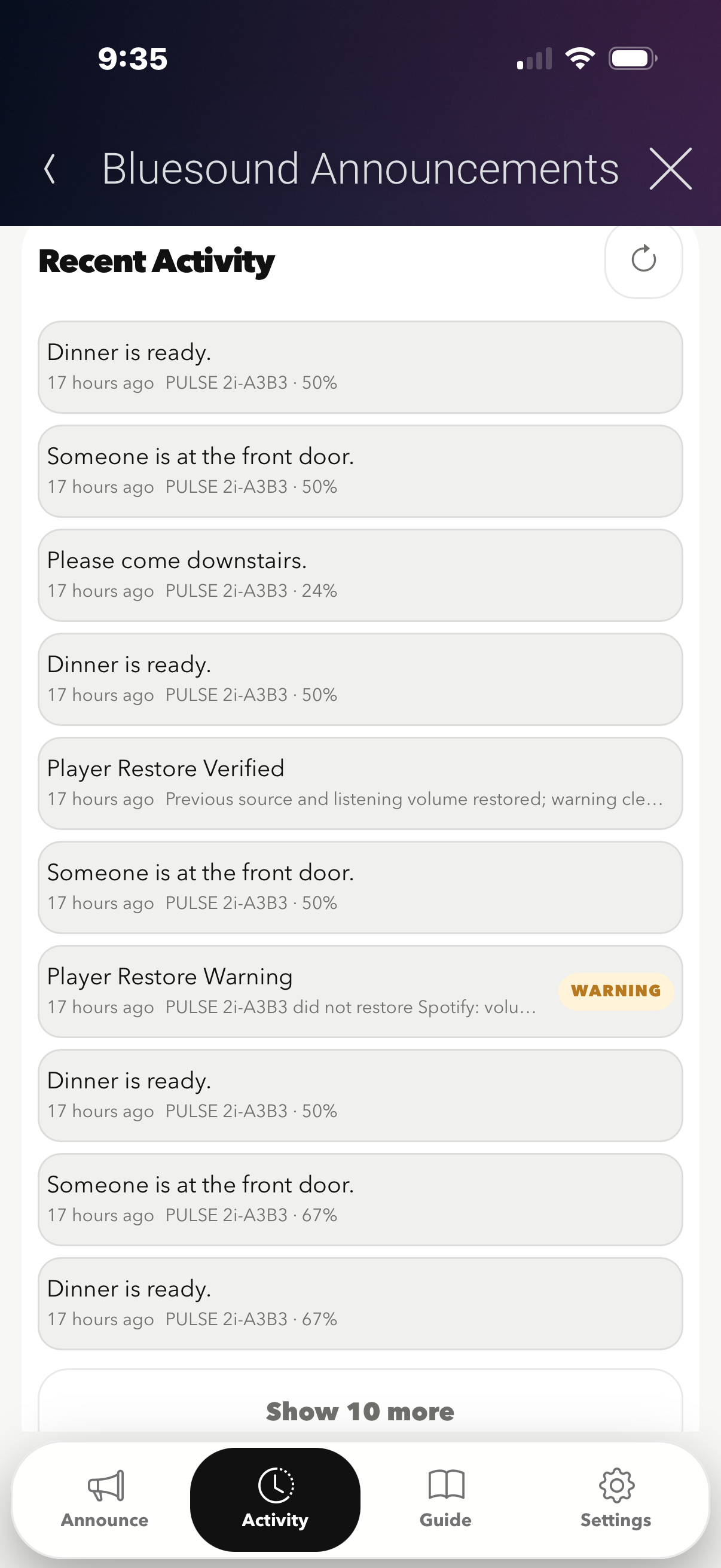
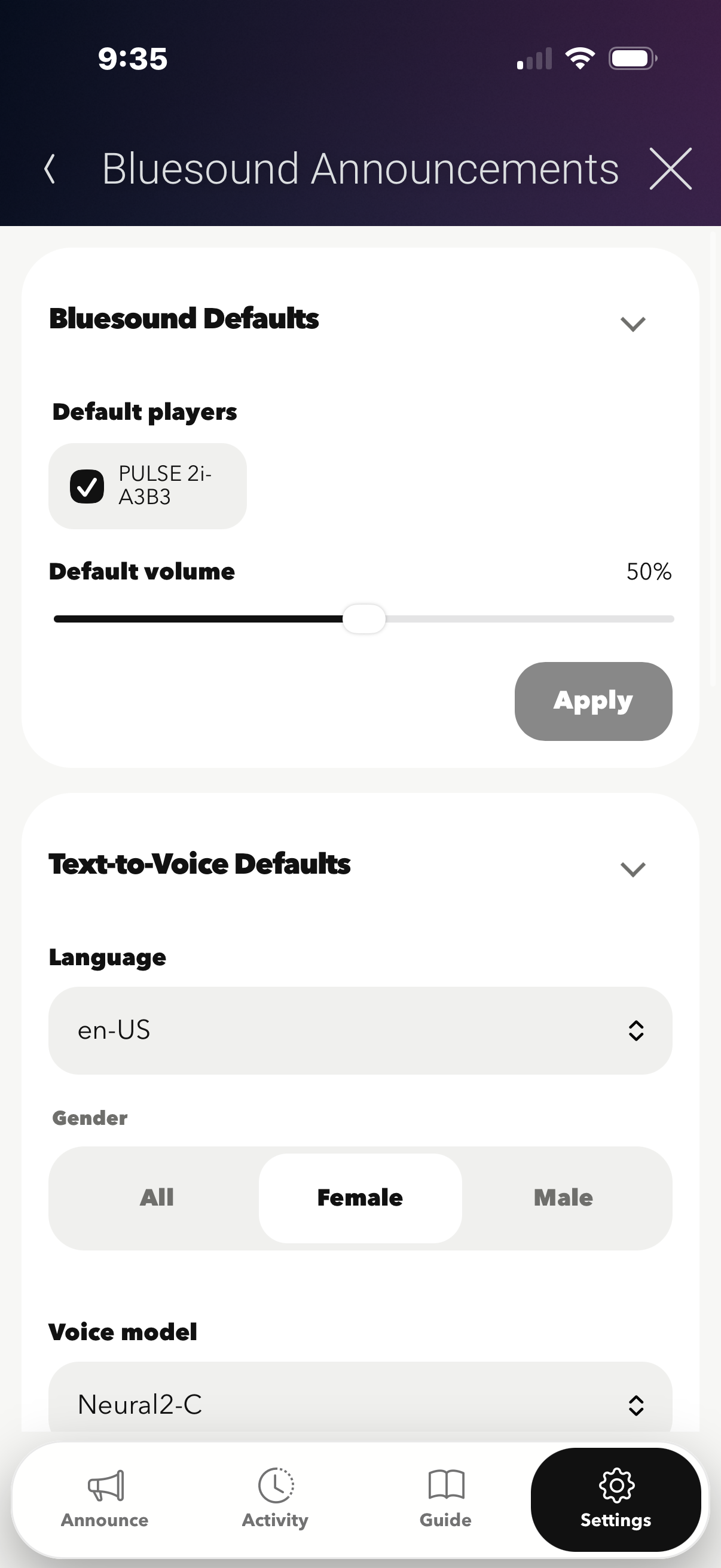



Bring simple, flexible announcements to your Bluesound system with the Bluesound Announcement Driver for Control4. Use your Bluesound speakers to play Text-to-Voice announcements, local Control4 audio files, custom recordings, and uploaded sound files throughout the home. Need to quickly create a message? Use the built-in Web UI to type your announcement, create custom messages, or upload audio directly from your phone. Whether you're announcing that the garage door was left open, notifying the family that dinner is ready, or playing a custom chime or sound effect, the Bluesound Announcement Driver makes it easy.

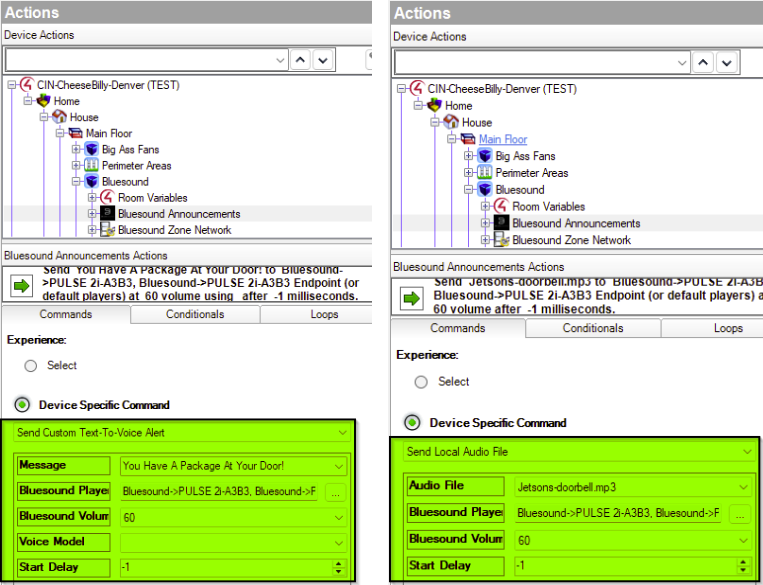
- Text-to-Voice Announcements
Create custom spoken messages and play them directly through compatible Bluesound speakers. - Play Local Control4 Audio Files
Trigger existing audio files stored within your Control4 system for alerts, chimes, notifications, and more. - Custom Web UI
Quickly create and manage announcements through an easy-to-use Web UI. - Create Messages On Demand
Type a custom message in the Web UI and play it when needed without having to pre-program every announcement. - Upload Audio From Your Phone
Upload custom recordings, sound effects, chimes, or other audio files directly from your mobile device. - Custom Sounds & Recordings
Go beyond spoken announcements with your own notification sounds, recordings, and audio clips. - Perfect for Control4 Automations
Use announcements for events such as doors being left open, security alerts, water leaks, garage activity, reminders, system notifications, and more. - Bluesound Audio Integration
Take advantage of the Bluesound speakers already installed in the project instead of adding a separate announcement system.

Most Bluesound speakers. If your Bluesound speaker does not work let us know and we will add it in if possible.


A single license will unlock as many instances of the driver as needed in your project. Cloud Driver is required to activate all DriverCentral licenses and trials. To find out more about drivercentral features click here. Additionally, here is a quick video that demonstrates the licensing process.

All Cinegration Development drivers for Control4 come with a 30-day trial. Simply add the DriverCentral licensing driver along with this driver and you can fully test the driver before purchasing. Including Cinegration Development drivers in your showroom project will give you unlimited use without purchase.
Driver is provided by Cinegration Development LLC. All rights reserved.
No posts found
