




Big Ass comfort. Brilliant Control4 integration.
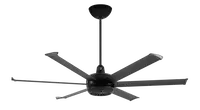
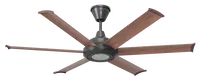
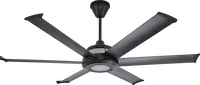
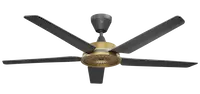
Bring compatible Big Ass Fans—including Haiku, i6, es6, and other supported families—into Control4 with fast, responsive local-network control.
The driver automatically discovers each fan’s supported controls, lighting, sensors, and comfort features. Everyday operation happens directly over the local network, without depending on the cloud.
Three ways to control your fan
Choose familiar Control4 controls, beautiful shortcuts, or the complete Big Ass Fans Dashboard.
01
Native Control4 fan controlUse the standard Control4 Fan proxy for power, speeds 1–7, Preset, and supported direction control—with confirmed, two-way feedback. |
02
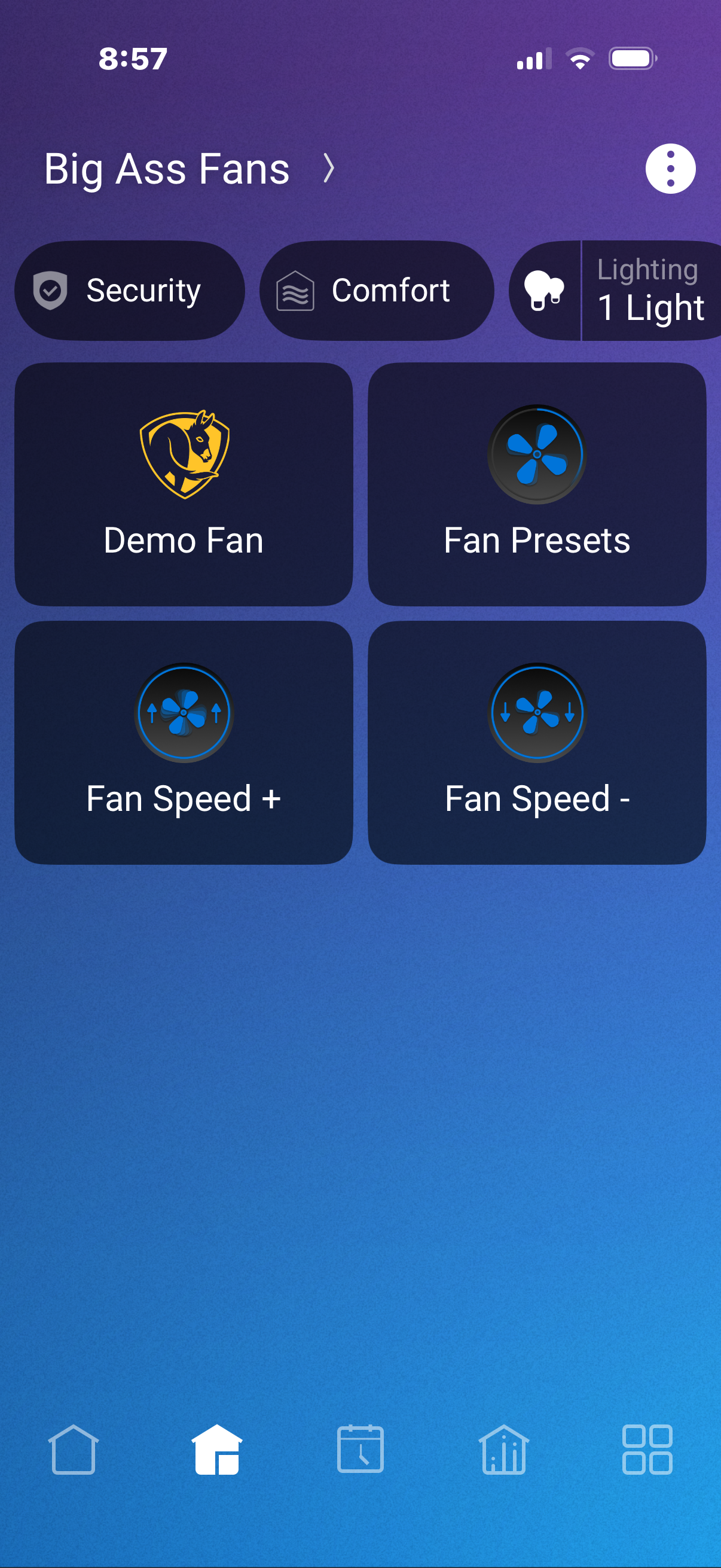
Beautiful Quick ControlsPreset, Speed +, and Speed − appear directly under Comfort for fast, visual adjustments without opening another screen. |
03
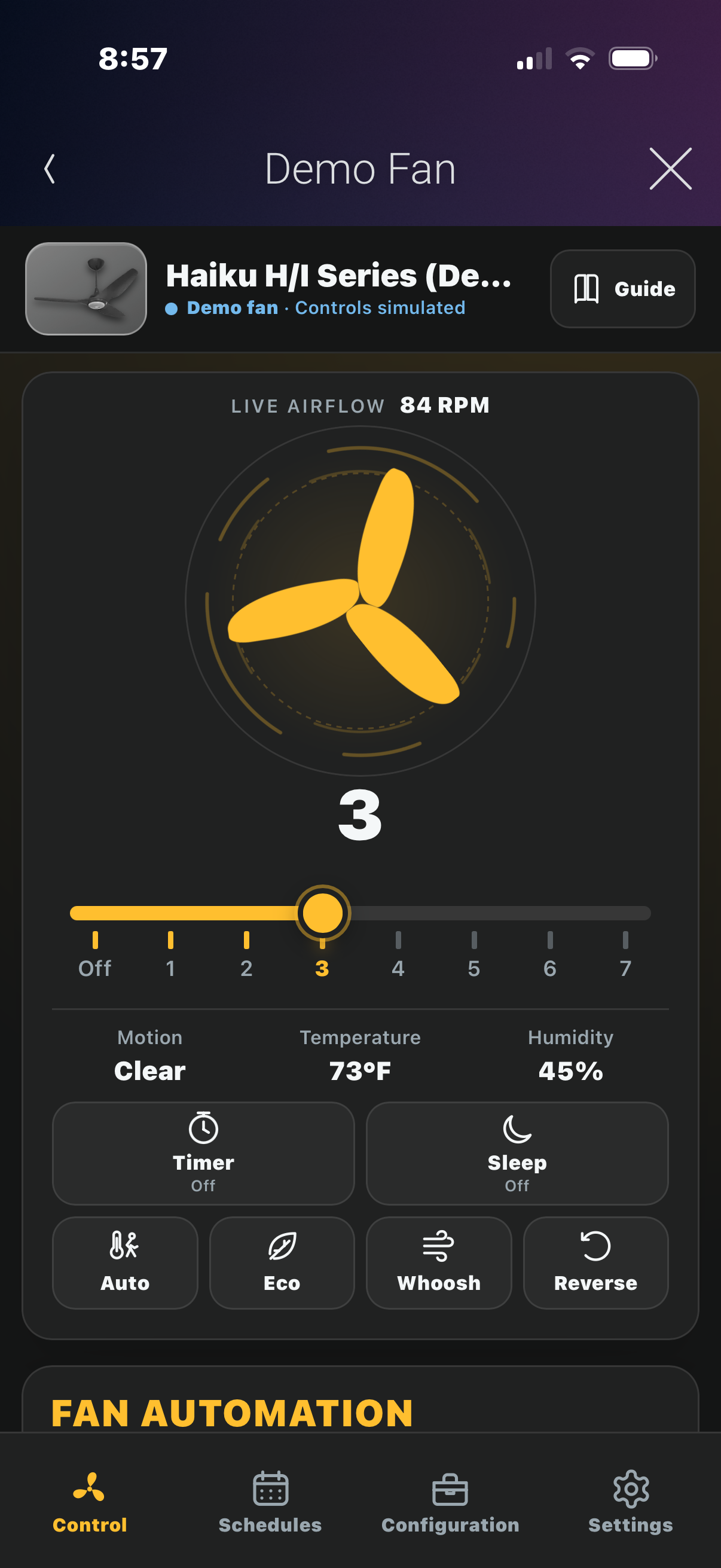
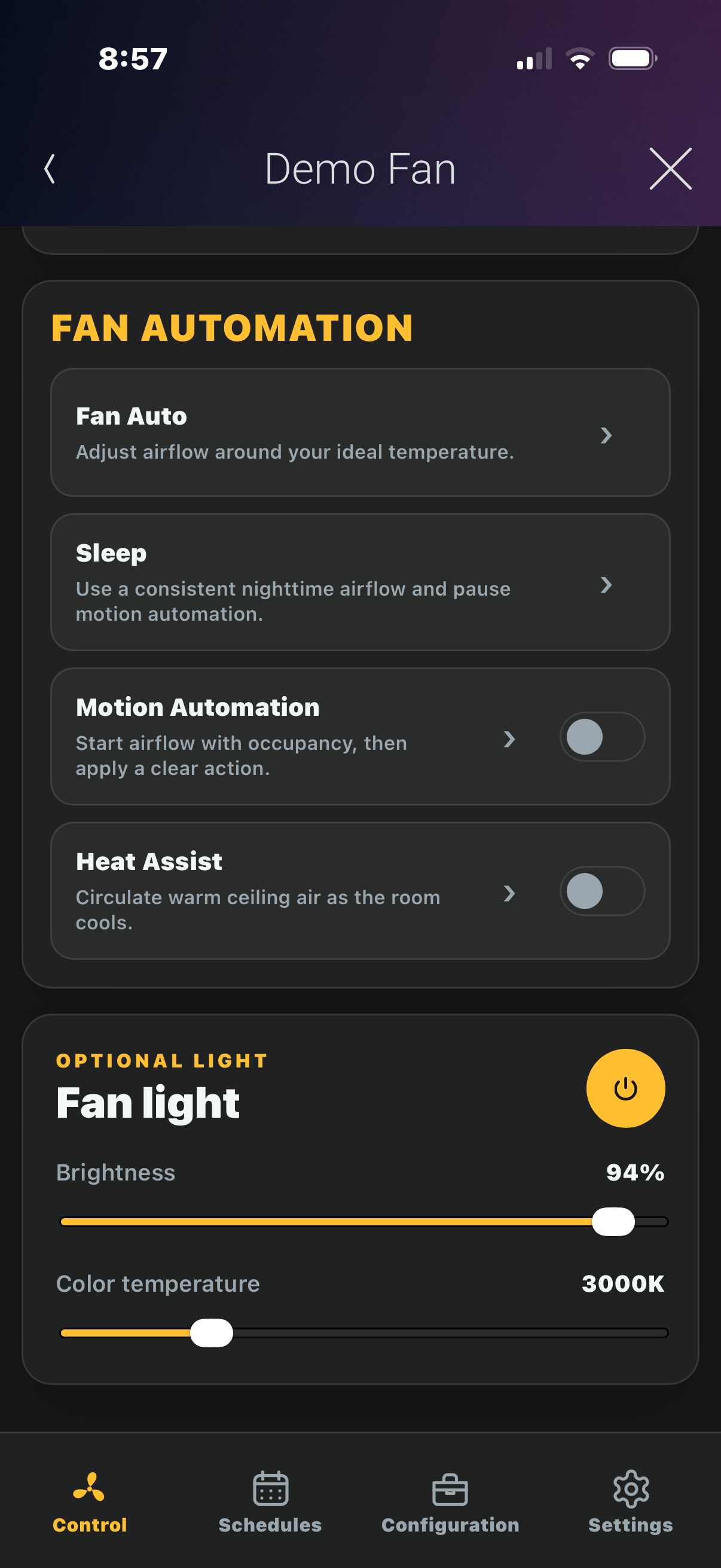
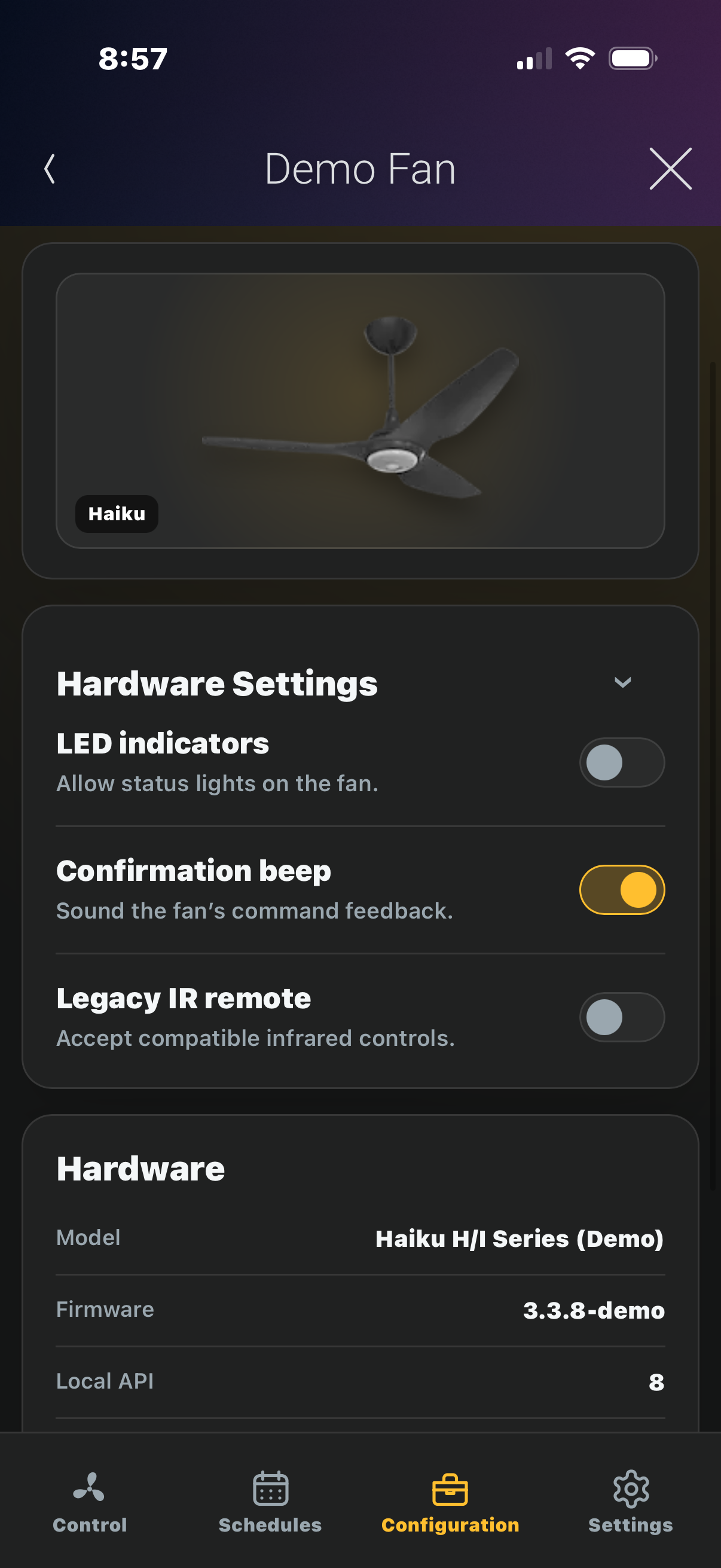
The complete app experienceOpen the responsive dashboard for live control, scheduling, automation, lighting, sensor feedback, and visual personalization. |
|
Control4-native scheduling
Big Ass Fans scheduling—powered by Control4Create dedicated fan schedules from the dashboard or attach fan actions to existing Control4 project schedules. Schedule Off or speeds 1–7, Fan Auto, Sleep, Motion Automation, Timed Hold, and Heat Assist—coordinating the fan with lighting, climate, security, shades, and the rest of the home. True Control4 schedules—not isolated manufacturer timers. 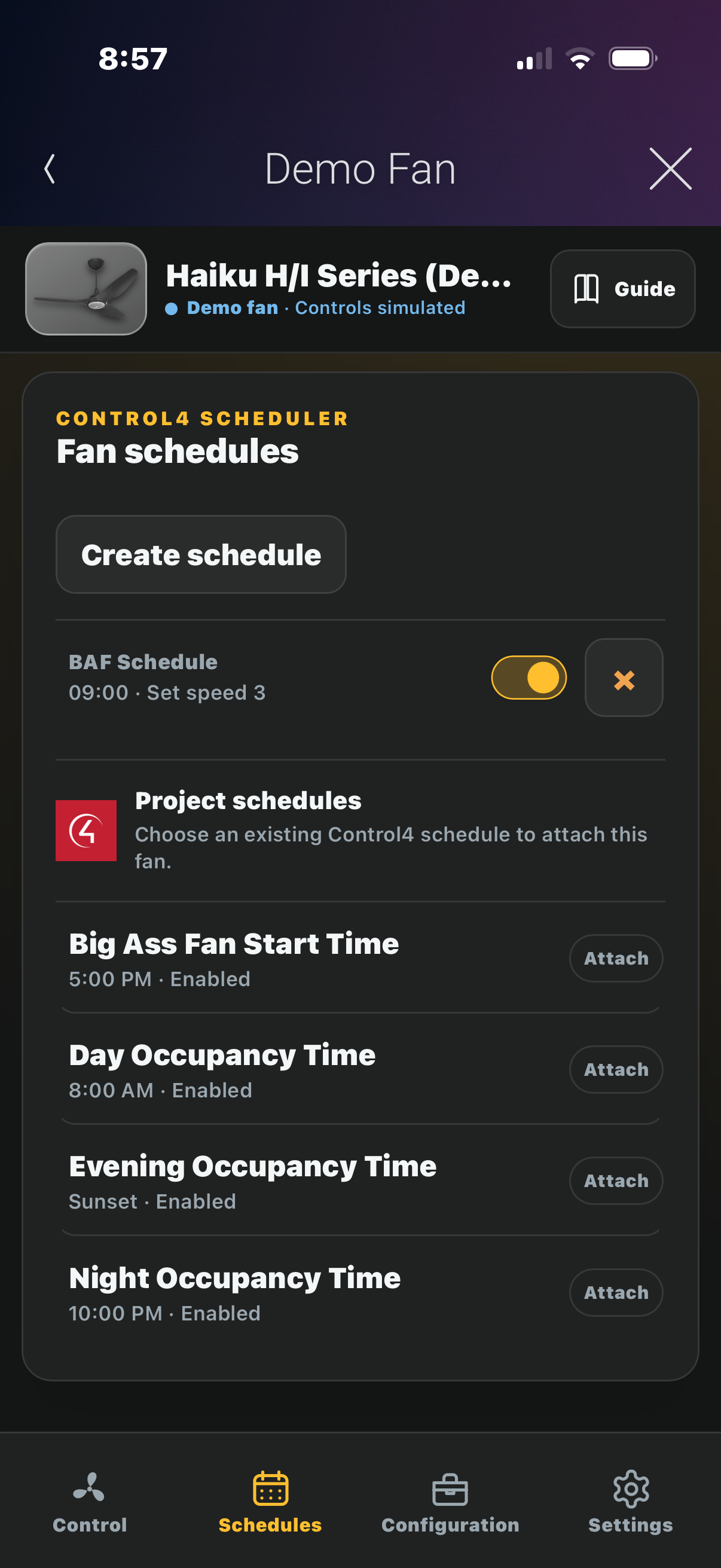 |
Cindev Exclusive
Fan Auto
+ Control4 Climate
Fan Auto meets the Control4 thermostatThermostat Assist connects Fan Auto with a selected Control4 thermostat, coordinating the cooling target with the fan’s airflow for a smarter whole-room comfort experience. The driver safely captures the previous setpoint and restores it only when appropriate. Homeowner and Control4 schedule changes always take priority, and simply selecting a thermostat never changes its settings. Ceiling fan and HVAC working together as one intelligent comfort system.
|
Everything else is included
| Local IP control Fast everyday operation without a cloud dependency. |
Two-way synchronization Changes from Control4, the fan, or the BAF app stay in sync. |
Complete fan control Power, speeds 1–7, Preset, direction, Whoosh, and Eco. |
Comfort automation Fan Auto, Sleep, Motion Automation, Timed Hold, and Heat Assist. |
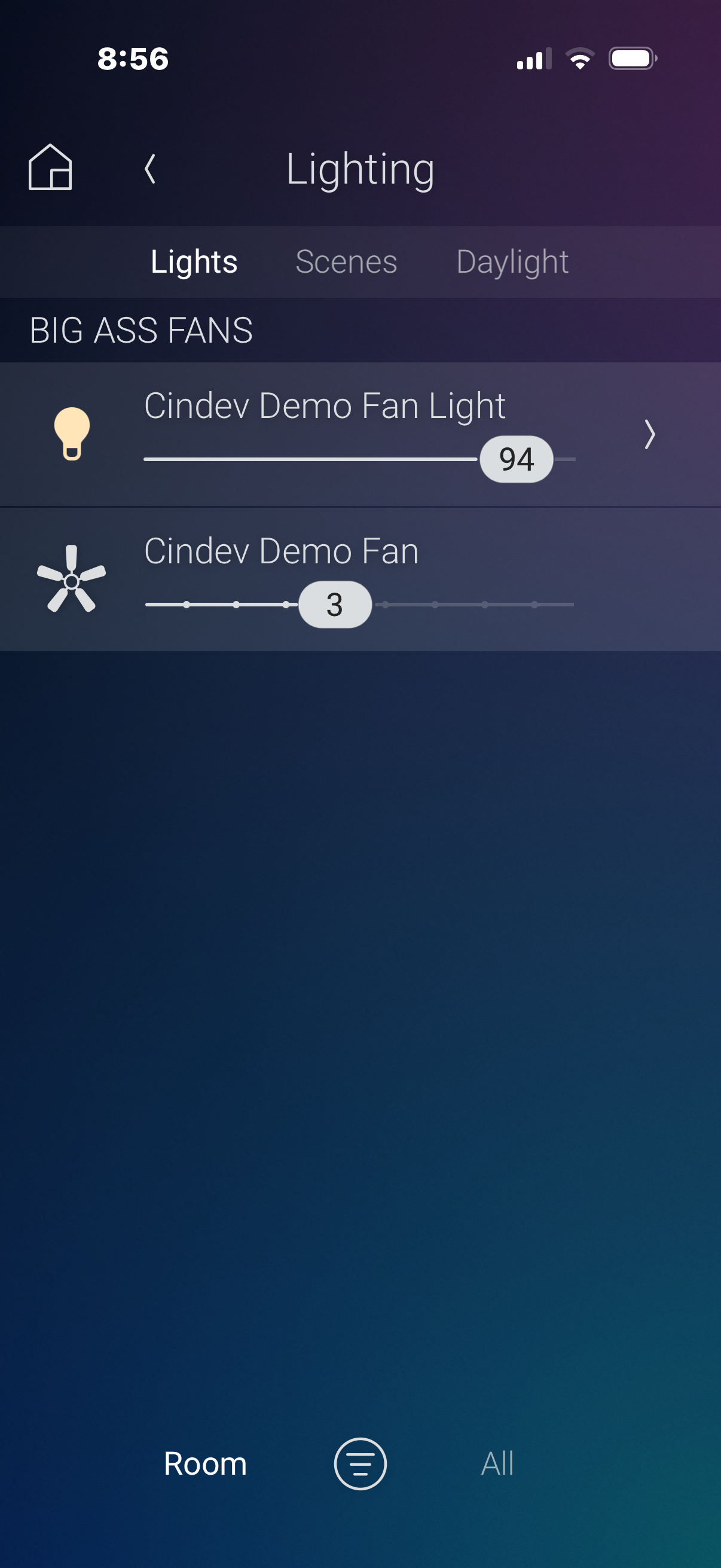
| Integrated lighting Native Control4 light control when supported by the fan. |
Live sensor feedback Temperature, humidity, motion, and fan telemetry when reported. |
Programming and keypads Bring fan behavior into the complete Control4 project. |
Multi-fan projects Add separately controlled fans throughout the home. |

Available controls depend on the capabilities reported by the connected model and firmware.
|
|
|
||||||
|
|
|
||||||
|
|
|


A single license will unlock as many instances of the driver as needed in your project. The DriverCentral Cloud Driver is required to activate all DriverCentral licenses and trials. To learn more about DriverCentral features, click here. A licensing demonstration video is also available here.

All Cindev Control4 drivers include a 30-day trial. Add the DriverCentral licensing driver along with this driver to fully test it before purchasing. Cindev drivers may also be used without purchase in an authorized showroom project.
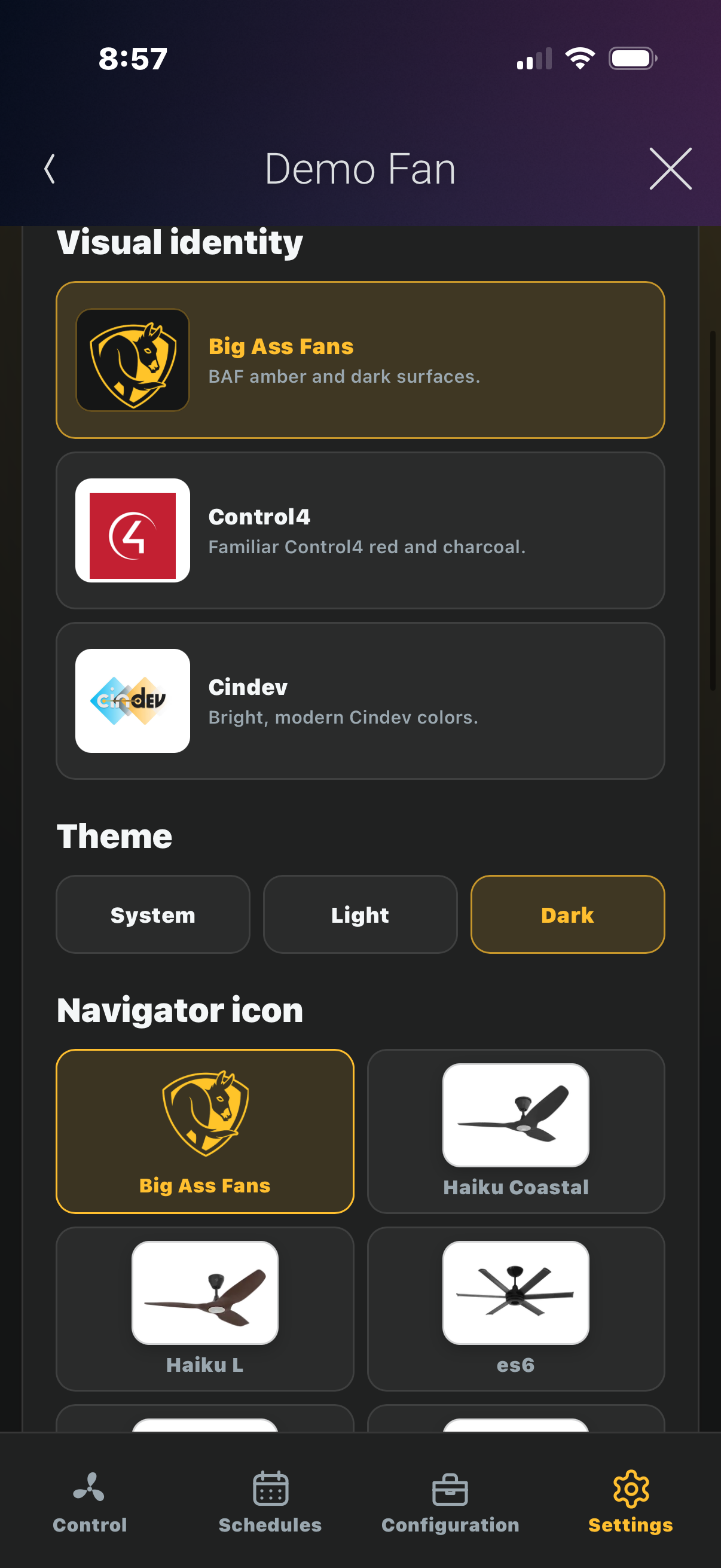
Custom Navigator artwork is available by request. Contact drivers@cinegration.com for details.
Driver provided by Cinegration Development LLC (dba Cindev). All rights reserved.
No posts found

See documentation for setup instructions.

For a full description of terms and conditions pertaining to Cinegration Development's drivers please visit www.cindev.com/terms-and-conditions
- V20260917
- Added
- Fan has Motion setting (Yes/No, default Yes). No hides motion controls and motion feedback in Control4 and blocks motion actions without changing the fan's onboard settings.
- View Fan Capabilities Driver Action prints the fan's reported values and API capability flags to the Lua log. View Driver History retains its grouped summary.
- Light On, Off, and Toggle keypad connections with LED feedback, plus a Toggle option for Set Fan Feature programming.
- Improved
- Fan scenes now map Off through High to speeds 0, 1, 3, 5, and 7. Sync existing scenes in Composer and use Is On/Is Off tracking; final-level tracking is unsupported.
- Fixed
- Corrected rapid-command handling, delayed scene cancellation, and processing of split or combined fan messages.
- Corrected light scene levels, keypad actions, Light Auto transitions, and color-temperature feedback. Timed ramps remain unsupported.
- Corrected Sleep restoration and Timer/Timed Hold conflicts after interrupted commands.
- Retained previous thermostat settings until restoration is confirmed, while respecting manual changes.
- Composer hides unsupported feature controls and keeps dealer settings on startup.
- Corrected dashboard updates after reload, light and schedule status, and history paging.Zip
- Added
- V20260824
- Improved
- Simplified WebUI schedules into one alphabetical list with inline editing and switches.
- Reorganized WebUI Configuration and Settings, and updated the in-app guide.
- Fixed
- Corrected Navigator declarations for the dashboard and UI Button proxies.
- Stopped automatic Navigator room visibility changes and removed the Show Icon controls.
- Limited proxy renaming to new fan names reported by the BAF API.
- Hid Demo Actions unless Demo Mode is enabled.
- Improved
- V20260821 - Official Release
