




Overview
The Reolink IP Camera Driver provides complete Control4 integration for the full Reolink camera lineup — standalone IP cameras, POE video doorbells, and NVR channels. Built for dealers who want a single driver that "just works" across every Reolink deployment in a customer's project, without per-model configuration guesswork.
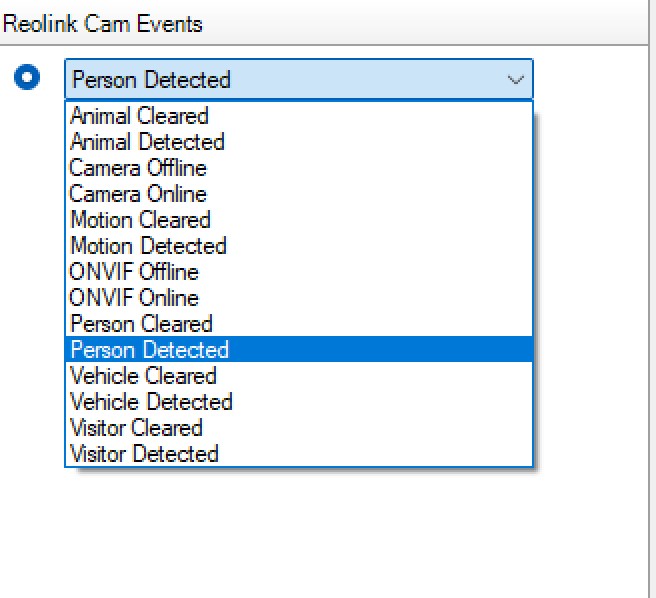
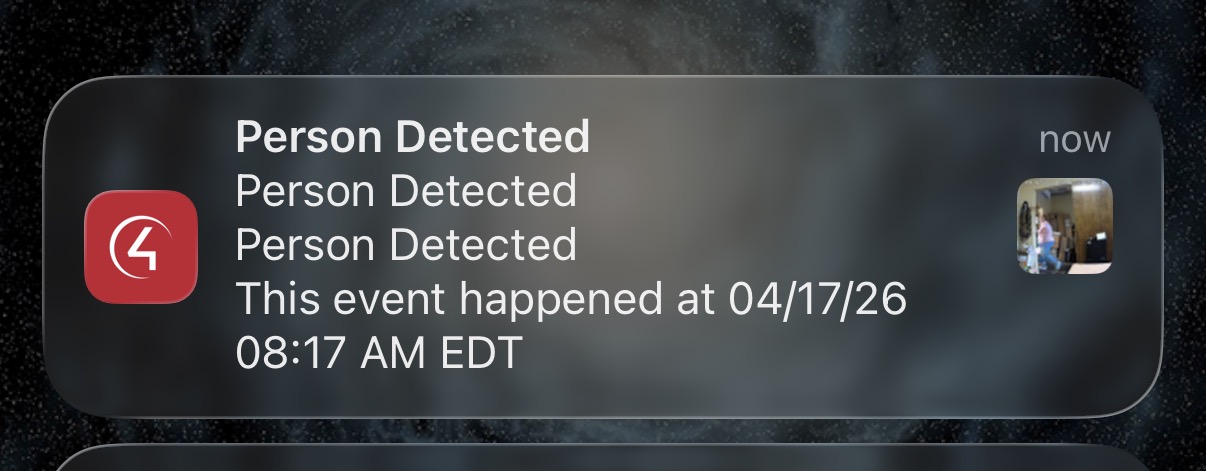
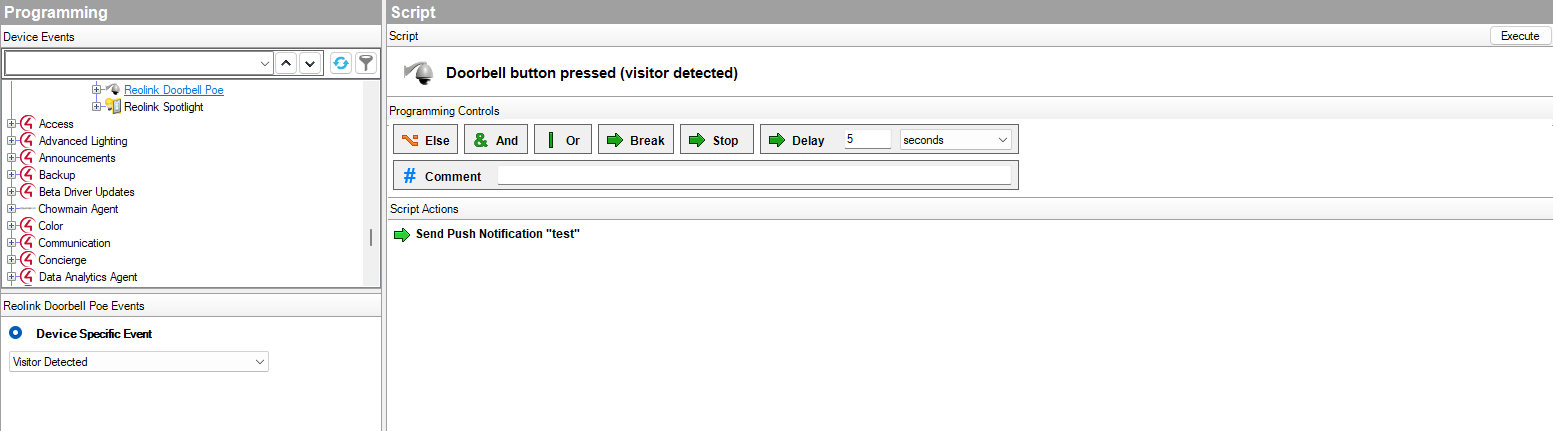
Live video streams directly to Control4 Navigators and touchscreens. Motion and AI-based events (person, vehicle, animal, visitor) fire through the standard Control4 sensor event system, ready to drive scenes, notifications, and automation. PTZ cameras get pan/tilt/zoom control with 8 presets. Doorbells get a dedicated visitor event for button-press programming.
Includes a companion Spotlight child driver that binds to any camera with a WhiteLed (spotlight) and exposes it as a standard Control4 light — fully programmable in lighting scenes and schedules, just like any other light load.
Key Features
Live Video
- H.264/H.265 RTSP streaming to Navigators, touchscreens, and the Control4 app
- Automatic RTSP path detection — no manual URL configuration
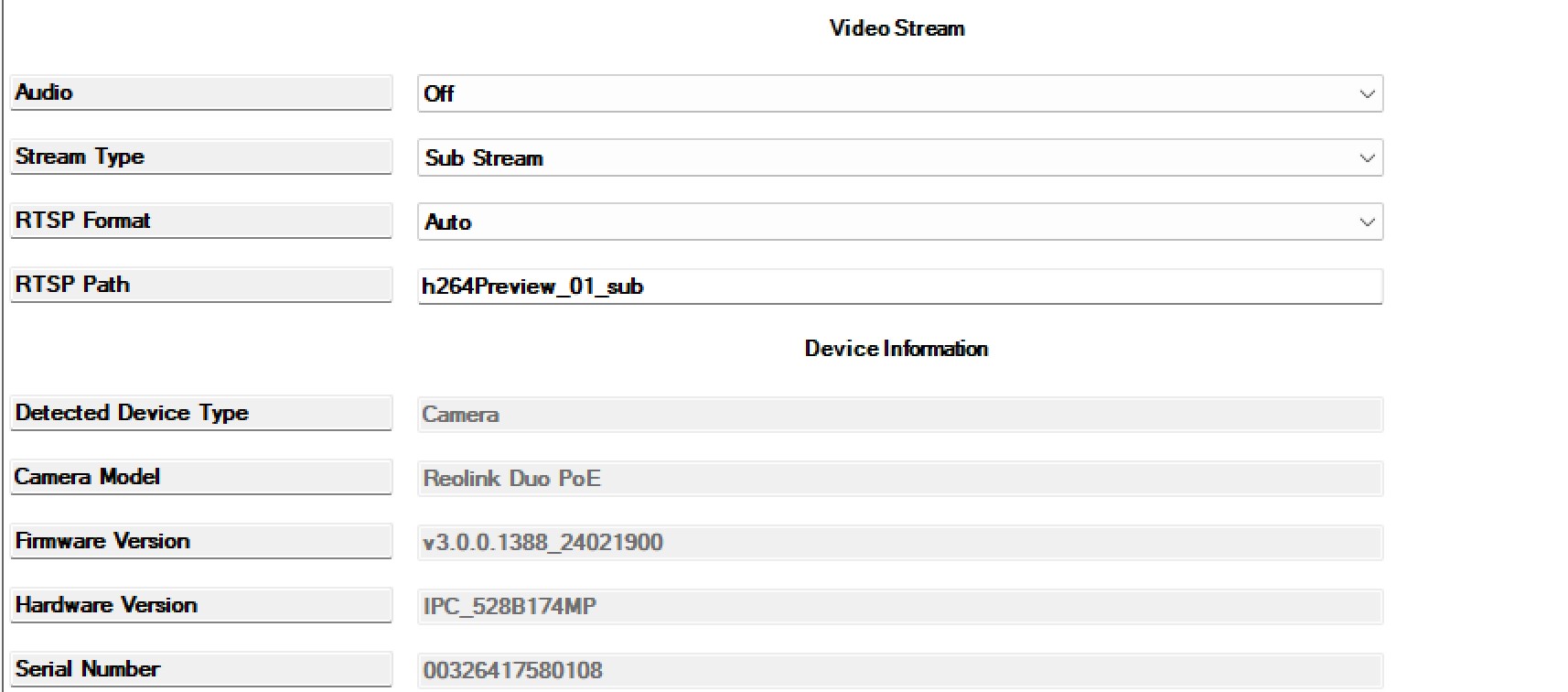
- Main Stream (HD) and Sub Stream (SD) support with per-driver selection
- Optional audio streaming (Future implementation if Reolink will support it, the driver is already configured)
- Snapshot capture for notifications and programming
Detection & Events
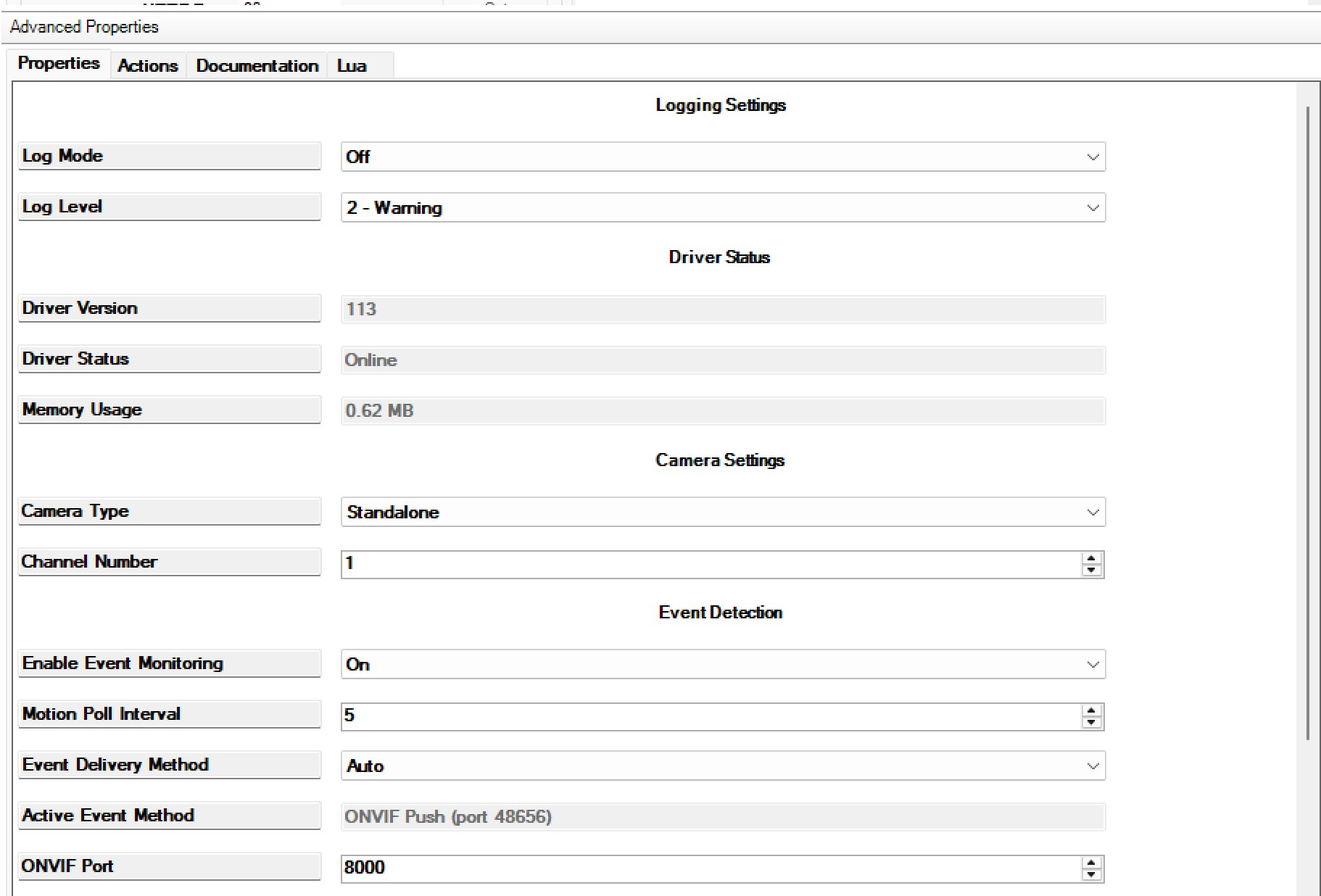
- Motion detection with configurable sensitivity and poll interval
- AI detection: Person, Vehicle, Animal
- Visitor (doorbell button) detection for POE doorbells
- Dual event delivery: ONVIF Push (real-time) with HTTP polling fallback
- Automatic fallback when ONVIF is unreachable
- Per-event sensor bindings ready for programming
Camera Control
- Full PTZ support: pan, tilt, zoom, home, stop
- 8 programmable presets per camera
- Reboot Camera action
- Device info discovery (model, firmware, hardware revision, serial)
Deployment Flexibility
- Single driver supports Standalone, NVR channel, and POE Doorbell modes
- NVR channel support 1-32
- ONVIF and Reolink HTTP API support
- Configurable HTTP/RTSP/ONVIF ports
- Multi-controller friendly
Installer Tools
- Test Connection action
- Discover Detection Capabilities action (auto-configures AI events)
- Detect RTSP Path action (auto-configures video stream)
- Diagnose AI Detection and Diagnose ONVIF actions for troubleshooting
- Check Memory action for driver health verification
- Import Camera Name action for Composer project organization
- Built-in driver health monitoring (memory usage, connection status)
Included Spotlight Driver
- Separate child driver for cameras with built-in spotlight
- Binds to camera via Spotlight Control connection — zero configuration
- Appears as a standard Control4 light in scenes and programming
- Uses the light_v2 proxy for full native integration
- Turn on/off via keypads, scenes, schedules, or voice control
Supported Hardware
- Reolink IP cameras with HTTP API support (most models 2020 and newer or firmware 2.x-3.x)
- Reolink NVRs with channel passthrough (channels 1-32)
- Reolink POE video doorbells (wired only — WiFi doorbells not supported)
- Spotlight driver works on any Reolink camera with Spotlight capability
- This is a Reolink-specific driver — it does not support other camera brands
Installation
- Add the driver to your Composer project and place it in the appropriate room
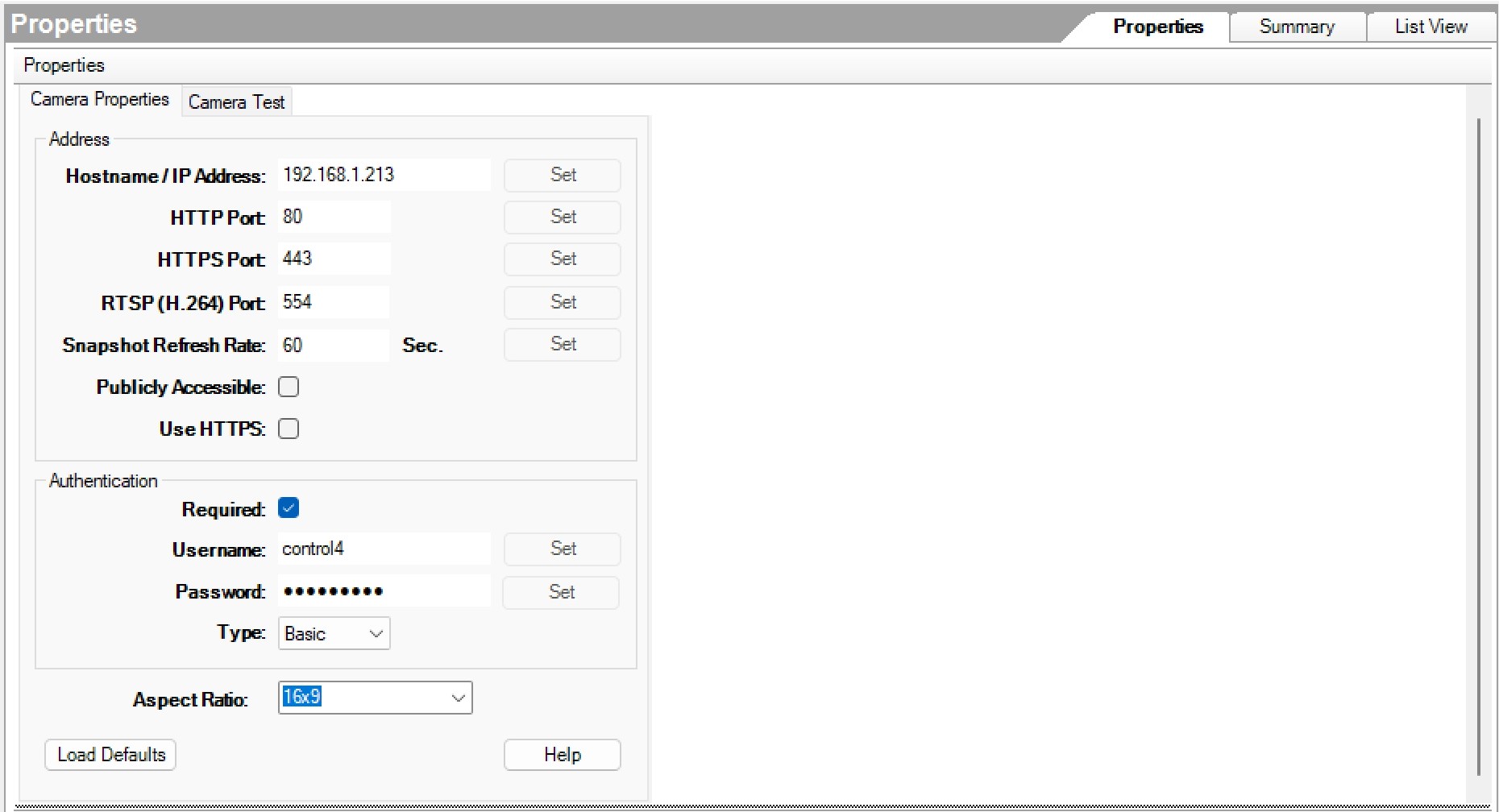
- Open the Connections tab and enter IP Address, Username, and Password in the Camera Test tab
- Run the Test Connection action to verify credentials
- Run Detect RTSP Path to auto-configure the video stream
- Run Discover Detection Capabilities to enable motion and AI events
- For NVR: set Camera Type to NVR and Channel Number to your channel (1-32)
- Refresh Navigators
Full step-by-step documentation is included in the driver package.
Important: Create a Dedicated User Account
Create a separate admin account in the Reolink app (or web interface) for Control4 — do not use the account that's logged into the mobile app. Shared accounts cause intermittent ONVIF authentication failures and dropped event subscriptions. Use a name like "control4" or "c4user".
Requirements
- Control4 OS 3.0.0 or newer
- Reolink camera, NVR, or POE doorbell with network connectivity
- Reolink device running firmware 2.x or greater
- Dedicated admin account on the Reolink device
No posts found
