


Control the entire Rachio product line:
Sprinklers, Smart Hose Timers, and Lighting
Enhance your home automation system with the Smart Outdoors driver, now with support for the entire Rachio product line: Irrigation Controllers (sprinkler systems), Smart Hose Timers, and the new Lighting Controller.
Supports OS 3+. Works with X4
Now Supports:
- ✅ OS 3+ including X4
- ✅ Rachio Irrigation Controller (Sprinkler Zones)
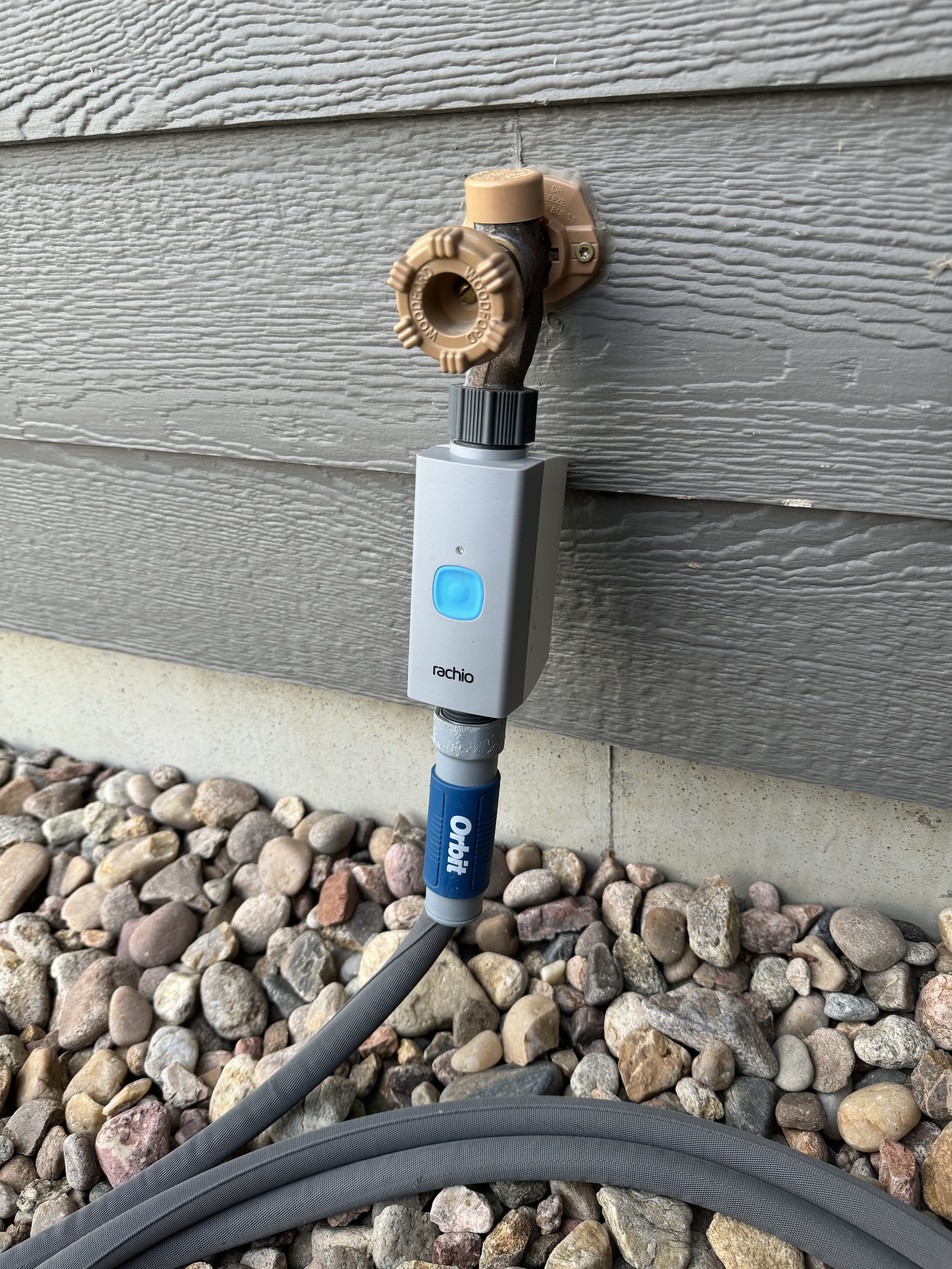
- ✅ Rachio Smart Hose Timer (with Hub)
- ✅ Rachio Lighting Controller (no Hub required)
Key Features
Intuitive Control
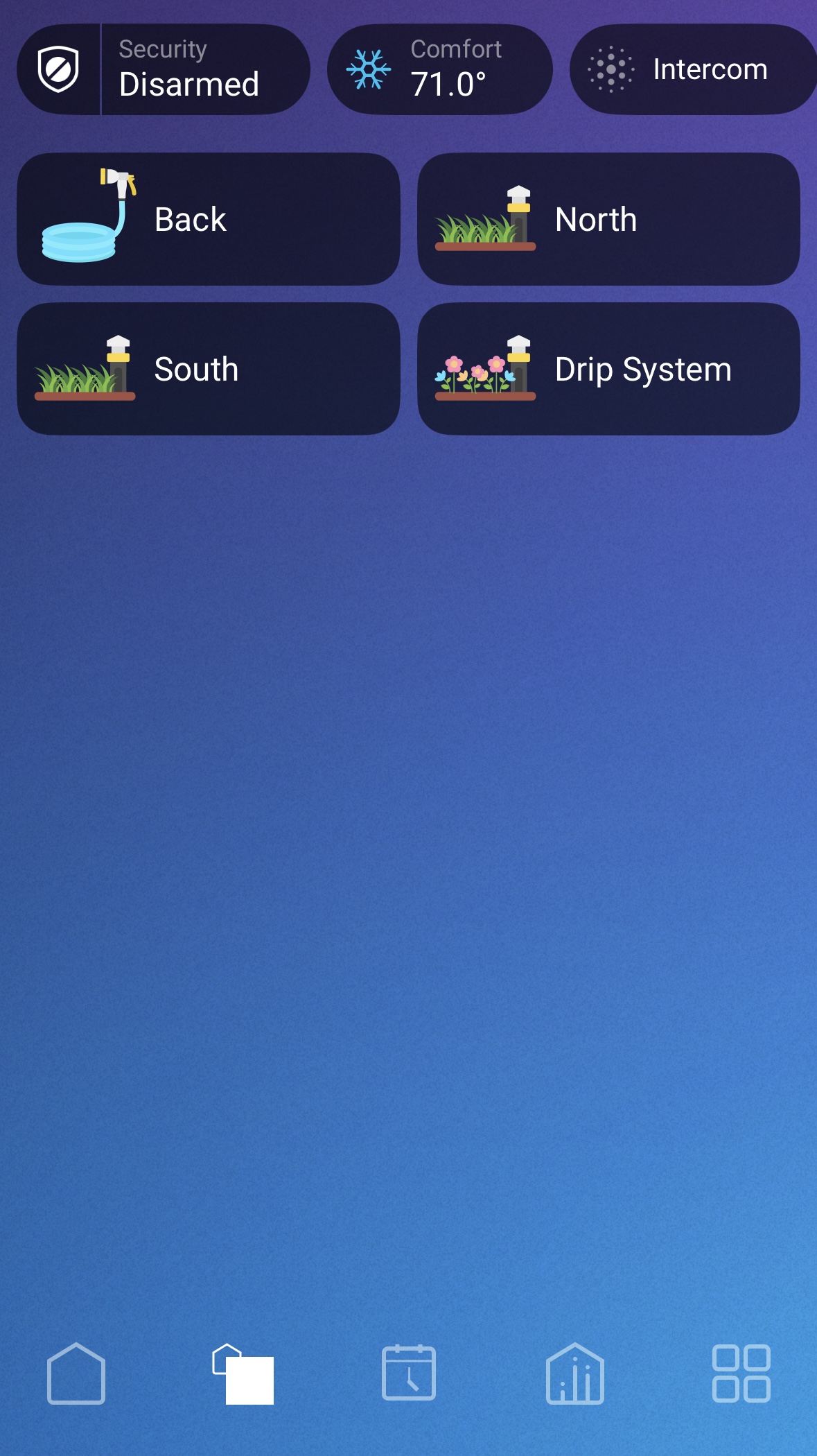
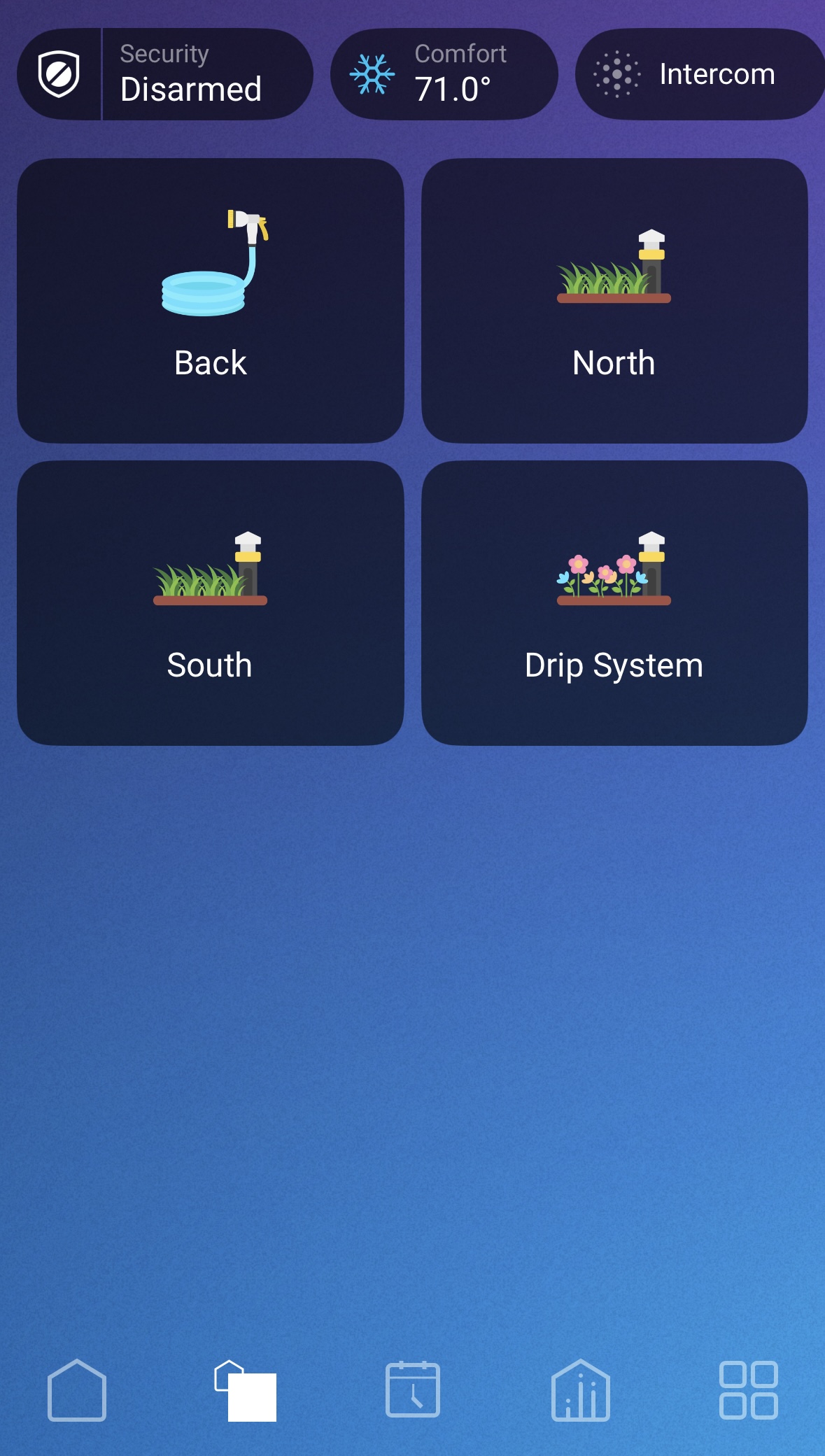
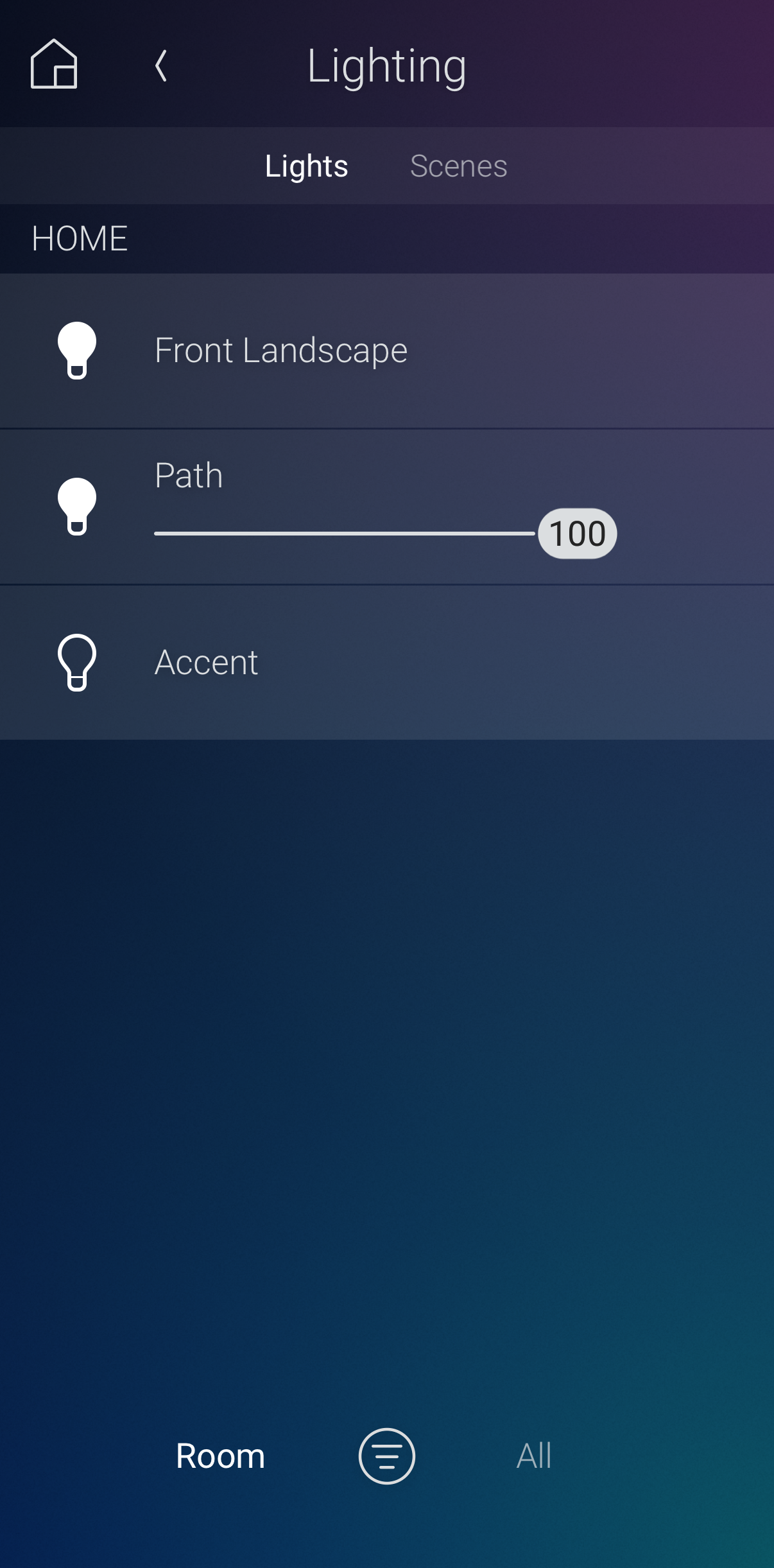
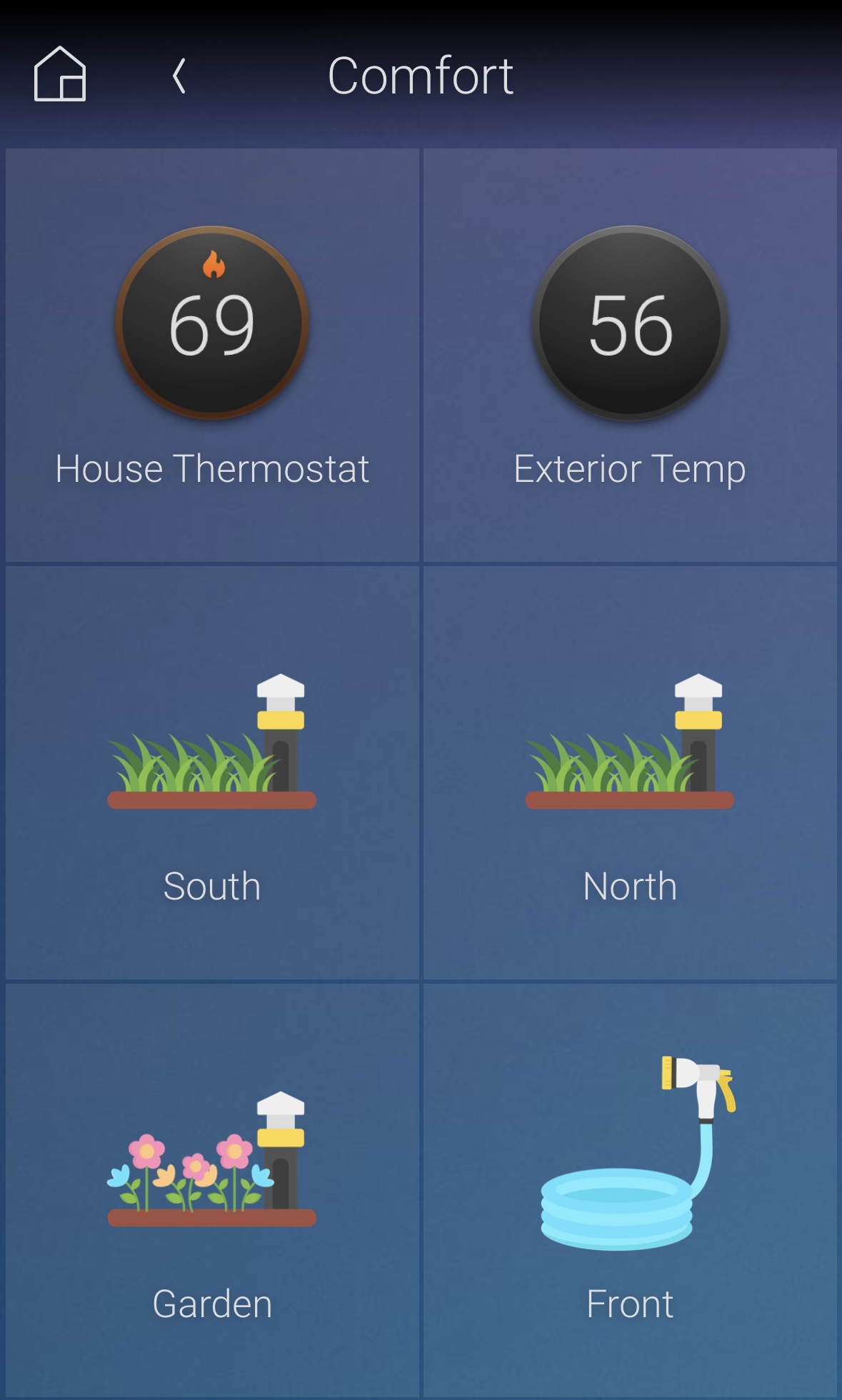
Each sprinkler zone and Smart Hose Timer appears as an experience button icon in the Control4 application or on touchscreens. Rachio Lighting Controller zones integrate as native Control4 light switches or dimmers, appearing alongside the rest of your home's lights for a seamless experience.
Watering Controls (Sprinkler Zones & Smart Hose Timers):
- One-Tap Activation: Tap once to begin watering. Each additional tap within 5 seconds increases the watering duration. For example: 15, 30, 60 minutes.
- After 5 seconds: The next tap will turn the water off.
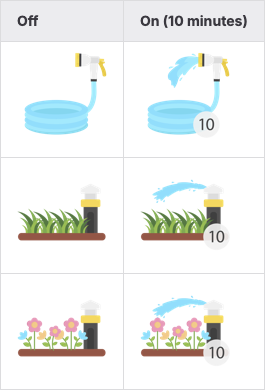
- Visual Feedback: Icon will update to keep users informed of remaining watering time.
- Custom Durations: Set preferred timer increments in Composer Pro or Composer Home.
- Icon Sets: Choose between hose, grass, or flowers.
Lighting Controls (Rachio Lighting Controller):
- Lighting zones appear as native Control4 light switches or dimmers alongside other lights in the system.
- Fully supports Advanced Lighting Scenes—include Rachio outdoor lighting zones in whole-home lighting scenes alongside your other Control4 lights.
- Supports button connections, allowing Rachio lighting zones to be bound to Control4 keypads and buttons just like any other light in the system.
Smart Automation
Use Control4 programming to automate watering and lighting based on time, weather, motion sensors, or other smart home events. Example: Pause sprinklers when a doorbell camera detects a person coming to your front door, or trigger pathway lighting when motion is detected after sunset.
Keypad Integration
Every sprinkler zone and Smart Hose Timer device provides Toggle, On, and Off outputs for physical keypad control. Lighting zones integrate natively with Control4 keypads like any other light in the system, with full support for button connections and Advanced Lighting Scenes.
Advanced Programming Support
- Issue commands like start/stop watering, pause/resume, and check hub or valve statuses.
- Control and automate Rachio lighting zones using standard Control4 lighting commands.
- Trigger actions based on hub offline/online, valve or lighting connection status, or firmware upgrade availability.
- Use schedules to check for low battery or offline devices across all Rachio products.
Multiple Device Support
Fully supports multiplesprinkler zones, Smart Hose Timers, lighting zones, across one or more hubs and controllers.
Easy Dealer Setup
Just enter the customer's Rachio API key. The driver handles the rest—automatically creating and connecting the correct Control4 devices, including Lighting Controller zones as native light switches or dimmers.
Trial Included
Try the Smart Outdoors driver free for 30 days—risk-free, with full functionality.
No posts found
Documentation is available on Driver Central in the Downloads tab or in Composer in the Documentation tab after adding the driver.
This product is a bundle of three drivers:
- Smart Outdoors with Rachio: This proxy driver must be added and configured first. It talks to the Rachio API.
- Smart Watering Valve: This protocol driver is added to the project once for each sprinkler zone or Smart Hose Timer in the customer's account. An action in the proxy driver automatically creates devices for each zone or timer.
- Smart Outdoor Light: This protocol driver is added to the project once for each lighting zone in the customer's account. An action in the proxy driver automatically creates devices for each zone.
- Version 101001 (1.1.1): Initial release
- Version 102001 (1.2.1):
- Debug mode setting
- Add new events, commands, and variables to allow more robust programming
- Improve documentation
- Version 102006 (1.2.6):
- Fix bug with current valve state
- Version 102007 (1.2.7):
- Improve debug logging
- Improve documentation
- Bug fixes
- Version 103001 (1.3.2):
- Implement webhooks for instant on/off status updates
- Fix hub online/offline events
- Improved reliability
- Simplified configuration process
- Groundwork for exciting new features coming soon!
- Version 104001 (1.4.1):
- Irrigation controller/sprinkler support
- New icons - icon set now includes hose, grass and flowers
- Renamed driver filenames to reflect new features
- Version 104002 (1.4.2):
- Bug fix for users with sprinkler zones but no Smart Hose Timers/Hubs
- Version 105000 (1.5.0):
- Add sprinkler pause and resume states, commands, variables, and icons
- Add Smart Hose Timer status events and variables
- Implement new websocket protocol for instant status updates
- Version 105001 (1.5.1):
- Fix bug with valve event firing
- Minor bug fixes and reliability improvements
- Version 20250819:
- Changing version numbers to date format for clarity and simplicity
- New pricing model for dealers, including volume discounts
- Minor bug fixes
- Version 20260512:
- Support for the new Rachio Lighting Controller
- Rename the driver to Smart Outdoors with Rachio to reflect expanded product line support
- Improved real-time status update reliability
- Introduce property to automatically update device metadata such as name (all device types) and dimming (lighting).
- Various bug fixes
- Version 20260630:
- Fix persisted binding bug
- Fix multi-zone watering reliability
- Improve reliability of websocket connections
- Improve websocket debug logging
- Improve reliability of deleting and recreating webhooks
- Various bug fixes and relibility improvements
- Version 20260701:
- Add advanced debugging capabilities
- Version 20261005:
- Fix WebSocket implementation bugs
