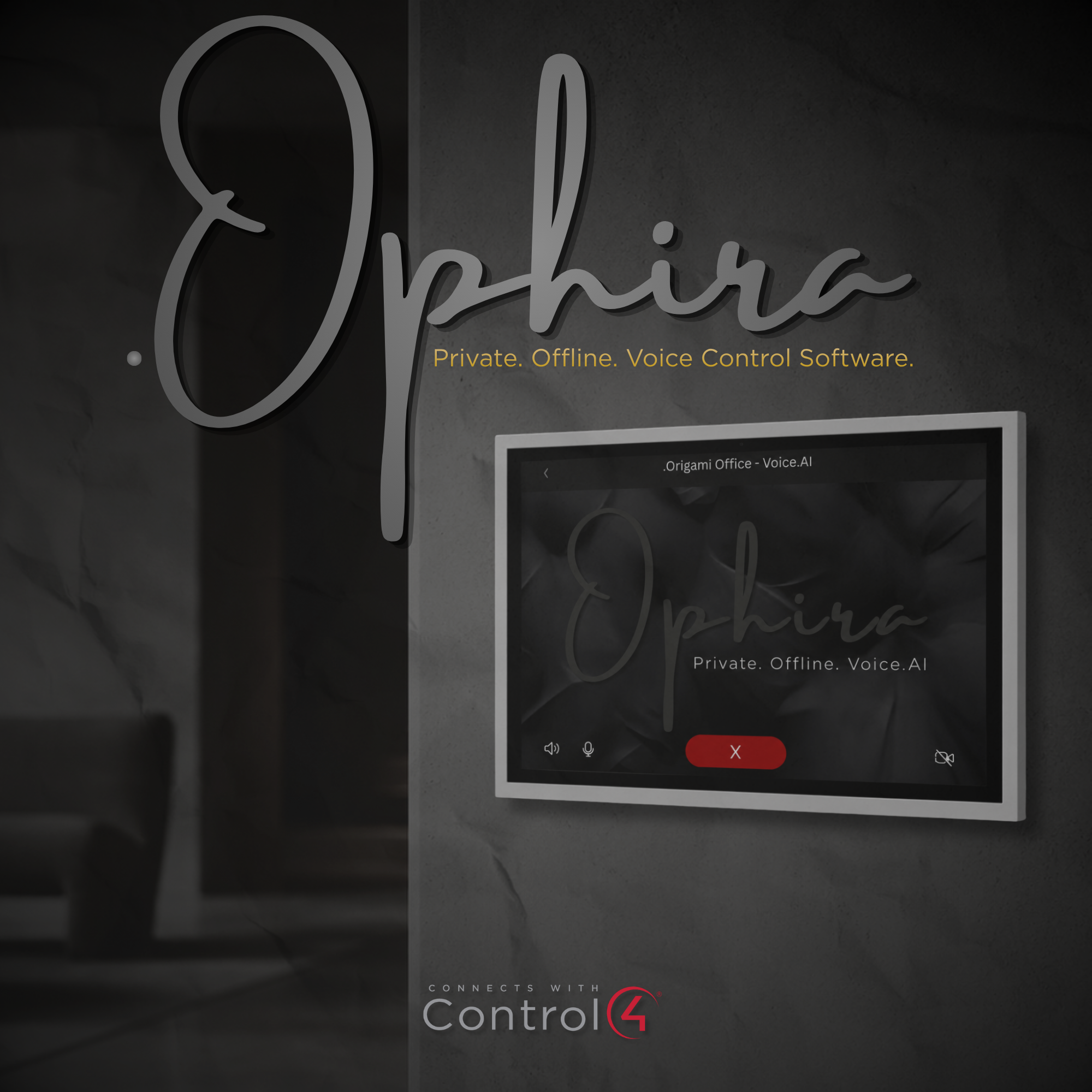
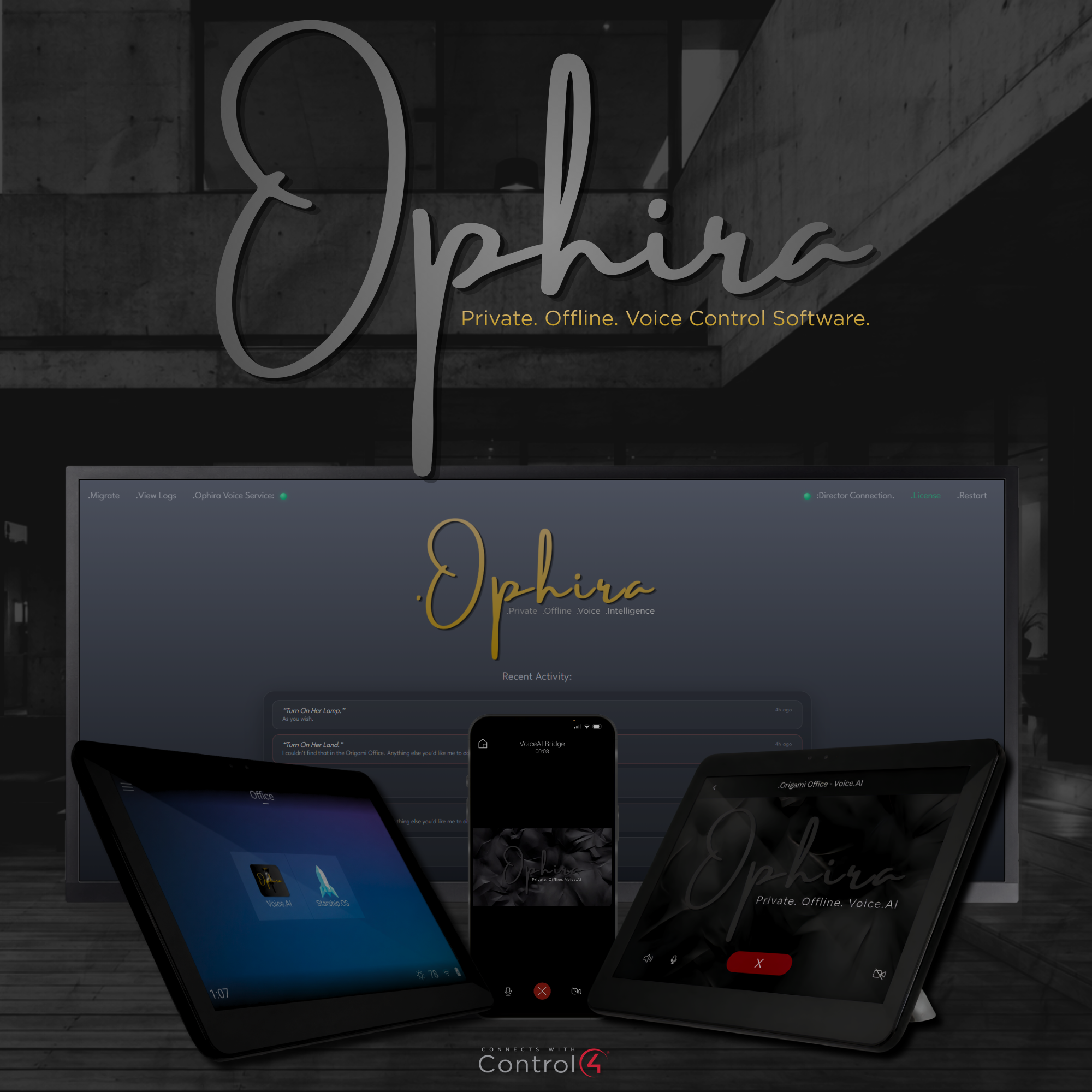


- Speech recognition, intent parsing, device execution, and spoken responses are processed locally on the property. Normal Control4 device control runs across the local network without relying on a cloud voice platform.
.Ophira supports voice control of:
- Lighting
- Blinds and shades
- Audio and video
- Relays
- Pool and spa equipment
- HVAC
- Custom buttons
- Advanced Lighting scenes
- Experience Buttons
- Supported Control4 media sources
- .Ophira can also respond to requests involving weather, conversions, basic math, dates, days, and time. Features that retrieve live online information, such as current weather, require an internet connection.
- No command-by-command Composer programming or third-party cloud API signup is required for standard supported device control.
.Ophira can be activated from supported Control4 interfaces, including:
- T3, T4, and T5 Control4 touchscreens
- Supported Control4 intercom endpoints
- Control4 mobile app
Action Points
- Navigator favorites
- Keypad buttons
- Custom buttons
- Supported remote-control buttons
- Only one .Ophira VoiceAI Bridge driver is required per Control4 project.
- The assistant’s activation and persona name can be customized directly within the driver properties.
Important Notes
.Ophira is software only. Hardware/PC/Host is not included with purchase.
Learn more: www.origami-intelligence.com
DriverCentral License Key is required or .Ophira will not function
Activate the Voice.AI button from a supported Navigator, keypad, custom button, remote, or the Control4 mobile app. After the activation prompt, speak the desired command.
Example commands:
- “Watch Roku.”
- “Press Entertain.”
- “Set the thermostat to cool.”
- “Open the blinds.”
- “What’s the weather today?”
- “Listen to ShairBridge.”
- “Turn off the kitchen lights.”
- “Set the living room to 30 percent.”
- “What time is it?”
- “What is 15 percent of 800?”
Device recognition depends on the devices, rooms, bindings, and names configured in the Control4 project.
- .Ophira_Setup.exe
- Installs the .Ophira Windows service and the required local voice-processing components.
- The Windows service communicates with the Control4 Director through the .Ophira VoiceAI Bridge driver. Licensing is managed through DriverCentral and the .Ophira service.
.Ophira_VoiceAI_Bridge.c4z
- Connects the Control4 project to the .Ophira Windows service.
- Only one bridge driver should be installed in each Control4 project. Additional bridge instances are not required for additional touchscreens, rooms, or voice endpoints.
.Ophira_VoiceAI_Button.c4z
- Optional driver that adds a one-touch Voice.AI activation button.
- The button may be used as a Navigator favorite or connected to supported keypad, custom-button, remote-control, or programming events.
.Ophira Windows Service Download
- Because the Windows installer exceeds DriverCentral’s file-hosting limit, the download link opens the official .Ophira download and installation page.
- Follow the provided link and select Download to retrieve the current installer.
Minimum System Requirements
- Windows 10 or Windows 11, 64-bit
- Four-core processor
- 8 GB RAM
- 5 GB available disk space
- Wired or reliable local network connection
- Control4 OS 3.0 or later
Recommended System Configuration
- Six-core or better processor
- 16 GB RAM
- 20 GB available disk space
- Static IP address or DHCP reservation
- Windows computer configured to remain powered on
- Sleep and automatic hibernation disabled
Compatible Windows Hosts
.Ophira can run on a compatible onsite:
- Windows PC
- Mini-PC
- Windows-based VMS
- Windows-based camera server
- Windows appliance that meets the minimum requirements
- Examples may include compatible Windows systems running AXIS, Milestone, Exacq, Wisenet, or similar software.
- Compatibility depends on the available processor, memory, storage, Windows permissions, network access, and existing workload of the host computer.
Privacy and Local Processing
.Ophira is private by architecture.
- Local Control4 commands are processed onsite.
- No monthly subscription is required.
- No cloud voice platform is required for normal device control.
- No customer voice-command data is sold.
- Normal local device control does not require an internet connection.
- Communication between Control4 and .Ophira occurs across the local network.
- Live information services, software downloads, licensing validation, updates, and certain optional features may require internet access.
WebUI
The local .Ophira WebUI provides access to:
- Service and connection status
- Control4 Director connection information
- System logs
- Migration status
- Recent response history
- Diagnostic information
- The WebUI is intended for dealer installation, diagnostics, and support.
Important Notes
.Ophira is software only. Hardware/PC/Host is not included with purchase.
- A Windows computer, mini-PC, VMS, camera server, or other compatible host is not included with the purchase.
- The dealer is responsible for confirming that the selected Windows host meets the minimum requirements and is appropriate for continuous onsite operation.
- Only one .Ophira VoiceAI Bridge driver is required per Control4 project.
- Some commands depend on correct Control4 device bindings, device names, room names, source names, and project configuration.
- .Ophira is a third-party Control4 integration and is not an official Control4 product.
Support
For support, use support@origami-intelligence or DriverCentral support or the contact information included with the .Ophira documentation.
- When requesting assistance, include:
- Control4 OS version
- .Ophira driver version
- .Ophira Windows service version
- Windows version
- Host-computer specifications
- Connection status
- Relevant log entries
- The command that was spoken
- The expected and actual result
- Connect with Origami Intelligence directly: support@origami-intelligence.com
VoiceAI Button v15
- removed inproper room command and replaced.
VoiceAI_Bridge v11 —
- Updates to driver documentation index.html
- Updated driver icons
- Resolved call BYE after command call end
VoiceAI Bridge v10 — Initial release
- DriverCentral cloud licensing with 14-day trial and showroom license
- Direct authenticated connection to Control4 Director
- Push-to-talk via T3/T4/T5 touch screens / Navigator UI / Keypad Button
- SQLite state mirror for sub-200ms status queries
- Project-aware speech recognition (rooms, scenes, device names)
- Voice capture updates
- Supports Lights, Locks, Audio, Video, Blinds, Shades, Motorization, Comfort, HVAC, Pool/Spa, Experience Buttons, Custom Buttons, and Lighting Scenes
- Security cameras and locks are status-readable; voice arm/disarm intentionally disabled
