
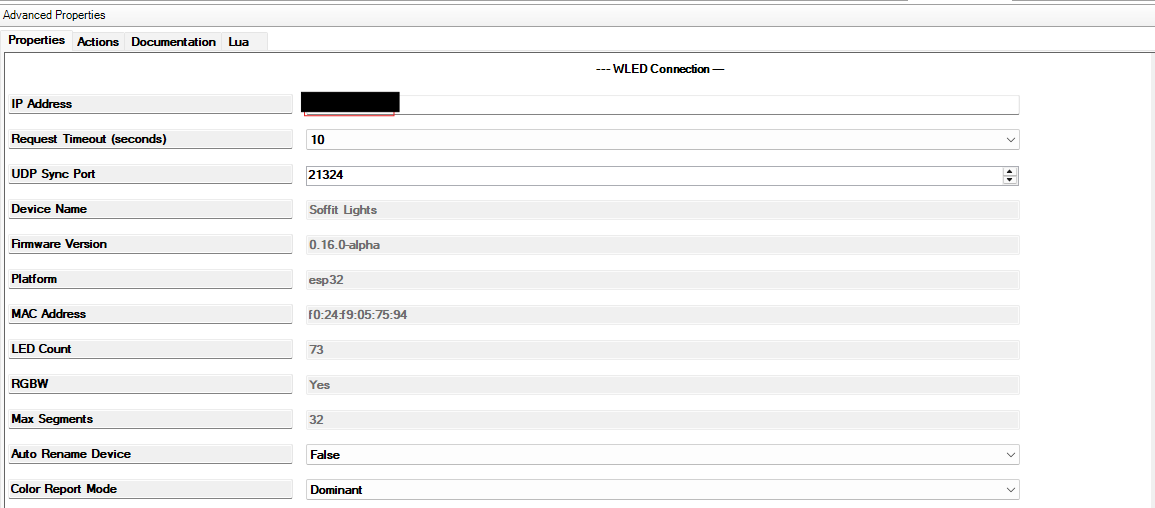
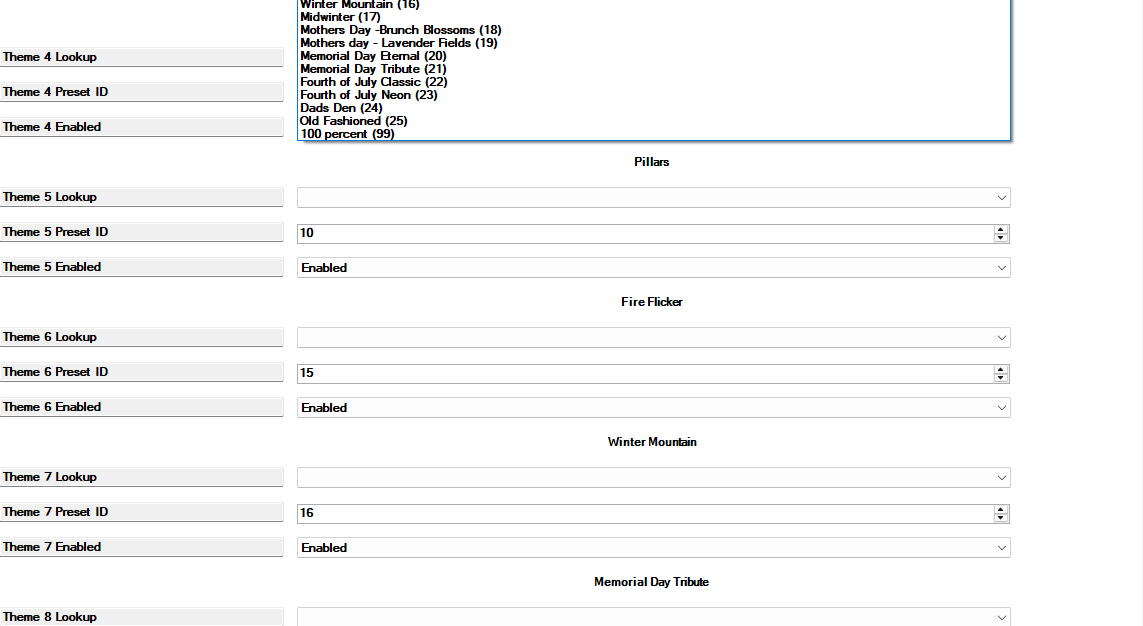
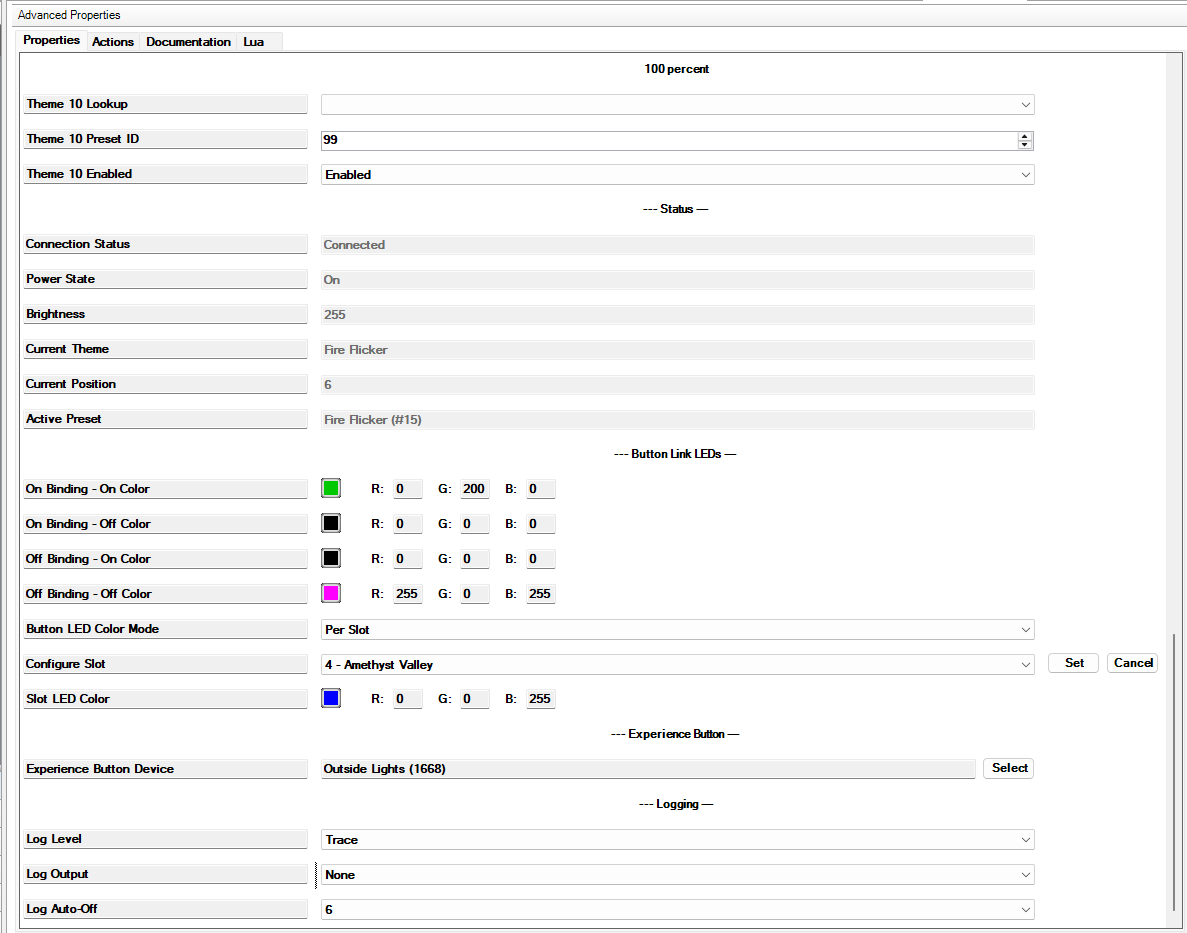
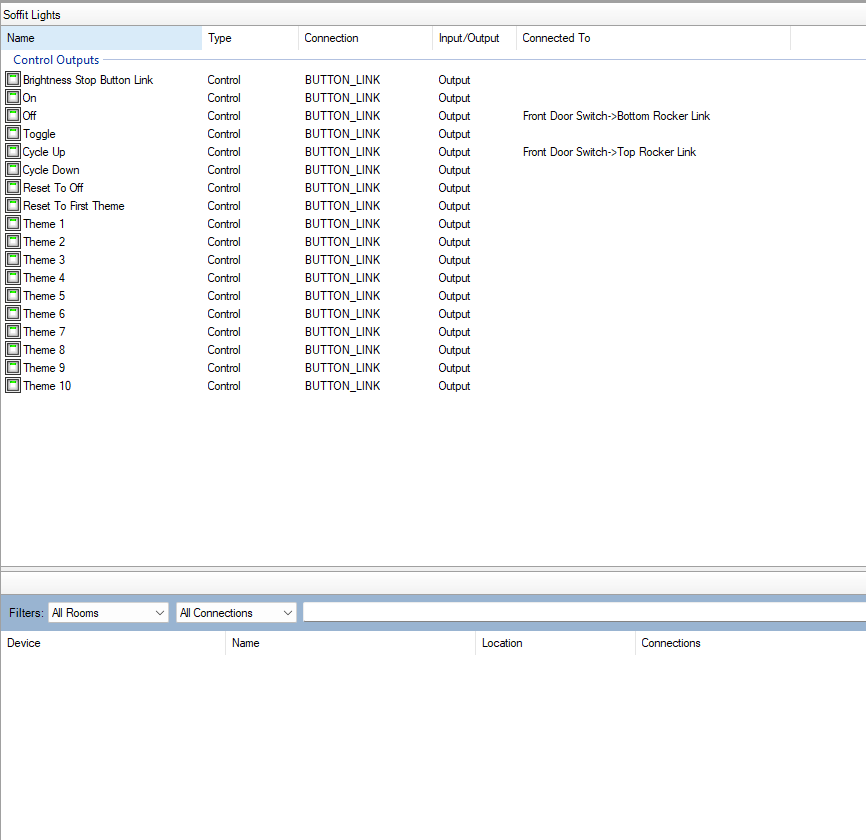


Cycle Beautiful Lighting. Effortlessly.
WLED Integration for Control4
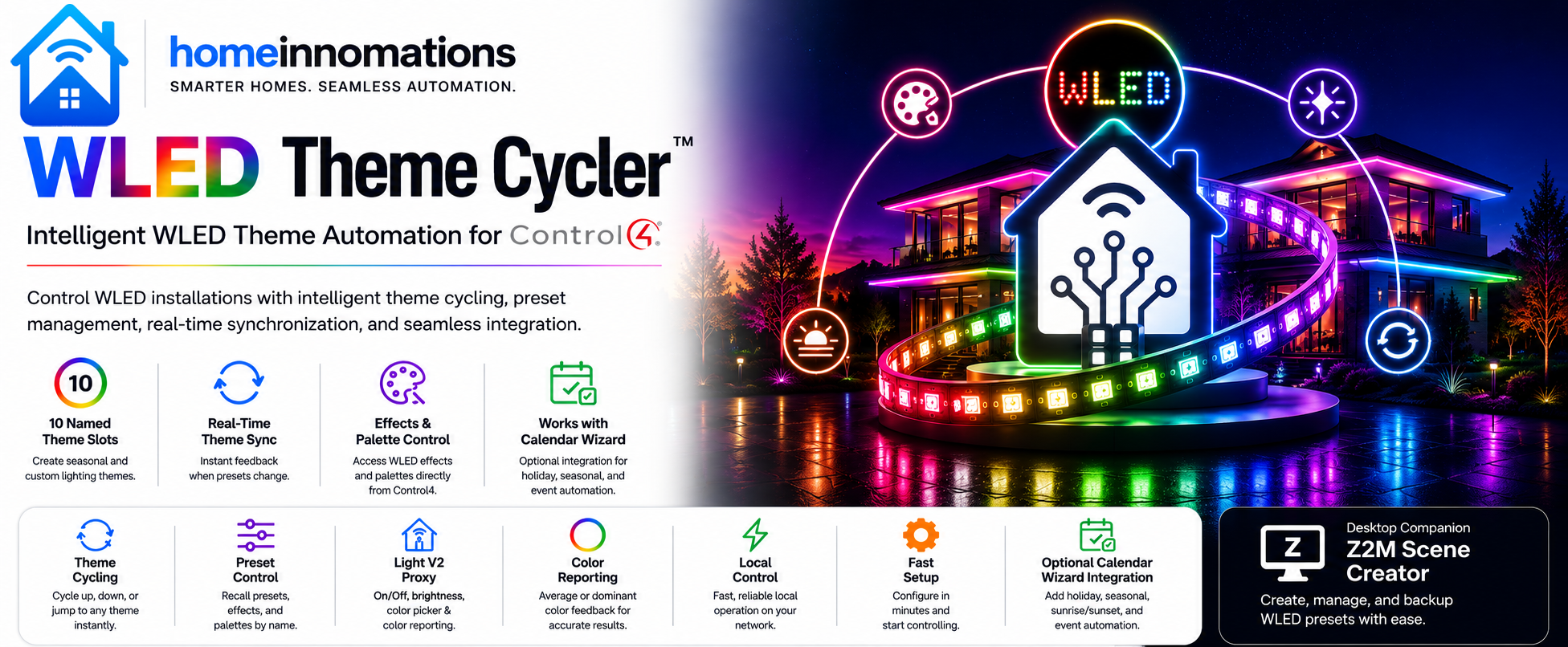
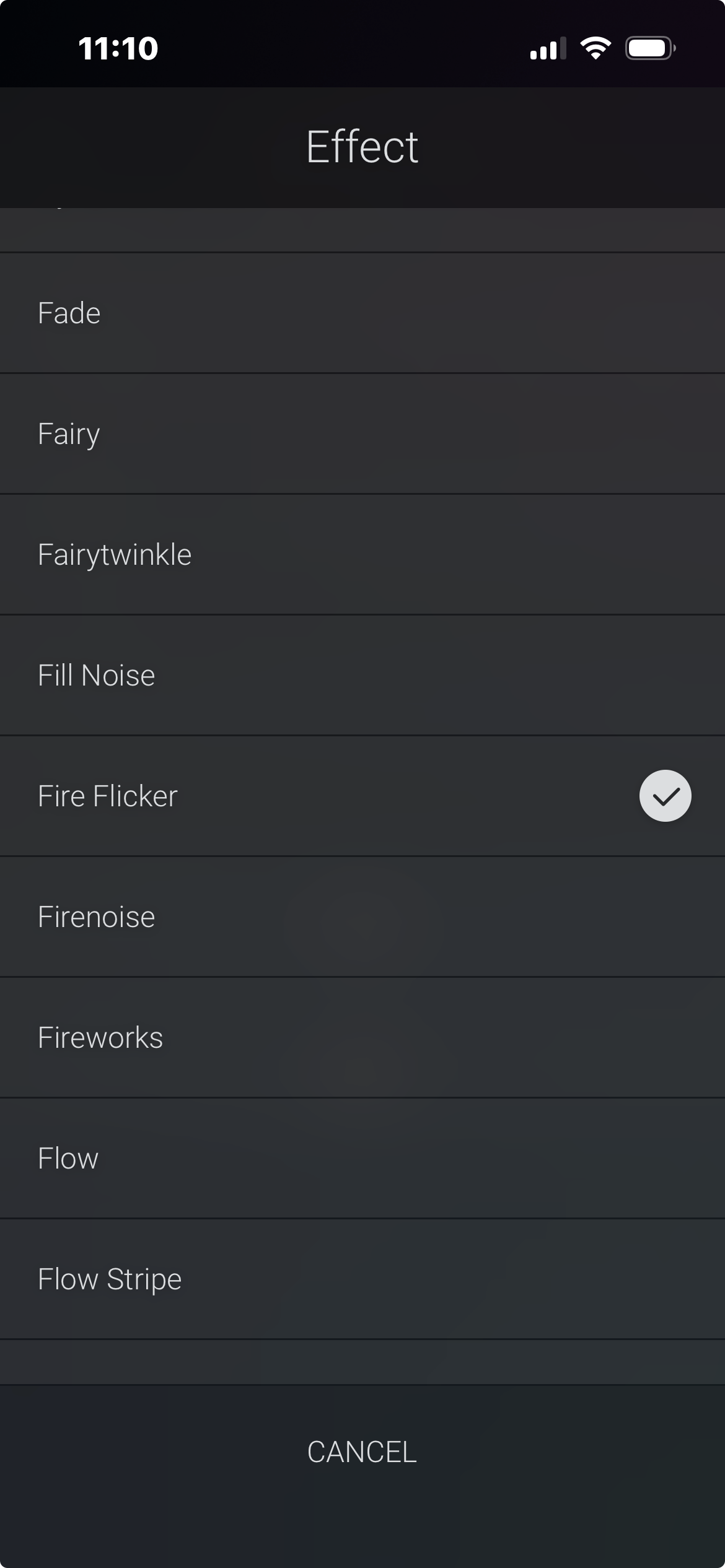
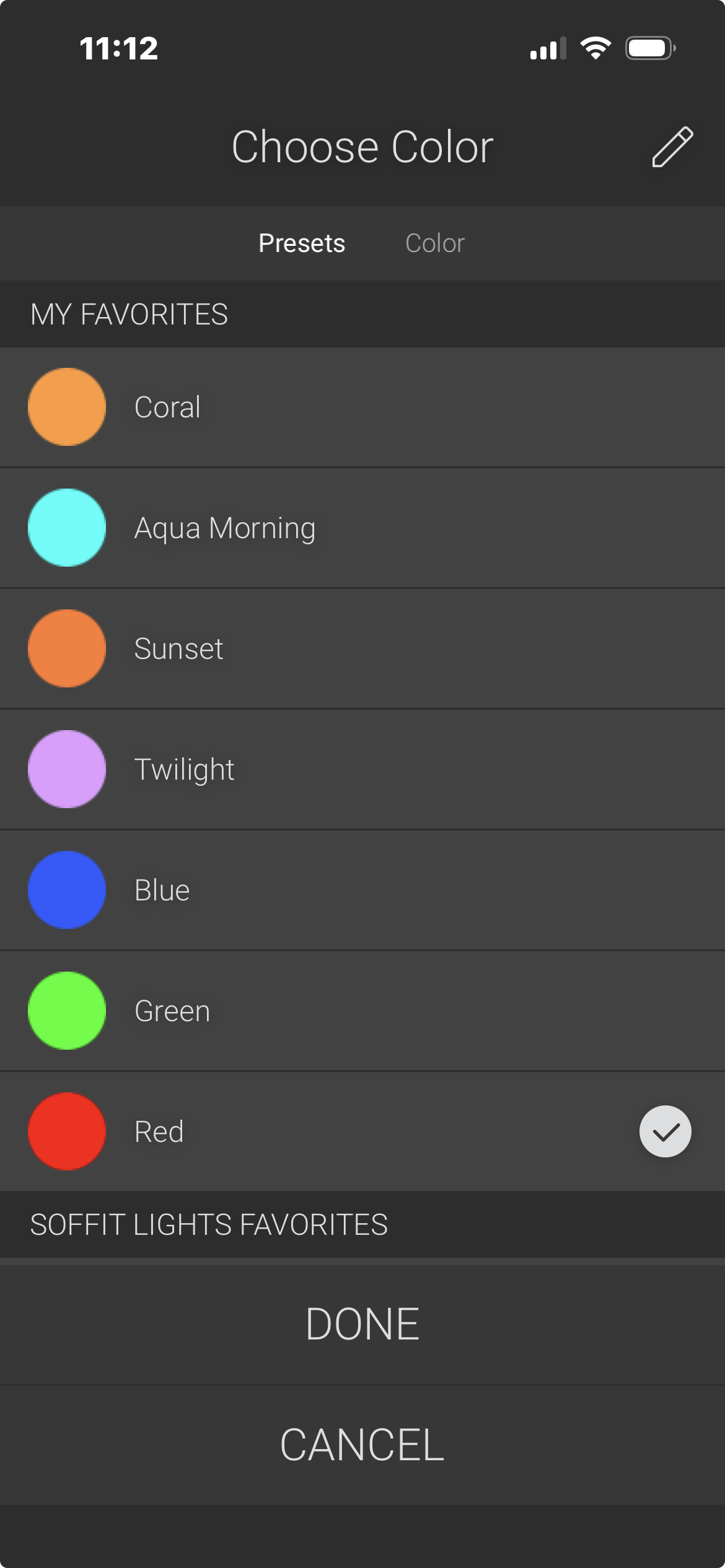
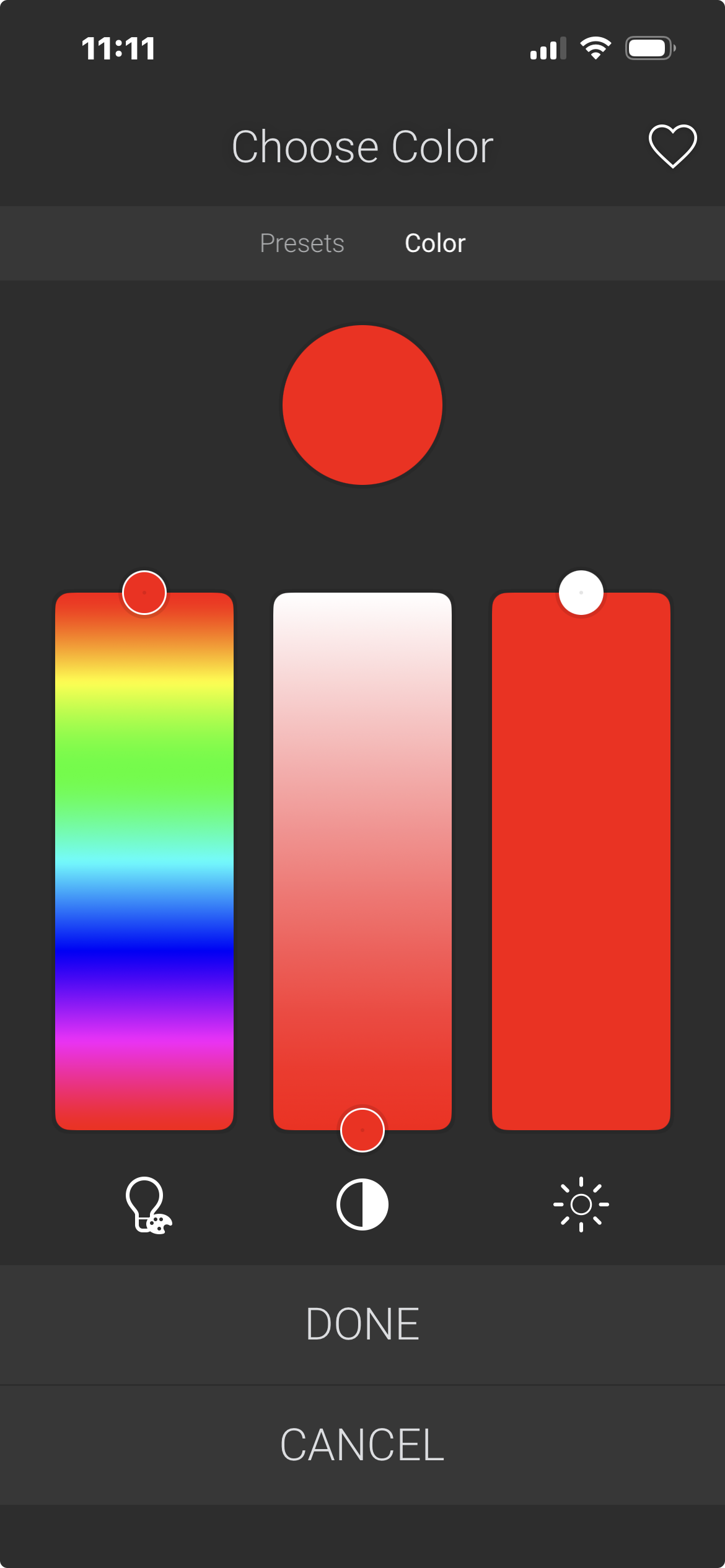
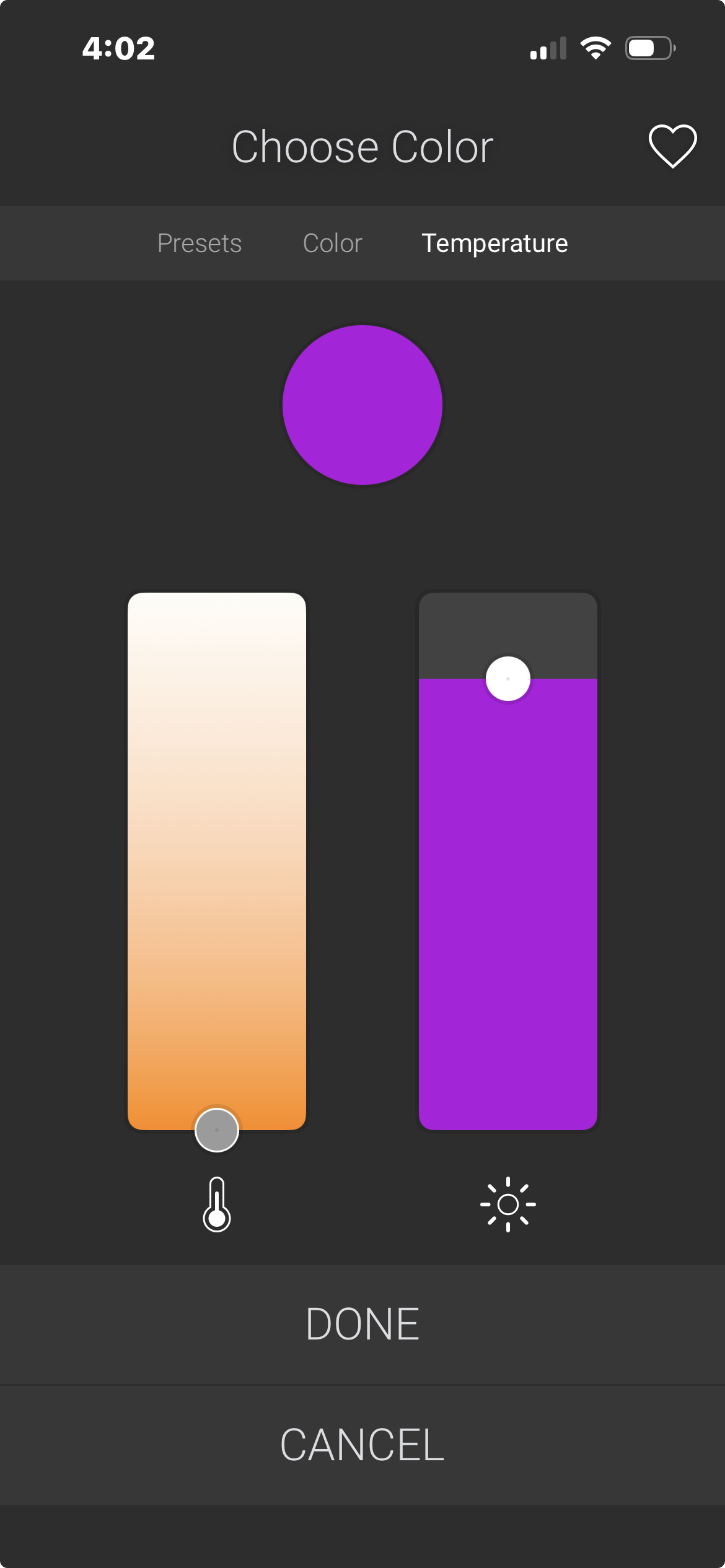
WLED Theme Cycler brings powerful, intuitive control of WLED LED strips directly into your Control4 system. Recall your favorite lighting themes, browse effects and palettes, adjust brightness, and monitor the current lighting state — all from a familiar Control4 interface.
Whether you're installing decorative accent lighting, landscape lighting, holiday displays, media rooms, or architectural LED installations, WLED Theme Cycler provides a polished Control4 experience without relying on external services or cloud connectivity.
Use it as a powerful standalone WLED driver or pair it with Calendar Wizard to automatically synchronize lighting throughout the year.
Why You'll Love WLED Theme Cycler
WLED Theme Cycler is designed specifically for Control4 — a polished, native experience that takes full advantage of WLED's flexibility without leaving the Control4 ecosystem.
Favorite themes are always at hand: Navigator, keypads, Experience Buttons, schedules, and programming all work seamlessly with WLED presets — no switching apps required.
Key Features
Favorite Theme Management
Save up to 10 favorite WLED themes for quick access.
Quickly:
- Recall favorite themes
- Cycle forward or backward
- Jump directly to any saved favorite
- Remember the last active theme automatically
Perfect for seasonal lighting, entertaining, and everyday use.
Real-Time Device Synchronization
WLED Theme Cycler continuously keeps Control4 synchronized with your WLED controller.
Monitor:
- Power status
- Brightness
- Active lighting theme
- Current color
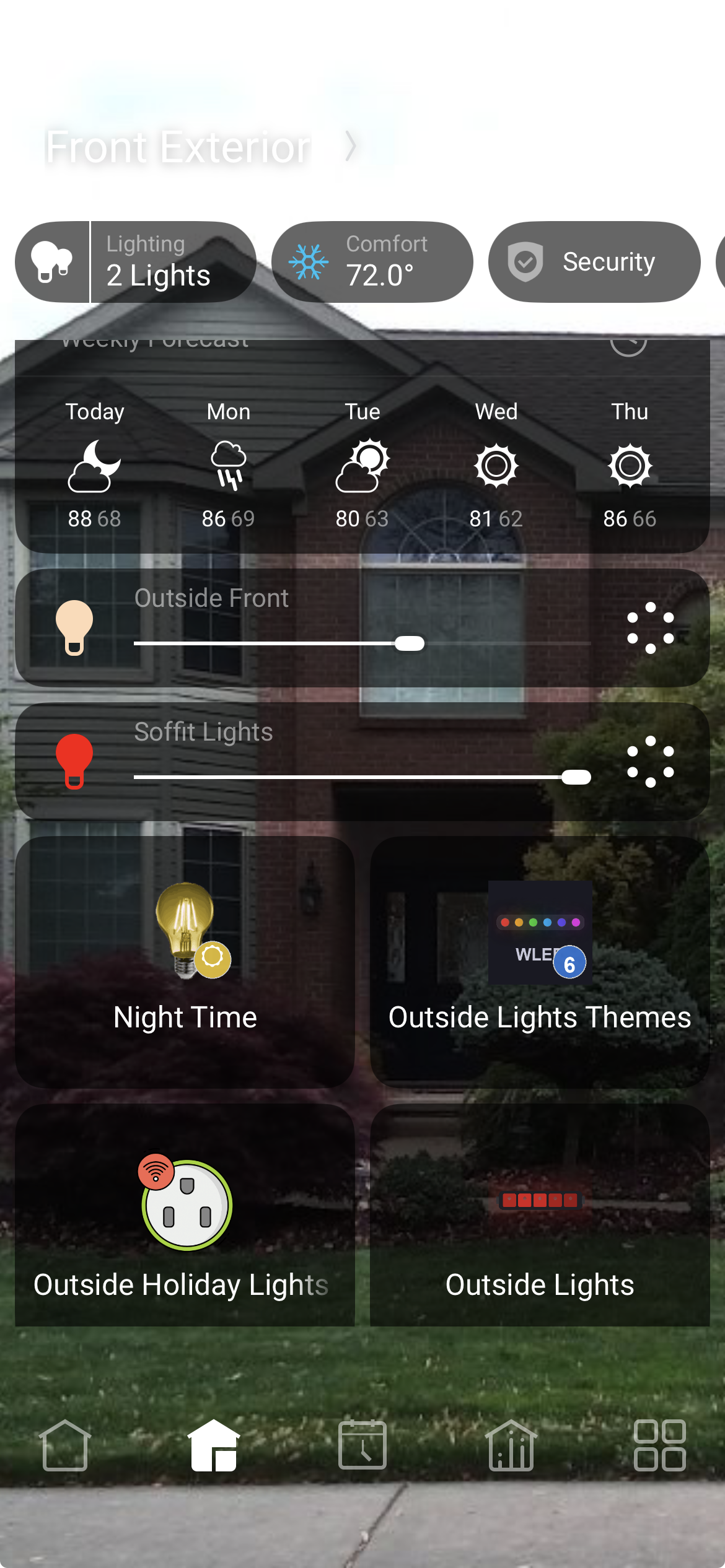
Navigator always reflects the actual state of the lighting — even when changes are made outside Control4.
Native Control4 Experience
Enjoy a familiar Control4 interface including:
- On / Off
- Brightness
- Color selection
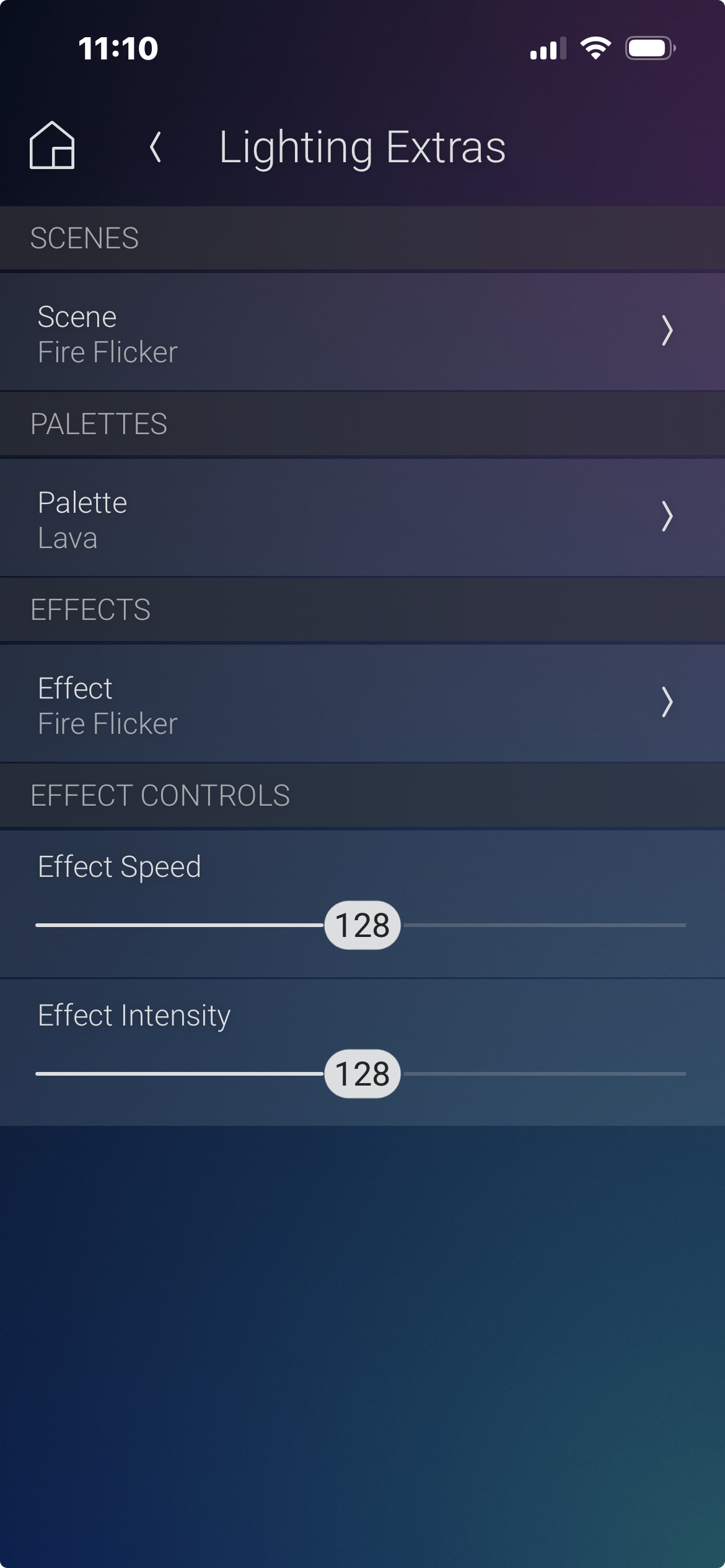
- Theme selection
- Effects
- Palettes
- Favorite themes
Everything is accessible directly from Navigator.
Built for Automation
Integrates naturally with:
- Composer Programming
- Button Links
- Experience Buttons
- Scheduled Events
- Voice Control
Perfect For
- WLED LED strips
- Holiday lighting
- Landscape lighting
- Outdoor lighting
- Accent lighting
- Media rooms
- Game rooms
- Entertainment areas
- Decorative lighting
Local-First Architecture
- No subscriptions.
- No cloud dependency.
- No annual licensing.
Control remains fast, responsive, and entirely local.
Expand Your System
WLED Theme Cycler is a complete standalone Control4 driver.
Expand your installation with optional companion products:
- Calendar Wizard
- Hue Scene Cycler
- Z2M Theme Cycler
- Experience Button Drivers
When paired with Calendar Wizard, lighting themes automatically change based on holidays, seasons, sunrise and sunset, schedules, and custom events. Coordinated whole-home themes are effortless — every WLED strip in the system follows the calendar together.
Available as part of the Calendar Wizard Automation Suite — includes all four drivers plus the Scene Studio desktop application, which is exclusive to the Suite. See the Calendar Wizard Automation Suite listing on DriverCentral for details.
Requirements
- Control4 OS 3.2 or newer
- Compatible WLED device
- Local network connection
Complete documentation is included with every driver download.
Included resources:
- Quick Start Guide
- Comprehensive HTML documentation accessible directly within Composer
- Installation and configuration guide
- Programming examples
- Troubleshooting guide
- Revision history
Revision History
Version 20261017 (October 17, 2026)
- Reduced redundant Control4 updates during frequent WLED UDP notifications while retaining live state feedback.
- Keypad power indicators update when power changes, and dynamic LED colors update when the calculated color changes.
- Per-slot keypad LED colors stay synchronized when changing themes or slots.
Version 20260715 (July 2026)
Initial DriverCentral Release
- First public release on DriverCentral
Version 20260602 (June 2026)
Improvements
- Improved preset synchronization
- Enhanced Navigator color reporting
- Optimized favorite theme handling
- Improved connection recovery
Version 20260517 (May 2026)
New Features
- Added favorite theme management
- Added enhanced theme cycling
- Added Composer programming improvements
- Added additional Button Link support
Version 20260508 (May 2026)
Integration Enhancements
- Improved WLED synchronization
- Enhanced effects and palette handling
- Improved device discovery
Version 20260415 (April 2026)
Foundation Features
- Initial WLED communication engine
- Theme recall
- Effects support
- Palette support
- Brightness control
- Color reporting
- Navigator integration
