
**NEW DRIVER**
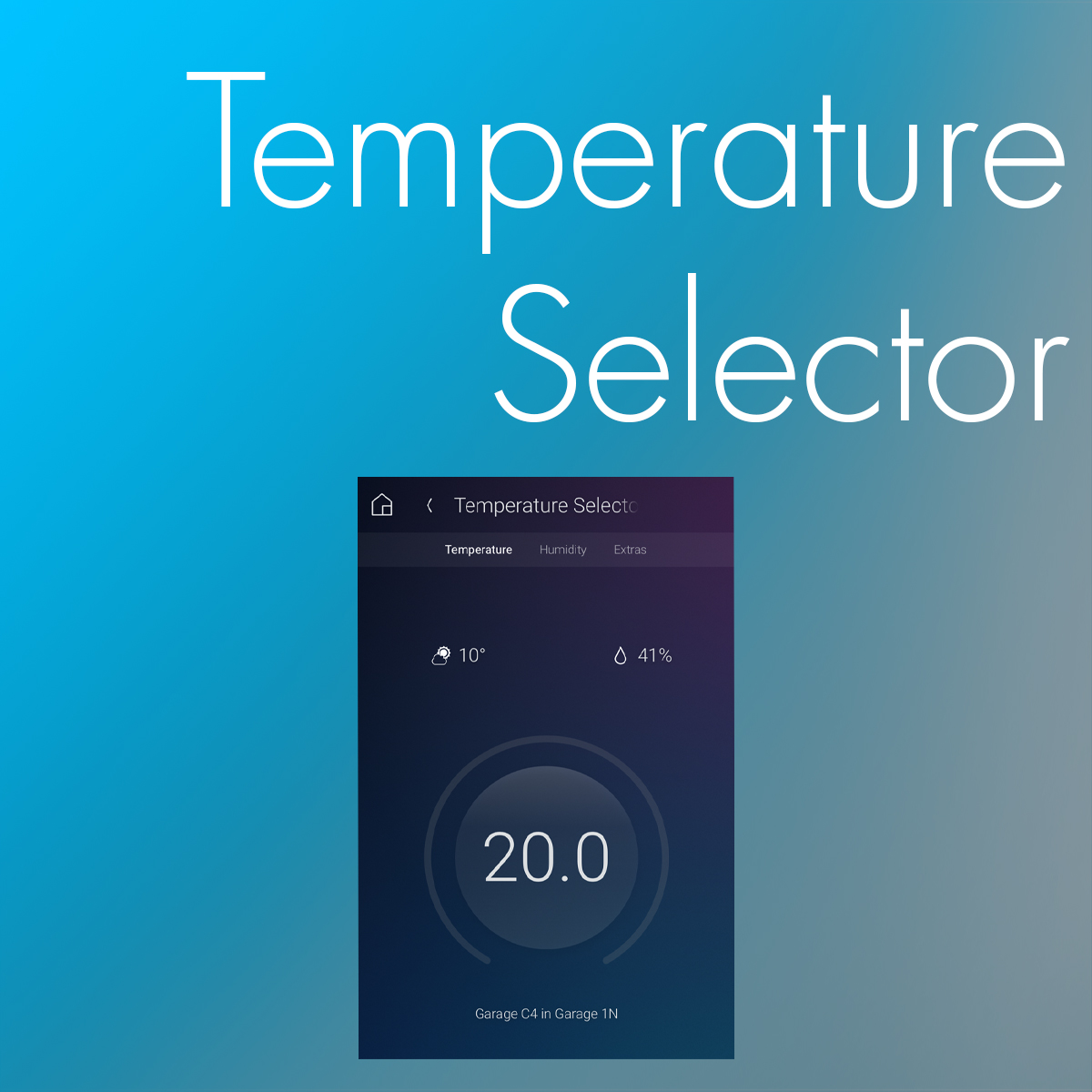
This Temperature Selector driver is used to display selected information (Temperature, Humidity and Outdoor Temperature) from one of several sources in the project (up to 5 thermostats and up to 3 external sources, as well as Control4’s Weather Station driver). You may consider it as a more elaborate version of the legacy Temperature Display driver.
Temperature selection may be made via a Programming command (possibly triggered by Experience Buttons), by specific contacts connected to the driver or even by the user directly (using Extras) if this is allowed via a Property.
Use case: you want to display Outdoor temperature measured by your physical Weather station but revert back to Control4’s Weather Station driver in case of issues with the Weather station.
Use case: you want to show your user the temperature from a Cooling thermostat during Summer and the temperature from a Heating thermostat during Winter.
A Programming command even allows the driver to select its three values (Temperature, Humidity and Outdoor Temperature) from different inputs.
