




Now Includes The New WebUI Driver!
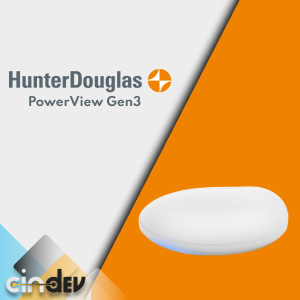
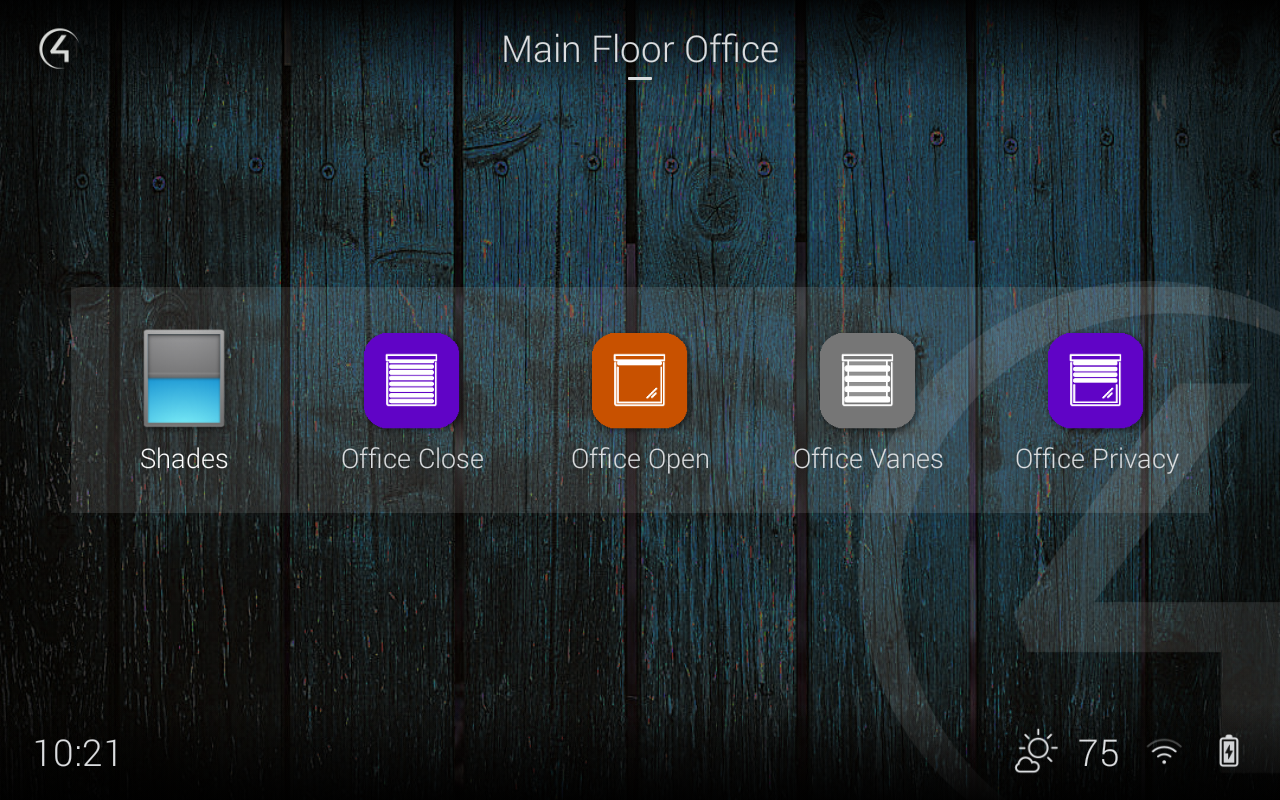
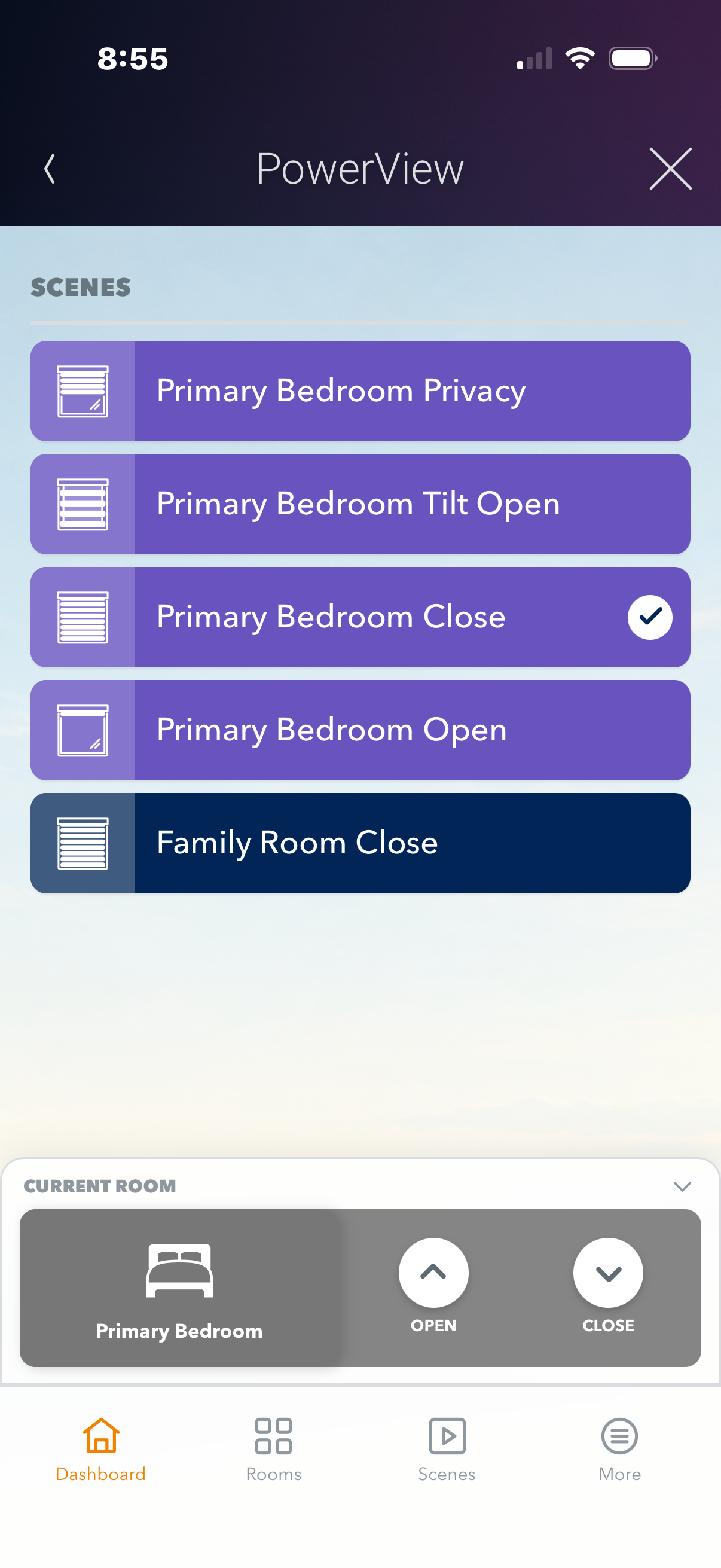
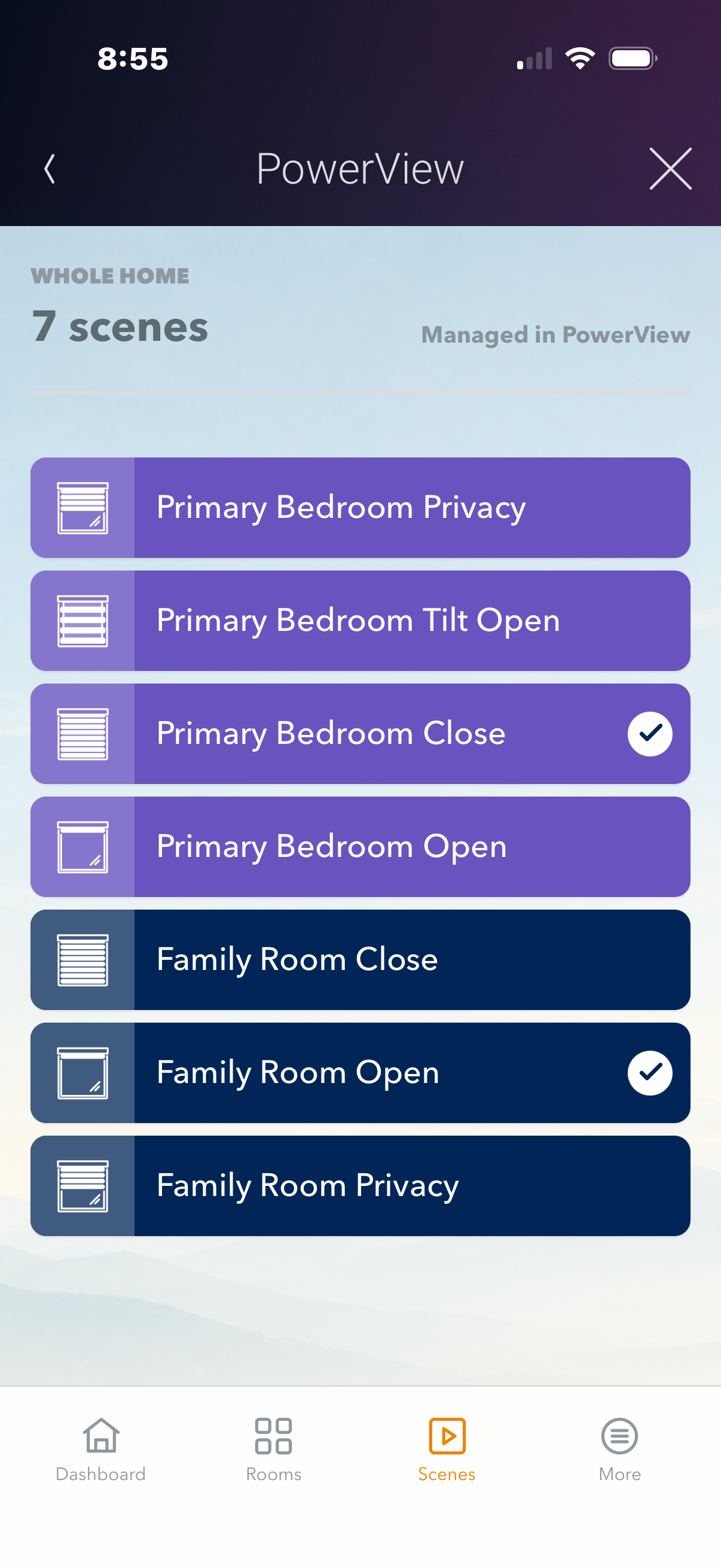
Hunter Douglas PowerView integration reimagined with the new Gen3 Control4 driver. Using the latest technology and software solutions, this driver gives you precision control of natural light in your projects. SDDP and Driver-Add-Driver are included allowing you to quickly and easily setup and deploy even large scale systems easily with little to no custom programming. All shade positions and movement types are supported. Scenes including icon and color are synchronized between the PowerView app and Control4. Download today to experience a revolution in shade control!

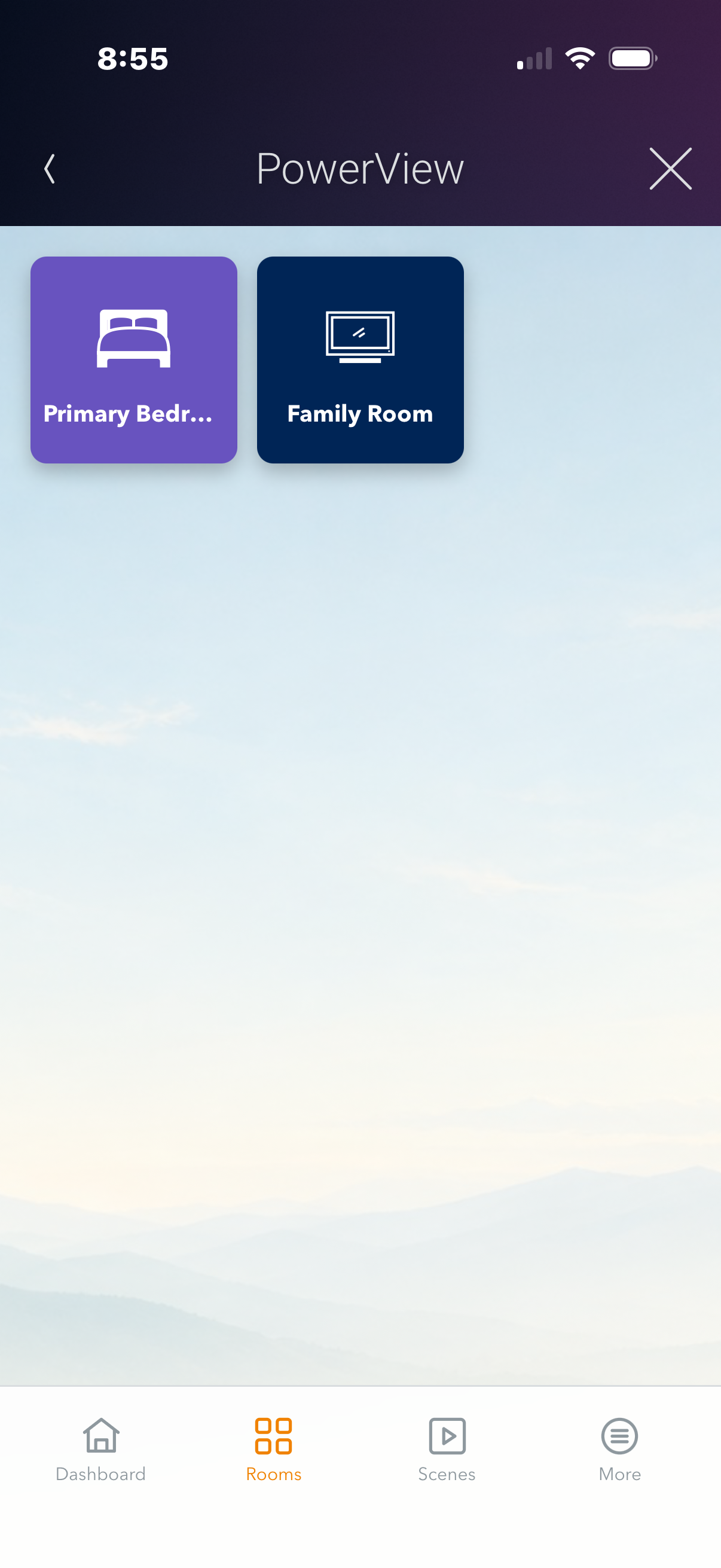
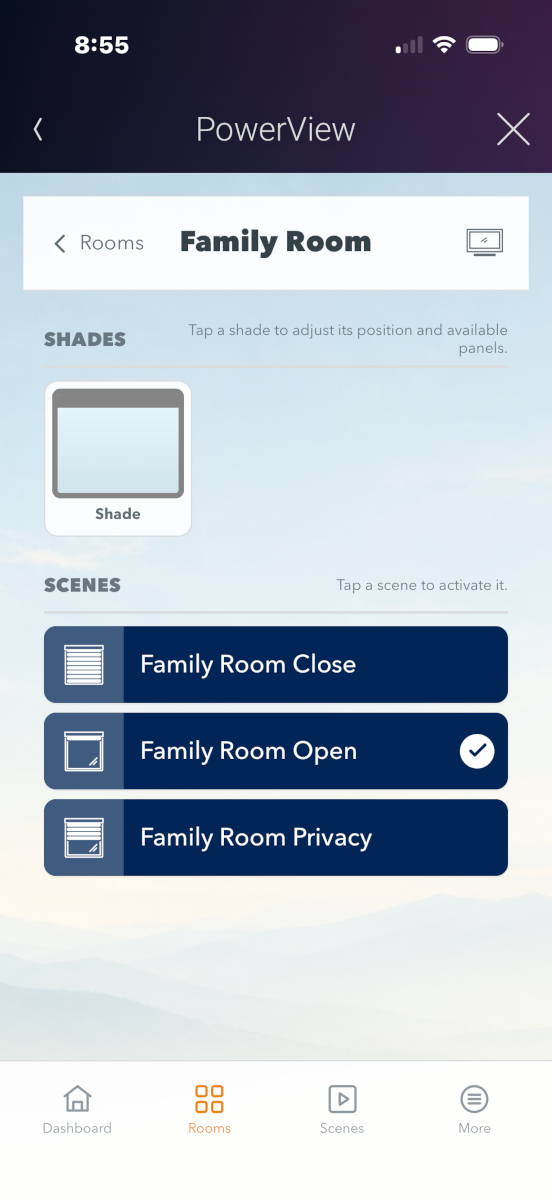
- NEW: Includes a new way to control your shades with the Hunter Douglas Power View WebUI
- Control all PowerView Gen3 shades
- Individual Shade Control
- Group Shade Control
- Preset (scene) Control
- Synchronized settings between PowerView and Control4
- Discrete Positioning
- Driver Add Driver
- SDDP
- Auto Renaming
- Quick Setup

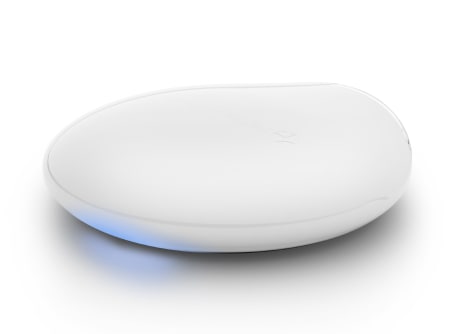
PowerView Gen 3 Shades with Gateway


This driver is owned by Hunter Douglas and distributed by Cindev via DriverCentral.
No posts found

Click here to access the full installers guide that includes driver setup instructions as well as driver feature details.

help.hunterdouglas.com/s/article/Lifetime-Limited-Warranty
www.cindev.com/terms-and-conditions
V20260902
- Added
- Added the **PowerView Gen 3 App** with Hunter Douglas branding and an **Add PowerView App** Gateway action for dealer installation.
- Added room names to scene views and paging for systems with large numbers of rooms, shades, or scenes. - Changed
- The PowerView Gen 3 App now appears in the **Comfort** section of each selected room.
- **Open** commands for shades, rooms, and groups now open the primary covering rail. - Improved
- Improved layouts and controls on iPhone, T4, and T5, including clearer Aura and Top-Down/Bottom-Up positions.
- Expanded feedback and diagnostics for App commands, Gateway responses, and Navigator communication.
- Reduced Navigator and scene icon file sizes without changing their appearance. - Fixed
- Fixed the Control4 **Back** button so it closes the App from the dashboard instead of refreshing it.
- Fixed an issue preventing unknown shade types from using discrete level control.
- Fixed App Access Code enforcement so locked sessions cannot view or control PowerView devices.
- Fixed reliability and error reporting for jog, room, group, and shade commands, including large multi-shade requests.
- Fixed a Lua error when connecting the App and a false communication alert during initial startup.
- Fixed room-specific launches and saved **Show Icon** room selections, including an issue that opened the dashboard when Control4 and PowerView room names matched.
- Fixed overlapping or truncated room headers, unwanted zoom and background scrolling, and incorrect shade-group icons. - Removed
- Removed the **Managed in PowerView** label from the Scenes view.
- Removed developer attribution from the loading screen.
- 20260723
- Added
- Added gateway online/offline programming events, connection-state variables, and Control4 History reporting.
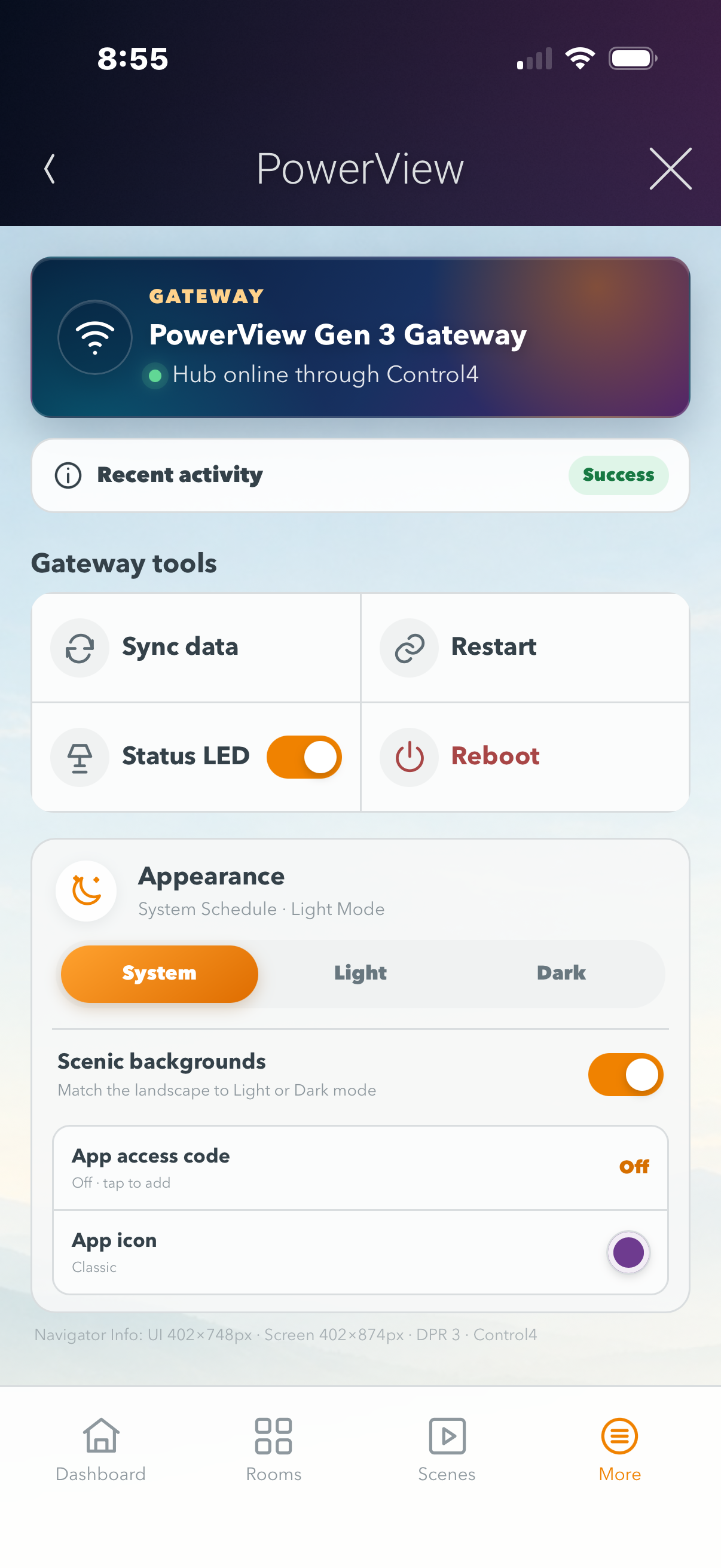
- Added Gateway LED control, Restart Communication, and Reboot Gateway controls.
- Added gateway connection diagnostics and serial-number reporting.
- Added shade firmware-version and signal-strength reporting.
- Added a Jog Shade action for identifying and testing individual shades.
- Improved active/inactive scene tracking and added a scene-status conditional.
- Improved
- Improved automatic refresh of rooms, shades, scenes, and groups when the Gateway configuration changes.
- Improved Driver Add Driver discovery, queue handling, and cleanup of removed shade-group members.
- Improved recovery after Gateway communication and polling interruptions.
- Fixed
- Fixed fragmented Gateway event responses and stale event subscriptions or callbacks.
- Fixed missing PowerView scene icons caused by mismatched image states and filenames.
- Added
- 20260520
- Enabled advanced lighting scenes for PowerView Aura shades.
- Improved
- Optimized scene images.
- Improved documentation
- 20251106
- Added Submit Diagnostics feature for better dealer support
- Added Driver Feedback feature (Gateway Documentation)
- 20250915
- Improved communication when using SDDP
- General improvements and documentation updates
- 20250224
- General updates to supporting packages
- Improved reconnection timing with Gateway on large projects
- Set view order when searching for PowerView drivers in ComposerPro
- 20240927
- Added Aria Soft Blinds
- Fixed issue with legacy firmware on Gateway choosing incorrect color on certain scenes.
- 20240222
- Official Certified version with Control4
- 20230926
- Improvements to Aura shades
- Improvements to Shade Groups
- Fixed scene icon (green_7) not working
- 20230808
- Added Aura Shade type
- Added Group Shade support
- General bug fixes/improvements
- 20230605
- Fixed issue with Luminette shades not configured correctly
- Added new Shade Types
- Added connection for Aura Illuminated shades (future driver release)
- 20230330
- Blocked issue where shade would get renamed REMOVED if the gateway sent incorrect information
- Updated copyright info
- Added better protection code if driver-add-driver fails
- General improvements and updates
- 20220620
- Fixed issue where clearing bindings did not work
- General updates
- 20220610
- Added new gen3 shade types (fixed Lua Error)
- 20220516
- Official Release
