
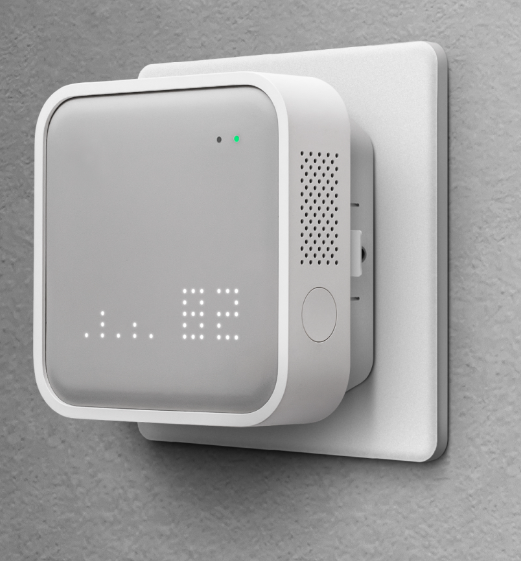


Awair Local — Air Quality Integration for Control4
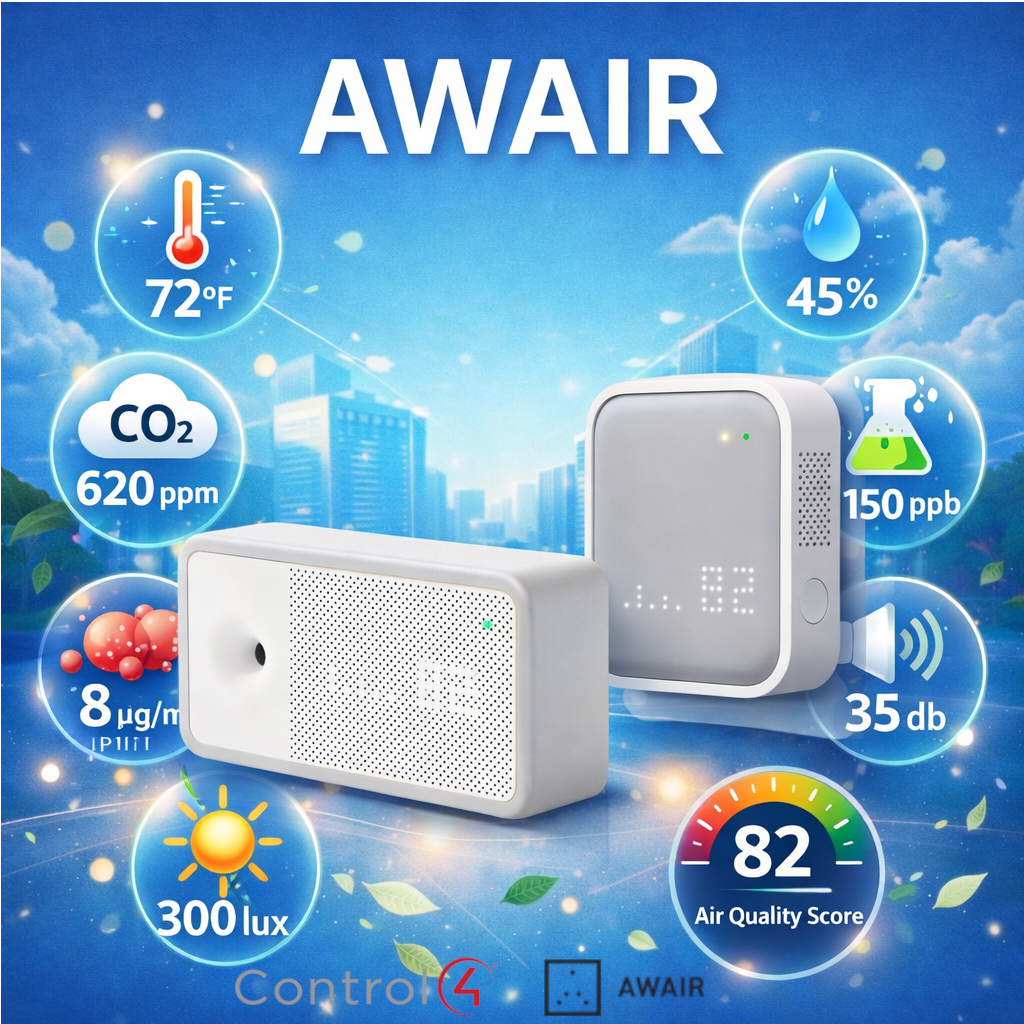
Bring real-time indoor air quality monitoring into your Control4 system with the Awair Local driver suite. Using the Awair device's local API — no cloud dependency required — the driver polls your Awair sensor on a configurable interval (10–300 seconds) and makes all readings available throughout your Control4 system.
The main driver monitors all six Awair sensor values:
- Temperature (Celsius or Fahrenheit)
- Humidity
- CO₂
- Total VOCs (TVOCs)
- PM2.5 (fine particulate matter)
- Awair Score (overall air quality index)
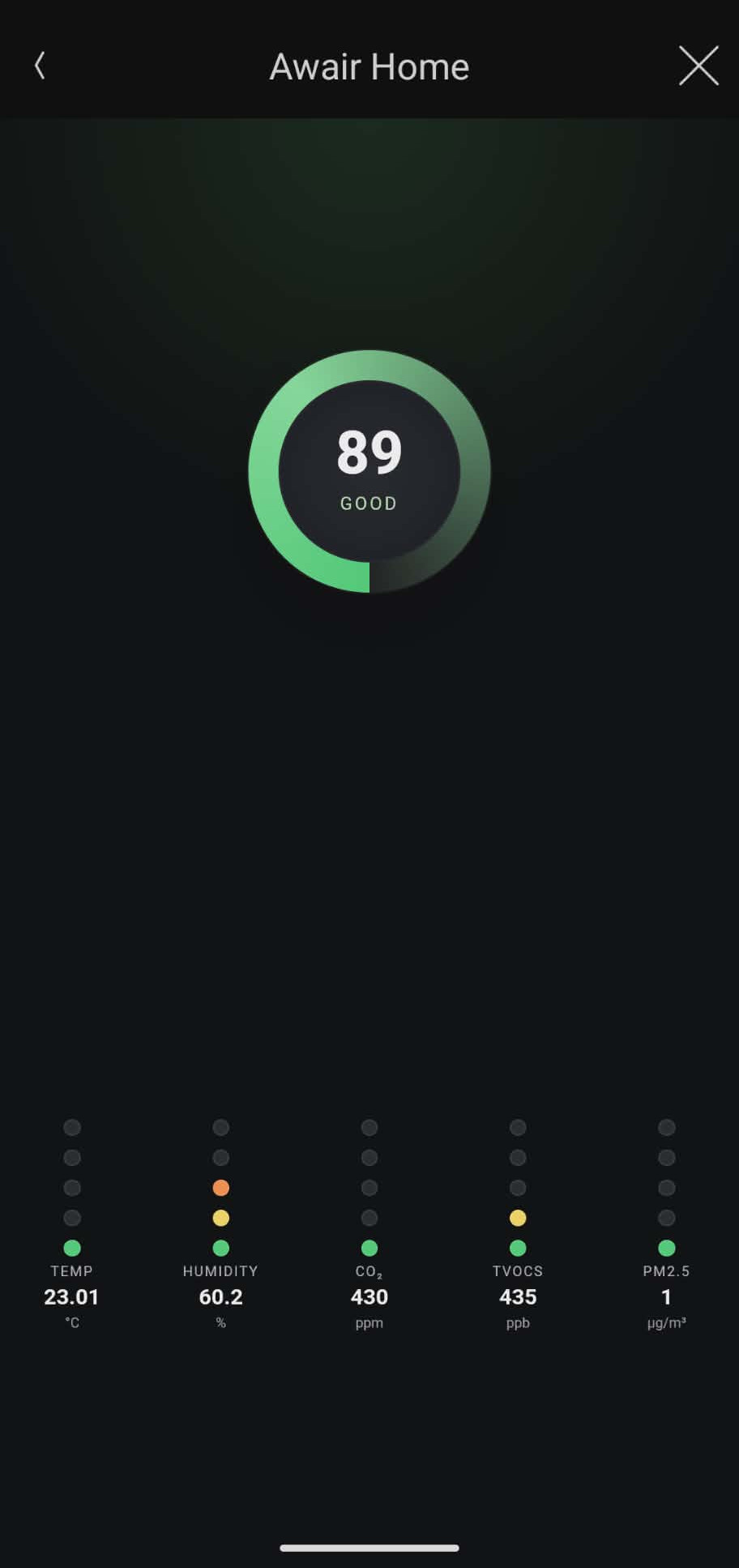
A built-in web view displays a live dashboard of all sensor readings, accessible from any Control4 touch screen or the mobile app.
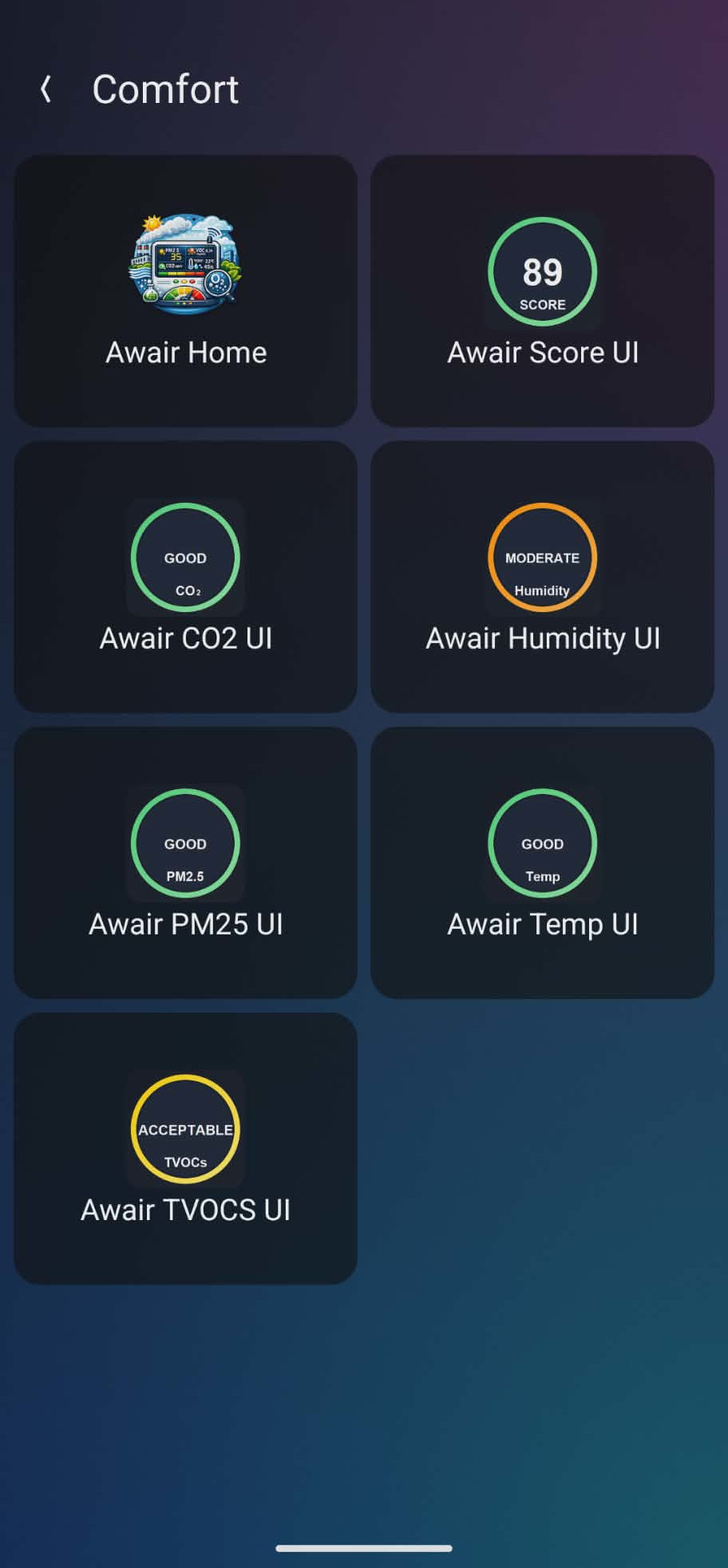
Companion UI Drivers are included for each individual sensor (CO₂, Humidity, PM2.5, Score, Temperature, TVOCs). These are standalone UI Button drivers that bind to the main Awair Local driver and display color-coded icons representing the current value range — perfect for placing air quality at a glance anywhere in your navigator.
Additional features:
- Local API — no cloud account or internet required for operation
- Auto-bind sensor connections between main and UI drivers
- Device info display: UUID, firmware version, WiFi MAC address
- Configurable log level for easy troubleshooting
- Automatic driver updates via DriverCentral
Requires OS 3.3.0 or later. One main driver per physical Awair device.
Which Awair products are compatible with the Local API?
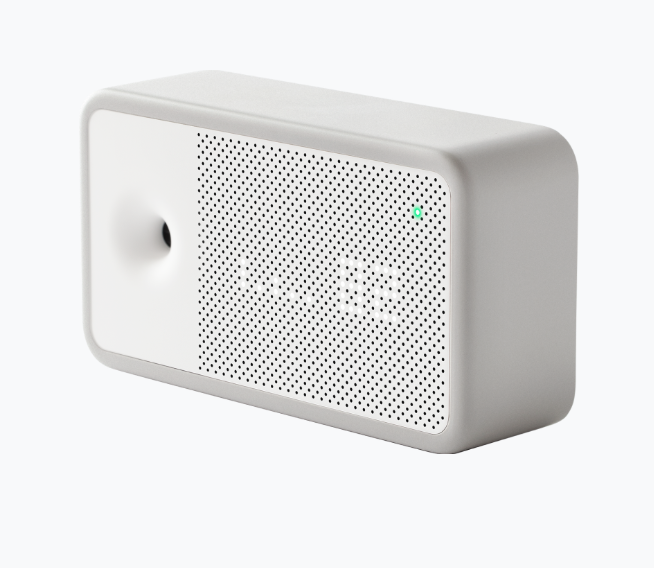
Awair 2nd Edition and Awair Element are currently in Beta and can be enabled via the Awair Home app. Other Awair devices, such as Awair 1st Edition, Glow, and Glow C are not supported.
Some Awair devices come with the Local API enabled by default, such as the Enterprise line of products (Awair Omni and Surface / In-Wall Mount).
How do I use the Local API?
To enable the Local API feature use the Awair Home app.
1. Tap Awair+ tab in the lower right-hand corner of the Awair Home App
2. Tap "Awair APIs Beta" in the Awair+ menu
3. Tap "Local API" in the Awair APIs menu
4. Tap "Enable Local API" to enable the feature for your Awair device
5. After you have enabled the Local Sensors feature, look up the device IP address in your router's connected device list either by MAC or hostname. You can find the MAC on the back of your device and the hostname is AWAIR-ELEM- + the last 6 characters of the MAC
v1
- Initial Release
