


⚠︎ Warning
Beta driver. It is under active development: behavior and settings may change between releases, and some devices may not yet work reliably. Use at your own risk and report any issues to driver-support@finitelabs.com.
Overview
The Zigbee 3 Device driver brings Zigbee 3.0 devices into Control4, with a single driver that covers every supported model. Join a device to the controller's Zigbee 3.0 network and the driver recognizes its model, adds the connections and variables it needs, shows its readings, and lets you configure it from the Settings tab.
Features
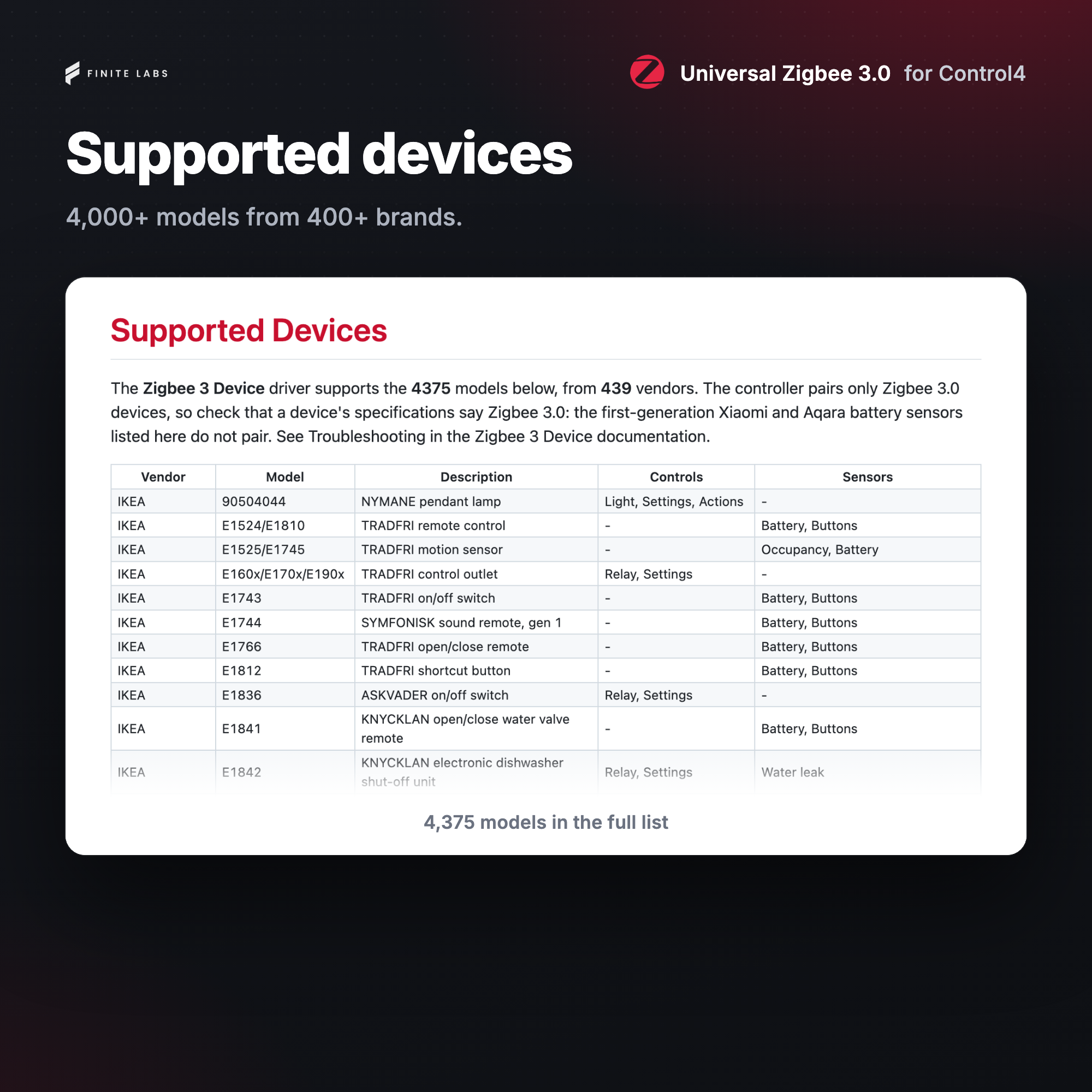
- Thousands of Zigbee 3.0 devices, with no hub or bridge; see the Supported Devices list in the Downloads section
- Switches, relays and plugs as Control4 relays, one per gang
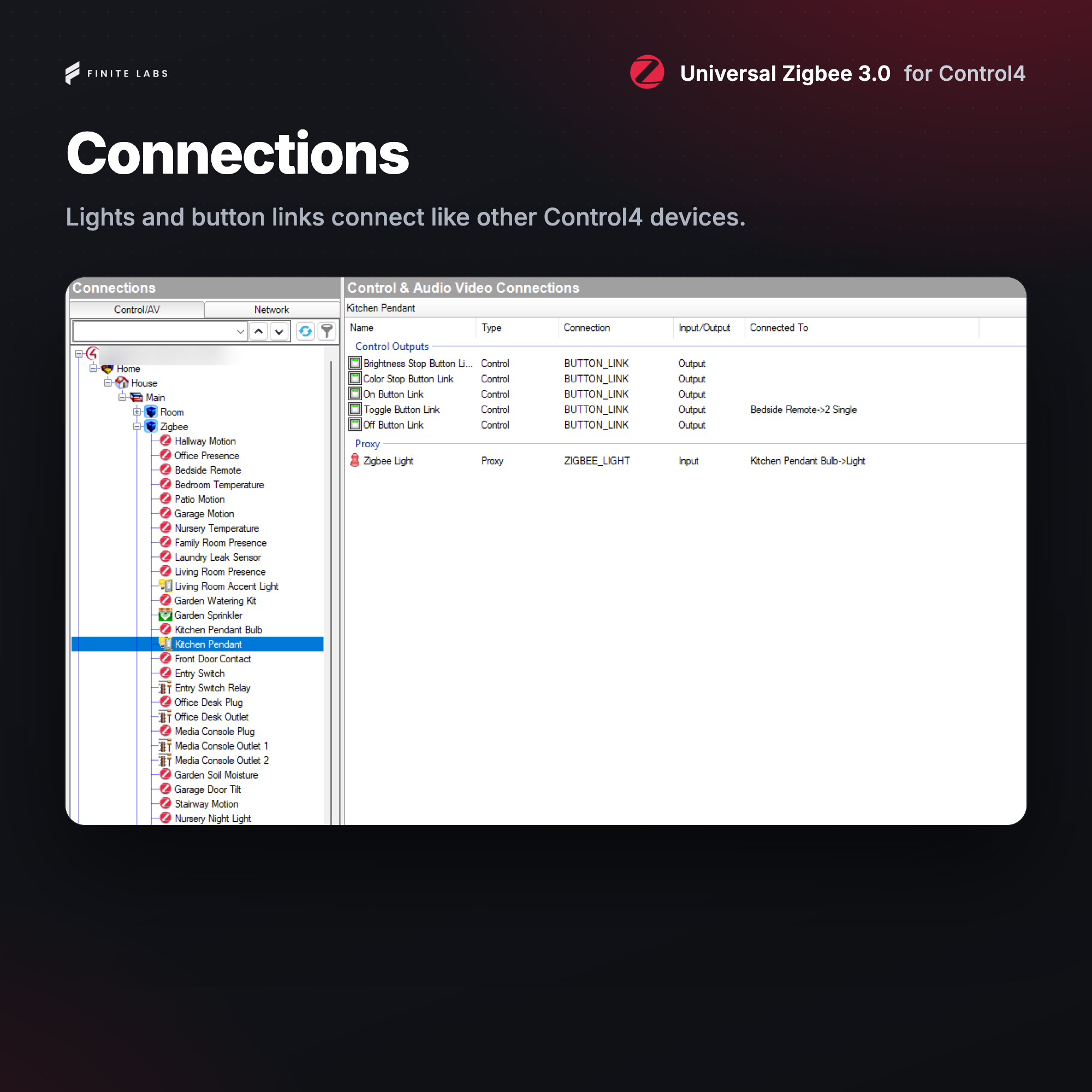
- Light and lock connections for the companion drivers below
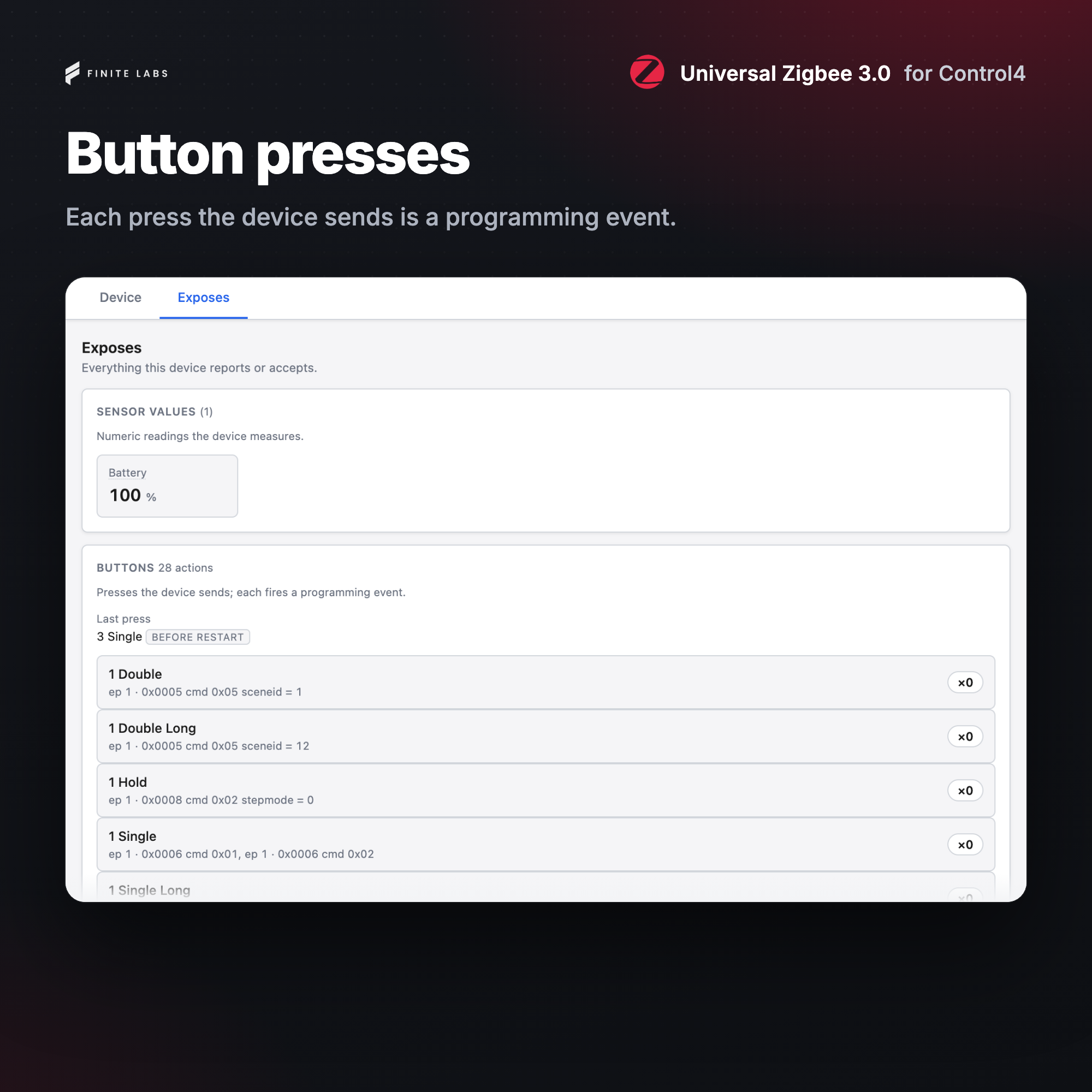
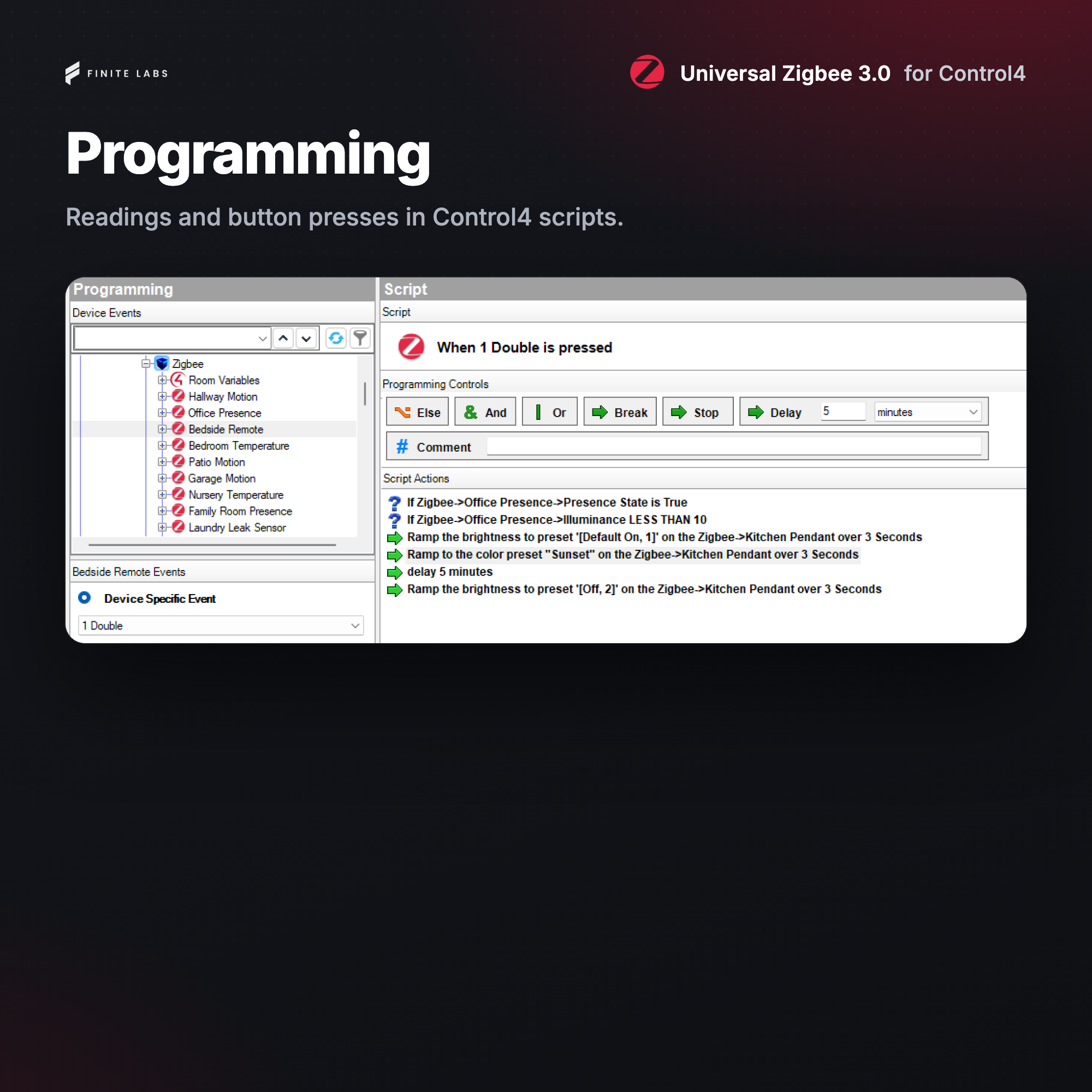
- Remote and scene controller buttons as programming events and Button Links
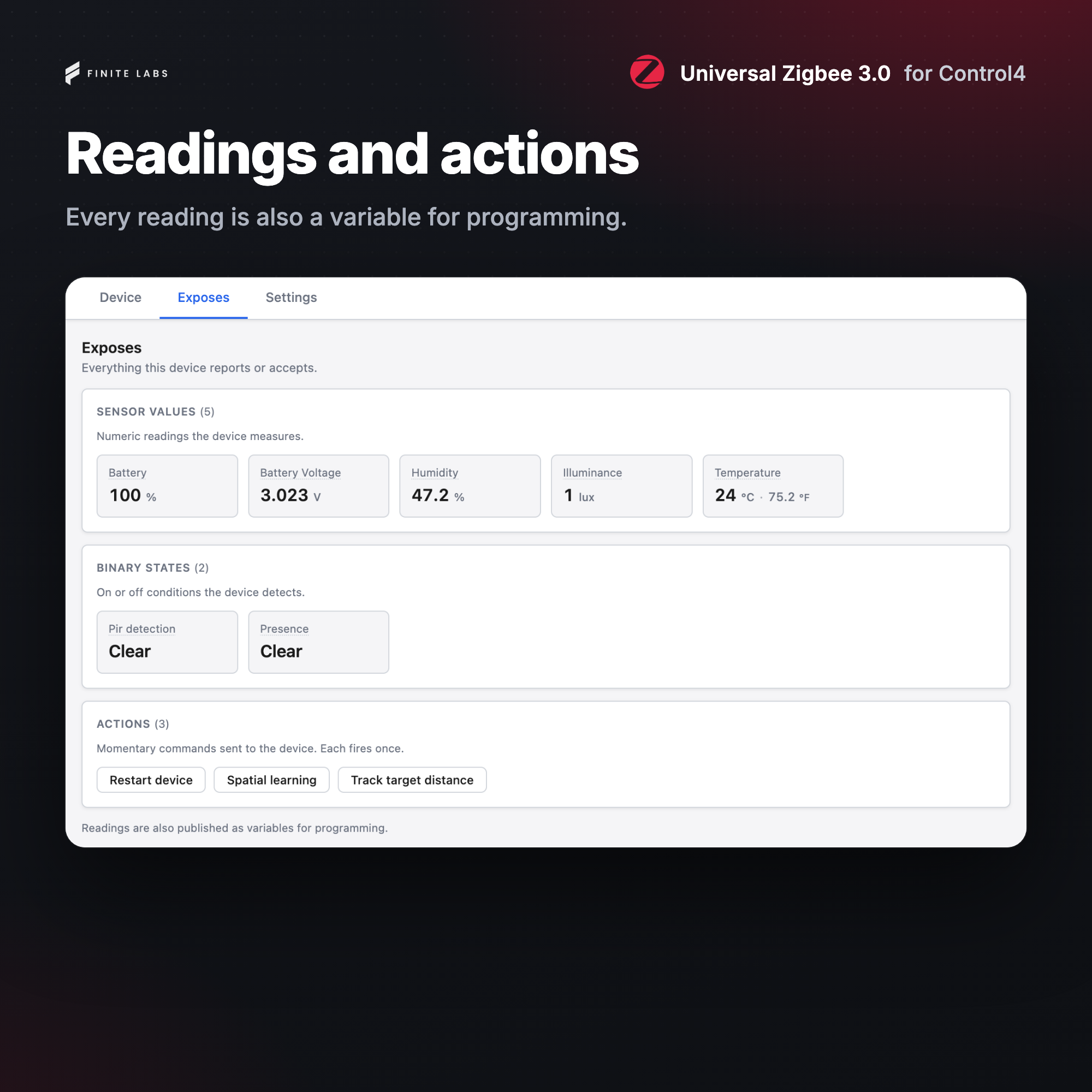
- Readings as variables, and contact, temperature and humidity connections
- Security sensors enrolled automatically, with Battery Low and Trouble events
- Offline Warning and Back Online events
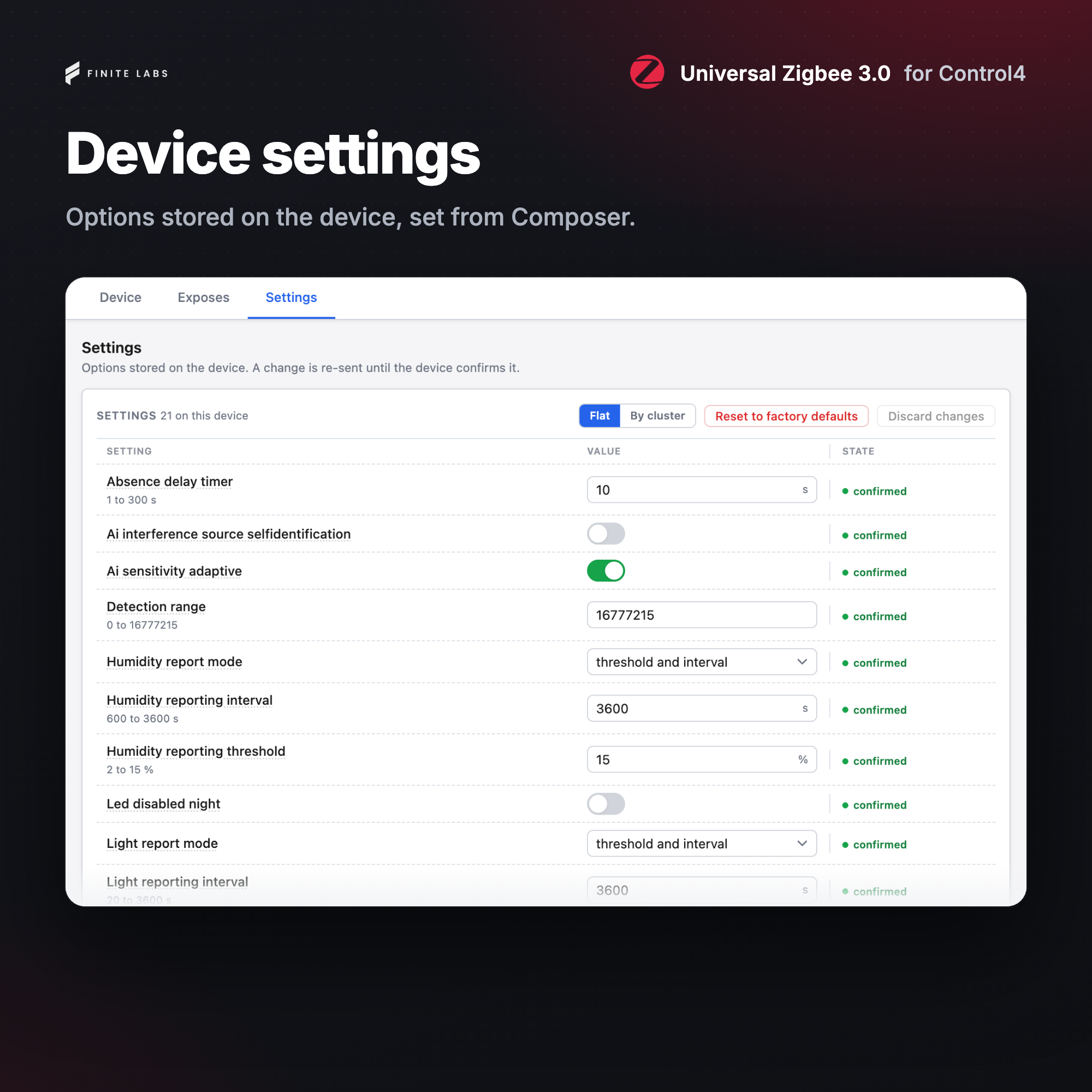
- Device settings and actions from the Settings tab and from programming
Included Drivers
Zigbee 3 Device
Add one for each joined device. It recognizes the model and creates the connections, readings and settings that model needs. It is the only driver you add for sensors, switches, plugs, remotes, and any other device that needs no light or lock proxy.
Zigbee 3 Light
The light companion. It presents a standard Control4 light proxy for a Zigbee 3.0 bulb or fixture. Add one for each light and bind its Zigbee Light connection to the matching Zigbee 3 Device.
- On, off, dimming, color temperature and full color, as the light supports them
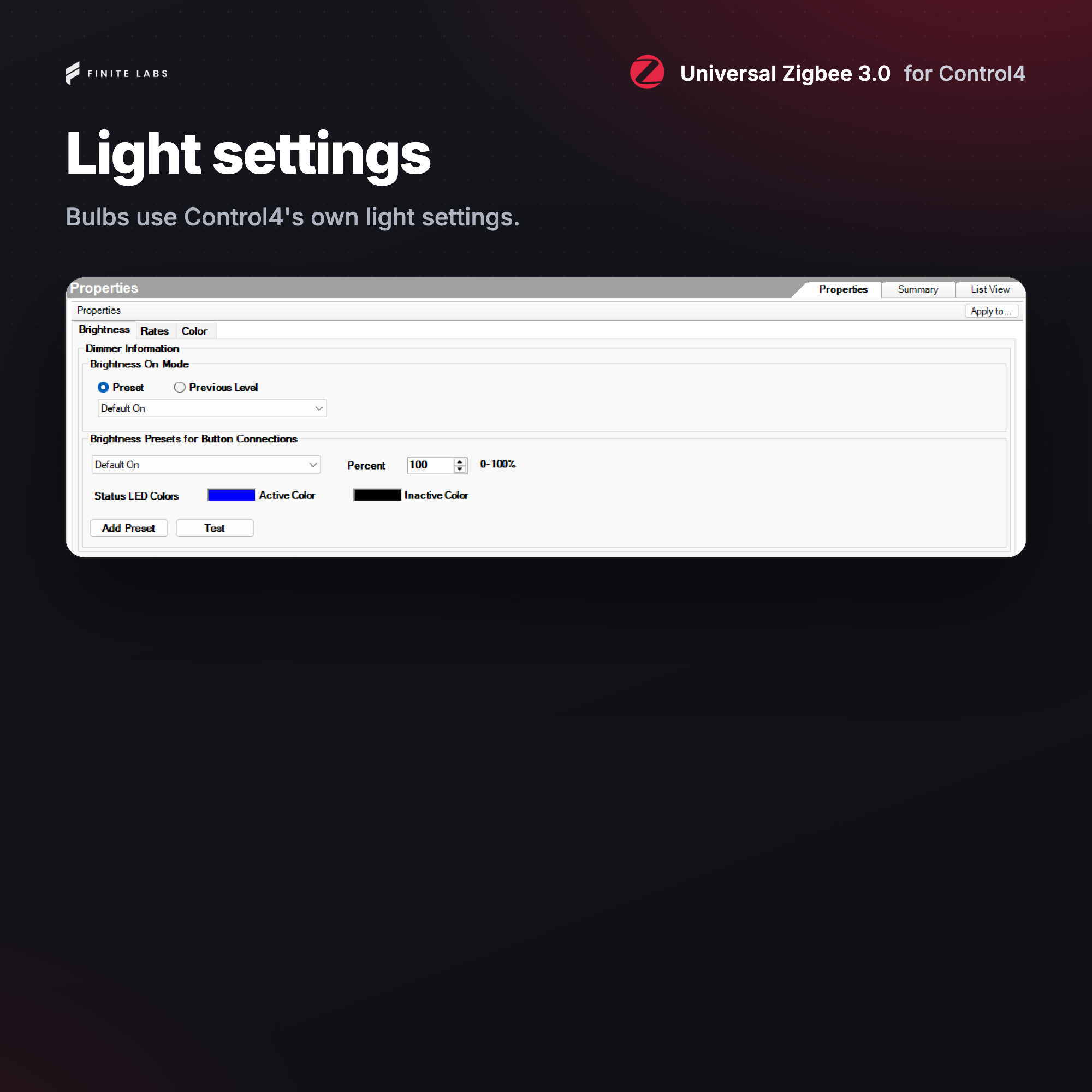
- Fades at the Control4 rates, Max and Min On Level, and Dim-To-Warm
- Advanced Lighting Scenes
- On, Toggle and Off Button Links for keypad buttons
Zigbee 3 Lock
The lock companion. It presents a standard Control4 lock proxy for a Zigbee 3.0 deadbolt or lever. Add one for each lock and bind its Zigbee Lock connection to the matching Zigbee 3 Device.
- Lock, unlock and toggle from Navigators and programming
- Status and history that show how the lock was operated, such as at the keypad
- Battery status with Warning and Critical levels
- Optional lock code for remote operation
System requirements
- Control4 OS 4.3+
- A controller running the Zigbee 3.0 stack with an open network
- A Zigbee 3.0 device on the Supported Devices list in the Downloads section
Compatibility
Every supported model, with what the driver controls and reads on each, is in the Supported Devices list in the Downloads section. The driver adds a light, lock or relay only where the paired device reports one as it joins, so a device can show fewer controls than its model's row lists.
The list covers models from 517 vendors, among them Philips Hue, Tuya, Aqara, Innr, IKEA, Moes, Gledopto, SONOFF, LEDVANCE, Third Reality, Yale, Kwikset and Inovelli.
The controller pairs only Zigbee 3.0 devices, so check that a device's specifications say Zigbee 3.0: first-generation Xiaomi and Aqara battery sensors do not pair, but their current models do.
If a listed device does not work, or an unlisted one does, please email driver-support@finitelabs.com.
Coming in future updates
- Zigbee firmware updates (OTA) for supported devices, installed from the driver, coming soon. Until then, update a device's firmware with its maker's own hub or app.
- Lock user and PIN code management
- Fan speed and mode (fans run as on and off relays today)
- Thermostat and blinds proxies (these devices work through their readings, settings and actions today)
- Philips Hue light effects and gradient colors
Known issues
- Battery devices on OS 4.3: after a battery device is paired, or reset and paired again, the controller can take several hours to place all of its bindings, and a day or more for a device that rarely wakes. Readings still update when the device wakes, but a button press, or a reading the device sends as it happens, can be missed until then. A later Control4 OS release will fix the wait for the bindings after the first; a battery device will still take each one only while it is awake.
- A device that refuses a binding: on OS 4.3, when a device refuses one of the bindings the driver asks for, the controller stops placing the rest; a later Control4 OS release will fix this. The driver finds the refused binding and asks for the others again: a mains device is through it in seconds, and a battery device takes a wake for each step. Until the others are placed, their readings still update, but a button press, or a reading the device sends as it happens, can be missed.
- A device that cannot report its bindings: the controller reads a device's bindings before it places any. On OS 4.3, a device that cannot answer that read never has its bindings placed; a later Control4 OS release will fix this. Its readings still update, but a button press, or a reading the device sends as it happens, can be missed. Where those matter, use another device.
- Programming across updates: while the driver is in beta, an update is unlikely to change or remove an event, variable, connection or command that programming uses, but it can. Any such change is called out under Revisions.
Zigbee and the brand names on this page and in the Supported Devices list are trademarks of their owners. Finite Labs is not affiliated with or endorsed by them.
No posts found
v20261029 - 2026-10-29
Added
- Added the Zigbee 3 Device driver for Zigbee 3.0 devices joined to the controller's own Zigbee network, with no hub or bridge, covering the models in the supported devices list. It requires Control4 OS 4.3.0 or later.
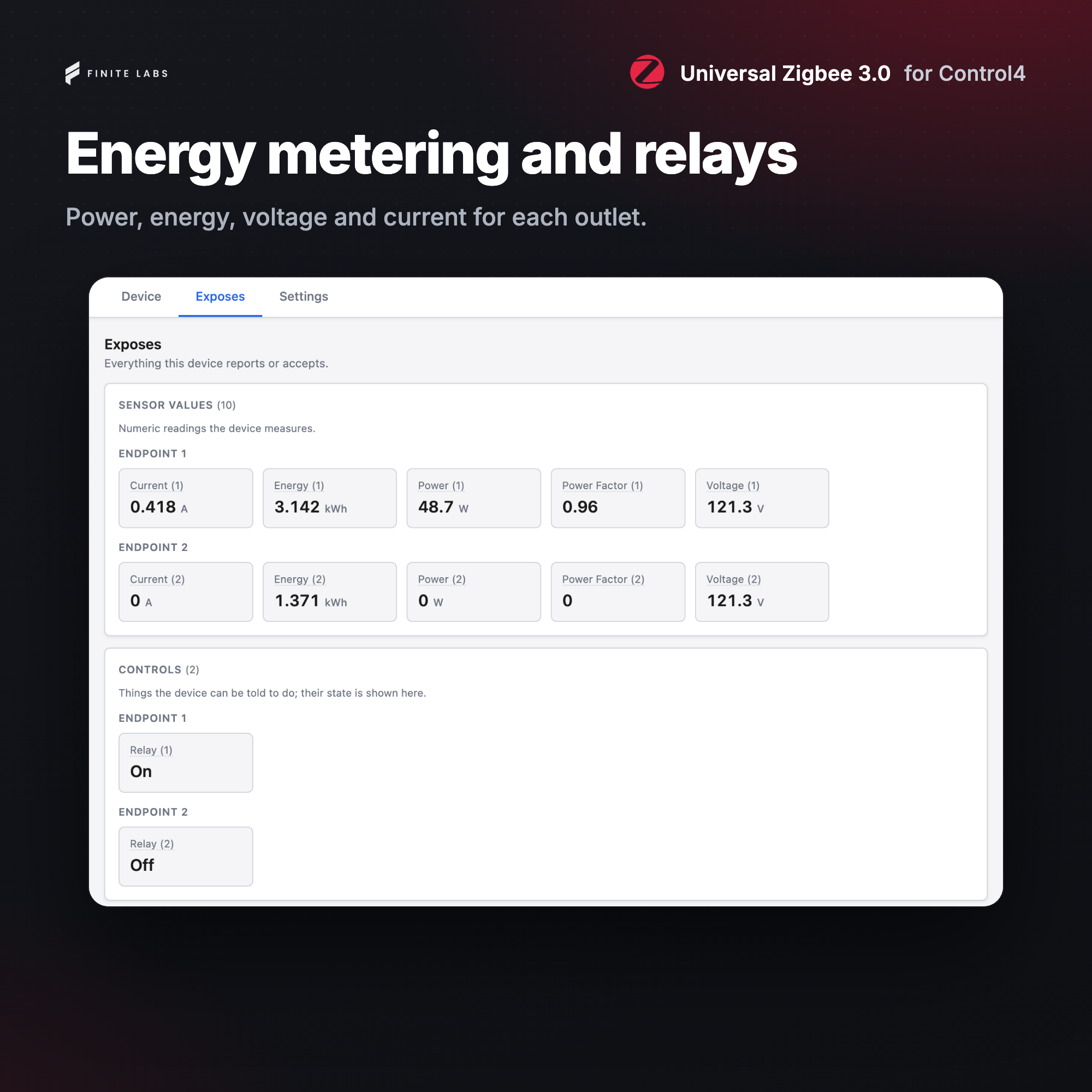
- Added switches, relays and plugs as Control4 relays, one per gang, and energy readings for metering plugs and switches.
- Added sensor readings as Control4 variables, contact, temperature and humidity sensor connections, and automatic enrollment of security sensors so they send alarms.
- Added a programming event and a Button Link connection for each button action on remotes and scene controllers.
- Added a programming event for each wrong code or code change a lock reports.
- Added Battery Low, Trouble, Offline Warning and Back Online events.
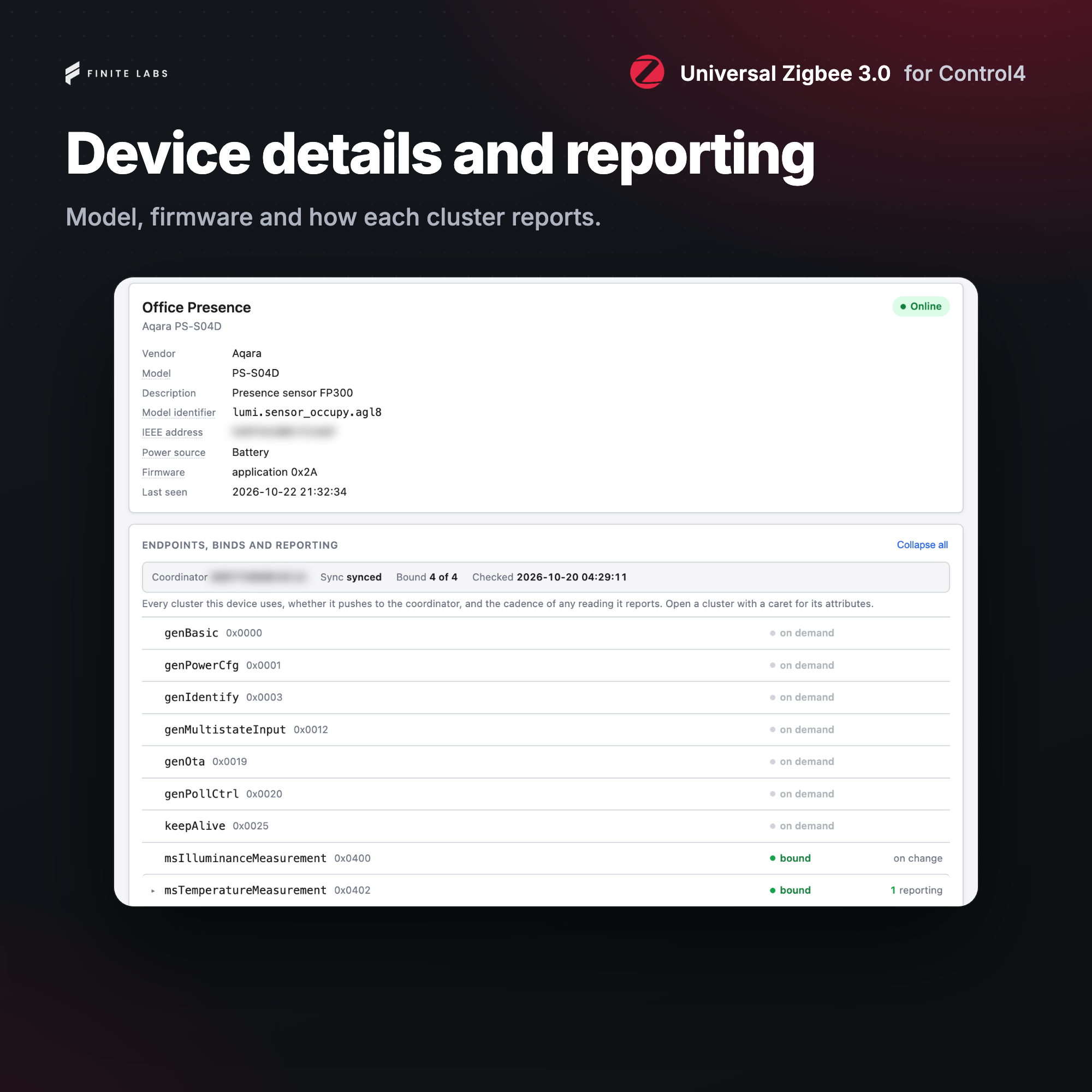
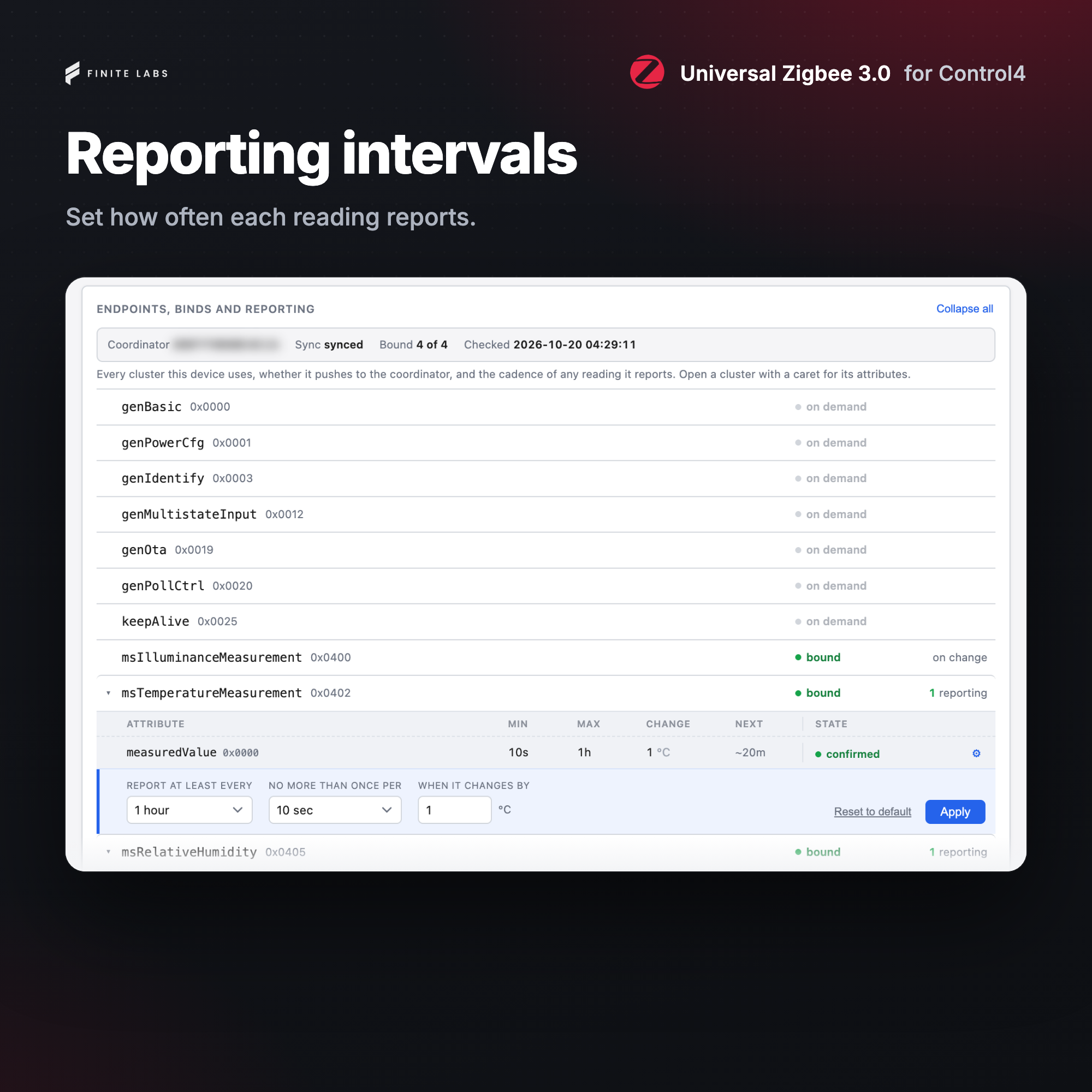
- Added the Settings tab, which shows each device's readings, bindings and reporting, and changes its settings and reporting intervals.
- Added device actions, such as Identify and a self-test, and programming commands that change a device's settings and run its actions.
- Added the Zigbee 3 Light companion driver, which presents a joined bulb or fixture as a standard Control4 light with dimming, color temperature and full color as the light supports them, fades at the Control4 rates, Dim-To-Warm, Advanced Lighting Scenes and On, Toggle and Off Button Links.
- Added the Zigbee 3 Lock companion driver, which presents a joined lock as a standard Control4 lock with lock, unlock and toggle, how the lock was operated, battery status and an optional lock code.
- Added DriverCentral licensing and automatic updates.
- Added a Supported Devices page to the Zigbee 3 Device documentation, which lists every supported model with what the driver controls and reads on it.
- Added a
NOTICEfile with the MIT License notices of zigbee-herdsman and zigbee-herdsman-converters, which the device definitions and Zigbee Cluster Library tables are generated from.
