
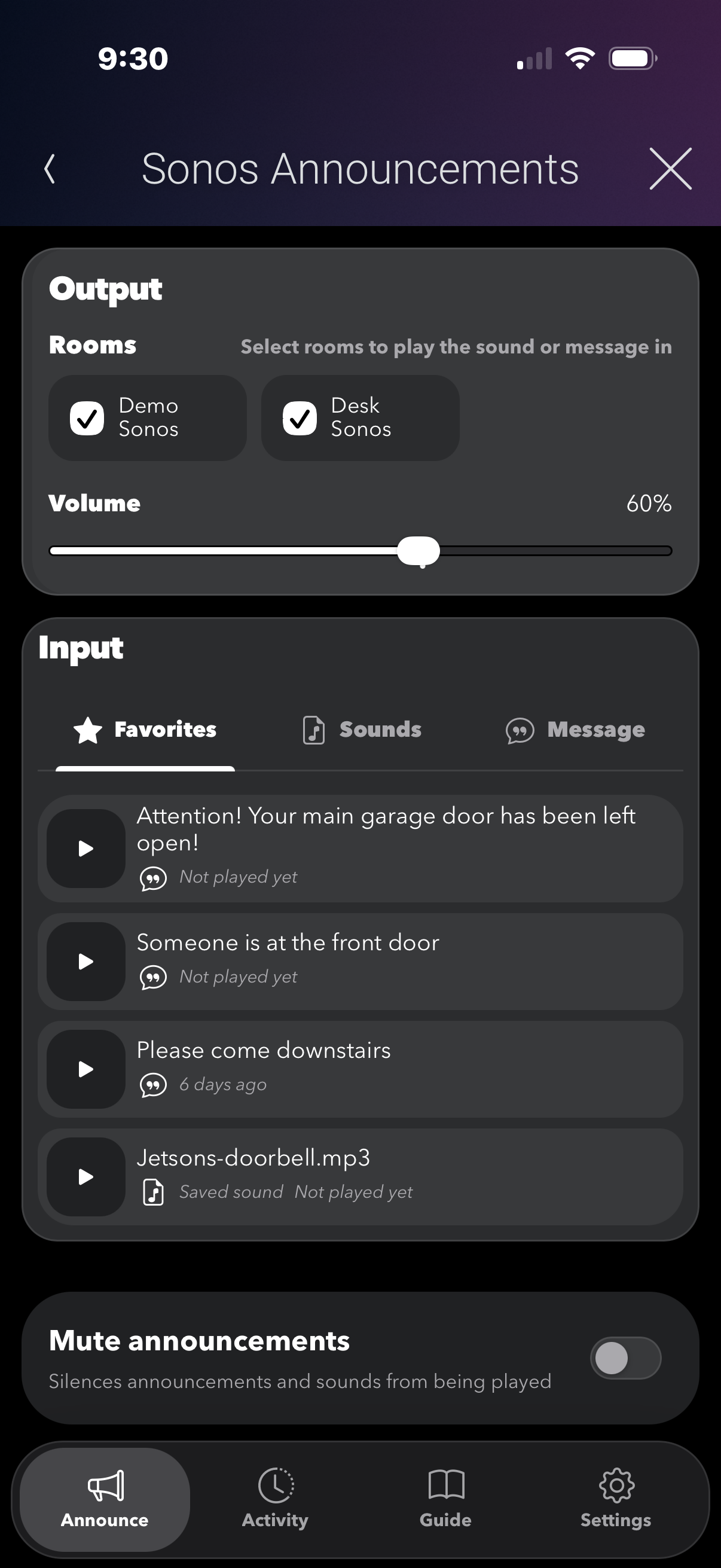
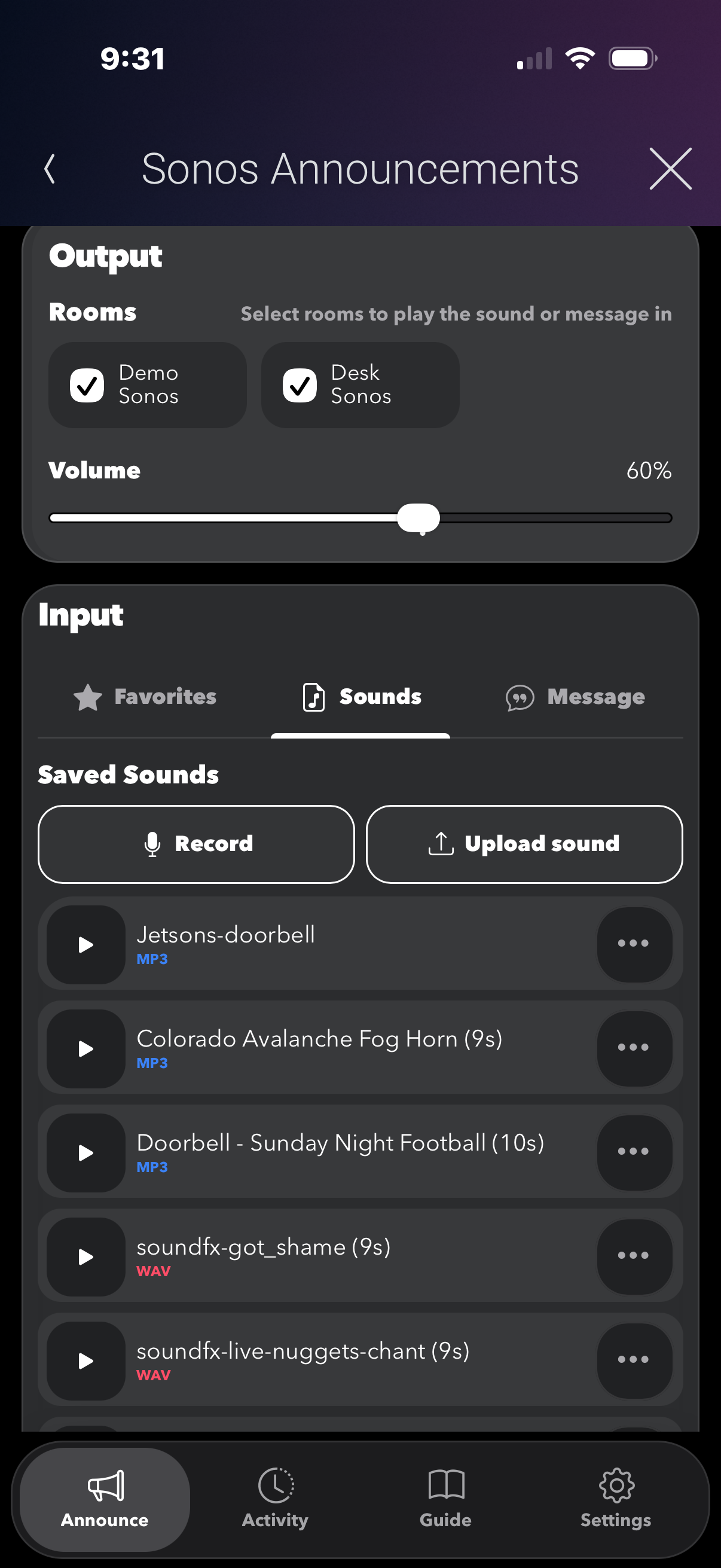
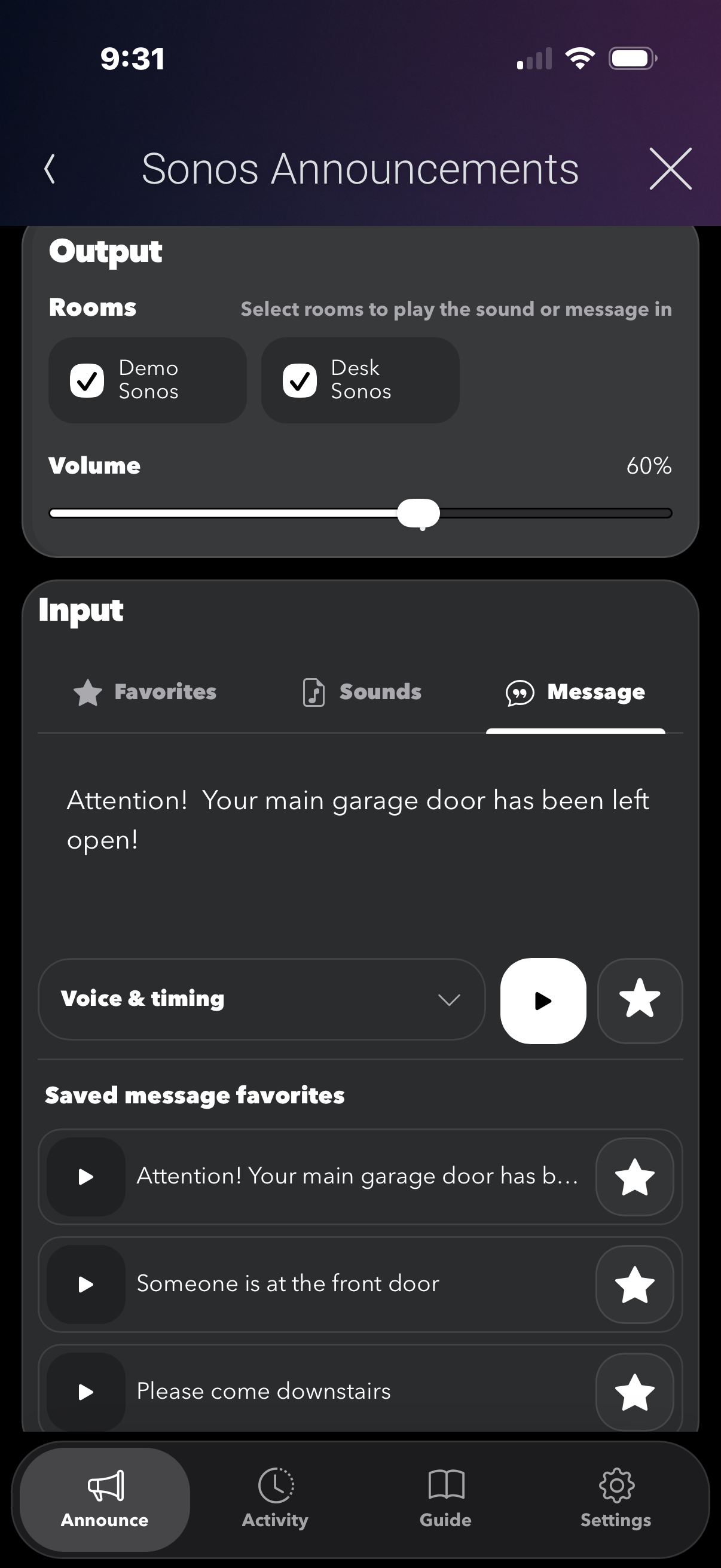
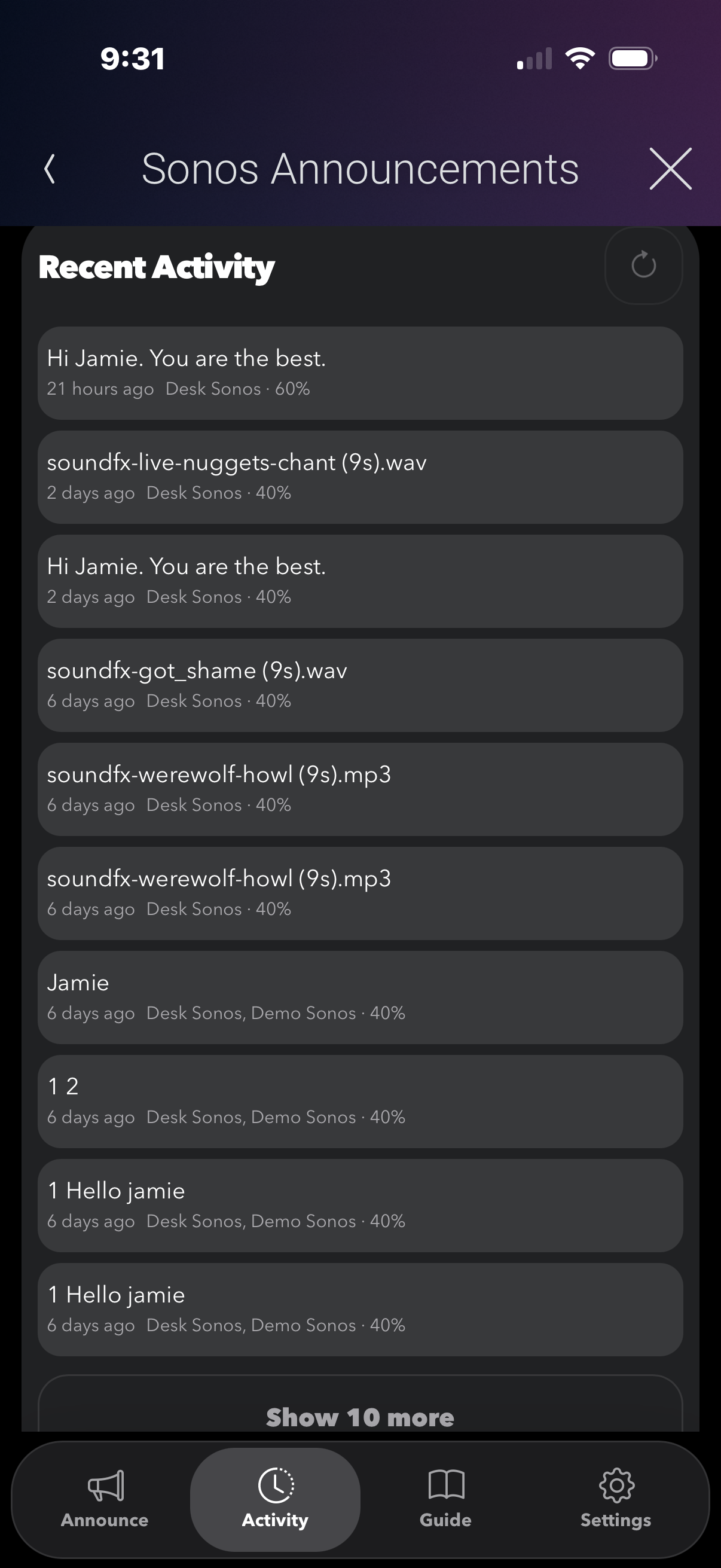
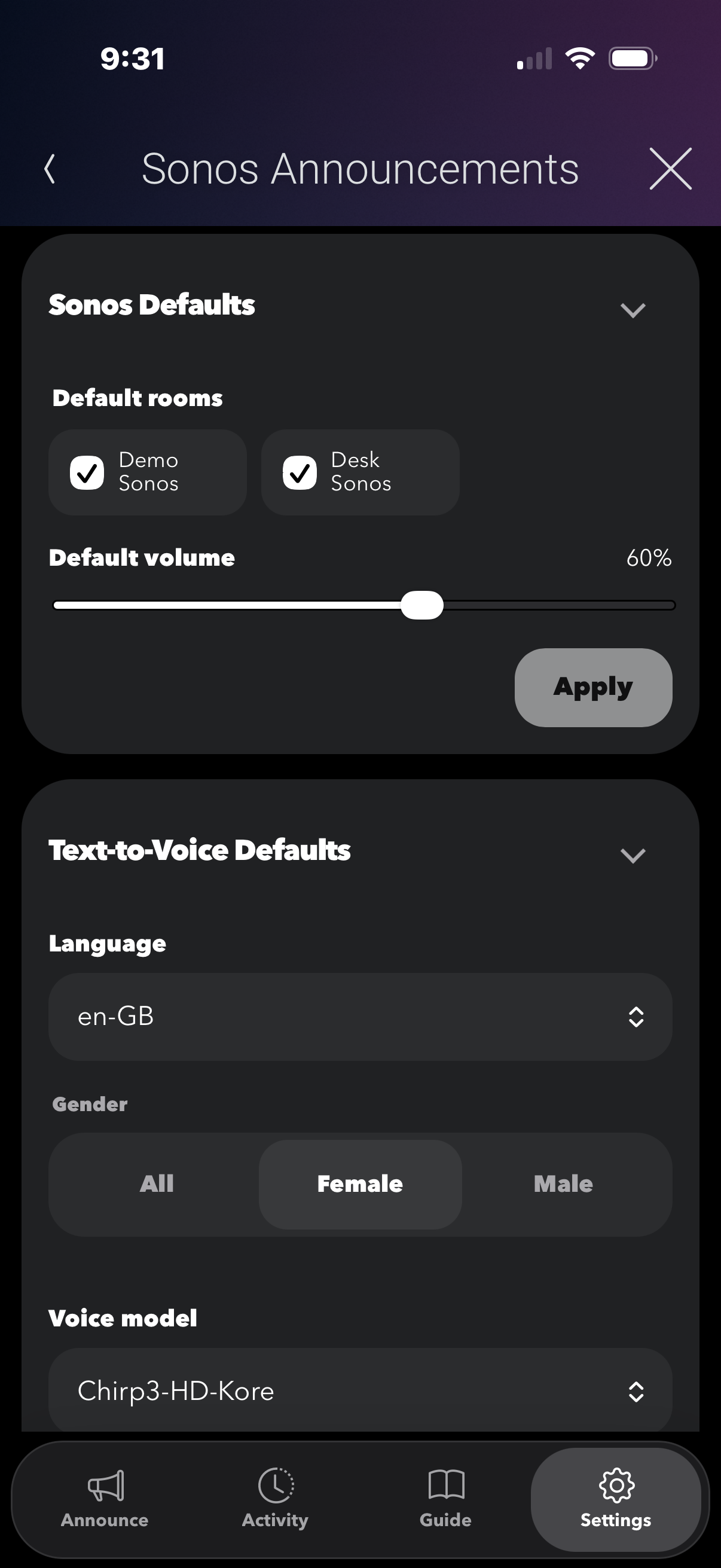
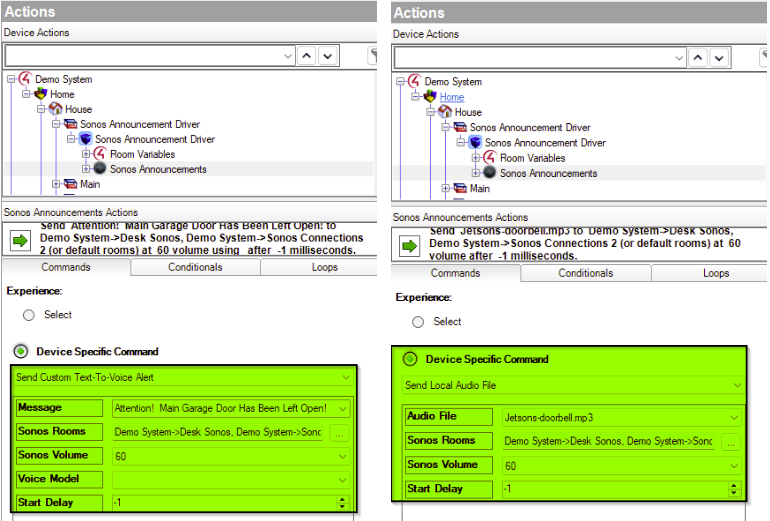




The Sonos Announcement Driver for Control4 makes it easy to deliver custom Text-to-Voice announcements or play local Control4 audio files directly through your Sonos speakers. With the included Sonos Announcement Web UI, creating and managing announcements is even easier. Quickly create custom text-to-voice messages, upload audio files directly from your phone, or record and upload your own voice messages—all from one simple interface. Custom announcements. Custom sounds. One easy-to-use Web UI.

- Trigger text-to-speech announcements through any Sonos speaker
- Choose from multiple voice models and gender options for personalized alerts
- Send custom voice notifications for important events via Control4 programming
- Play local Control4 audio files instantly through Sonos
- Upload custom messages or audio files directly from the Web UI
- Select specific Sonos speakers for targeted announcements
- Simple integration into Control4 programming for automation events
- Ideal for alerts such as doorbells, reminders, security notifications, and more

Most Sonos Speakers. Would not recommend battery power speakers for announcements.


A single license will unlock as many instances of the driver as needed in your project. Cloud Driver is required to activate all DriverCentral licenses and trials. To find out more about drivercentral features click here. Additionally, here is a quick video that demonstrates the licensing process.

All Cinegration Development drivers for Control4 come with a 30-day trial. Simply add the DriverCentral licensing driver along with this driver and you can fully test the driver before purchasing. Including Cinegration Development drivers in your showroom project will give you unlimited use without purchase.
Driver is provided by Cinegration Development LLC. All rights reserved.
No posts found
