




Overview
This software is neither affiliated with nor endorsed by Control4.
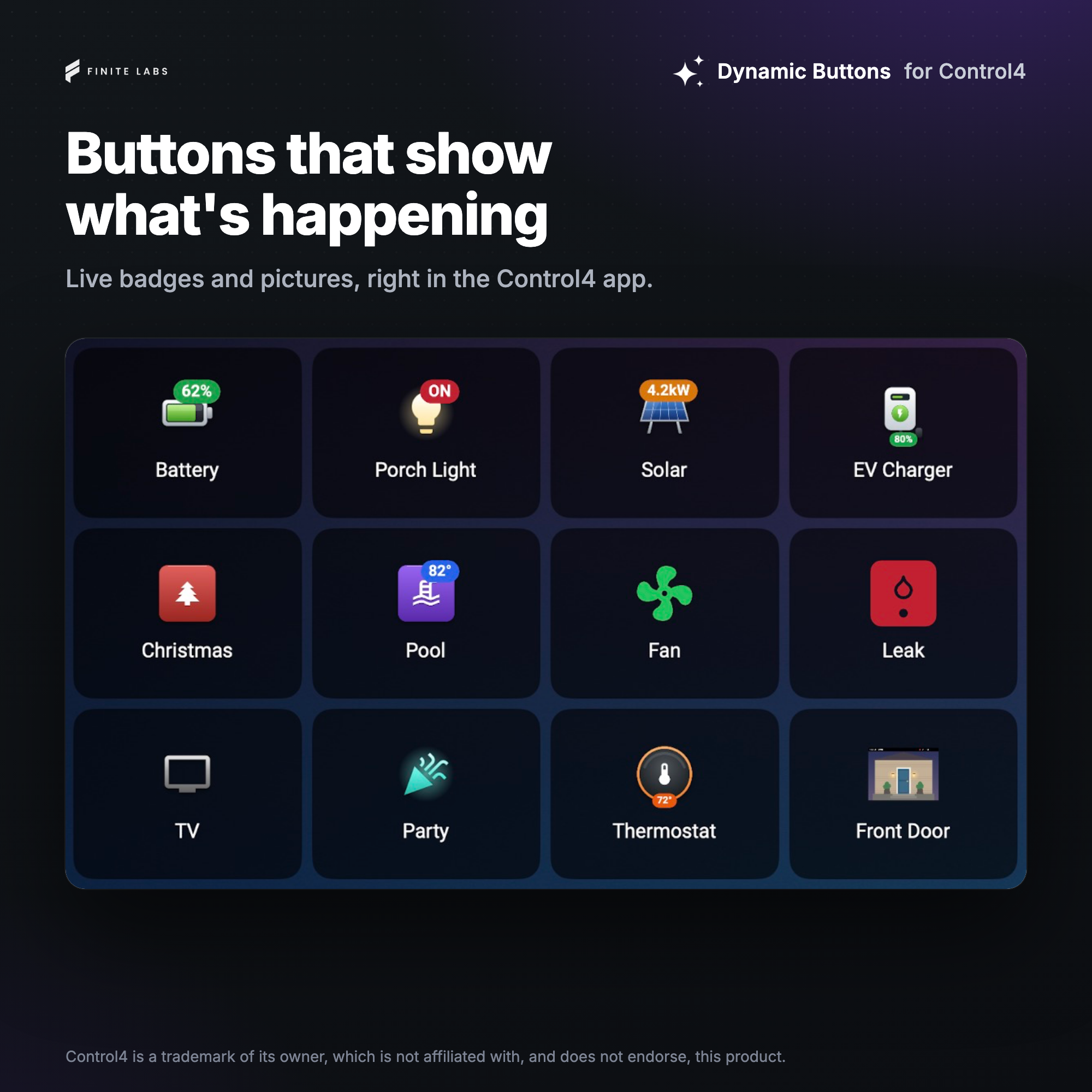
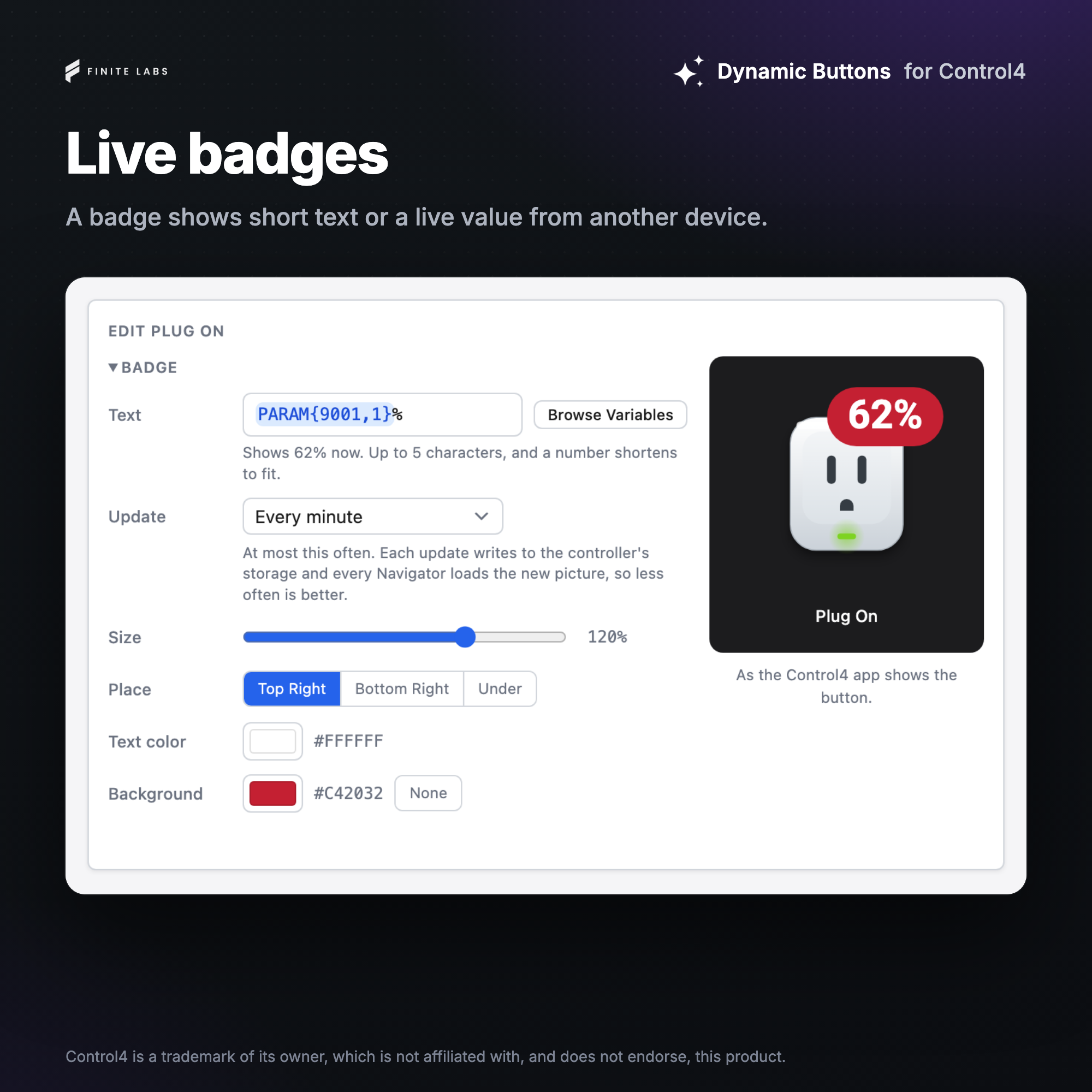
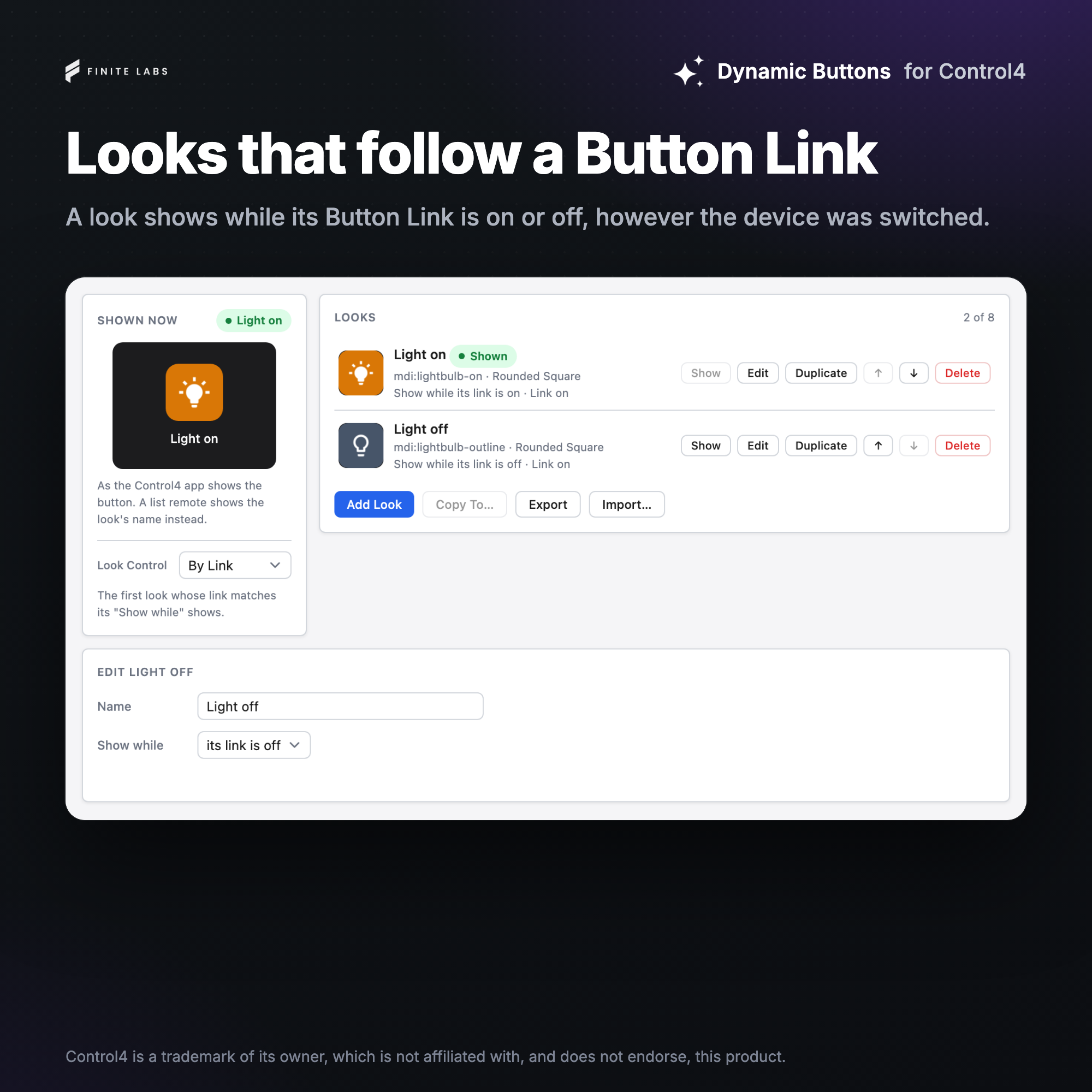
Add buttons to Navigator whose picture you design. Each Dynamic Button is one button in a room's Navigator menus. It shows one of its looks, drawn from an included icon, an icon from a free icon library or a picture of your own, with an optional badge that can show a live value. Control4 programming, other devices' variables or a bound device change which look shows, and pressing the button runs the programming you attach to it.
The looks are designed in the driver's own Composer tab, and its included icons work with no internet connection.
Features
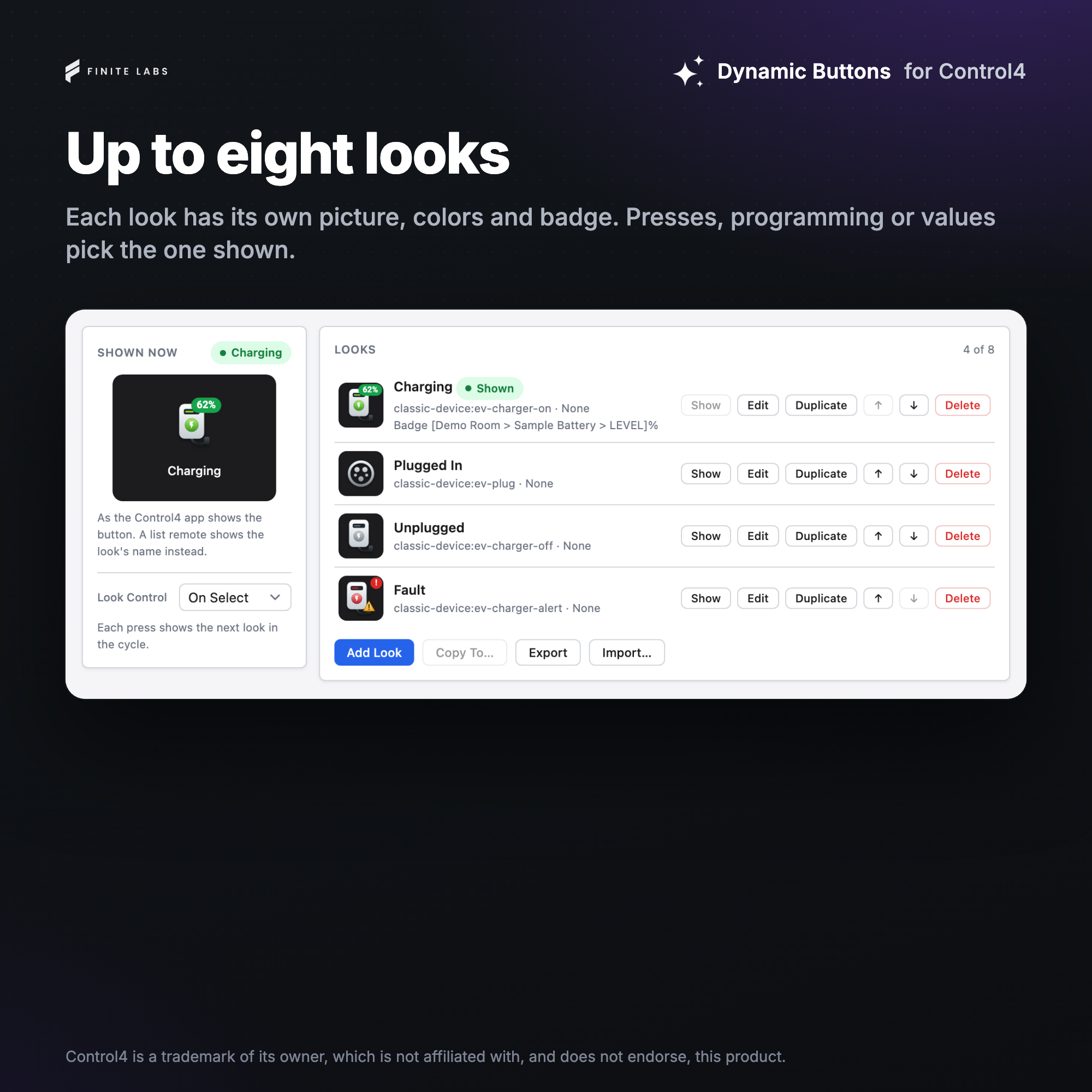
- A Navigator button with up to eight looks, each drawn from an icon in the colors and tile shape you pick, with an optional badge showing a live value
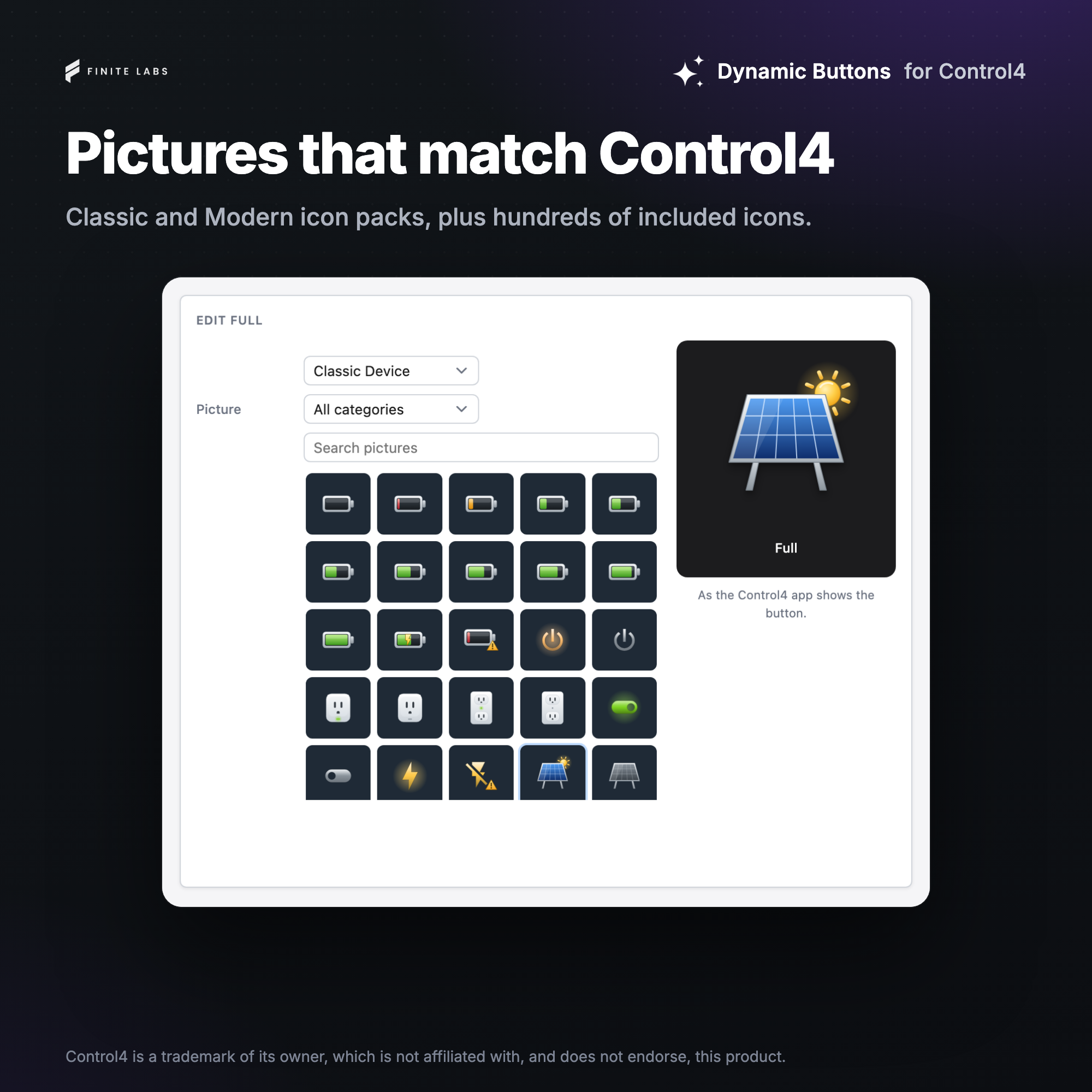
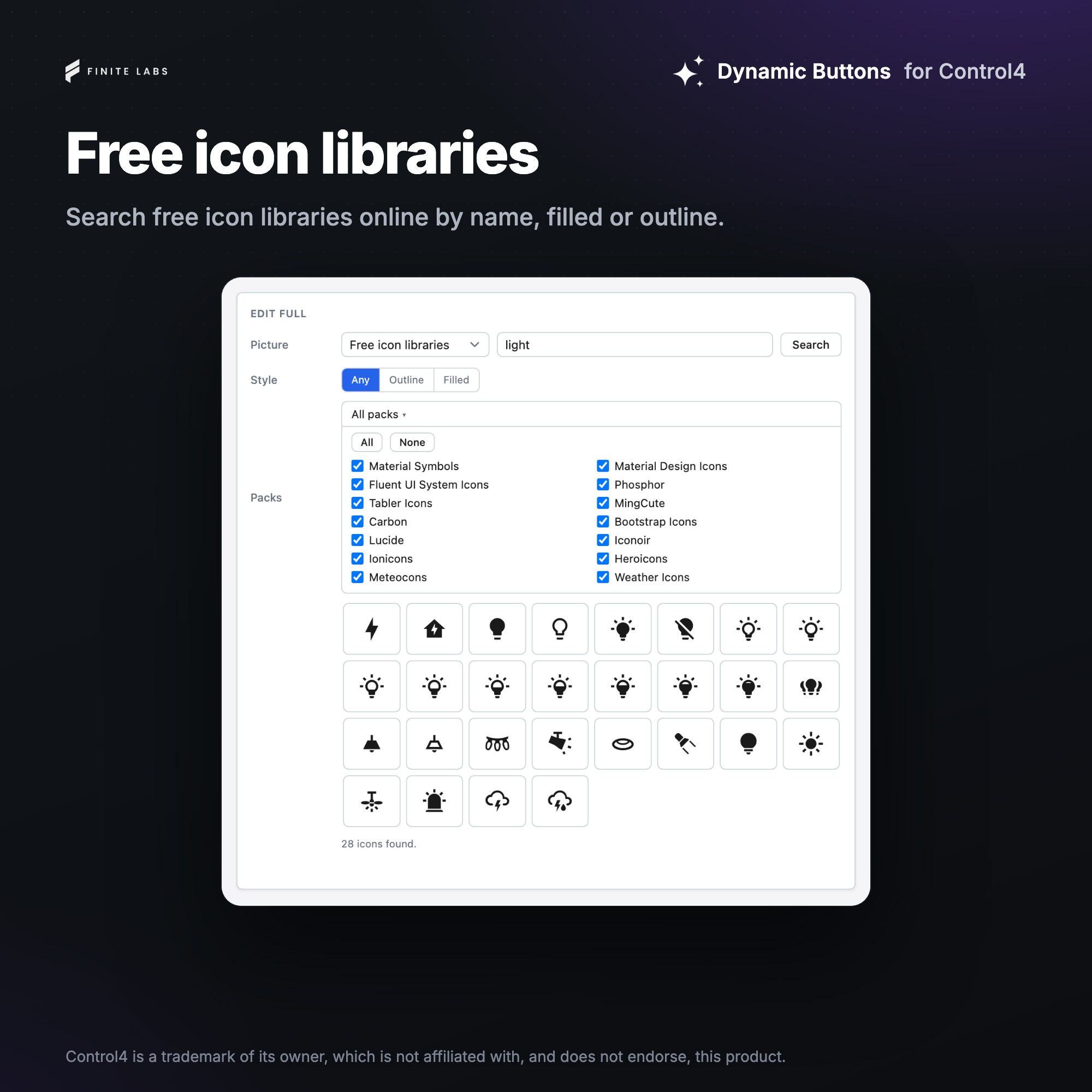
- Hundreds of included icons that work with no internet, and a search across more than a dozen free icon libraries
- Icon packs that match the OS 3 and X4 looks, with on, off or alert pictures where a subject has states
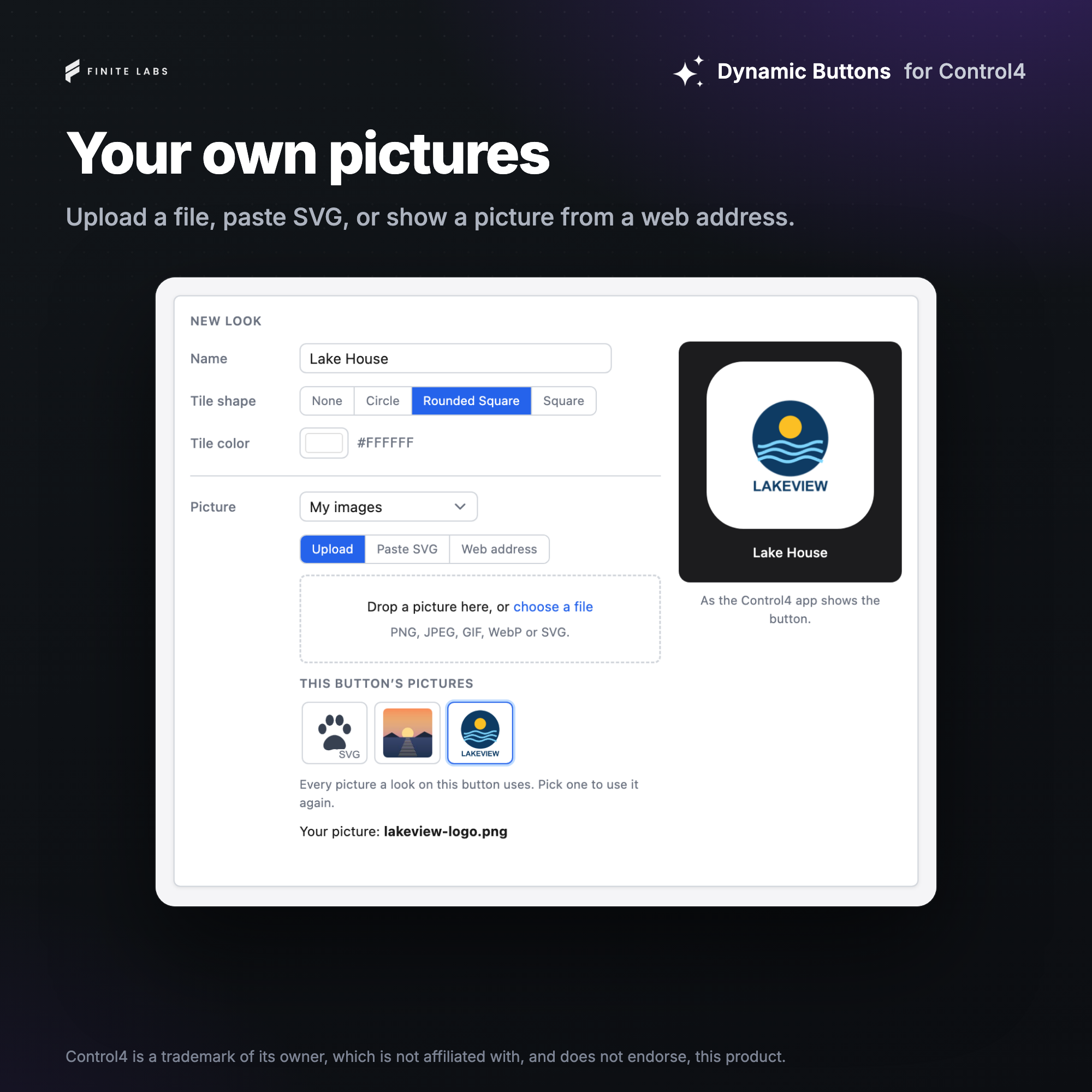
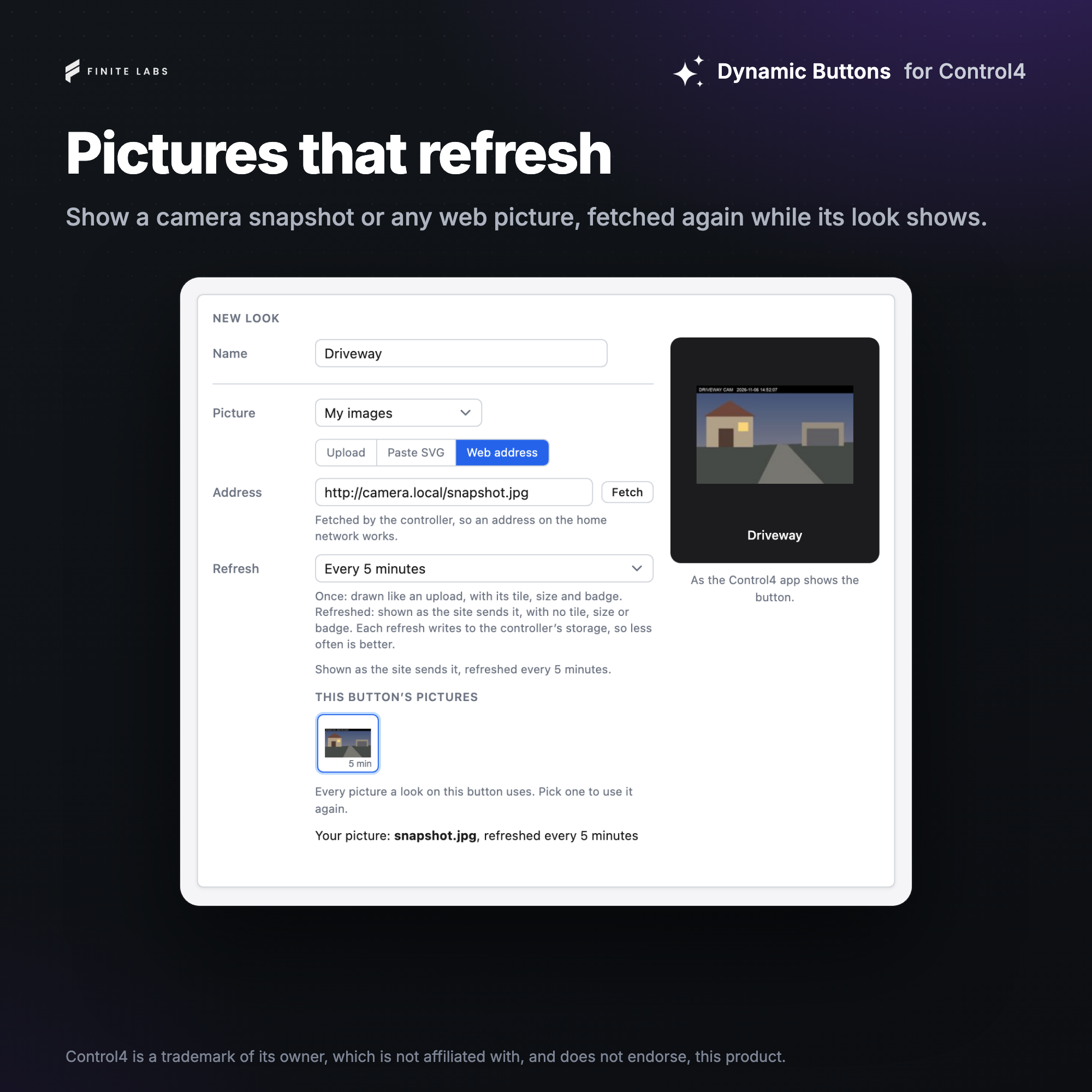
- Your own pictures from an uploaded file, pasted SVG or a web address, kept as fetched or refreshed on a schedule
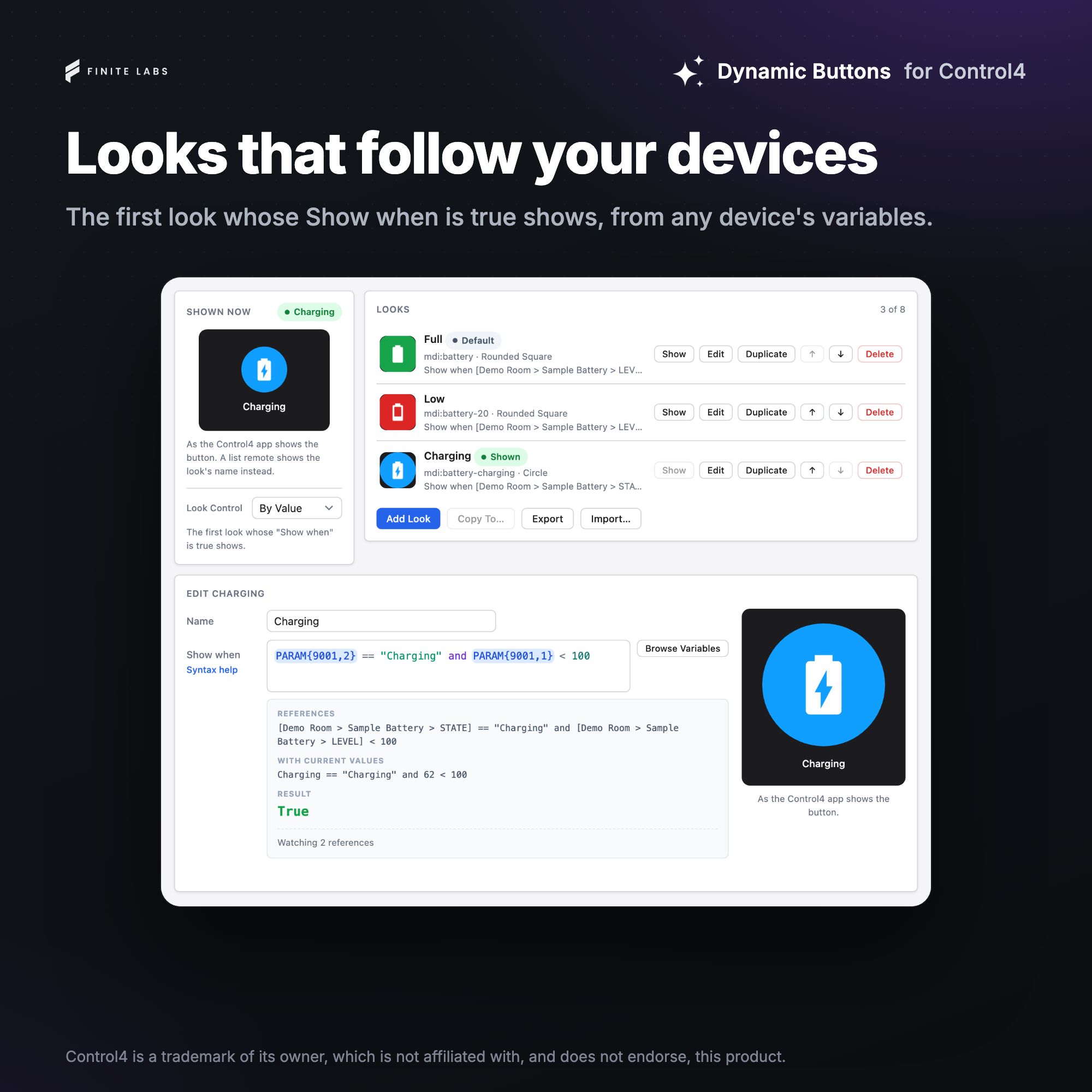
- The look follows each press, other devices' variables or the device a look's Button Link is bound to, or only programming changes it
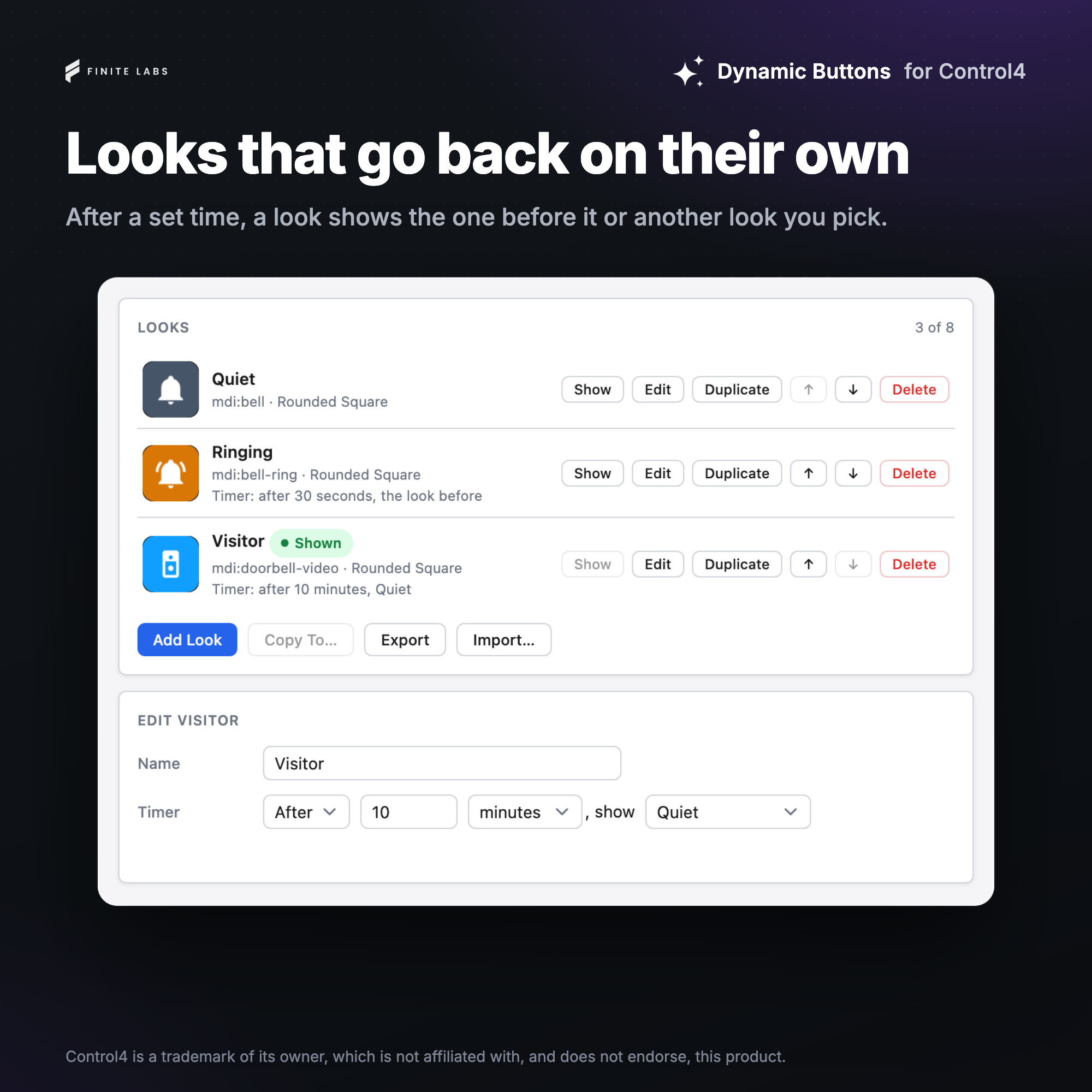
- A timer on any look that goes back to the look before it, or on to another, after a set time
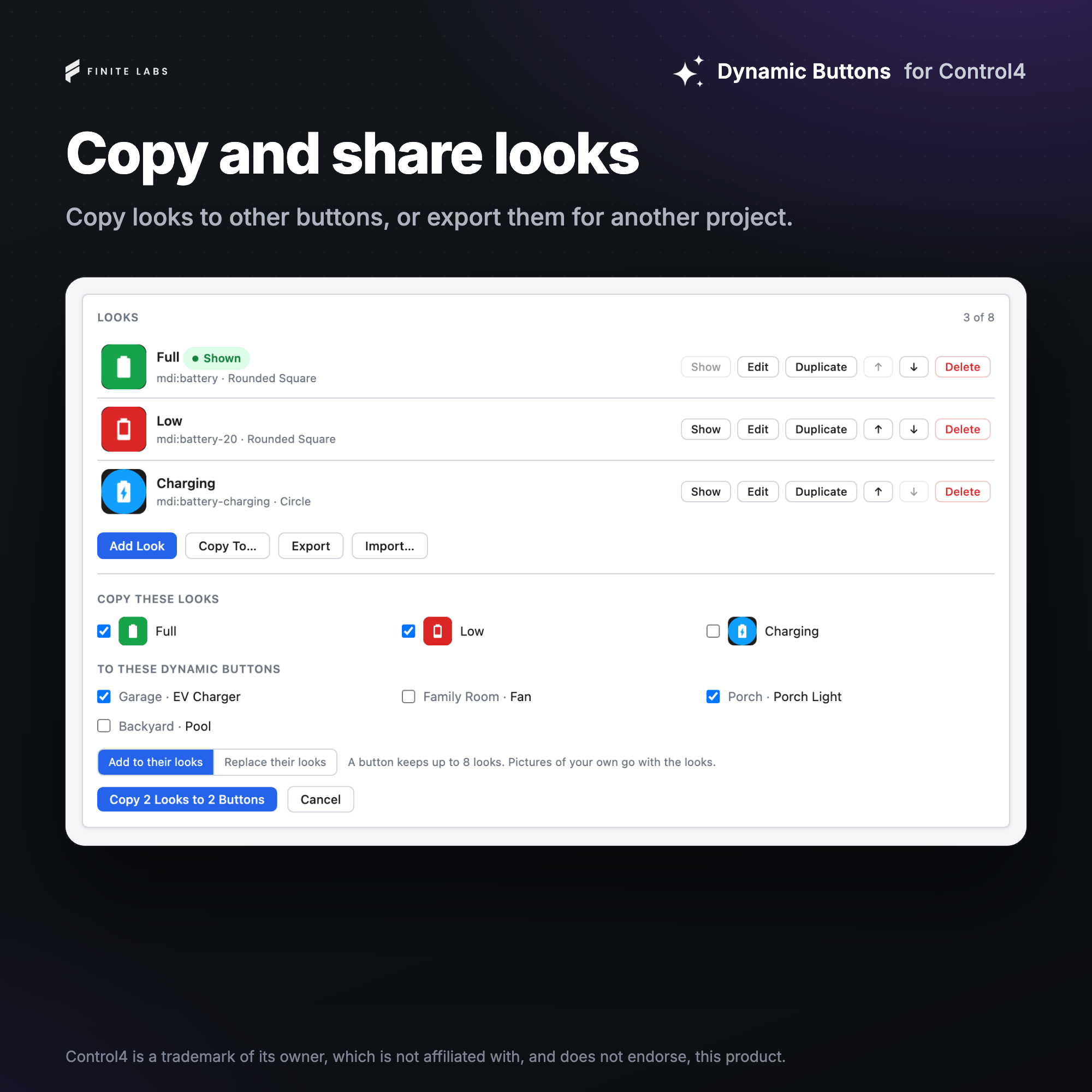
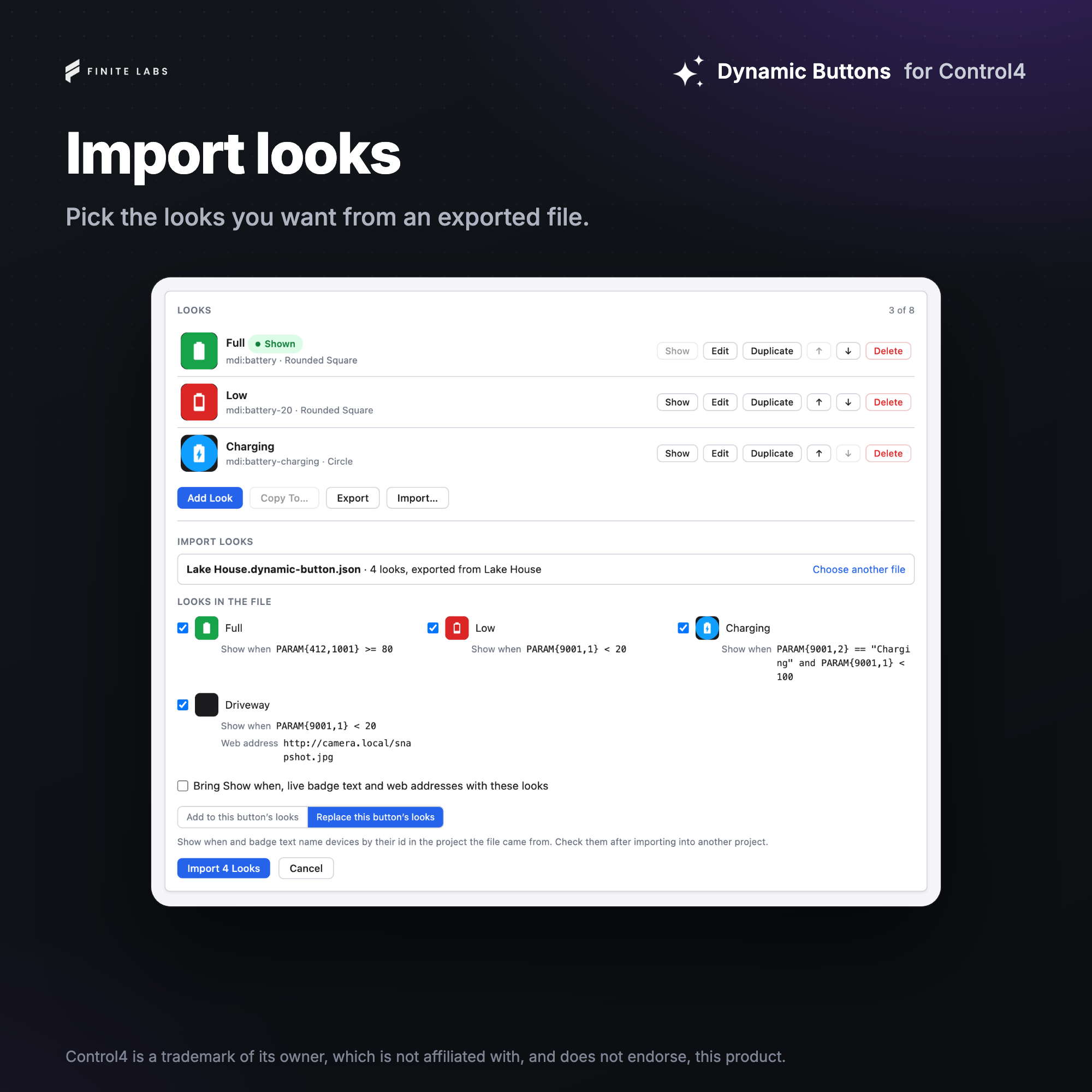
- Looks copied to other Dynamic Buttons in the project, or exported to a file and imported into another project
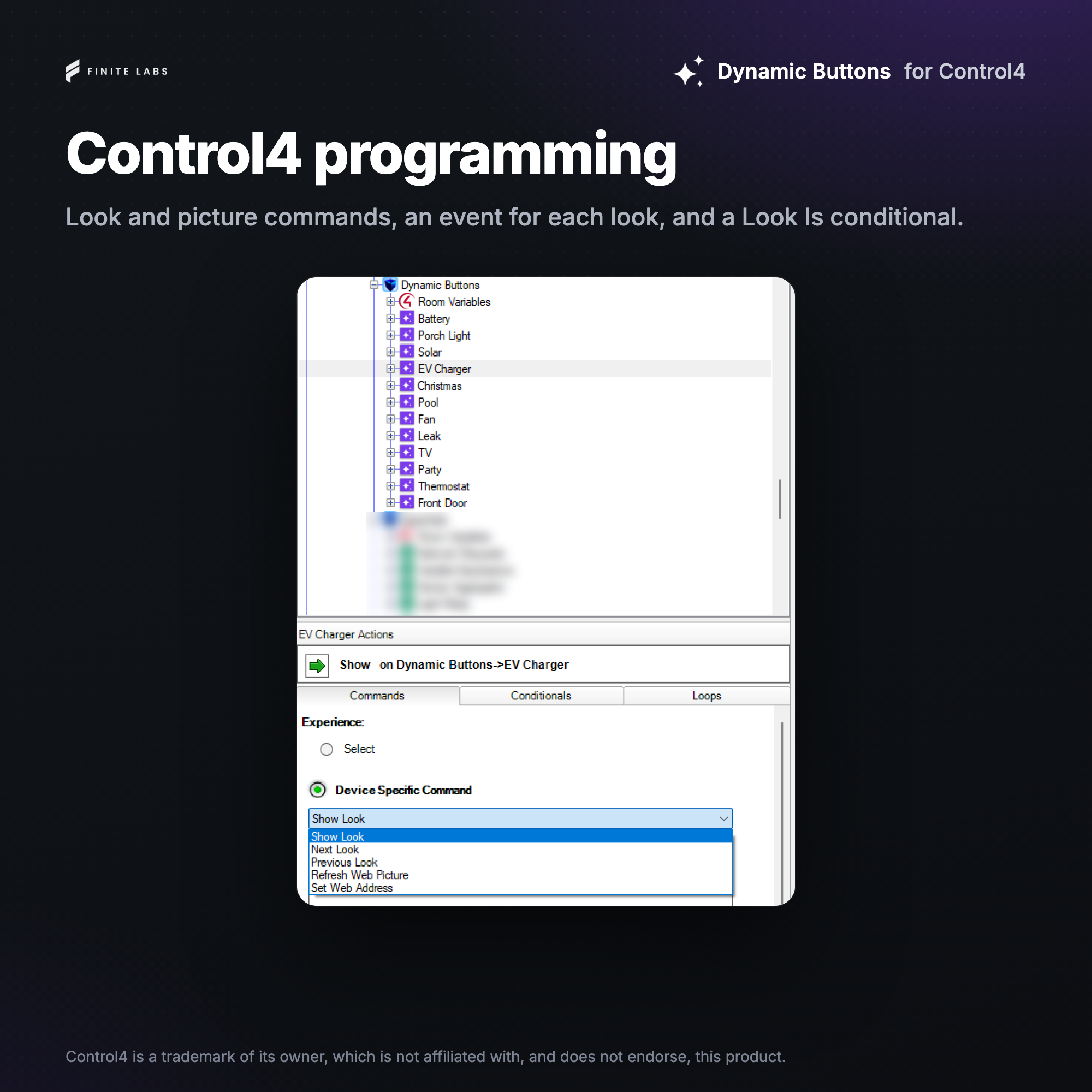
- Look commands, a Look variable, events and a Look Is conditional for programming
System requirements
- Control4 OS 3.3.1+
- Internet access on the controller for the icon library search and pictures from a web address
No posts found
Documentation is available in the Downloads section.
v20261112 - 2026-11-12
Added
- Added the Dynamic Button driver, a Navigator button with up to eight looks set up in its Button tab
- Added three icon packs that match the OS 3 and X4 looks, along with hundreds of included icons
- Added a search of free icon libraries online
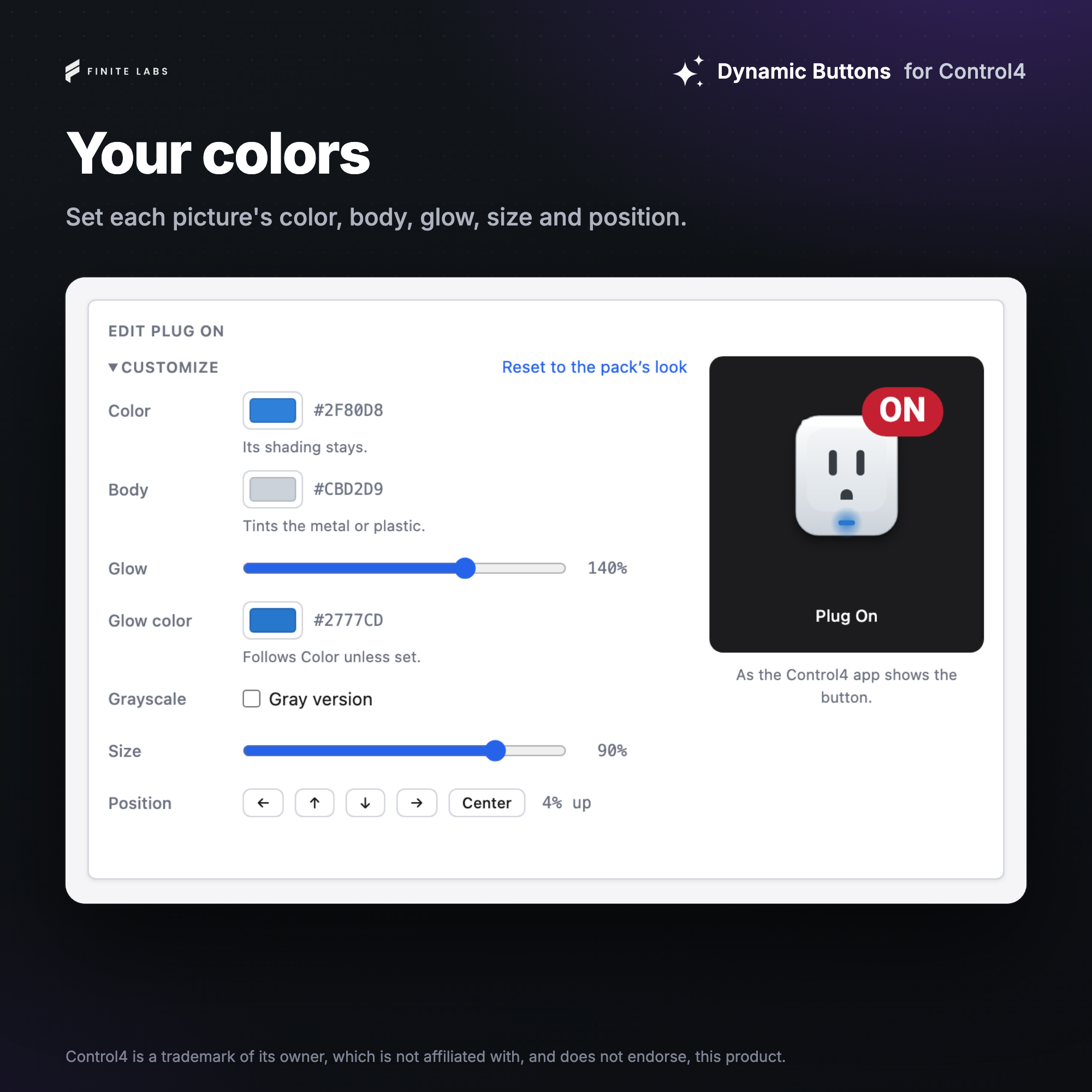
- Added colors, tile shapes, size, position, glow and grayscale for each look's picture
- Added badges, and live badges that show a variable's value
- Added My images, so a look's picture can be an uploaded file, pasted SVG, or a picture from a web address that can refresh on a schedule or from programming
- Added Look Control, which changes the look on each press, only from programming, by other devices' variables, or by the devices bound to the looks' Button Links
- Added a Button Link for each look, which a press of the button taps as a keypad button does
- Added a timer on each look that shows another look, or the one before, after a set time
- Added Show Look, Next Look and Previous Look commands, with a Look variable and a Look Changed event
- Added an event for each look and a Look Is conditional
- Added Duplicate, Copy To, Export and Import for looks
