
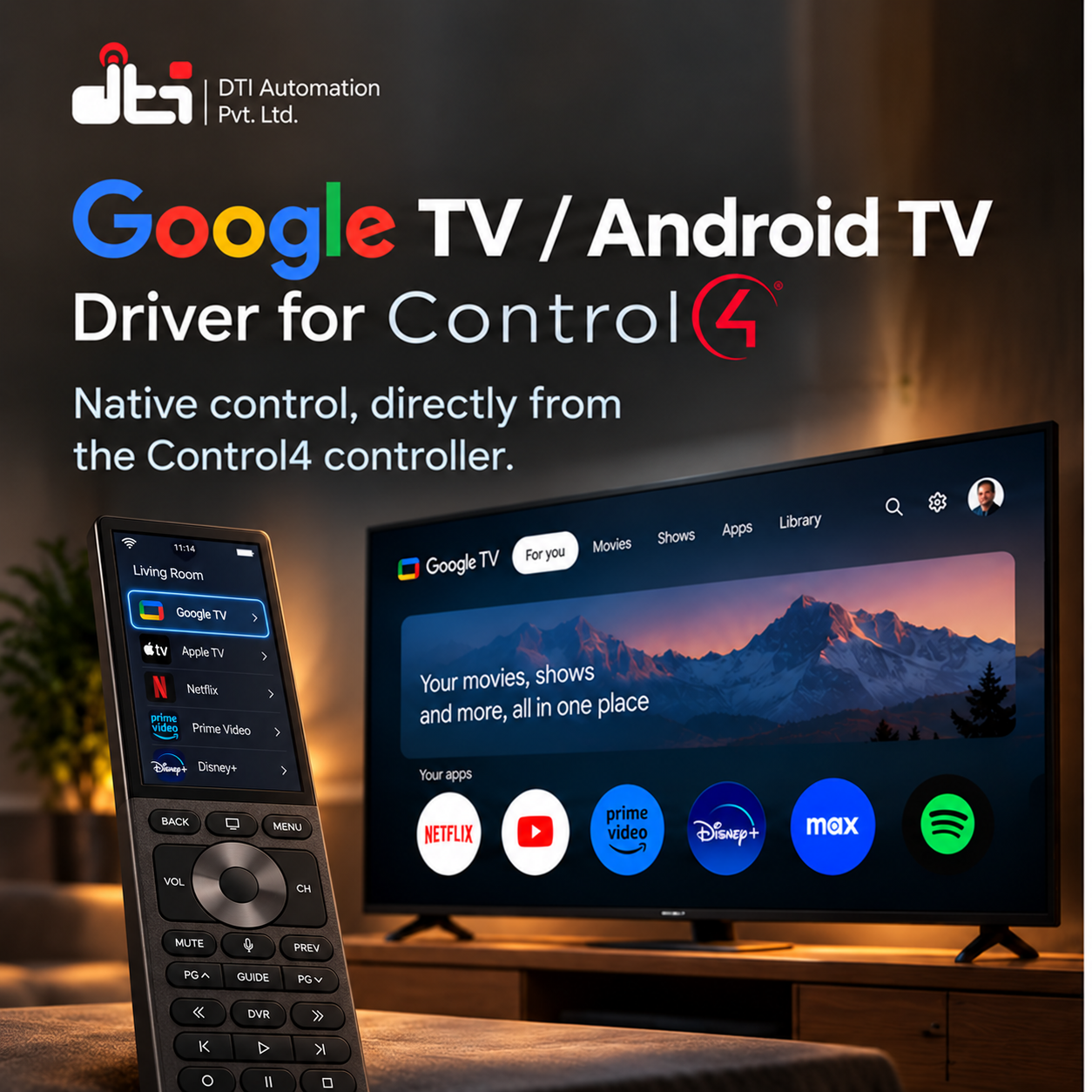


Native Google TV and Android TV control for Control4 — running on the Control4 controller itself. No bridge, no Raspberry Pi, no cloud relay.
The DTI Automation Google TV driver controls a Google TV or Android TV device directly over the network, the same way the remote in Google's own phone app does. Everything runs on the controller. There is no helper application to host, no always-on box, and no Google account on the controller.
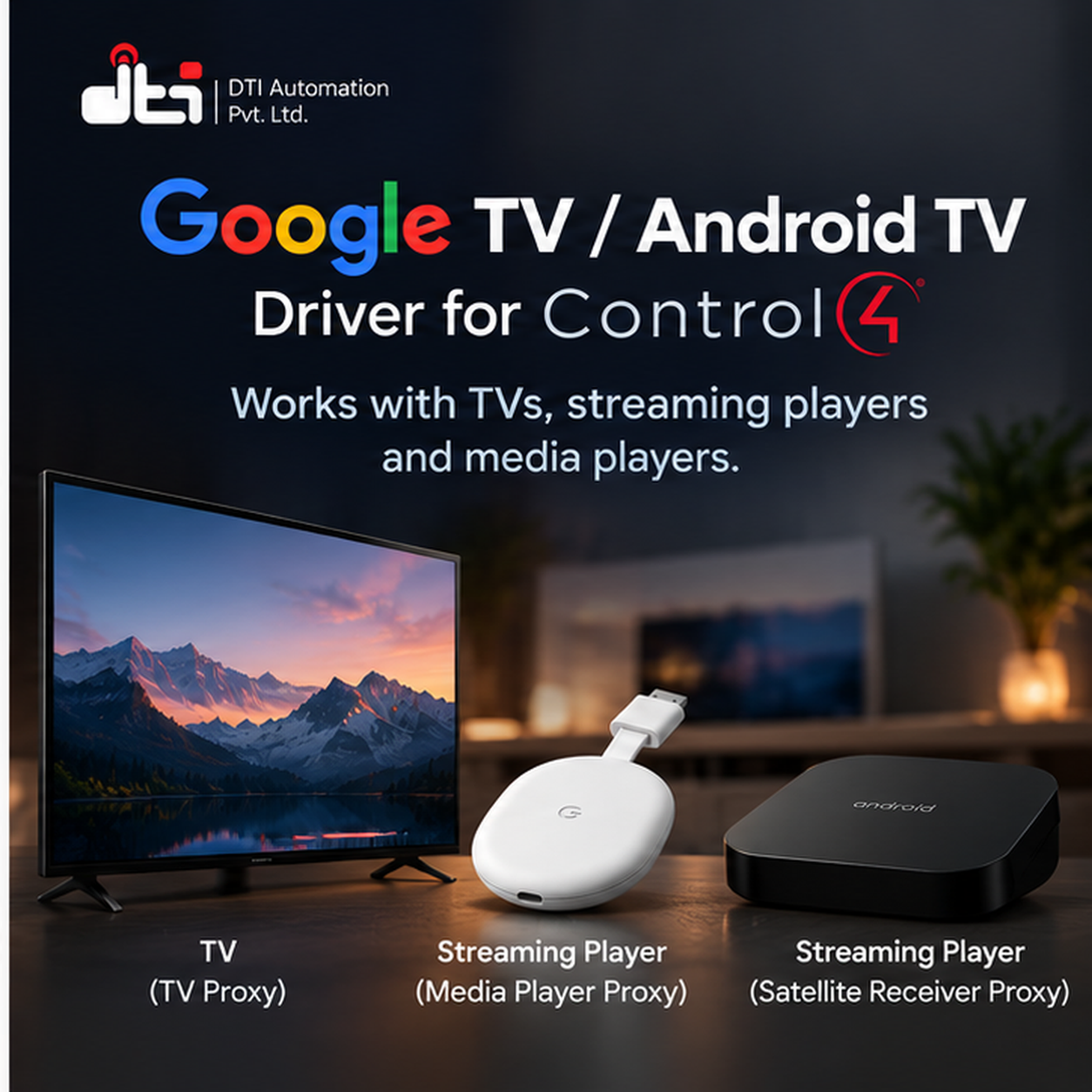
The download holds three drivers, so the device appears in the project the way it is used: as a Satellite receiver, with the full remote — coloured buttons, Guide and channels; as a TV, for a television with Google TV or Android TV built in, with its power and HDMI inputs; or as a Media Player, with the transport bar. Every one adds Google TV Search. The Satellite and Media Player add an App Switcher carrying 25 app tiles; on the TV the 25 app tiles are inputs on the television itself. The three are one product: a licence works with whichever of them you install.
Key Features
- Finds the television for you. One action lists every Google TV and Android TV device on the network with its name and address. Pick one and the driver fills in the address, connects and starts pairing.
- Follows a television that moves. If a DHCP lease changes and the device comes back on a different address, the driver finds the same device again and reconnects — no site visit, no re-pairing, nobody retyping an address.
- Full remote control from Navigator, touchscreens, keypads and programming: the d-pad, Home, Back, Menu, Settings, transport, volume and mute, Guide, Info and captions — and on the Satellite and TV drivers the number pad, channel up and down, direct channel entry and the four coloured buttons.
- Buttons you can remap. Buttons can be pointed at a different key from a list, for the apps that read them differently.
- Holding a button works. Held arrows, Page Up and Page Down repeat, and holding Fast Forward or Rewind skips through a video.
- 25 app tiles. Assign Netflix, YouTube or anything else the customer uses, and it is one press away in Navigator.
- Opens a title, not just an app. Given a link to a film or a programme, the driver opens it in the right app — the same command the DTI Movie Night driver uses.
- Reads the installed app list off the television, so a dealer picks apps from a list instead of hunting for their names.
- Search from the Control4 app. Google TV Search is a search box with a remote under it: what you type appears in the television's search as you type, and the arrows and Select pick the result — without picking up the television's own remote.
- Programming that follows the television: events when it turns on, goes to sleep, changes app or returns to its home screen — including when somebody uses the television's own remote.
- Tells you what it is doing. Pairing Status, Connection Status, power, the app in front, volume and mute, the device's name and model, Driver Version, and a plain-English Last Error on the Properties tab whenever something does not work.
- Pairing is done once, at the device, with the code the television shows. The driver creates its own security certificate on the controller; it belongs to that installation alone and is never shown or exported.
Supported Devices
- Streaming players with Google TV or Android TV, such as Chromecast with Google TV and NVIDIA SHIELD
- Televisions with Google TV or Android TV built in
What the driver needs is a device that pairs with a remote by showing a code on screen. It reports the device's name, model and hardware address on the Properties tab once it has connected, so you can see exactly which device a driver is attached to without walking to it.
Requirements
- Control4 OS — 4.0.0 or later (X4).
- Network. The controller must reach the device over the local network. For automatic discovery, the controller and the device must be on the same network — discovery is commonly not carried between VLANs or onto a guest network. If they are separated, type the address in by hand. A DHCP reservation is tidy but is not required.
- Network debugging switched on in the device's developer options, for the installed app list — and, on the TV driver, optionally for switching HDMI inputs on televisions that ignore the input keys. Everything else works without it.
Setup
- Add the driver that fits the device — Satellite, TV or Media Player — then run Actions → Find Devices.
- Open Properties → Discovered Devices and pick the television. Its address fills in, the driver connects, and the television shows a pairing code.
- Type the code into Properties → Pairing Code.
- Pairing Status reads Paired with the television's name, and Connection Status reaches Connected - remote control ready.
Full dealer documentation — every property, action, programming command, event and a troubleshooting table keyed to the exact Last Error text — ships inside each driver on its own Documentation tab in Composer, and as a PDF in the download.
Licensing
Sold and licensed through DriverCentral, with a free showroom licence for dealers and automatic updates.
The driver does nothing without a valid licence. Every command, action and request is refused, and Last Error names what was refused. Licence state is checked live: assigning or renewing on drivercentral.io brings the driver back within seconds — no driver reload, no controller restart.
This driver can be licensed through DriverCentral or directly through DTI Automation, and a valid licence from either works. Set Activation Method at the top of the Properties tab to match where you bought it, and only that licence's fields are shown. A new install runs a 30-day trial: Cloud Status shows DriverCentral's, and Activation Status shows DTI's.
Support
Technical support is available through https://help.drivercentral.io.
Before raising a ticket, have the Driver Version property, the Pairing Status, Connection Status and Last Error values, your controller model and OS version, and the television's Device Model. Those answer most of the first round of questions.
Driver by DTI Automation Pvt. Ltd. Google TV, Android TV and Chromecast are trademarks of Google LLC. NVIDIA and SHIELD are trademarks of NVIDIA Corporation. This driver is not made by, endorsed by or affiliated with Google LLC.
Driver documentation is included in the Download Driver zip file, and ships inside the driver itself on its own Documentation tab in Composer.
- Ver:1052 First release. Three drivers in one download — Satellite, TV and Media Player — each with Google TV Search, 25 app tiles, deep links and the installed app list, licensed through DriverCentral or DTI Automation.
